How can I edit a specific material in D5 that came with my model from sketchup?
Hi @Zar
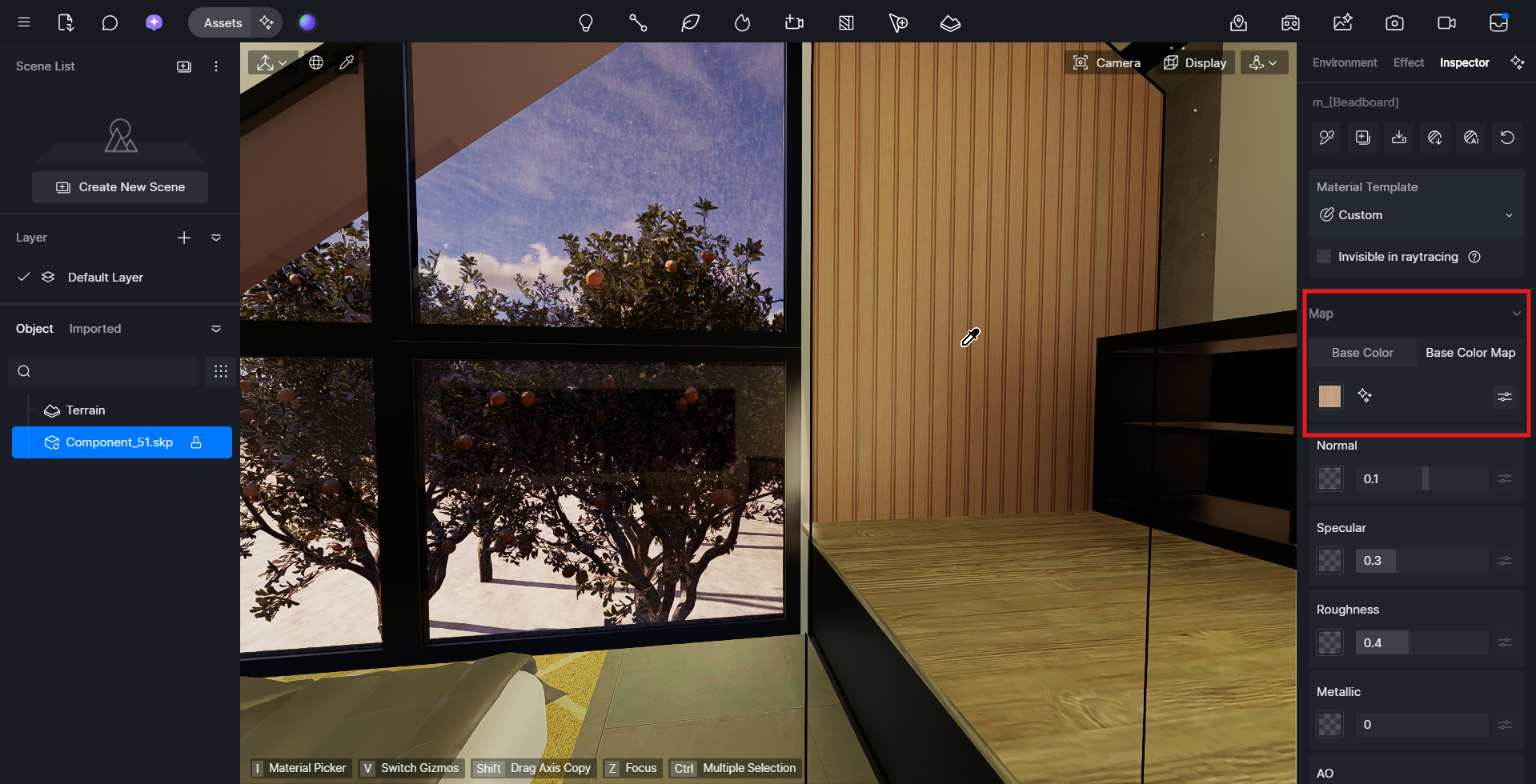
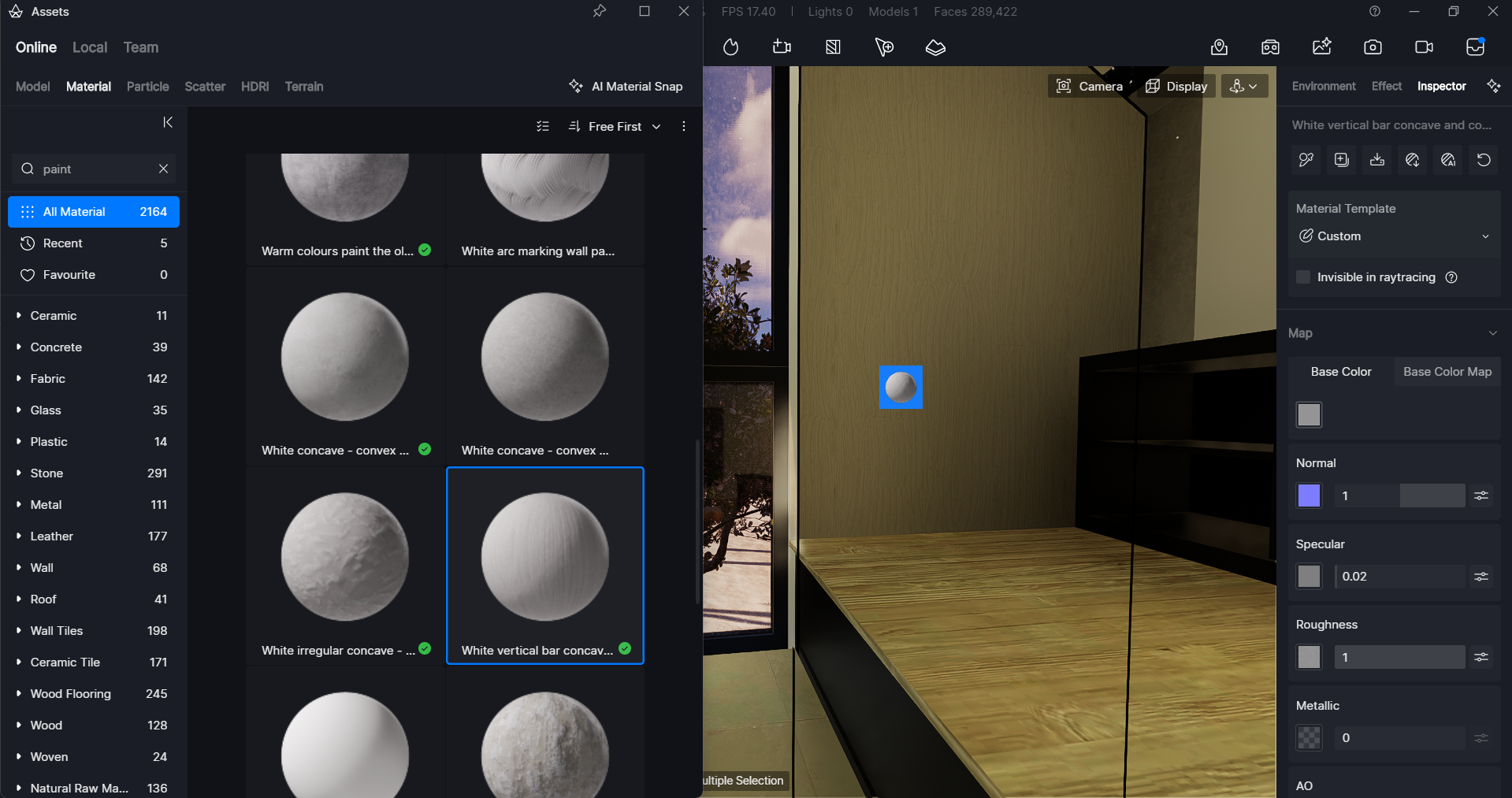
You can edit a SketchUp material in D5 by using the Material Picker (i) and clicking the surface you want to edit. The material settings will appear on the right panel for adjustment.
Material from SketchUp:
Material from D5:
If the material won’t edit separately, it’s because the SketchUp model was imported as a whole or multiple surfaces share the same SketchUp material name. In that case, you need to assign unique materials in SketchUp first before importing into D5.