D5 Render Version: 3.1.0
Graphics Card: RTX 5090
Driver Version: 610.74
Issue Description:
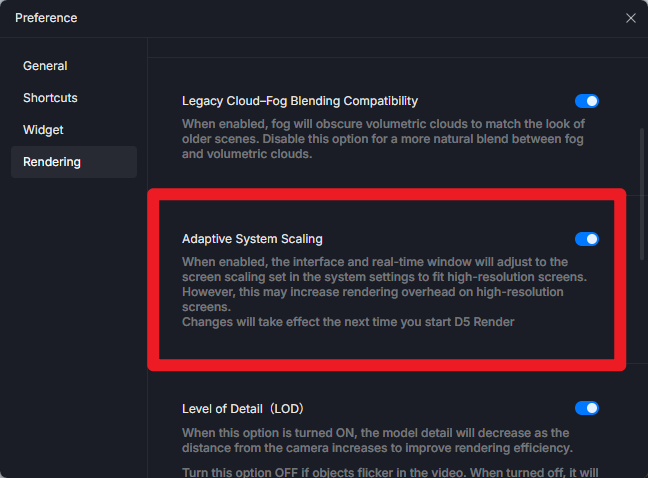
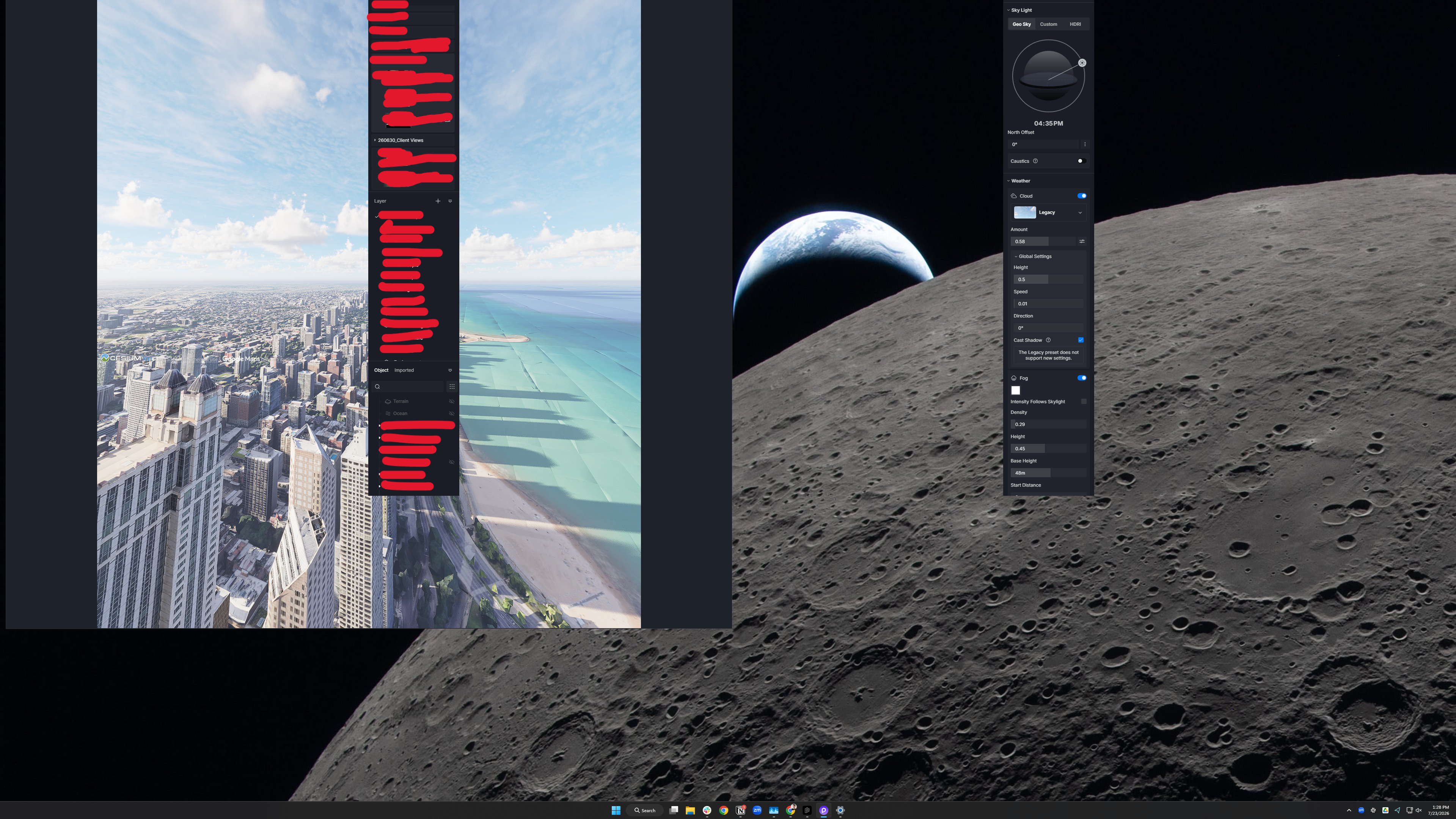
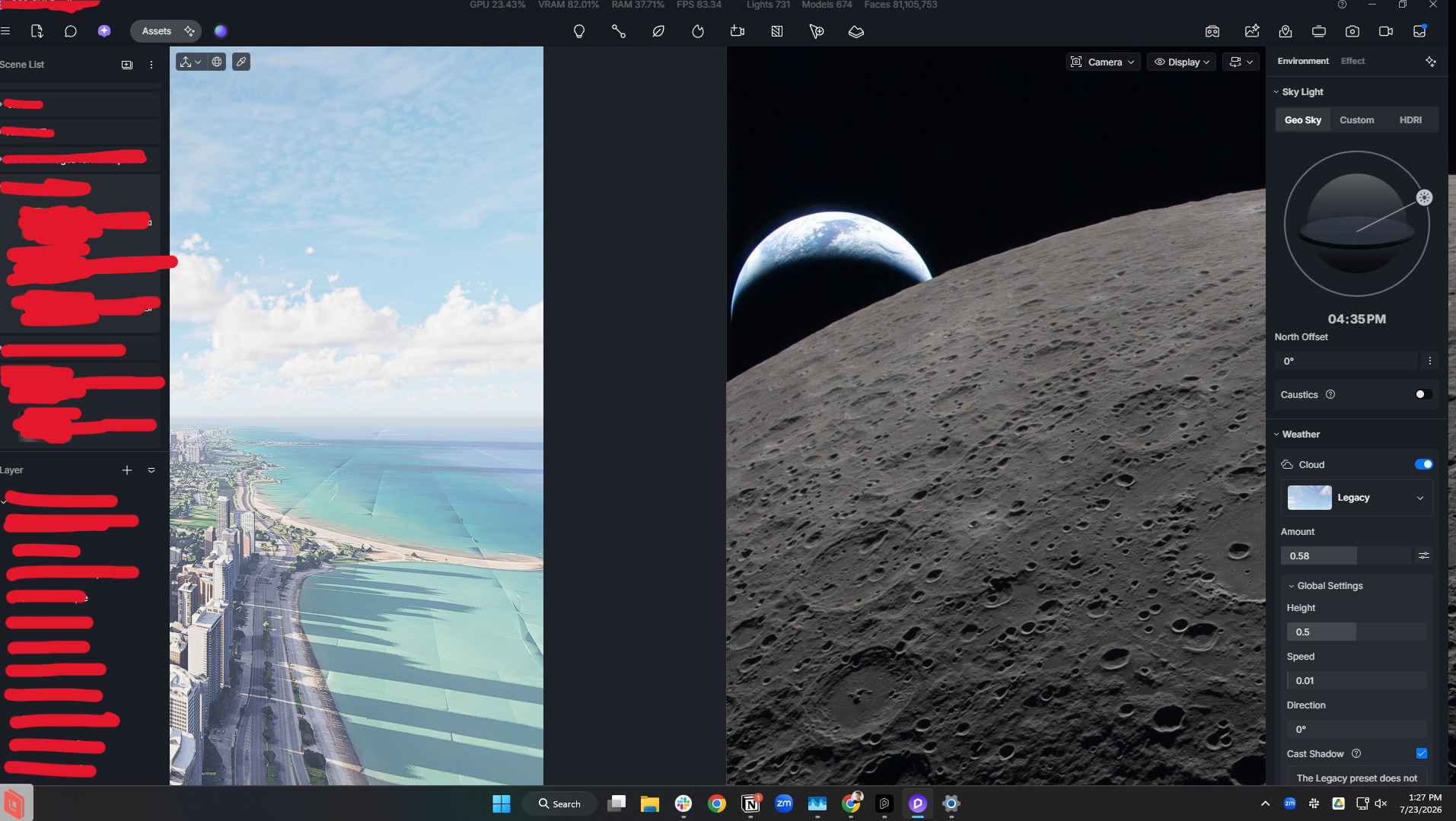
When changing the display size of my monitor, whether the resolution or display scaling, D5 no longer reliably adapts to the new configuration causing it to look all glitched and unable to interface with it without force quitting and restarting the application. We use remote desktop all the time in our office and the new 3.1.0 update has broken this ability since the resolution changes between our desktop monitors and laptops. The old version reliably adapted by simply clicking the icon in the task bar to minimize then maximize the window. Now it is completely glitched out without the ability to minimize from the taskbar or clicking the window itself. I have the latest drivers installed, restarted my machine, and even tried opening the same project in the previous 3.0.1 and that worked fine. So it’s definitely related to the new 3.1 version.
Another thing we’ve noticed is the navigation controls appear to have a bit of a delay in response. When using the standard D5 Preset 1 which we’ve always used (WASD keys + Right Mouse button to move) the controls will often move in a different direction right when I remove my hands from the keyboard. For example, when moving in the forward direction holding down the W key and then release it to stop, it will briefly act as if I’m holding down the D key right as I release it causing it to move sideways a little before coming to a stop. This is very frustrating as it’s hard to get accurate positioning when setting up views.
Screenshots/Videos Description:
Steps to Reproduce (optional):