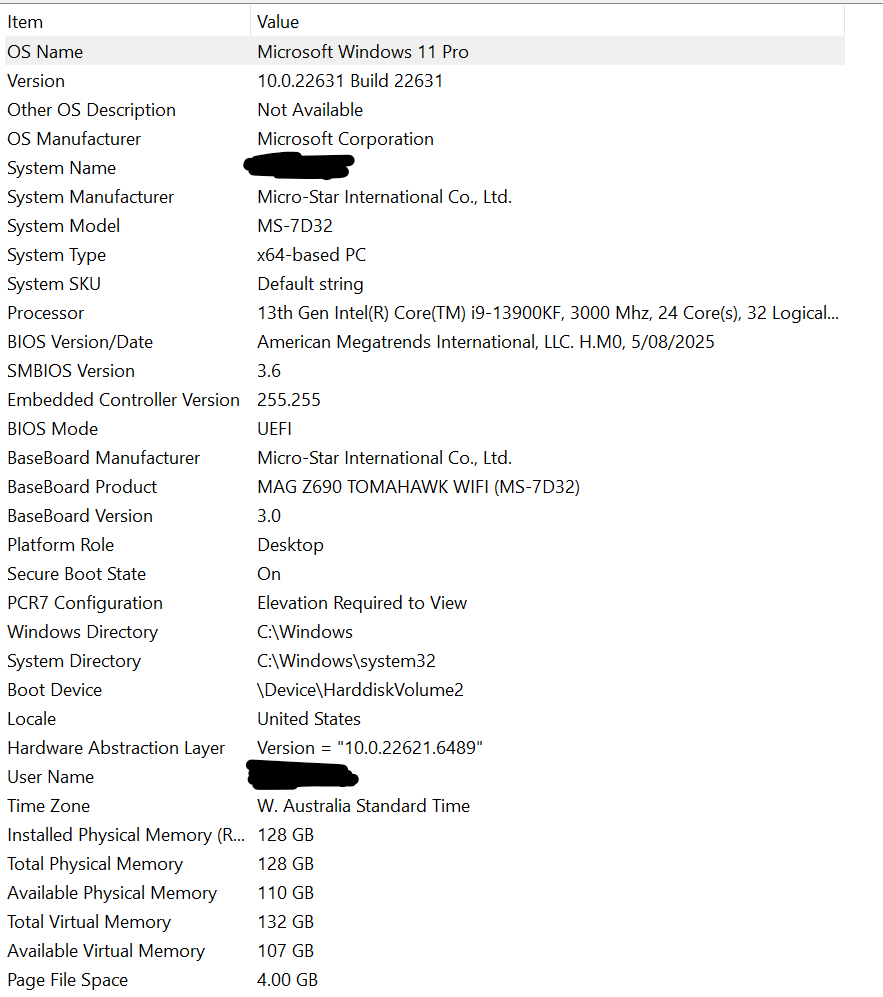
**D5 Render Version:D5Lite 1.1.10
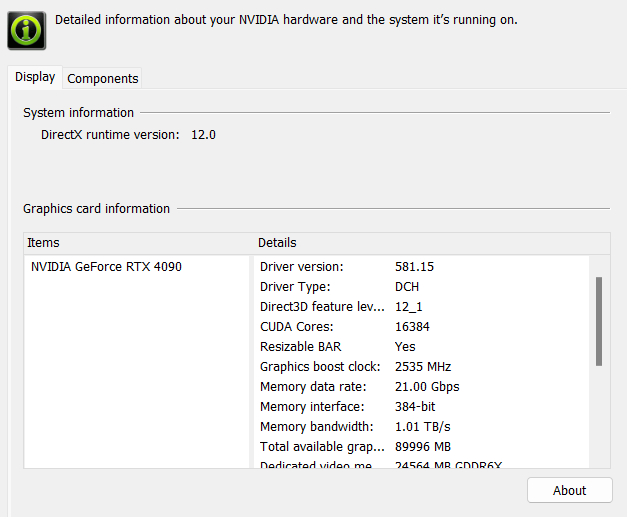
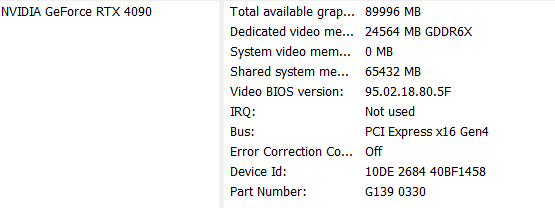
Graphics Card: RTX 4090
Driver Version: 581.15
Issue Description: D5 Lite unable to start
Screenshots/Videos Description:
Steps to Reproduce (optional):
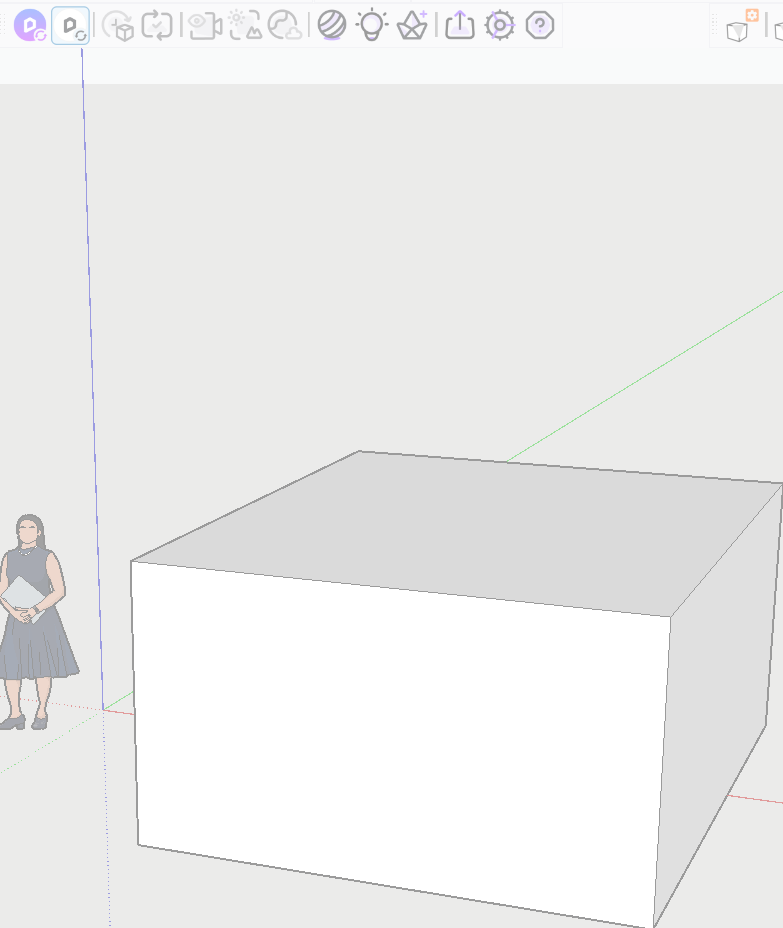
open blank sketchup, draw box, Click D5Litebutton
**D5 Render Version:D5Lite 1.1.10
Graphics Card: RTX 4090
Driver Version: 581.15
Issue Description: D5 Lite unable to start
Screenshots/Videos Description:
Steps to Reproduce (optional):
open blank sketchup, draw box, Click D5Litebutton
It is possible that the your Visual C++ runtime libraries are outdated. Please try install the latest version from https://aka.ms/vc14/vc_redist.x64.exe. Let me know if it works  .
.
I already had it installed so i ran a Repair on the installation
still the same thing freezes my sketchup and does nothing when i try running the D5Lite
Hi,
If possible, we can also arrange remote access tech support for you. Please tell me your region so I can schedule the time. Please check you DM. 
Hi Vera,
I work with Kheng, and I can confirm this issue is still occurring with the latest update.
We’ve installed the required Visual C++ components, however the software is unfortunately still freezing. We currently have an entire team waiting to trial this new D5 feature as part of our transition away from Enscape, but we need to resolve this issue before we can move forward.
We’ve also worked extensively with our IT support team and have whitelisted the software during installation, but this hasn’t resolved the problem.
If possible, we’d really appreciate booking a time for someone to take a closer look at the issue with us. Our IT support team has also asked which remote access software you typically use, so they can ensure it’s approved and ready on our end.
Thanks in advance for your support.
Kind regards,
Levi Phillips
Hello everyone,
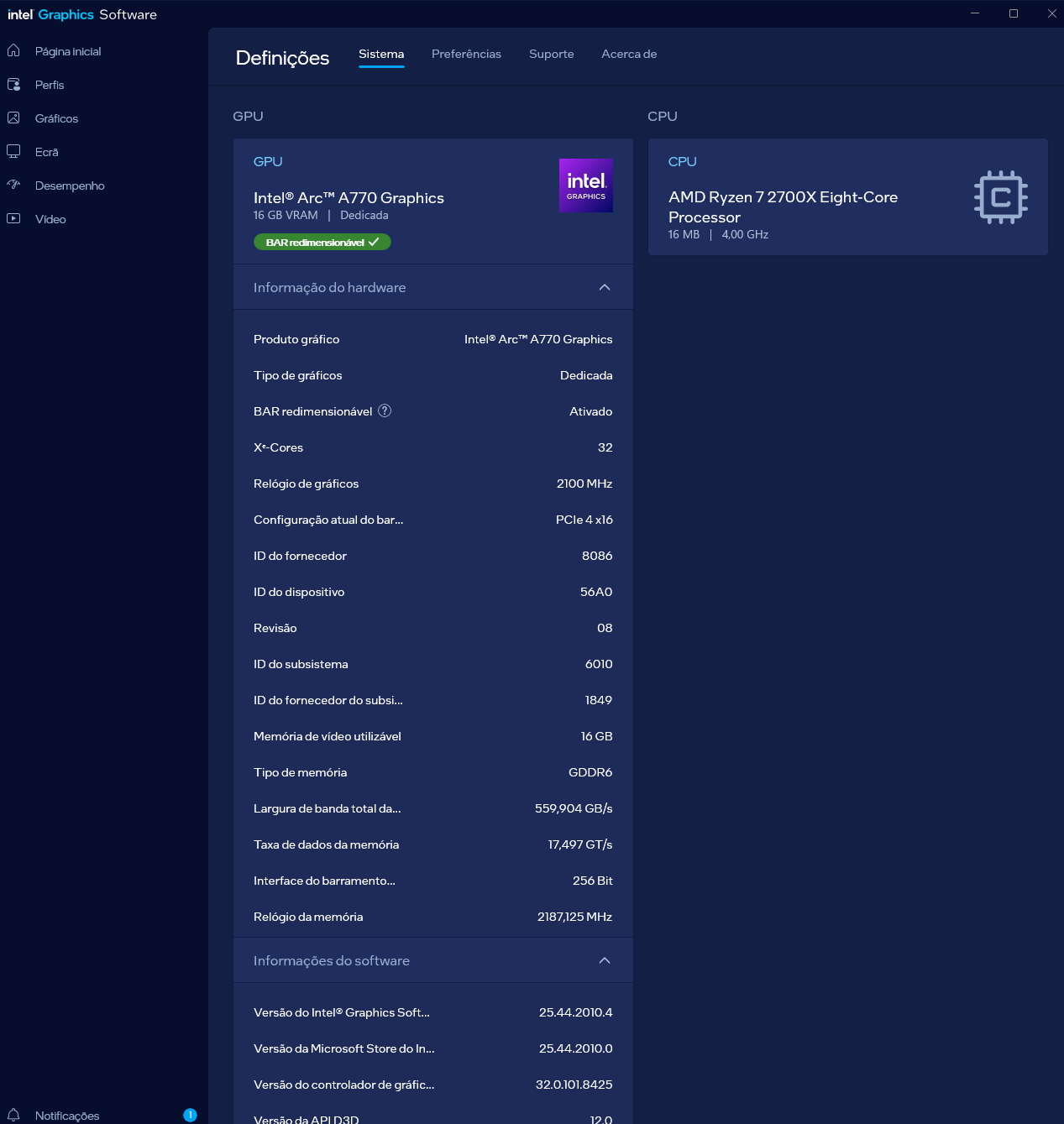
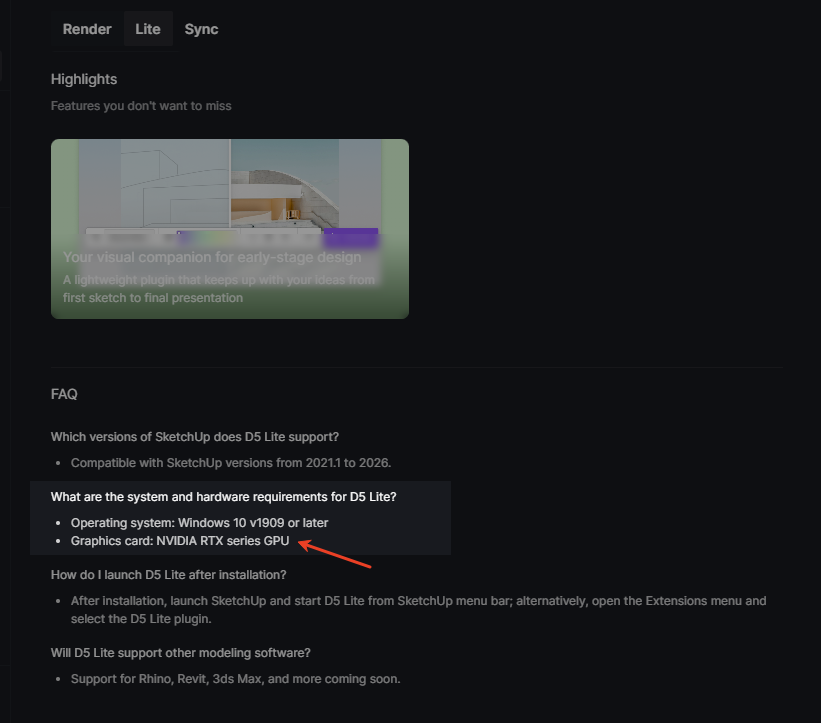
Same here with my Intel A770. Not only is the GPU not recognized, but it’s also causing Sketchup to crash unexpectedly. I haven’t been able to test the software at all. Any updates or workarounds?
Hi @SOUDARTE
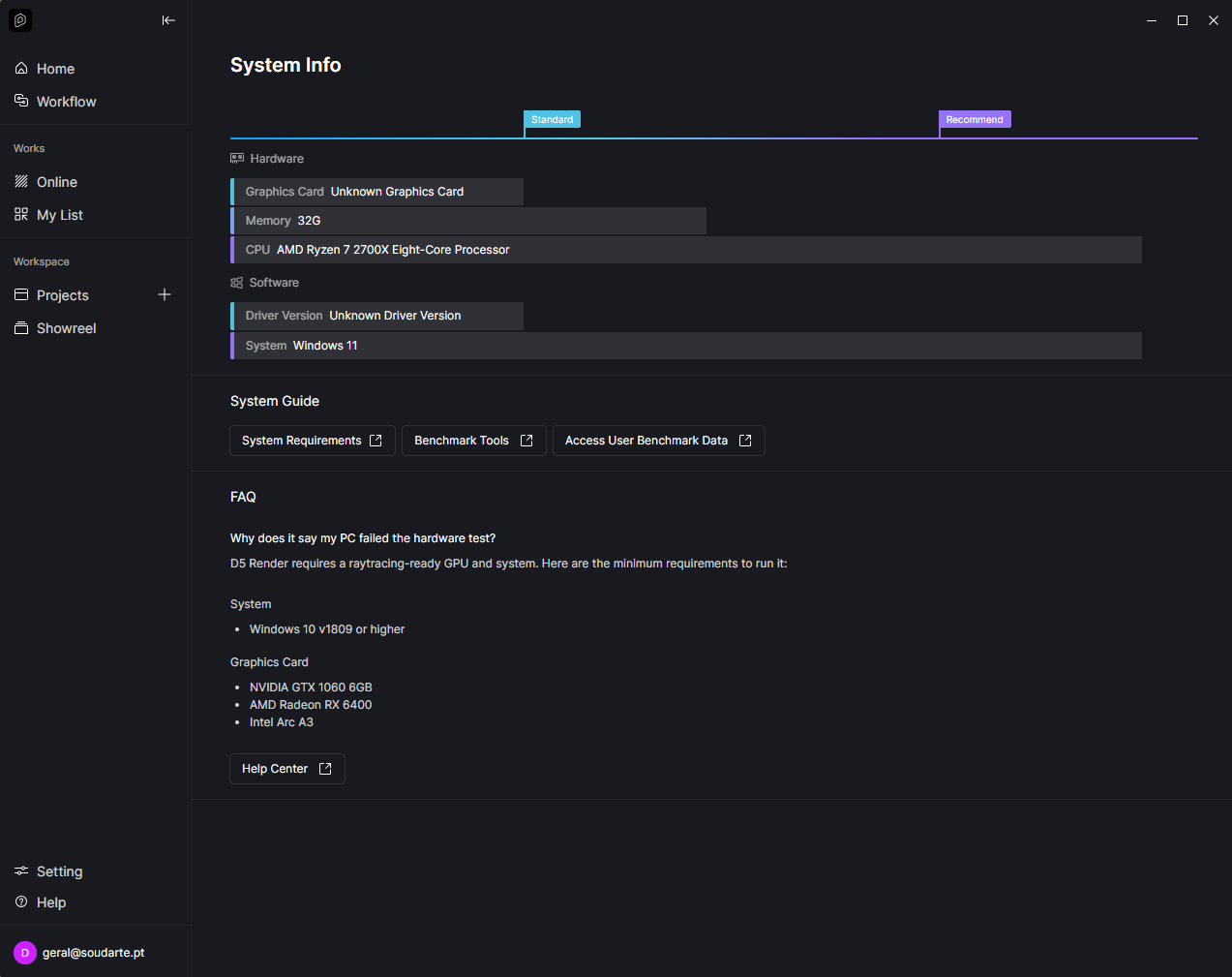
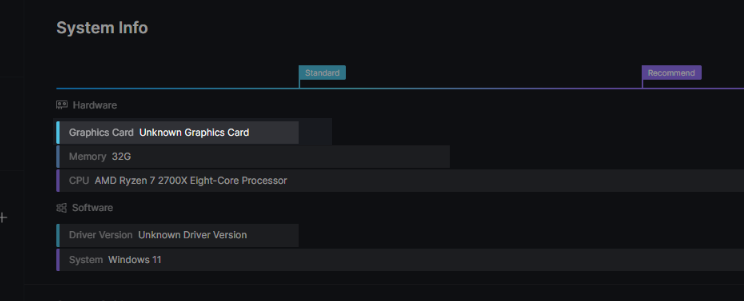
Thanks for reporting this, and sorry for the inconvenience caused. To help us troubleshoot the issue, could you please provide a screenshot of your D5 System Info? You can find this in D5 Launcher → Help → System Info.
Additionally, could you confirm a few details:
Thank you in advance
Hello,
Thank you for the quick response. Here are the details you requested:
I have attached the screenshot of my D5 System Info as requested.
Looking forward to your guidance.
Best regards,