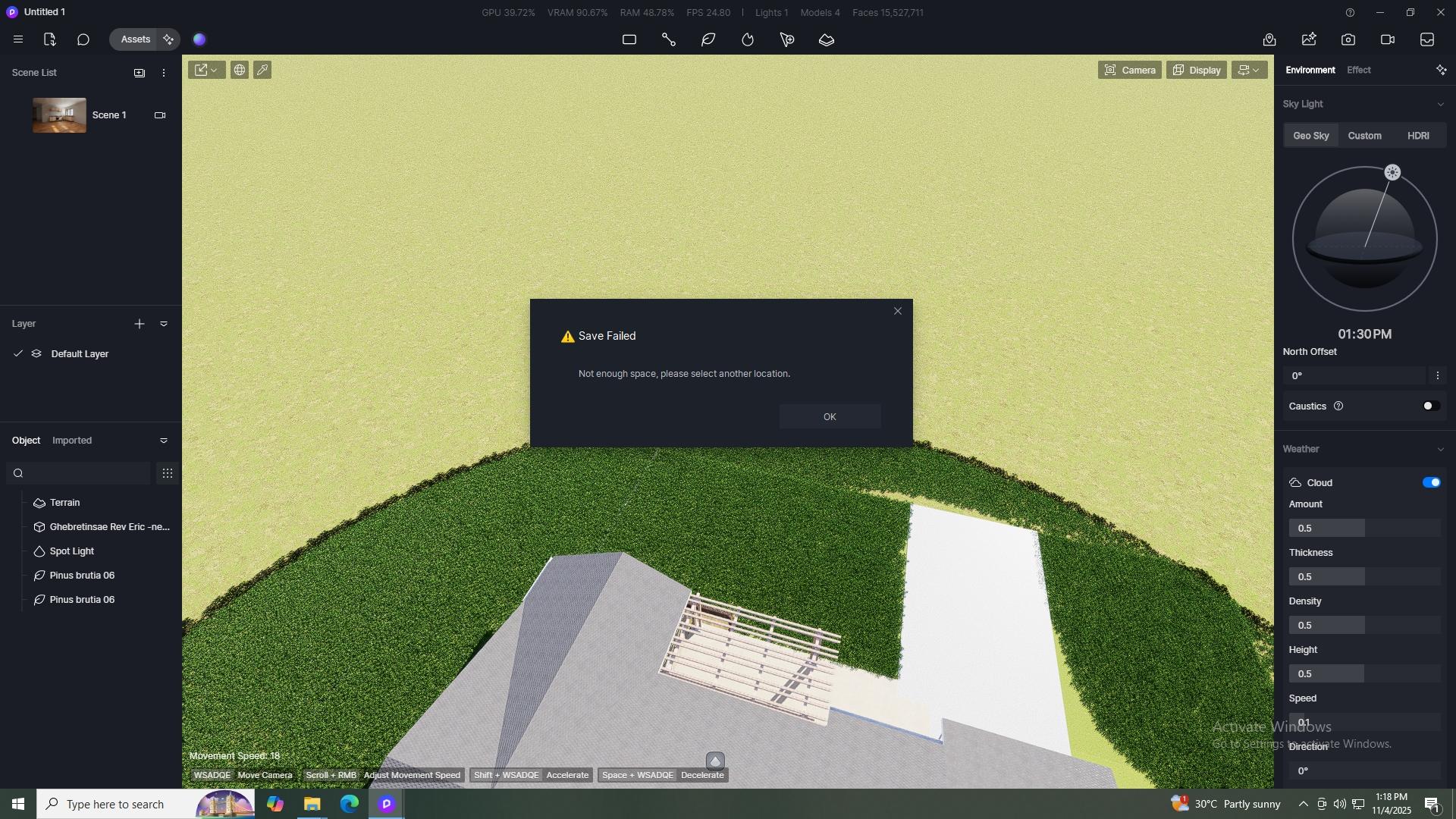
He gets a message,
"Not enough space, please select another location”
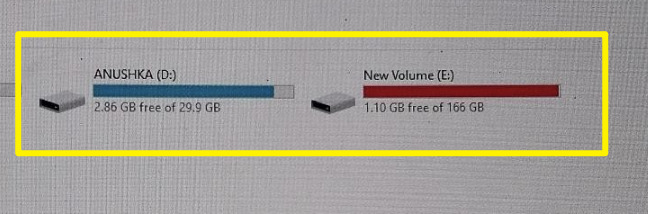
He says that he has enough space
But it continuous to crash and close
He then created a new file and save, but when we opened it again it crashed a second time.
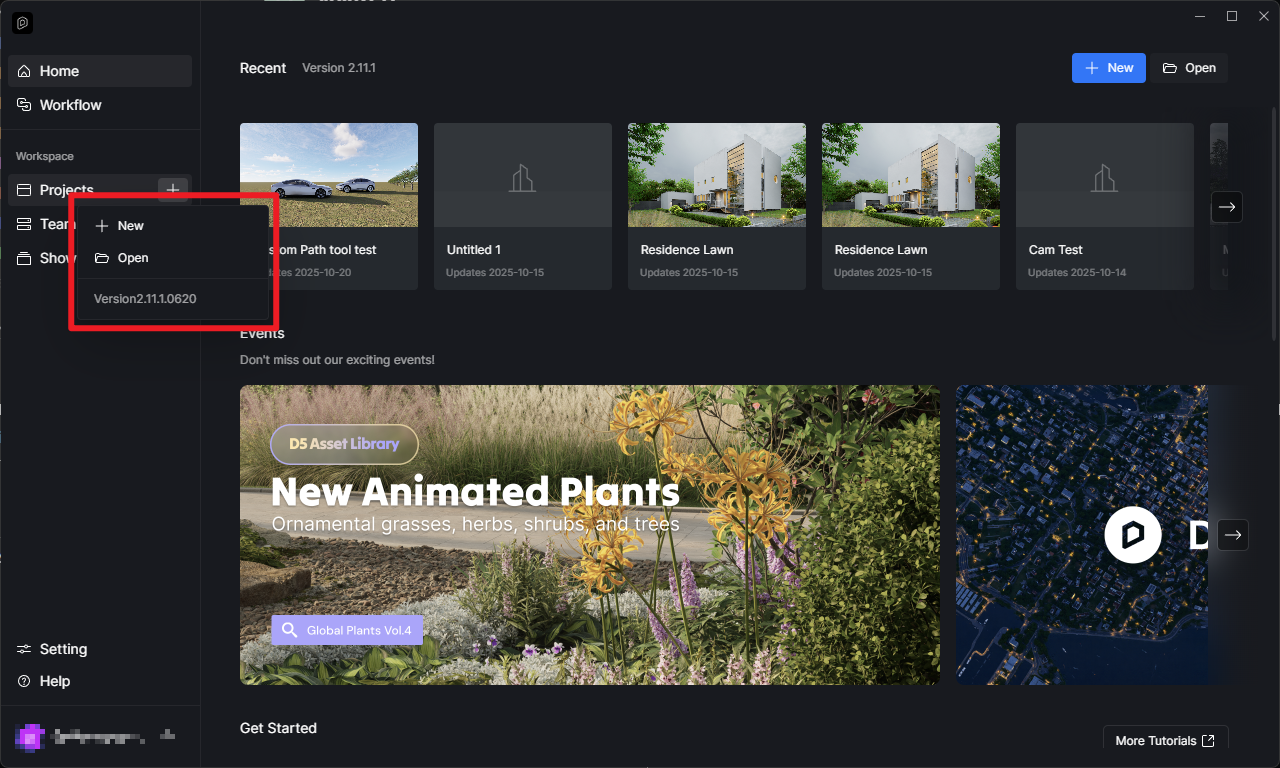
He is using D5 2.11
Any workaround?
What, then is the minimum space? Or how large of a file?
I am getting similar issues, I have a drive with 750 gigs,
But says I must save in another place, the file is 550,000 megs
I’m solely relying on the image you have sent. As you can see, 1.10 GB and 2.86 GB is free, if the file you’re working with is larger than these sizes, then for sure it is not sufficient.
Additionally, with these numbers, I think there is a need to clear up some space, considering the amount of assets that can be possibly used in a single D5 Project.
That’s new information you have provided (since you have mentioned that it is not you who experienced this), so you’re also experiencing this issue?
There also seem to be some discrepancy on the information you have provided, you did mention the user was using 2.11.1 and now 2.10.2 is being used.
To be more accurate, can you please send us your log files and a video recording of this issue that you are experiencing? You can send it to me privately.