D5 Render Version: 3.0
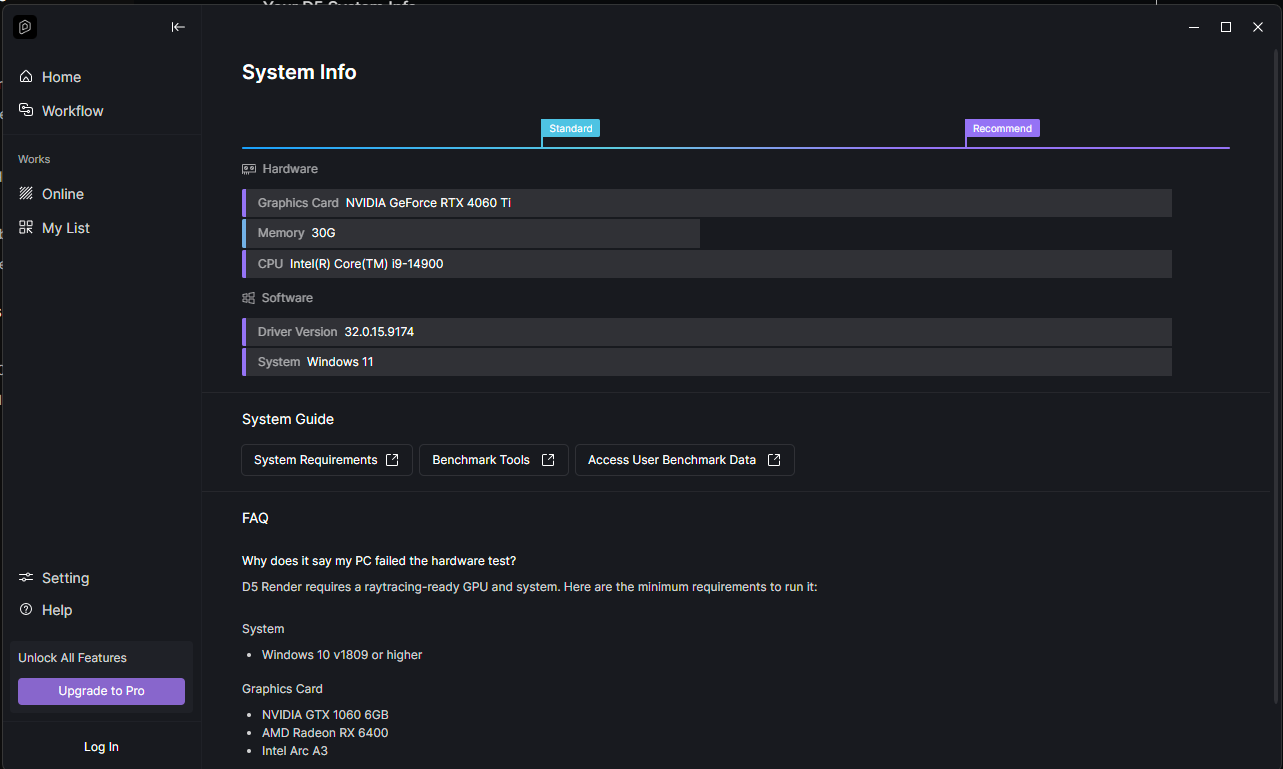
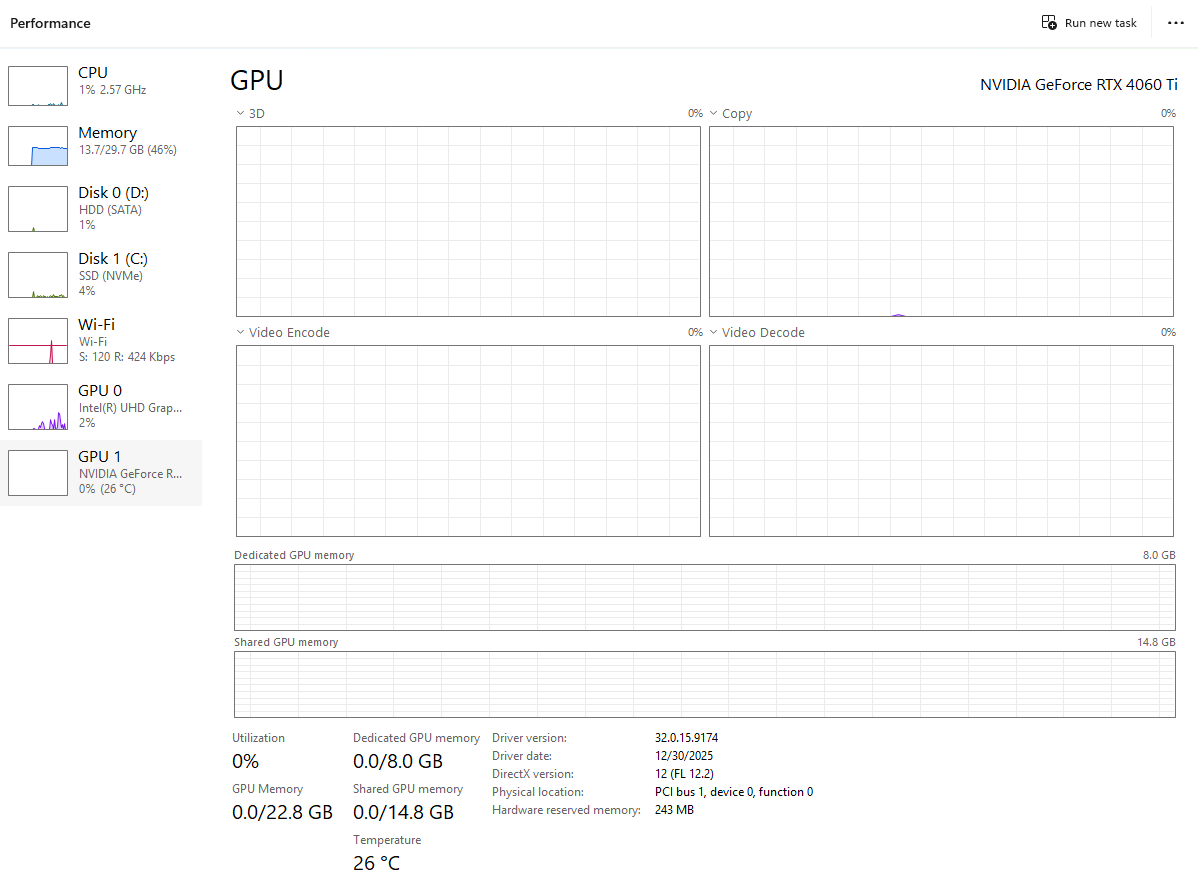
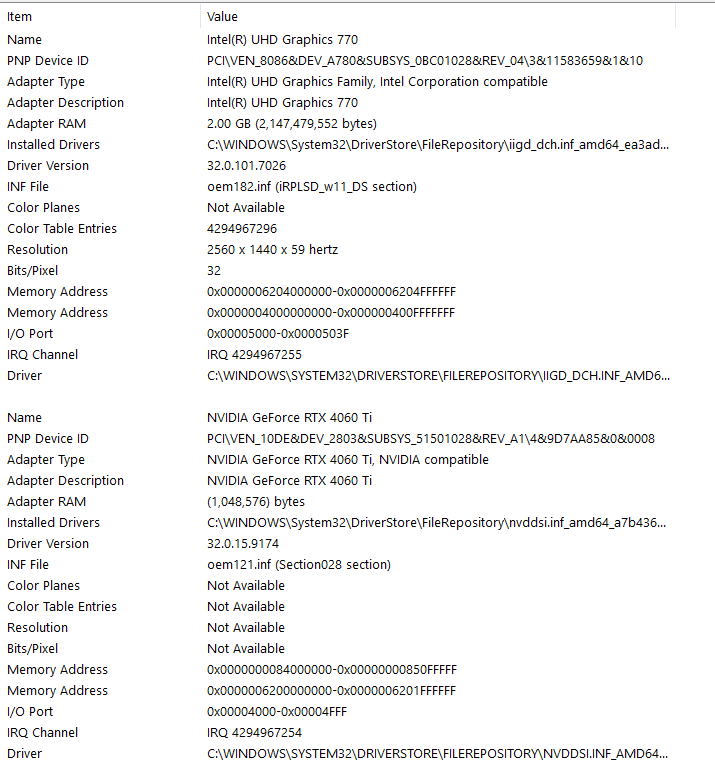
Graphics Card: NVIDIA GeForce RTX 4060 Ti, Intel(R) UHD Graphics 770
Driver Version: 32.0.15.9174
Issue Description: Product Startup Failed
Screenshots/Videos Description:
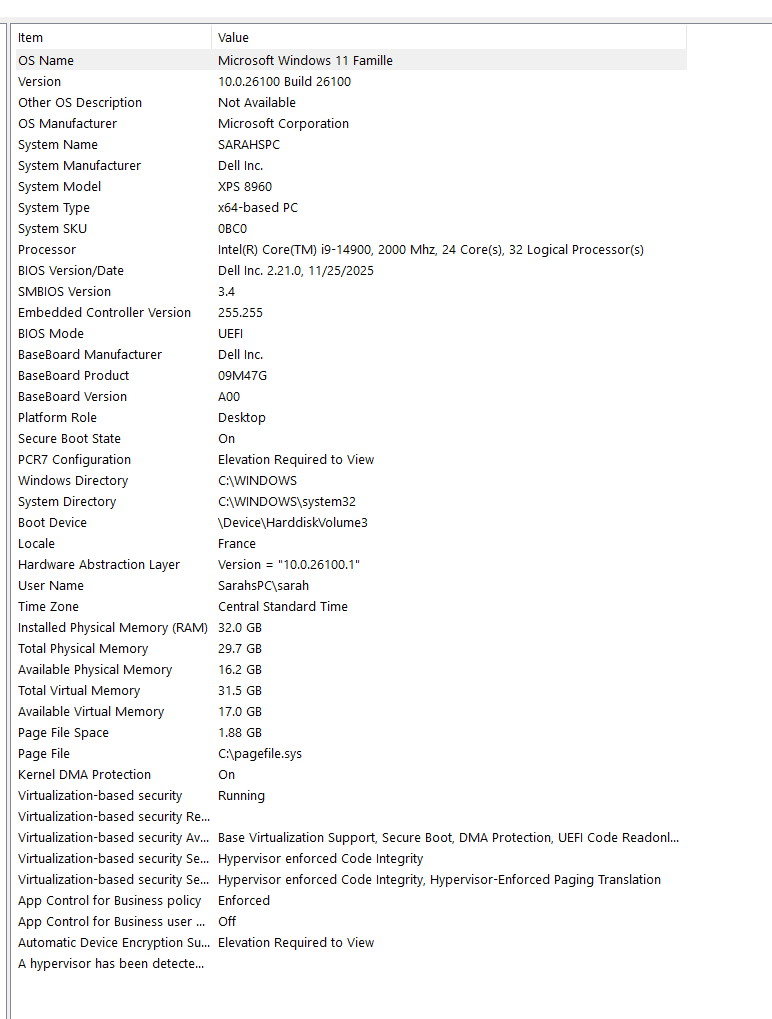
Everything that I do results in Program start up failed. I noted that I have an Intel Core i9-14900K/KF/KS processor and have followed most steps that were used on Why prompt ‘The program cannot be launched because of DLL errors…’ or ‘Program Startup Failed’? | User Manual
I have updated the BIOS system on my computer to 11/25/2025. I doubt CPU overclocking but its possible.
I have updated the Driver for my NVIDA graphics card
I have used the DXR Repairment tool cmd and sfc and both came back with a clean report
I am at a loss. I’ve tried to access Lumion also and It refuses to start up at all now. I haven’t used it in a few months so I tried switching to D5 since I’ve heard great things about it. I’m not a big technology person and have done everything it’s suggested. The only thing I can think of is the Graphics card but I don’t know. I uninstalled D5 and Lumion and still get the messages or nothing
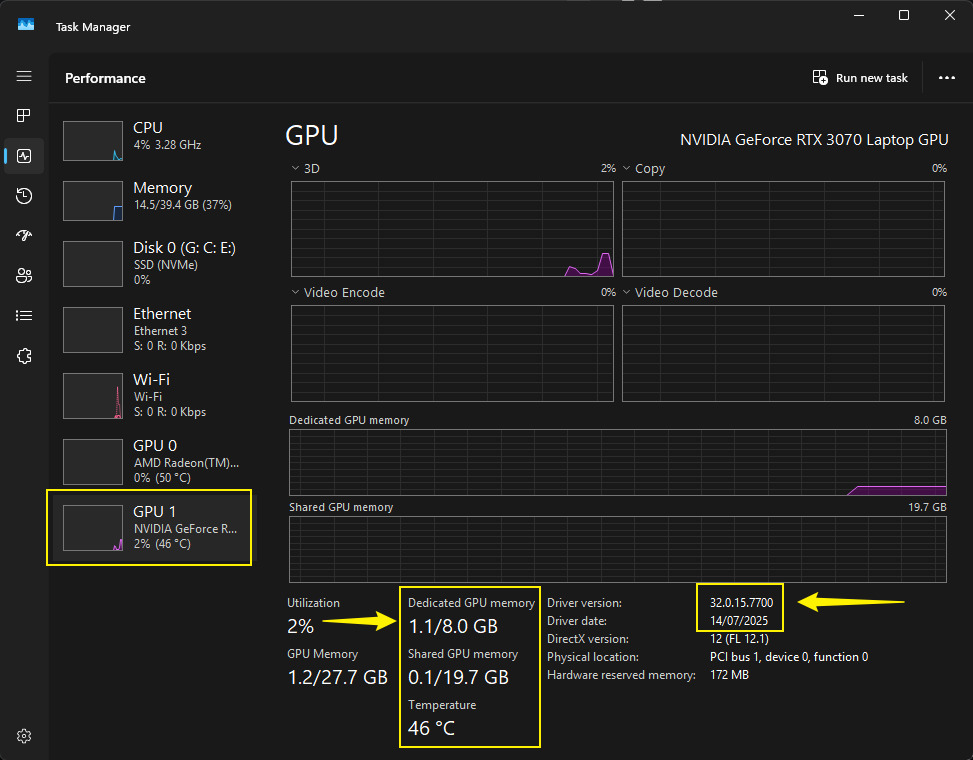
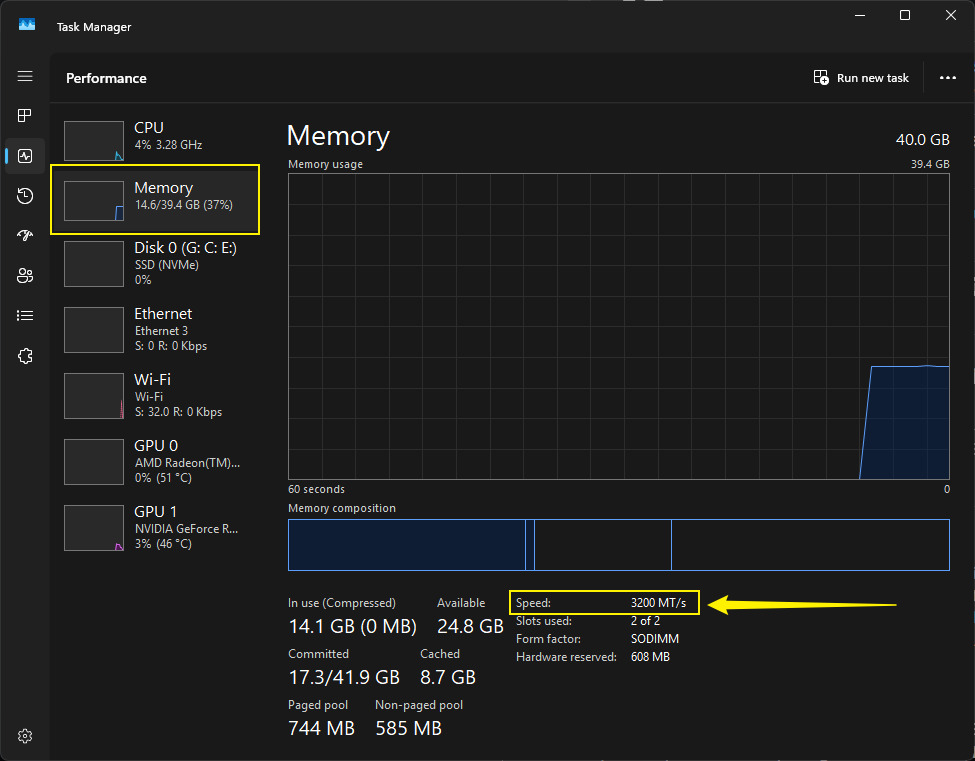
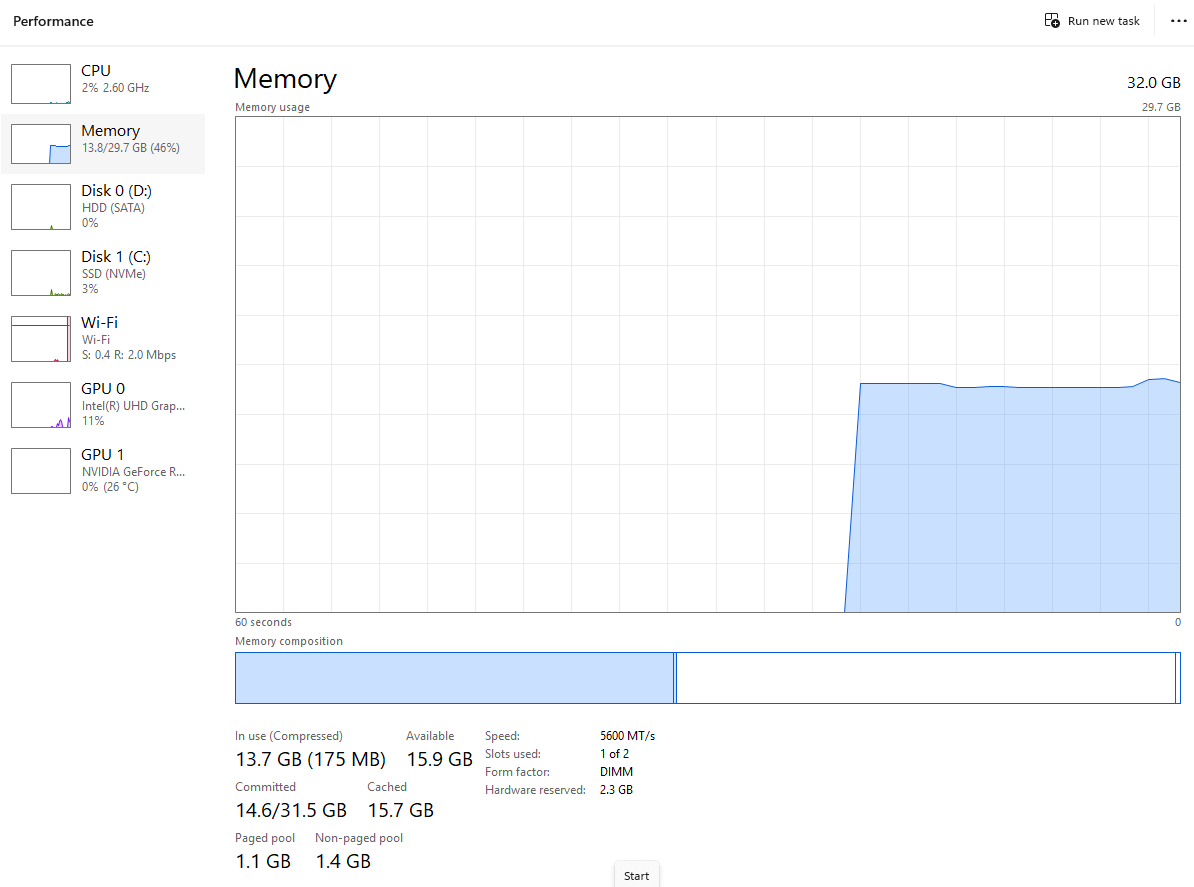
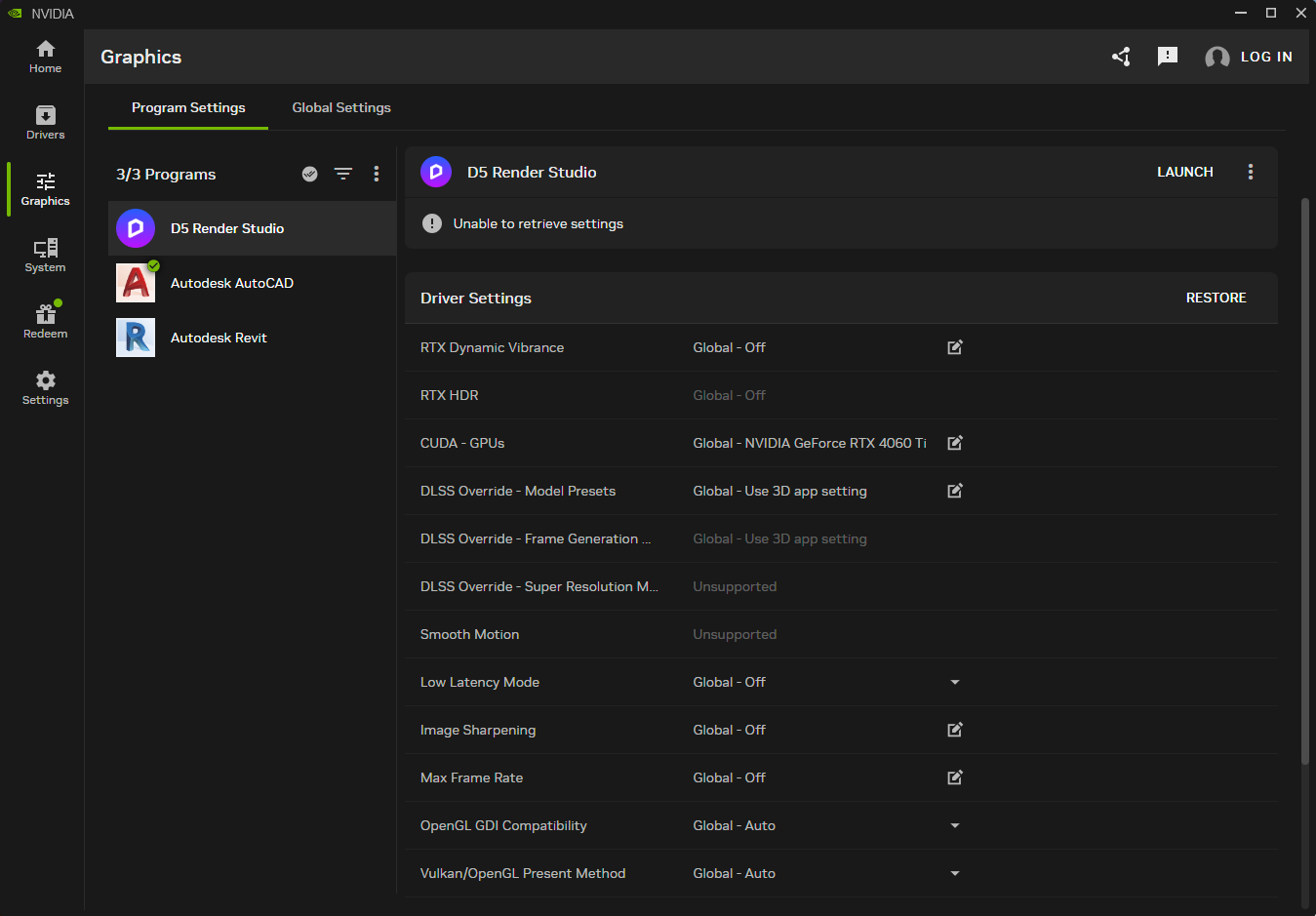
I’ve provided photos of my systems information and my graphics to see if anything helps
Steps to Reproduce (optional):