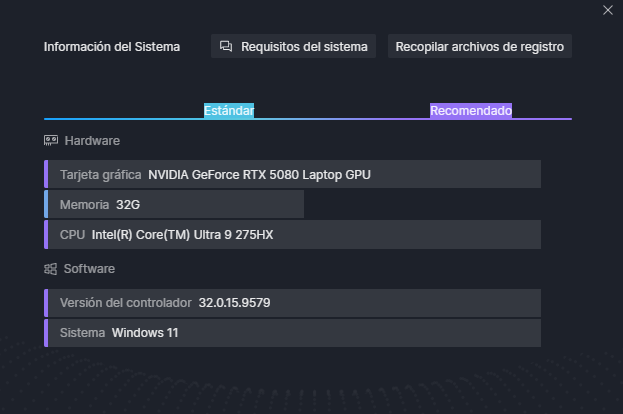
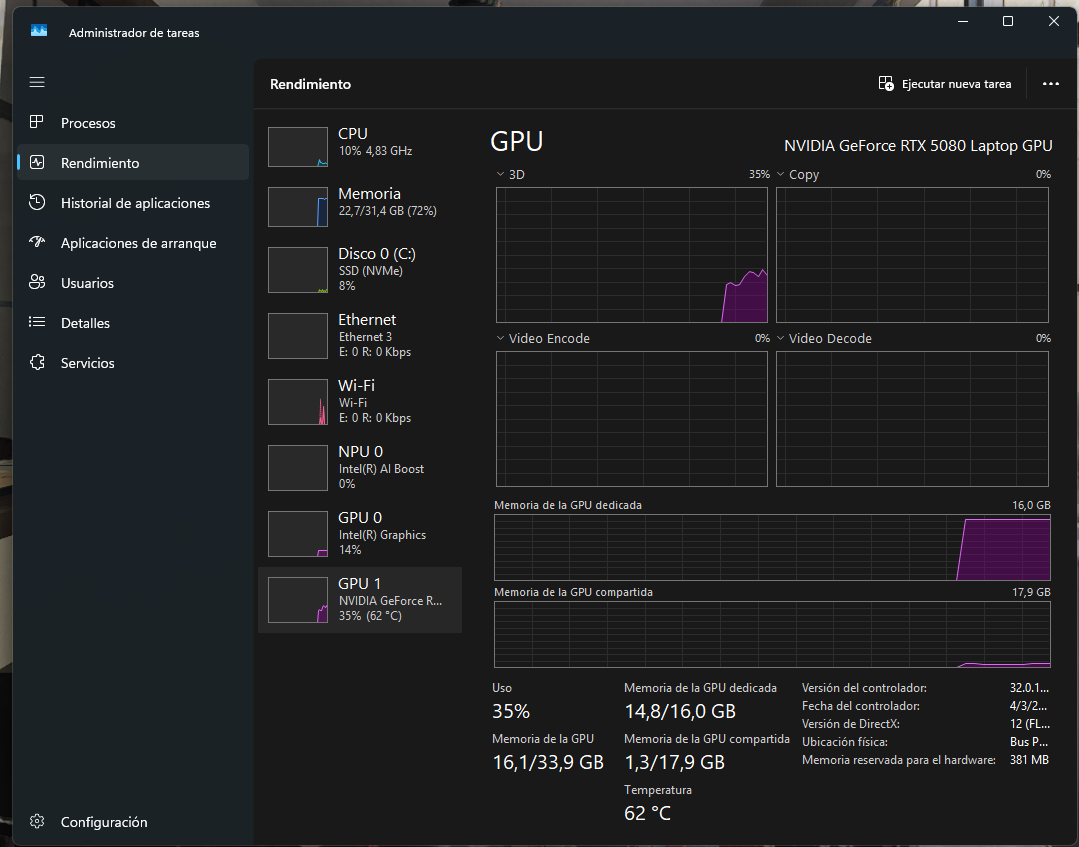
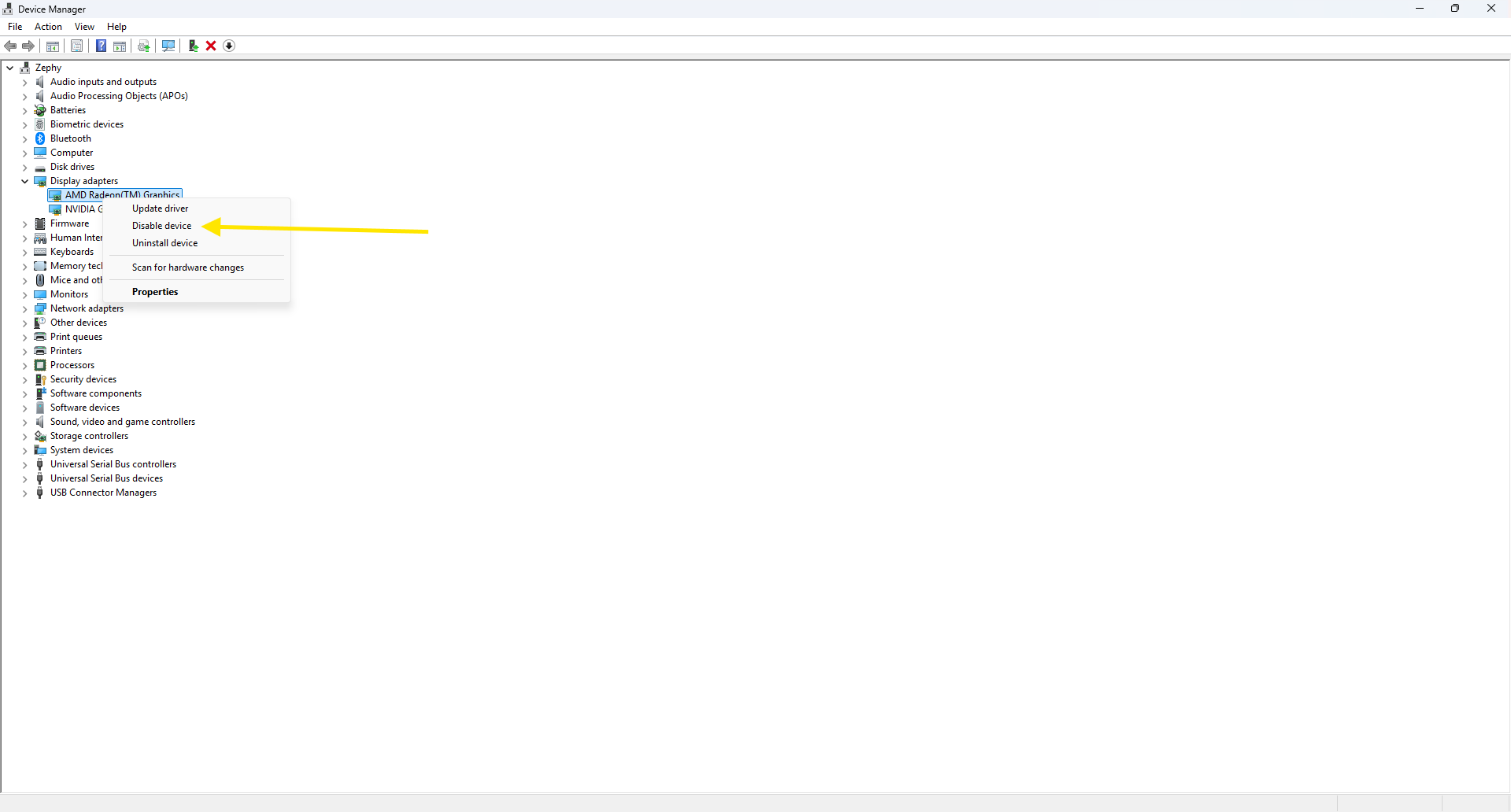
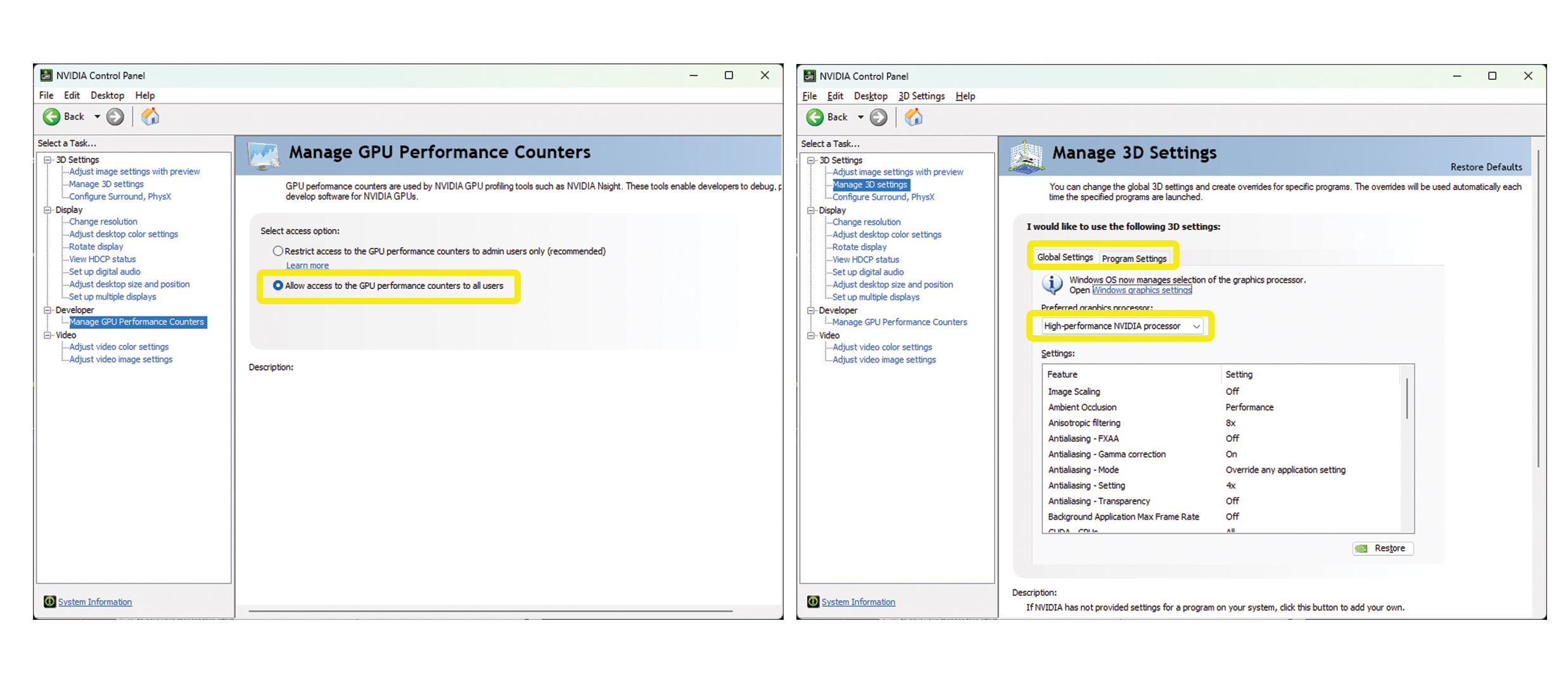
Hey! Thanks for the reply, so I recorded a few videos so you can better see what is going on. These are Onedrive links, since I dont know how else should I share videos:
DEMO 1: high vram use demo 1.mp4
DEMO 2: high vram use demo 2.mp4
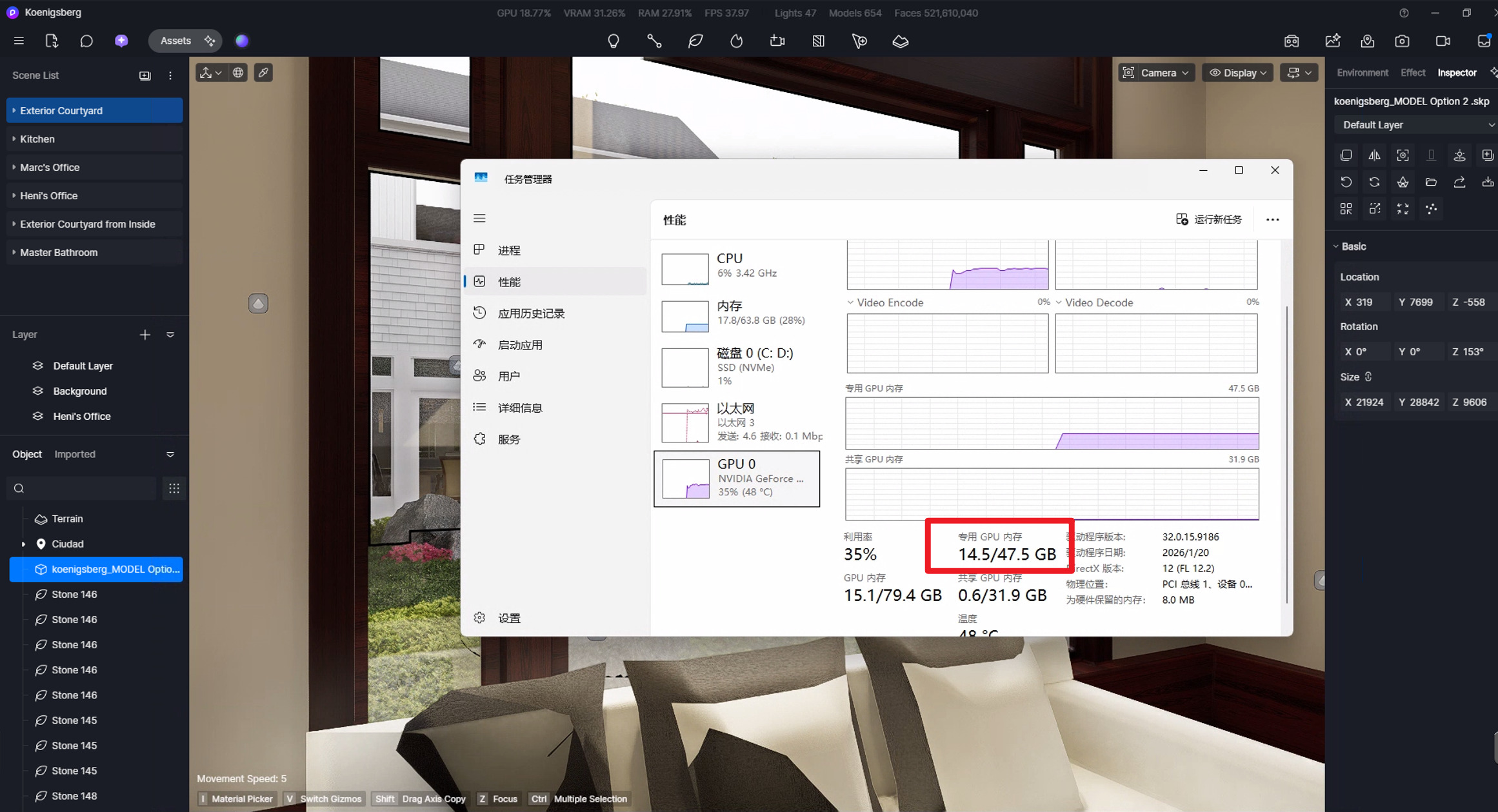
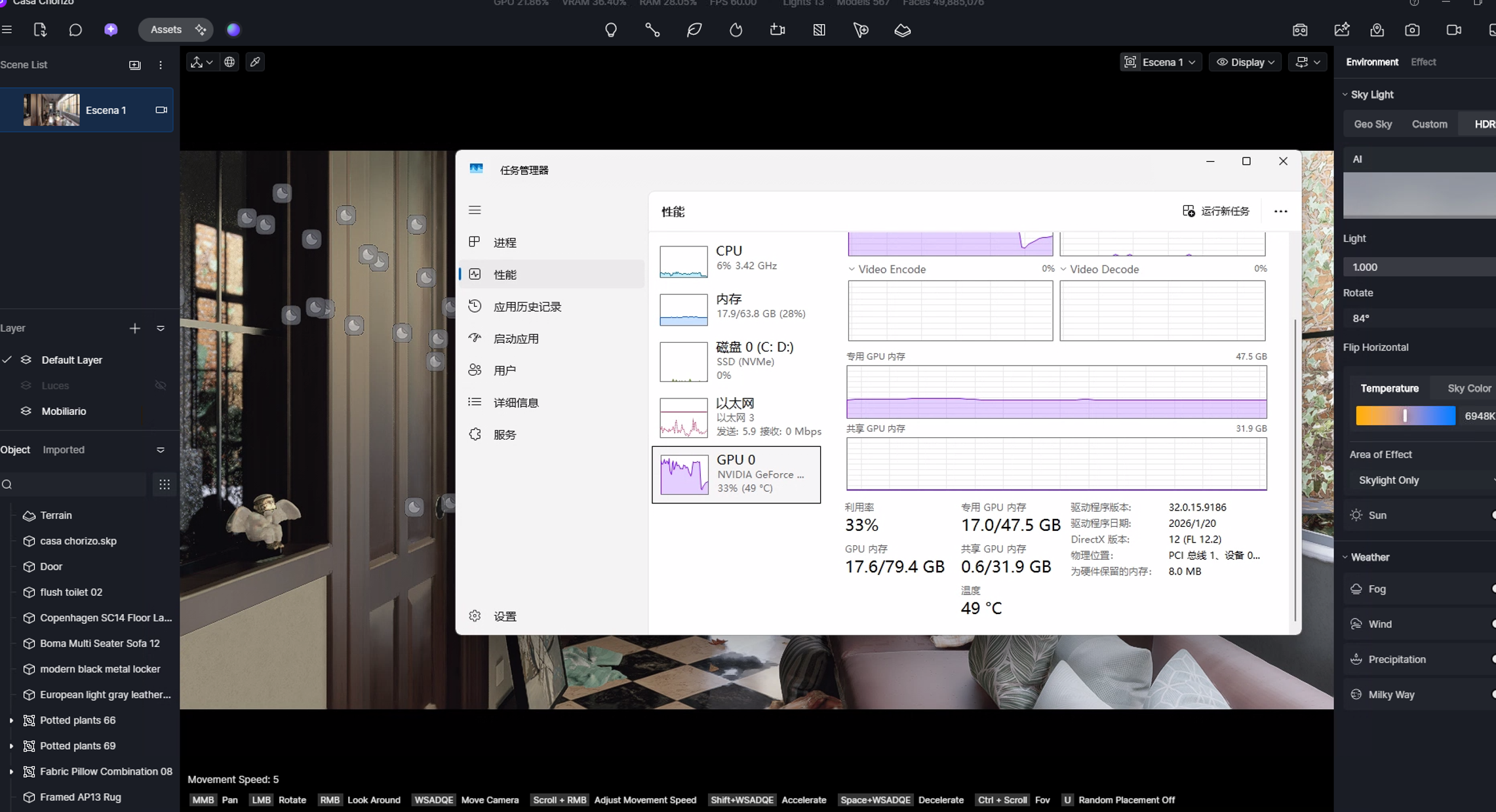
These are 2 examples of projects Im working on, there are many more and this high vram usage happens in all of them. You can see in those 2 videos that the vram usage is constantly between 90-100%. Even if I turn ALL layers off and nothing is on screen, the VRAM remains at 90%+.
HOWEVER, I’ve also experimented with that Residence lawn scene and a new file, and found that VRAM is not high there, in the residence lawn file, VRAM stayed at 30%ish and in a new file it stayed at the same value more or less.
NEW FILE: blank file test.mp4
Even if I added the same sketchup model from the 2nd demo video I shared, the VRAM stays low. This is extremely weird. Because when I removed all assets by turning off the layers in the high vram usage file, the VRAM did not go down. But here, in a blank file with the same 3d model, the VRAM stays low.
And this is not a single case, this happens to ALL my files and projects. They may start with low VRAM usage but eventually they go up to 90%+ VRAM usage.
I’ll attach these 2 projects here in Onedrive links so you can have a look and maybe find what is wrong with them?
Project 1: Project 1
Project 2: Project 2
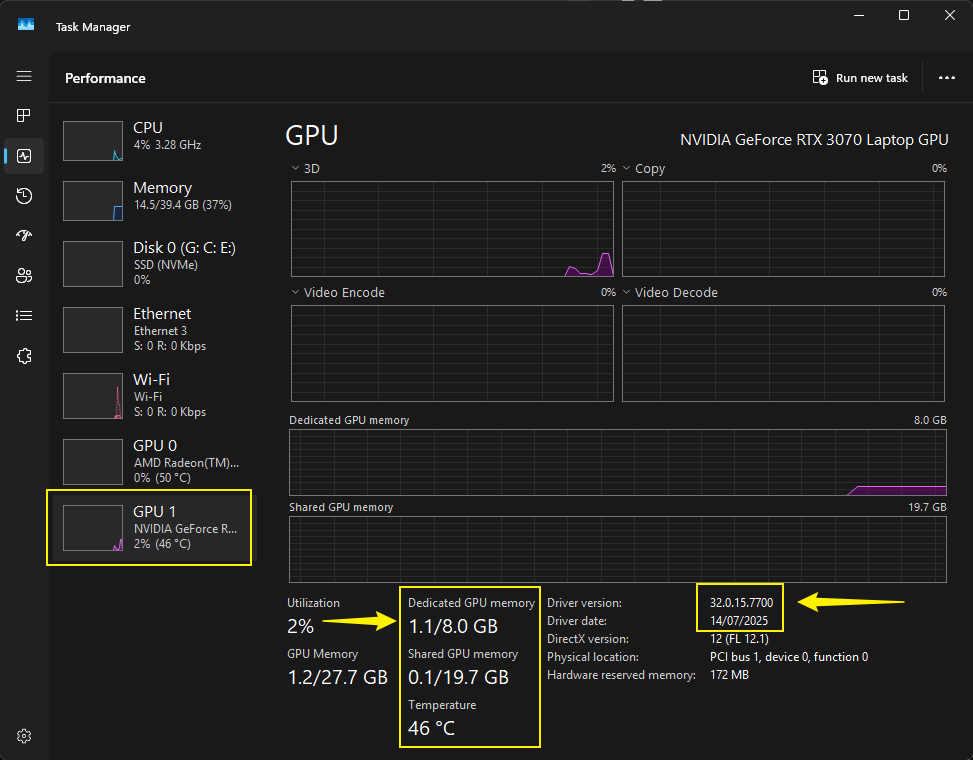
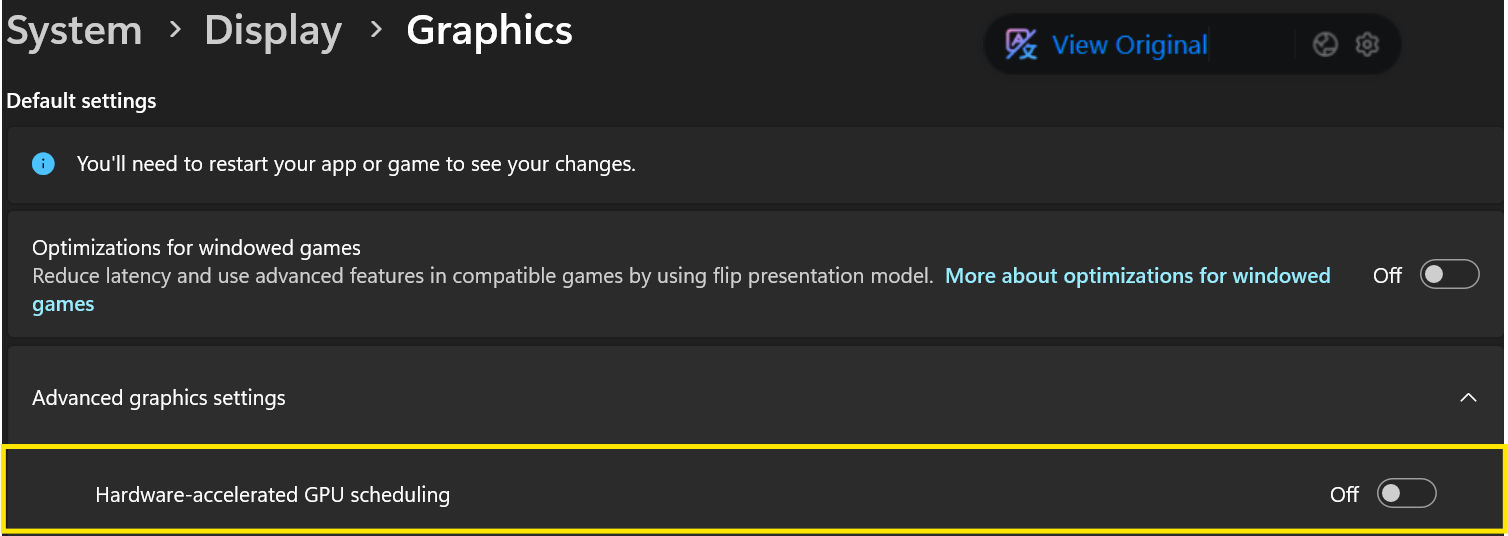
And to answer your other questions: 1. Ive tried this, no change. 2. I also tried this, I even switched betwen the Game Ready and Studio Drivers, no change. 3. I tried this, no change. 4. The laptop model is a MSI Vector 16 HX AI A2XWIG
Thanks!