**D5 Render Version: 3.0.1
**Graphics Card: 5070 TI
**Driver Version: 596.36 Nvidia Studio
**Issue Description: Hi,
I would like to report several issues I have been experiencing recently with D5 Render version 3.0.1 .
Before describing them, I want to clarify that I have already tested my internet connection and ruled out my network as the cause of these issues . My connection is stable and working properly, so the disconnections do not appear to be related to my network.
1. Pro account disconnects without warning
My Pro account randomly disconnects without any warning, sometimes even during rendering. The main problem is that there is no clear or immediate notification, so I may continue working or rendering for hours without realizing that my Pro account has been disconnected.
This can result in a significant loss of time, especially when the disconnection happens during long rendering processes.
2. Connection errors when using post-processing features
When I try to use post-processing features, I frequently receive a connection error. I often have to retry the same action several times before it finally works.
As mentioned above, I have already performed multiple tests to verify the stability of my internet connection, and the issue does not appear to be caused by my network.
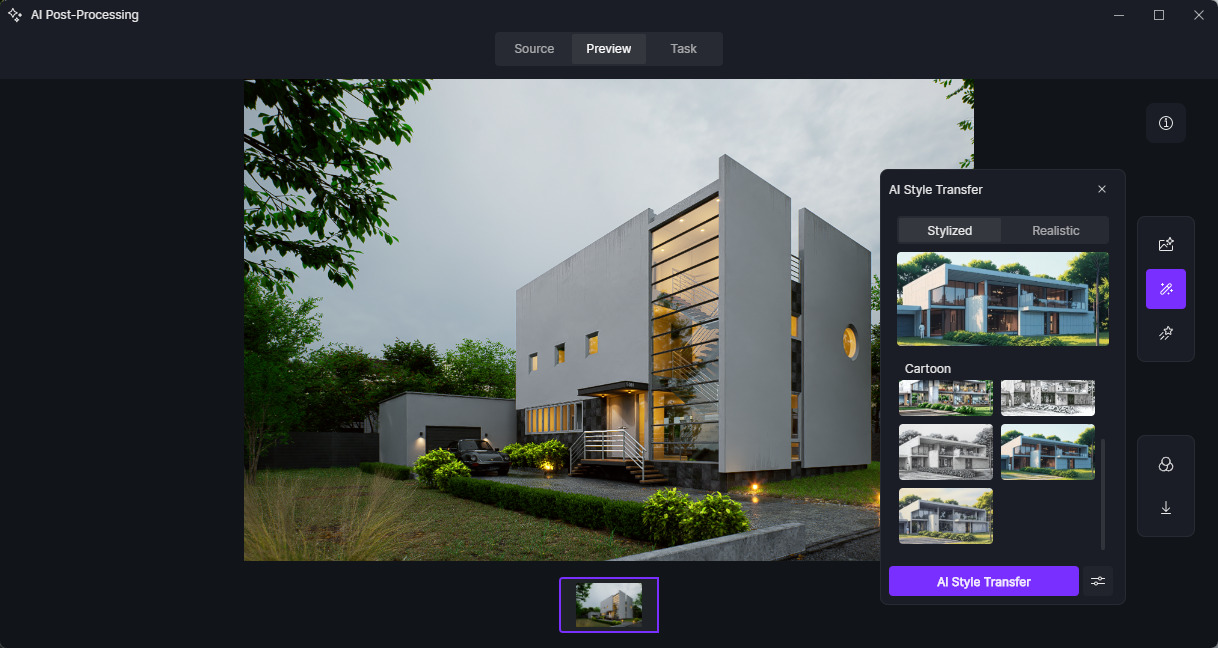
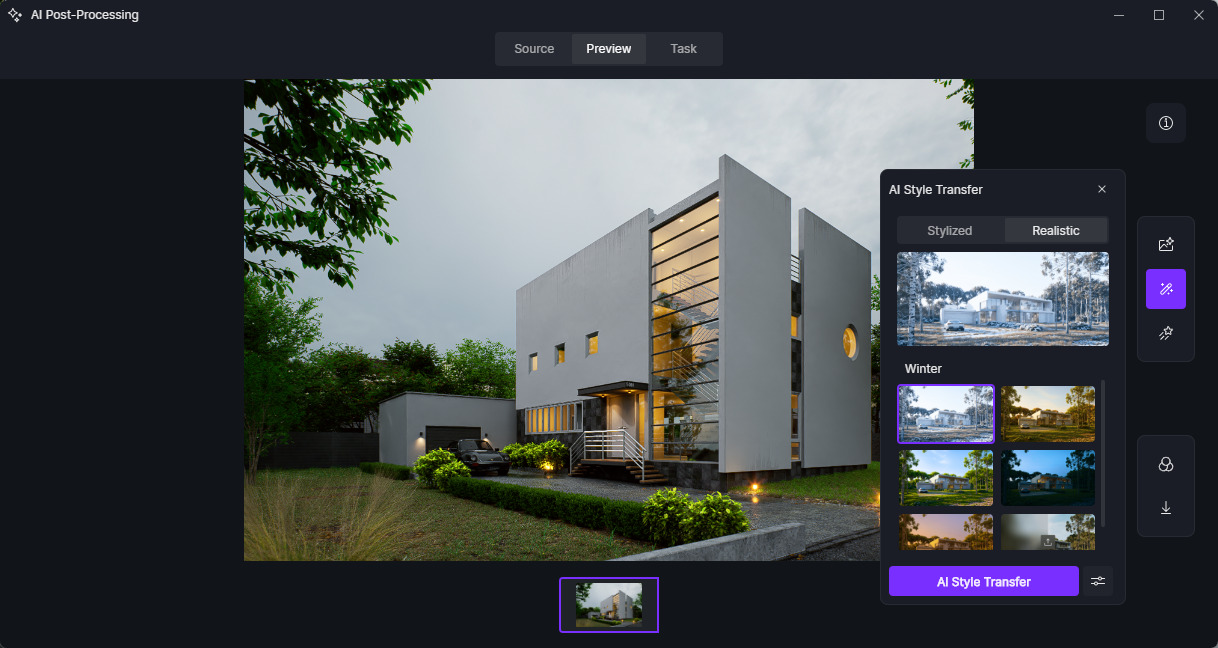
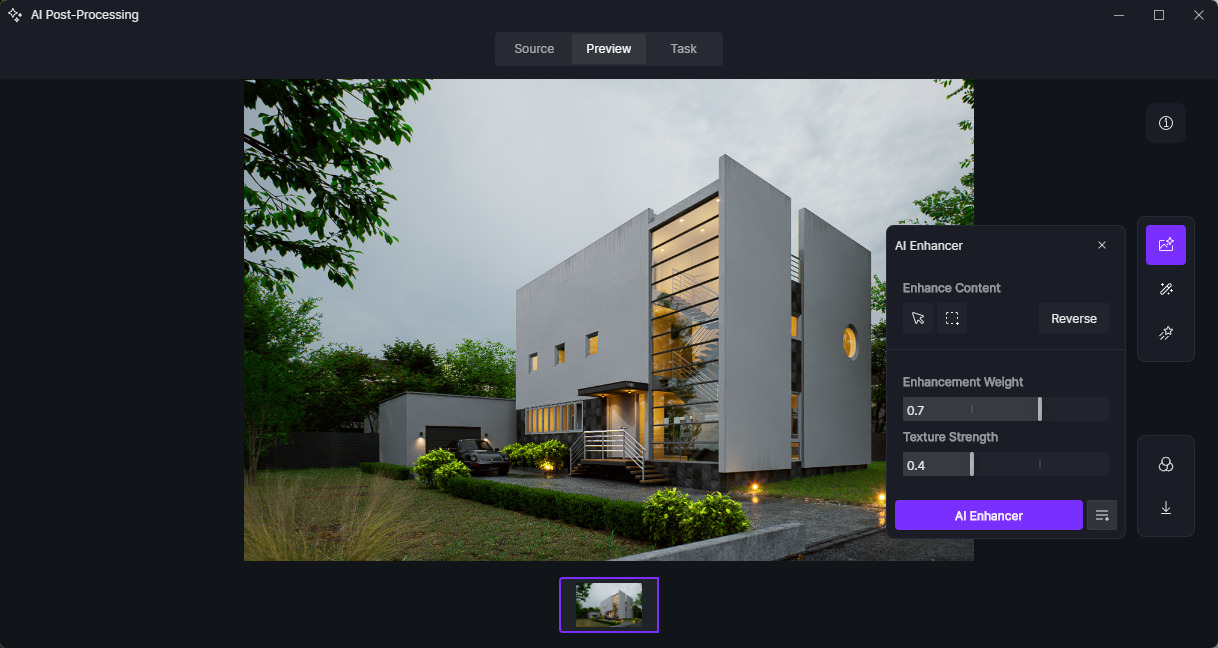
3. Significant decrease in AI post-processing quality
I have noticed a major decrease in the quality of the results generated by the AI tools. The final result often no longer matches the original scene and, in many cases, changes the image too aggressively.
This happens even when using very conservative settings, with low intensity and the transfer weight set to the minimum.
I have experienced this behavior with both:
- AI Enhancer
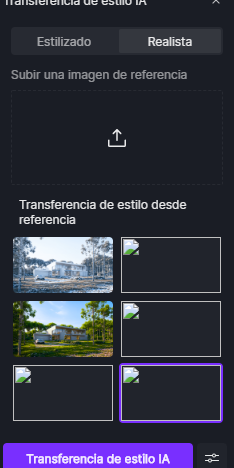
- AI Style Transfer
Previously, these tools produced results that were much more consistent with the original scene. Now, even with the settings at their lowest values, the AI alters the image too much and the result loses fidelity to the original render.
All of these issues are occurring in D5 Render version 3.0.1 .
Is anyone else using this version experiencing the same problems? Is there any known solution, or could these issues be related to the latest update?
Thank you.
**Screenshots/Videos Description: