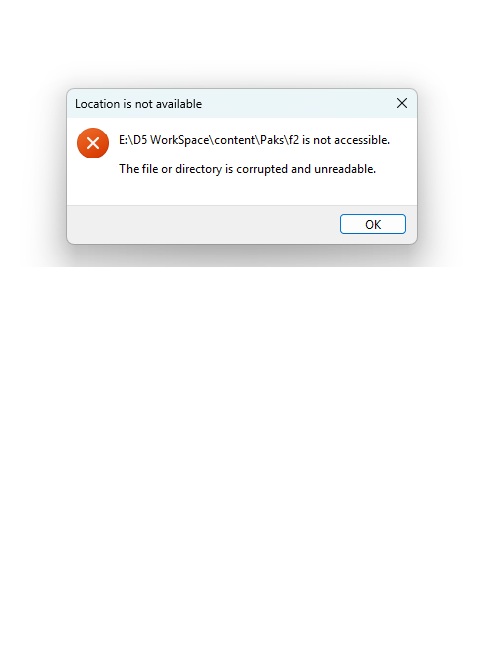
That message indicates that one of D5’s asset cache folders — specifically the “Paks/f2” directory — has become corrupted on your drive. This is a Windows file-system issue rather than a D5 setting problem.
Please try to run a disk check (CHKDSK) on the drive where your D5 Workspace is stored to repair any file-system errors or bad sectors. If this happened after copying or moving a project, make sure the entire project folder was moved — not just the .drs file.
thanks a lot it is working ,
1 Like
Got it, thanks for the update!