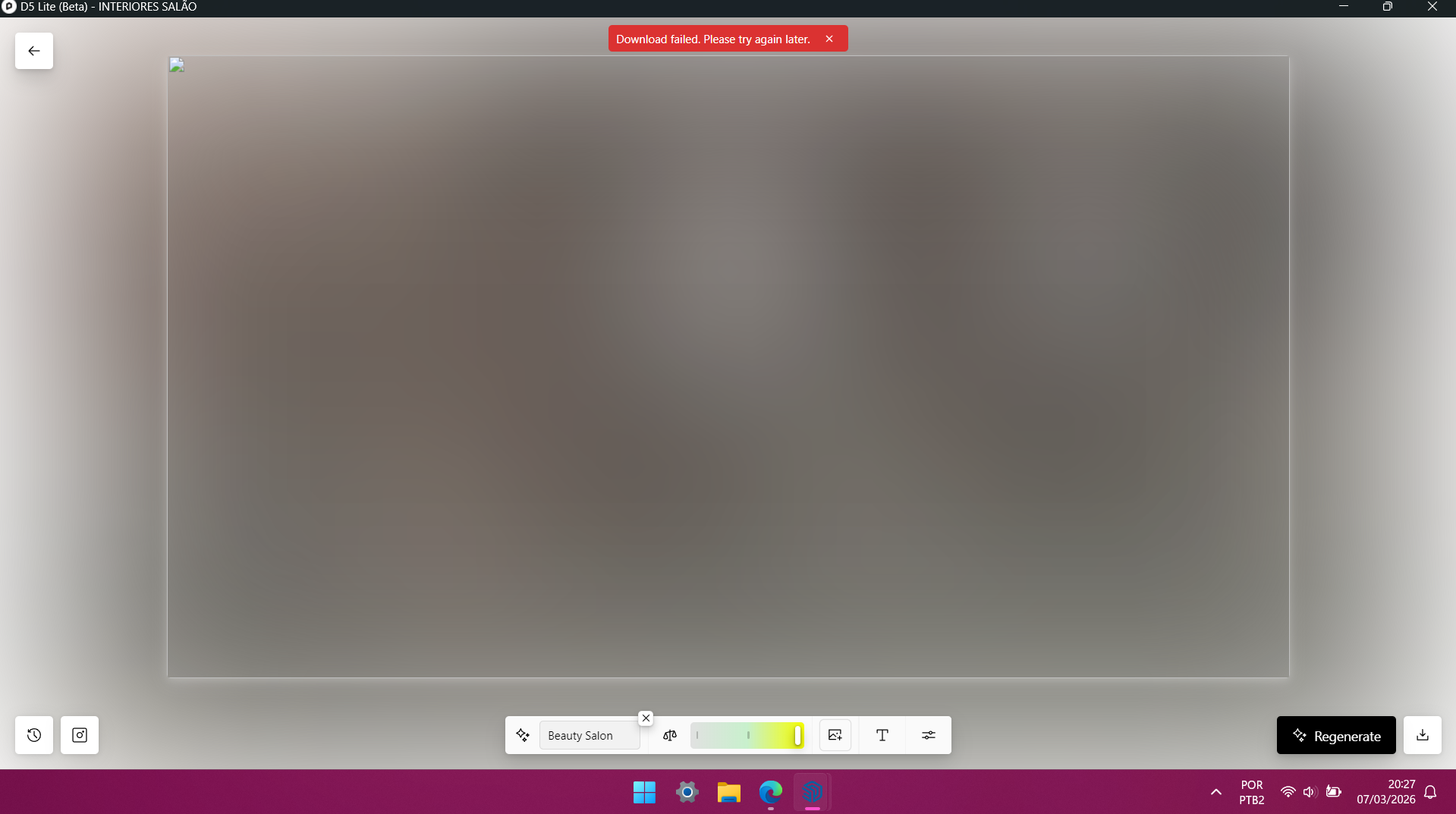
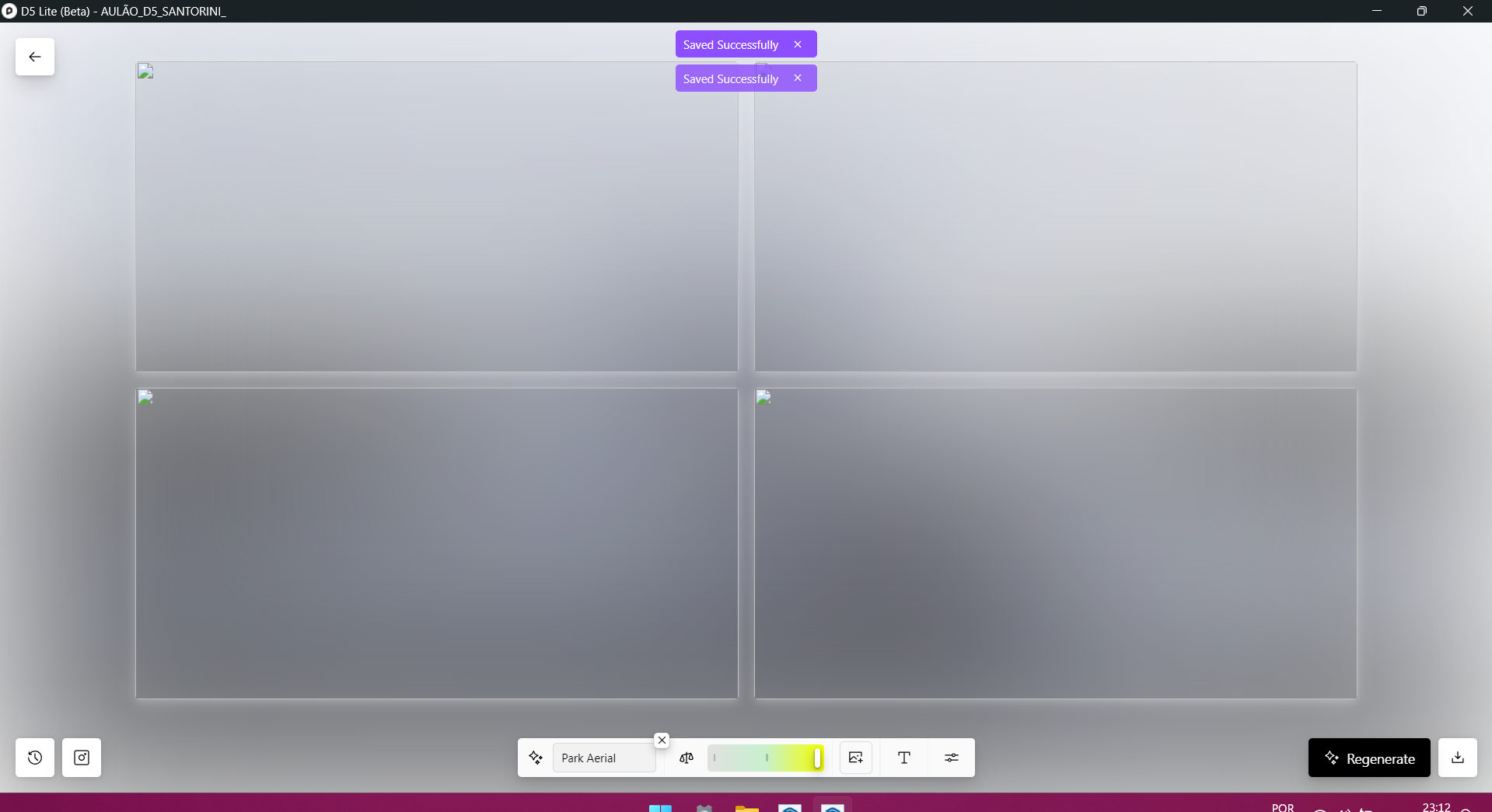
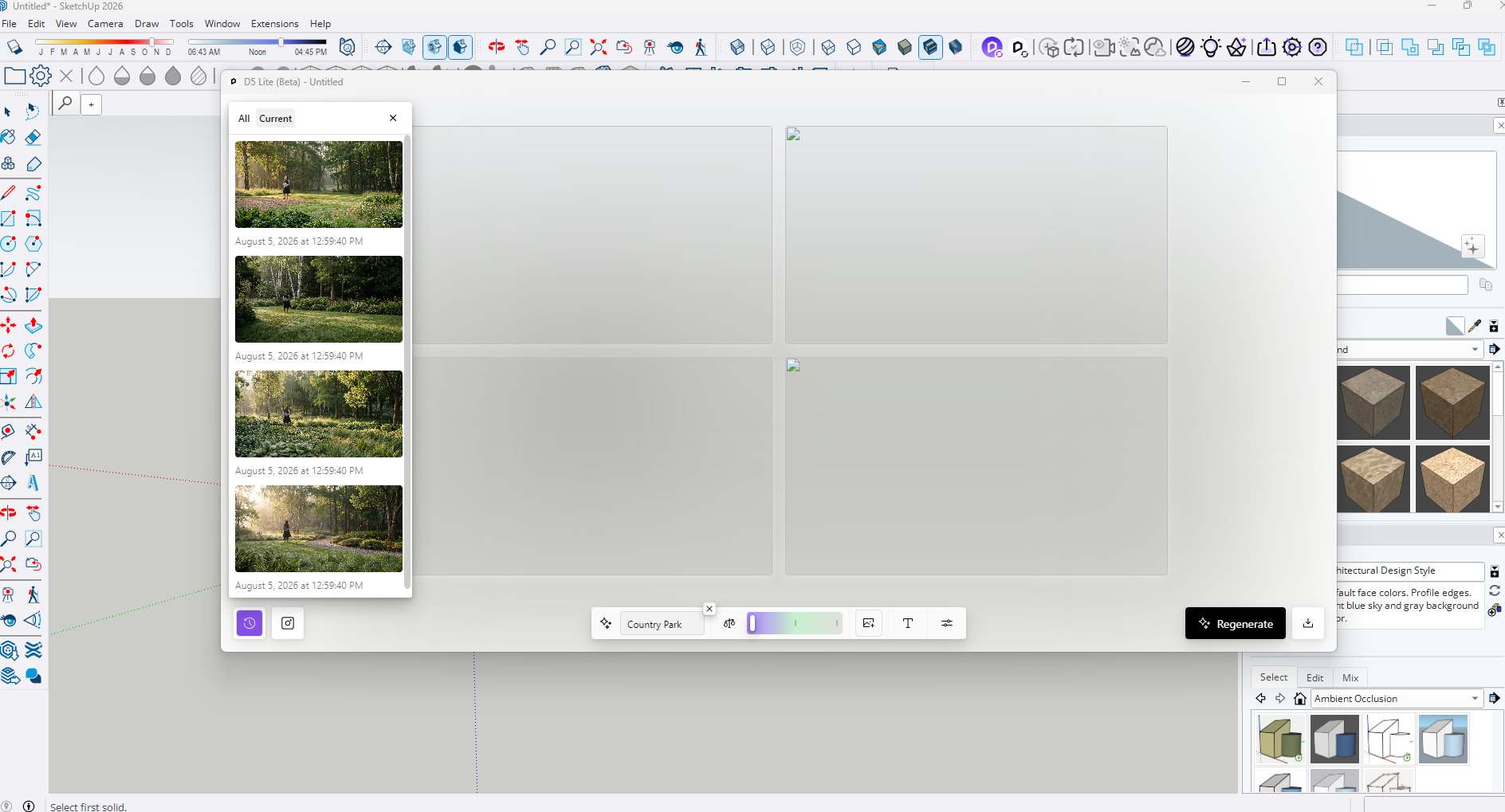
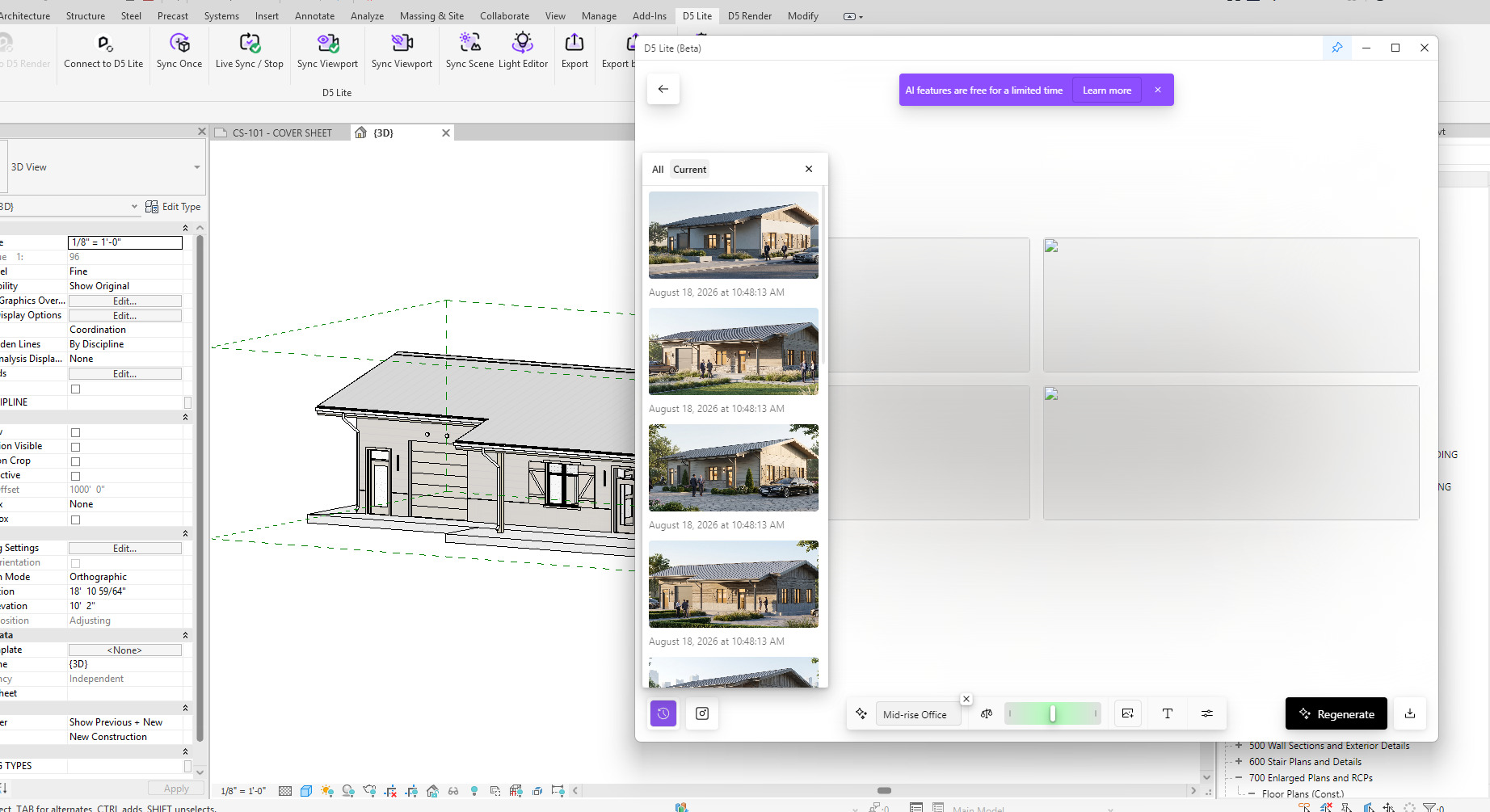
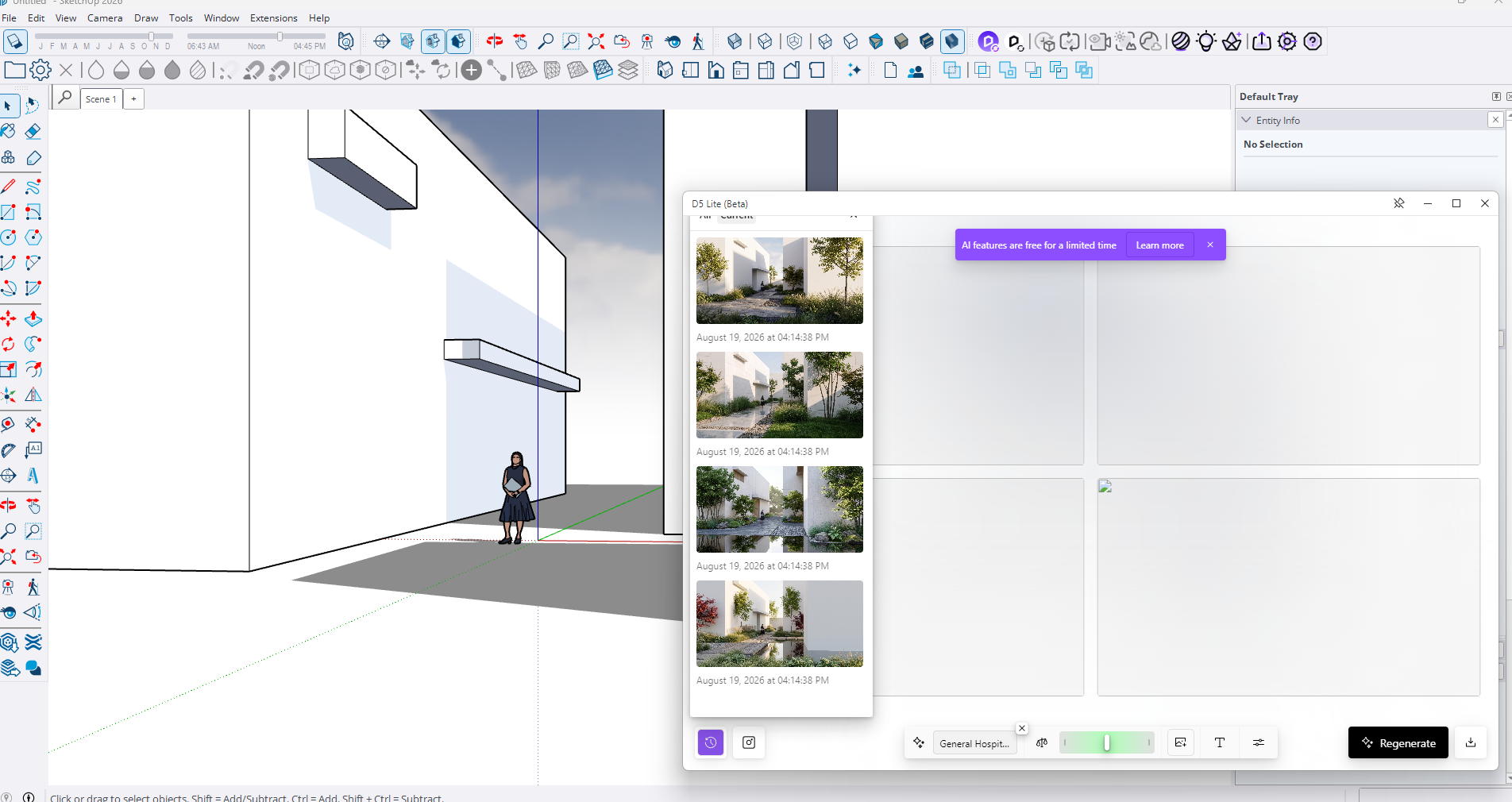
I installed D5 Lite Beta and it’s behaving strangely, because every time I finish rendering with IA, it doesn’t show the preview and doesn’t allow me to download the images.
Hello @Clov!
My D5 Render works normally with the native AI functions. Only in the D5 LITE (BETA) app version 1.3.0 does it not provide image thumbnails after rendering is complete. I have already uninstalled and reinstalled D5 twice, but the bug persists.
I will try the procedure you mentioned regarding the network connection, but I believe that’s not the issue.
Regarding the local disk, I use D5 Render on drive C:
My video card drivers are the latest version, NVIDIA GAME READY version 596.21.
I use SketchUp 2024 version 24.0.553.
I tested it on a more recent version of SketchUp 26, but it also had the same bug.
Please update. Does anyone solved this problem? My D5 Lite (Beta) doesn’t show me preview either. But I am able to find renderings in History section. Please advise how to fix it. SketchUp 2026 and Revit 2024.
No updates on this specific issue, as the user has not replied again with the remote assistance schedule.
Can you send us some screenshots?
If you’re opening a blank scene and trying to use the AI in D5lite, does it yield the same results?
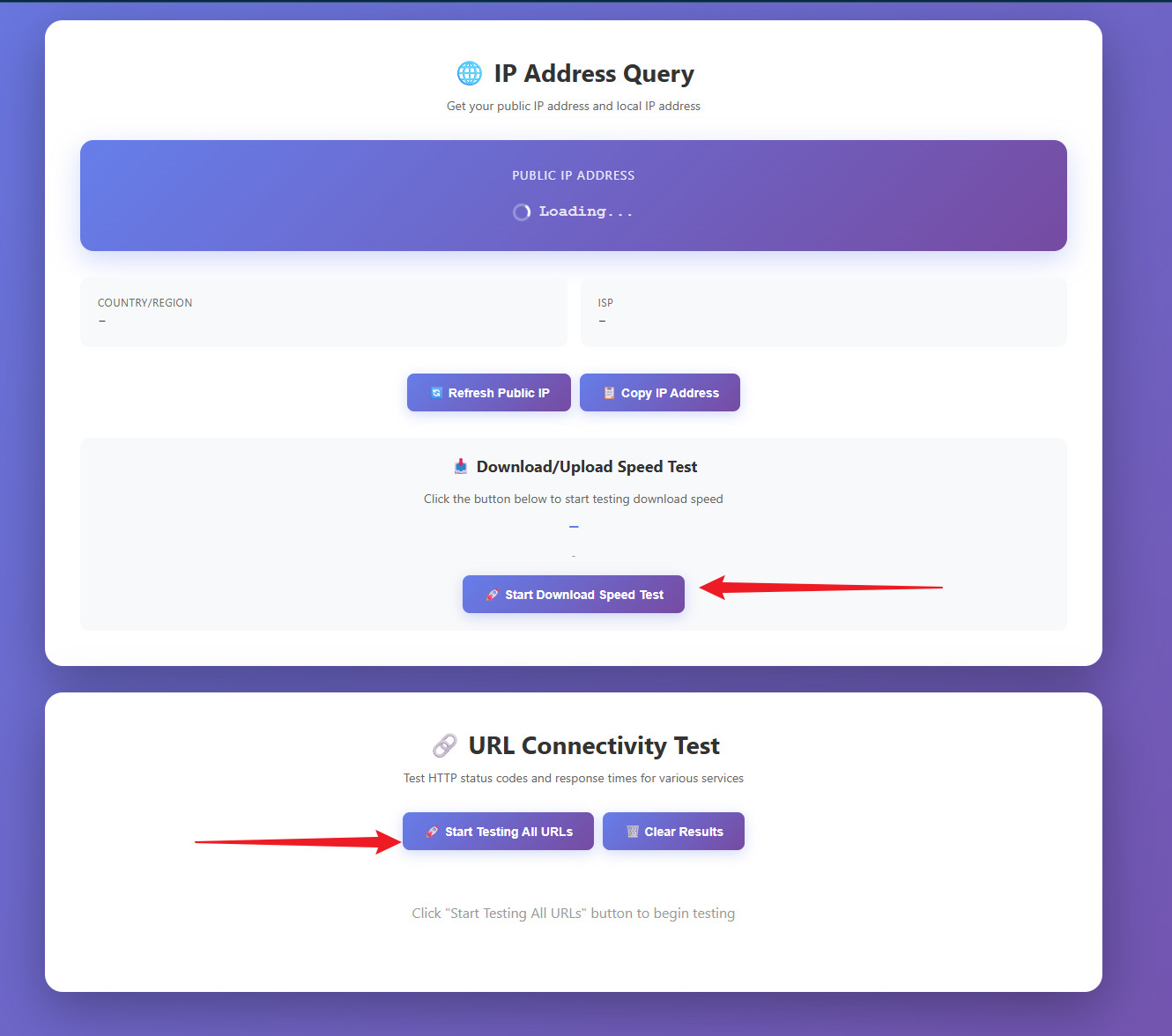
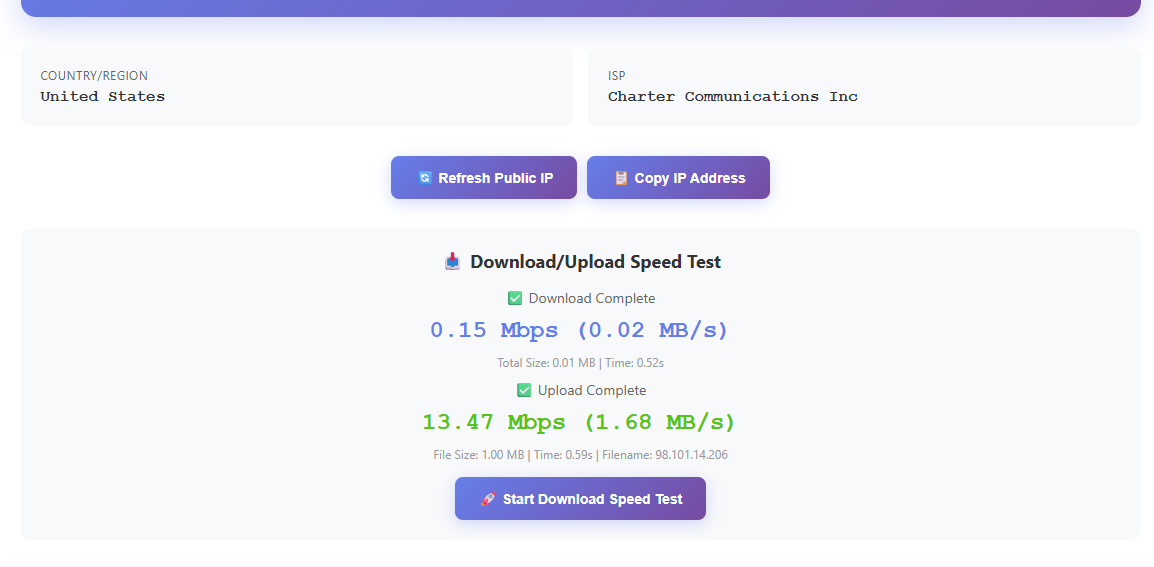
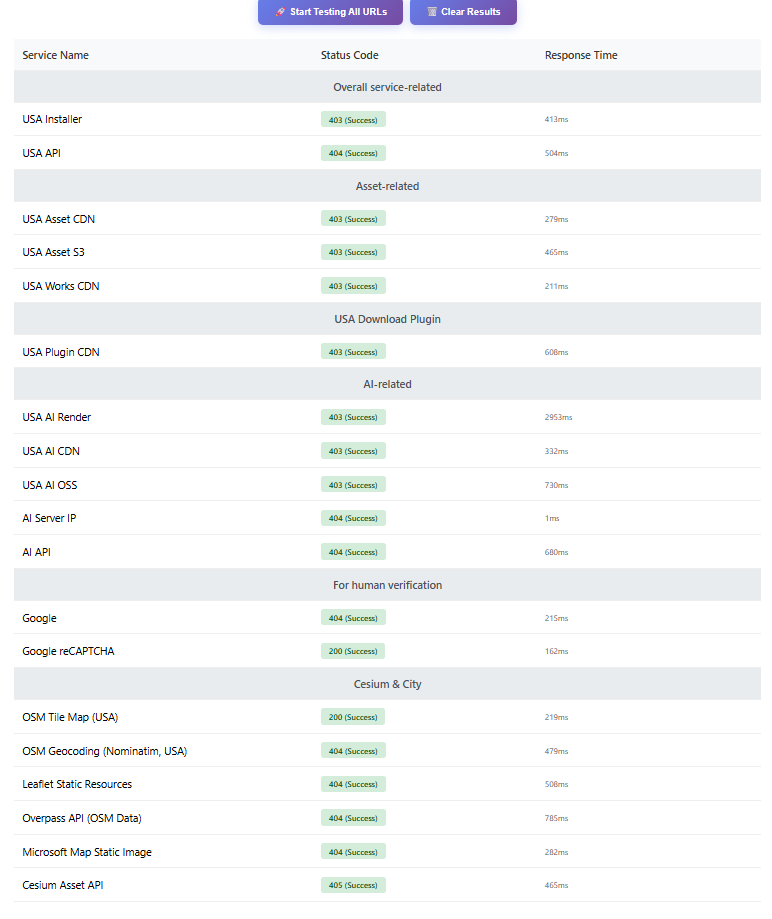
Try to use this network testing tool and send me the results.
I opened a new empty SketchUp 2026 file and tested D5 AI. The result is the same as before - the generated renderings do not appear in the preview window. They are only visible in the History panel.
I also ran the IP Address Query / Network Testing tool, and everything shows green. I’m not sure if there was anything specific I was supposed to look for, but I’ve attached the results.
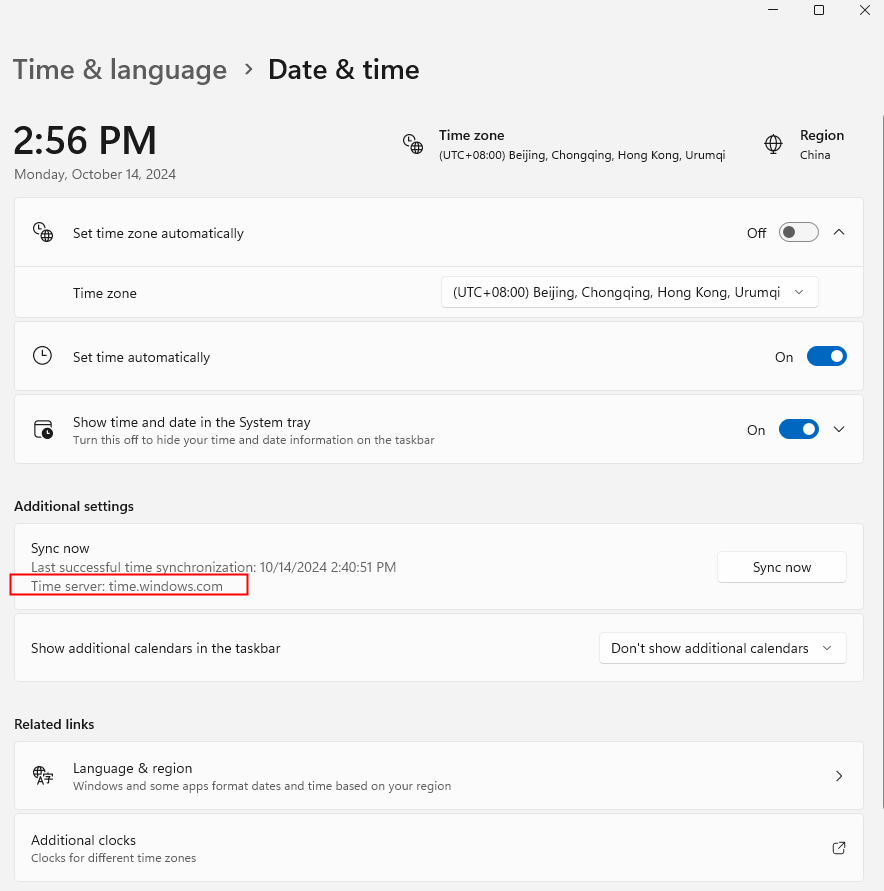
I also checked my system time, and it is synchronized.
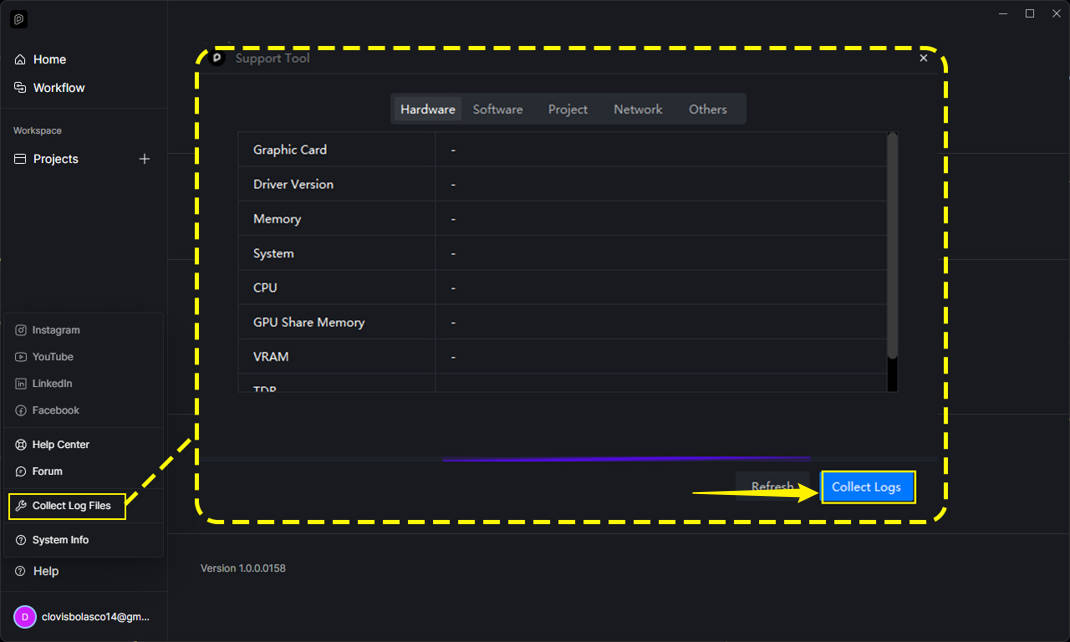
Please let me know if you need any additional information or logs.
Close SketchUp and end everyD5CefServer.exe process.
Rename%LOCALAPPDATA%\d5lite\sketchup\d5lm_cef to d5lm_cef_old.
Rename%LOCALAPPDATA%\Temp\d5_lite_temp to d5_lite_temp_old.
Run SketchUp asan administrator and test a new AI generation.
Hello @Clov , sorry for the delay in getting back to you. Unfortunately, I haven’t found a solution to this problem. I uninstalled D5 Render version 3.0 and deleted all registry entries. I’m going to try rendering again using D5 Lite (Beta) for SketchUp. My current SketchUp version is v24.0.594;
I believe it will be more stable for the test.
Alright, thanks for these. Since you’ve already generated the logs, you can try reinstalling D5Lite completely. Please let me know the results. Thank you.
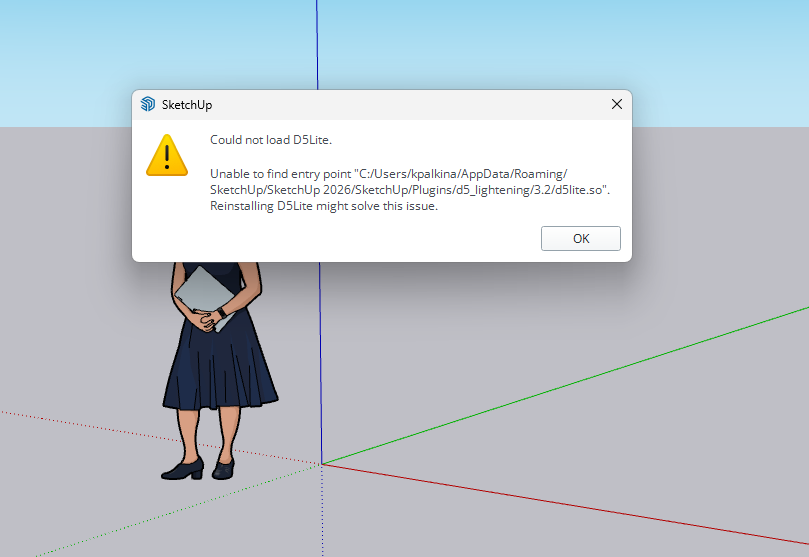
After installing D5 Lite, I encountered the same error again. I discovered the missing file at this location:
C:\Users\USSER\AppData\Roaming\D5 Lite\D5 Lite for SketchUp\3.2\Release.
I then copied and pasted the file into the following directory:
C:\Users\USSERI\AppData\Roaming\SketchUp\SketchUp 2026\SketchUp\Plugins\d5_lightening\3.2.
It is now working properly. However, I believe there is an issue with the D5 Lite SKP 2026 version 1.6 installation file.
D5 team, please advise.
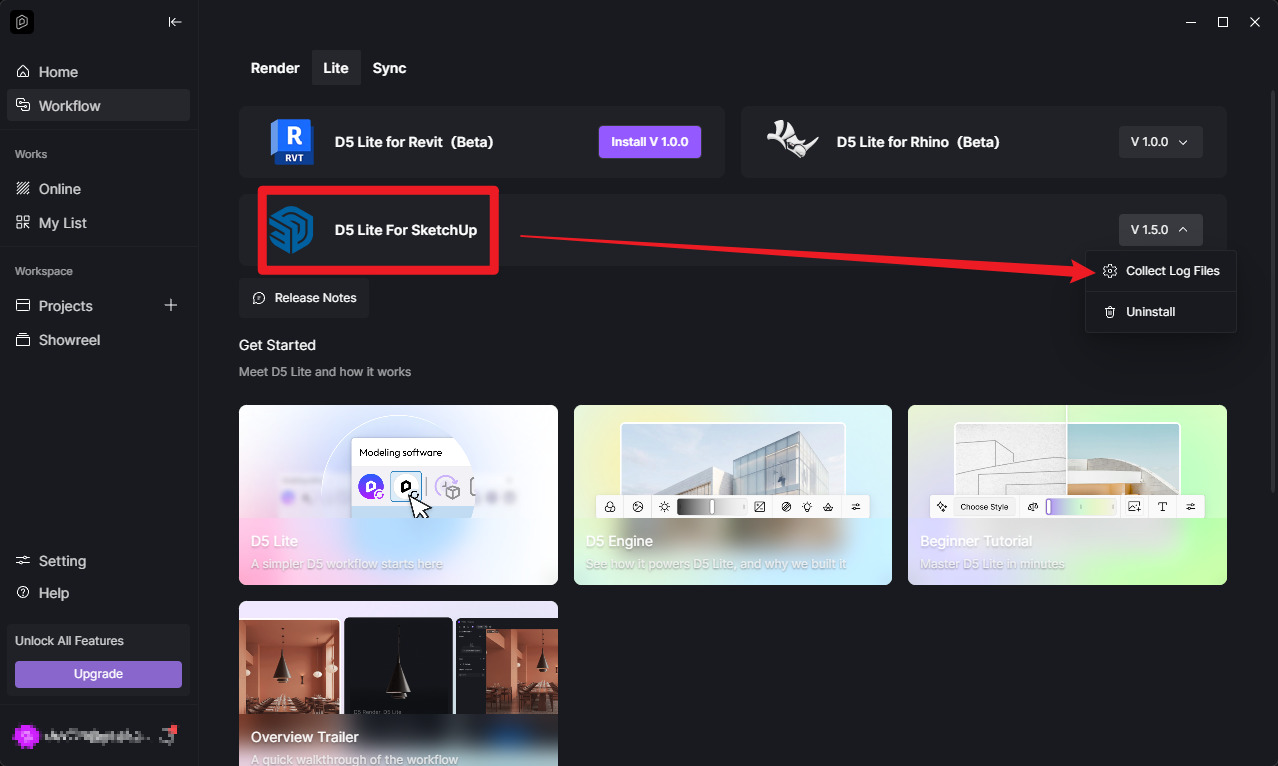
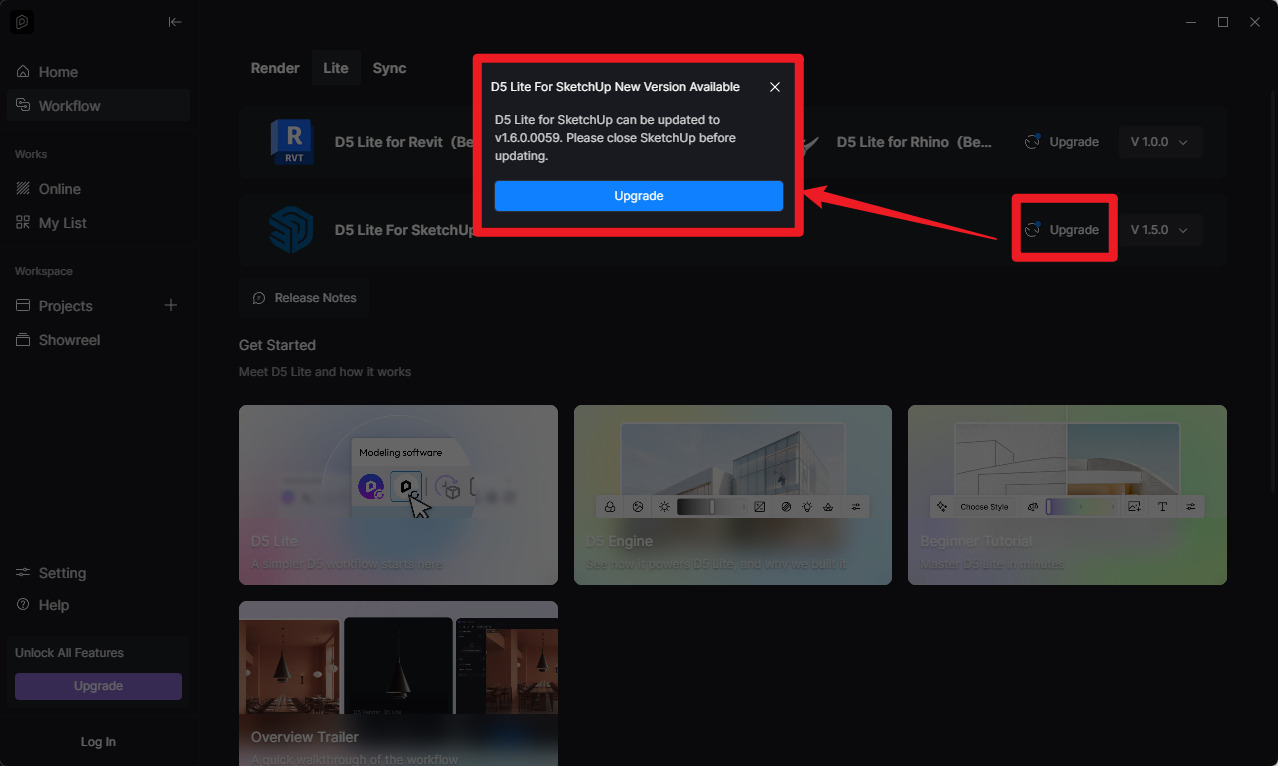
Does the new D5 (Beta) Lite version 1.6.0.0059 resolve the installation issues?
Please advise; I haven’t installed it, and I have to do a workaround to resolve the missing-file issue.
I wanted to provide an update on what I did after the previous troubleshooting steps.
After reinstalling D5 Lite, D5 initially would not load in SketchUp at all. I followed the suggestion from @ddimauro and manually copied the required files into the SketchUp Plugins folder, but that resulted in additional errors.
I then decided to completely remove both D5 LiveSync and D5 Lite using the D5 Launcher and reinstall them from scratch.
I repeated the following process several times:
Uninstalled D5 LiveSync and D5 Lite.
Restarted the computer.
Reinstalled D5 LiveSync.
Restarted the computer.
Installed D5 Lite for SketchUp 1.6.0.0059.
Restarted the computer again.
At some point, after repeating this process, D5 Lite started loading correctly in SketchUp. It now opens and the regular D5 Render functions work normally.
However, the original AI issue is still exactly the same: when AI generates four images, the images are successfully generated, but the four preview images do not appear in the result window. They can only be viewed later in the History tab.