Hi @kpalkina
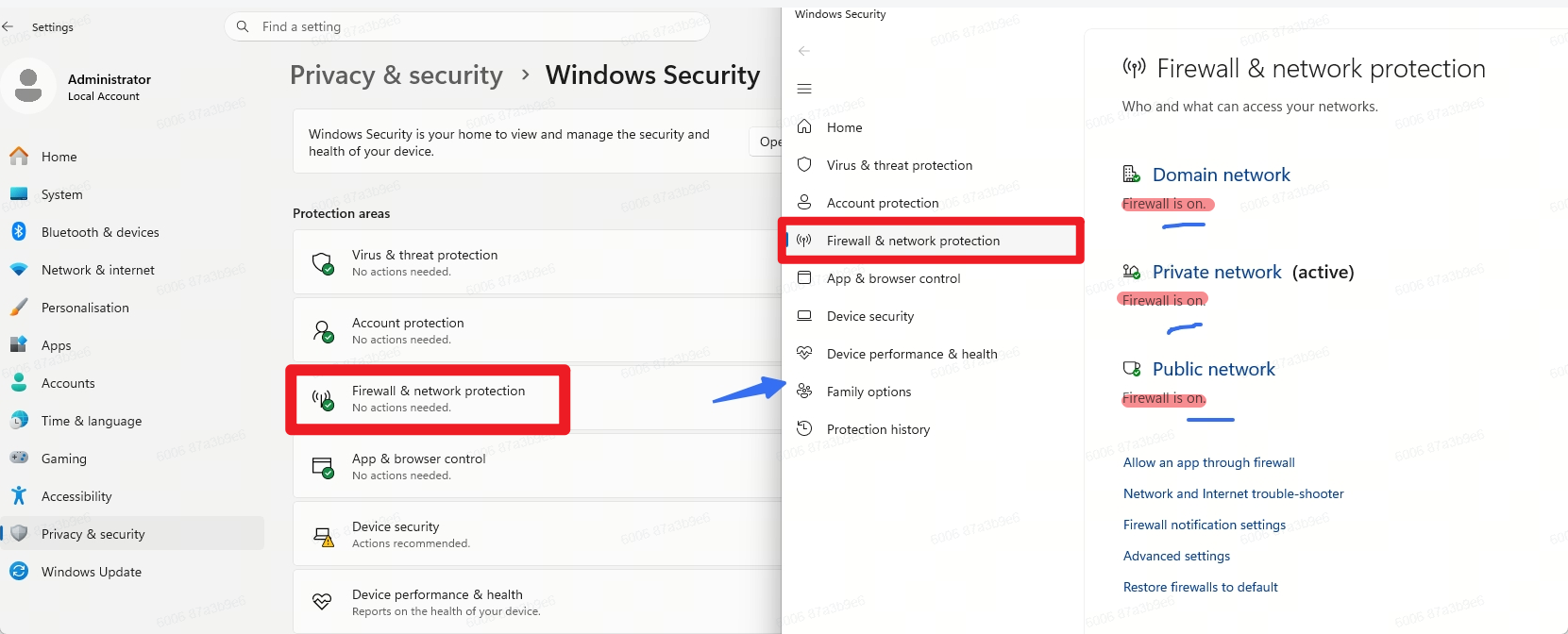
Please temporarily disable your firewall and test again
- Based on our initial findings, the firewall may be blocking both inbound and outbound connections for the SKP process, which can prevent D5 from communicating with SKP properly.
Hi @kpalkina
Please temporarily disable your firewall and test again
I think this same bug is existing in Revit. I have gone through all of the steps mentioned above, and am still ending with broken image links.
Since you have mentioned that you’ve gone through the suggestions that I have made, I assume that:
If you can be more specific about which steps you tried, I would really appreciate it.
Anyway, if it does persist, please send me the following privately:
Hi @Clov ,
We have a dedicated firewall, and the default Windows firewall is not being used, so we cannot disable it. If you can provide an IP address or list of IP addresses that need to be whitelisted, we can try it that way.
Hi Clov.
Yes, all of this has been done. I have been in communication with Jeff Espinoza about this, and we did some troubleshooting last night.
I have tried:
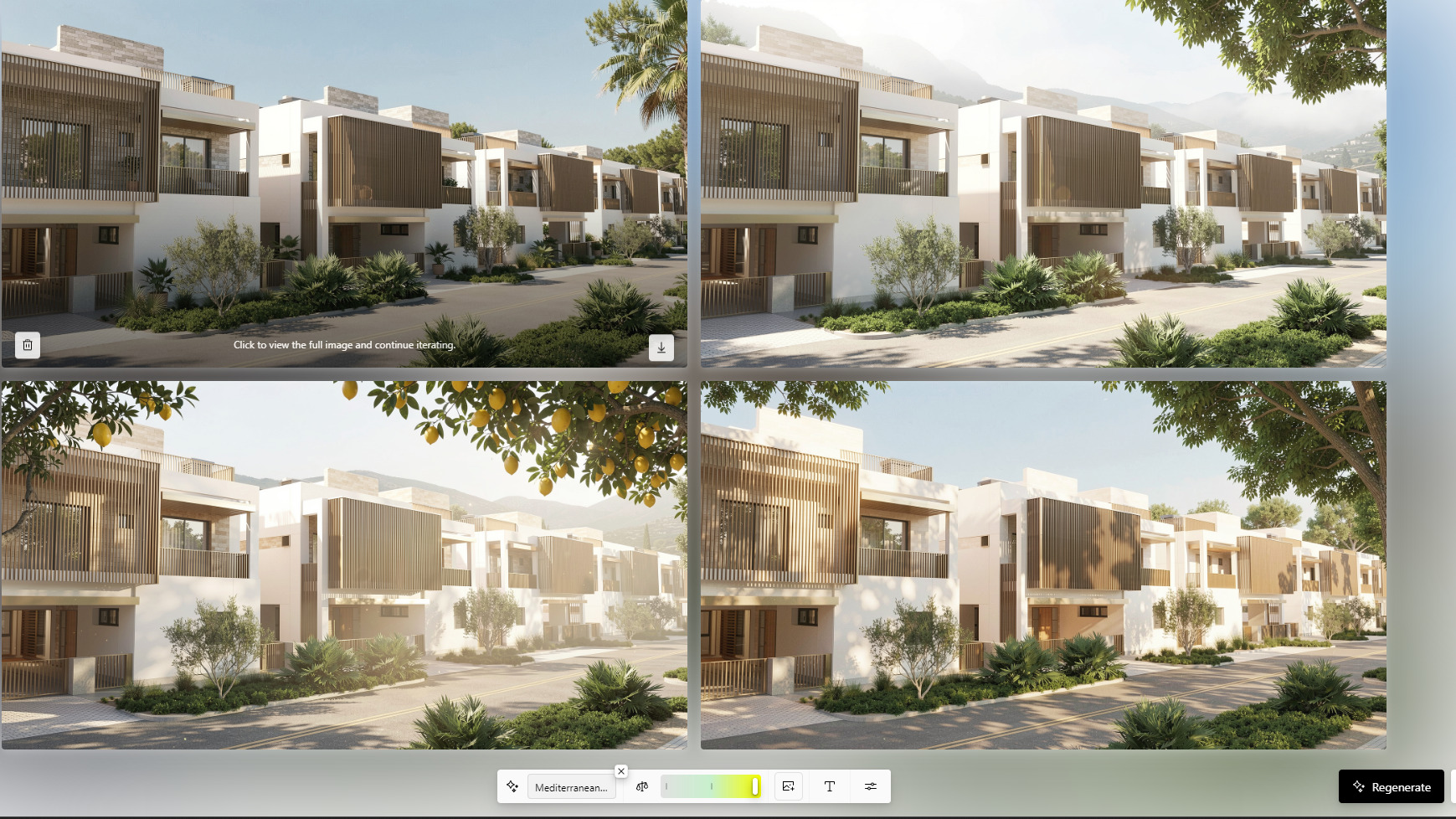
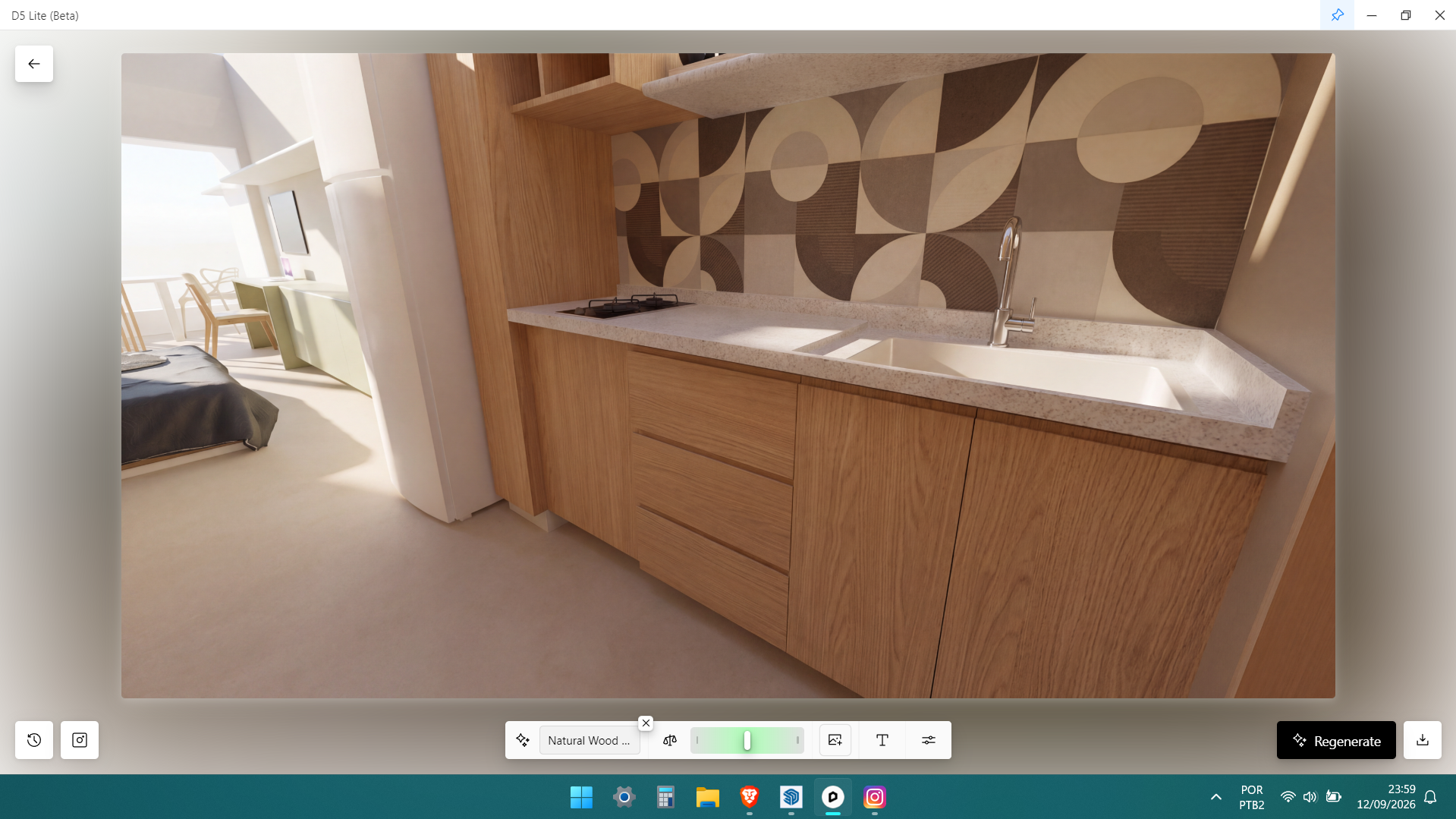
After all of this, the main tiles that appear in the Revit UI for D5 Lite after the rendering has run still show broken image links. The history does show the images, and I am able to click on them and download them (although I did have to enter the .png extension manually).
Hi @kpalkina
I’ve sent you the IPs to whitelist. Please check your inbox here in forum. If issue still persists, please generate your log file
Got it. Has Jeff requested your logs?
If not, can you please send us the following:
I would also like to ask if you were able to use D5 Lite normally before? Was this only prevalent after a certain version?
We’re already investigating your logs which was shared by Jeff
Hi @Clov,
We whitelisted the IP addresses you sent me, but it didn’t help. The same issue still persists.
Do you have any other ideas?
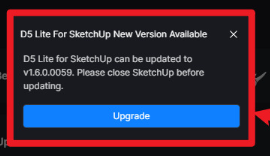
The problem was resolved after installing the latest update for D5 Lite for SketchUp. Thank you very much. @Clov