D5 Launcher open to a black screen

D5 Render Version:
Version 3.1

Graphics Card:
NVIDIA RTX 2000 Ada Generation Laptop GPU

Driver Version:
32.0.15.8092

Issue Description:

After updating the D5 Launcher, it opens to a completely black screen. I’m not sure why this is happening. The entire window is pitch black, with no visible interface or option to close or interact with the application.

I’ve already tried restarting my computer and reinstalling the D5 Launcher, but the issue still persists.
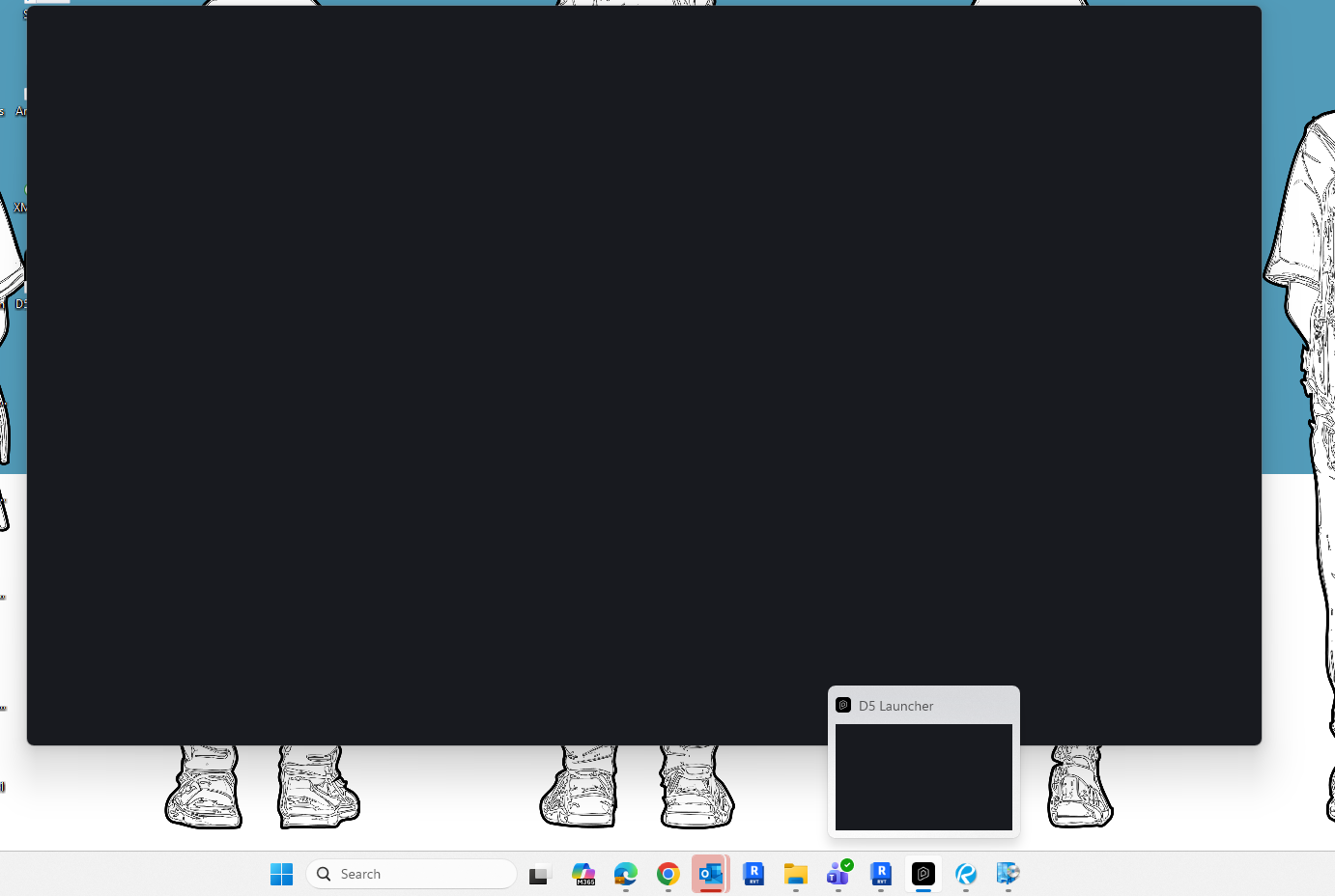
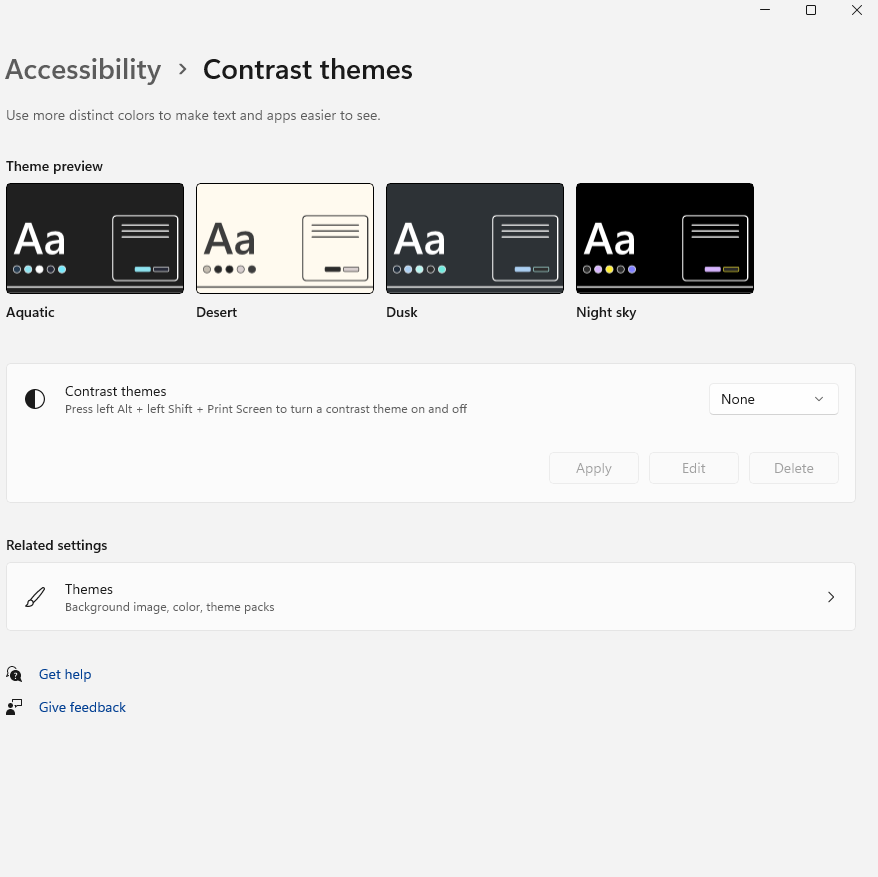
Screenshots/Videos Description:

Steps to Reproduce (optional):

Hi @sebastien.pierreloui

I apologize for the inconvenience. Just to clarify, was this only triggered by the D5 Launcher Update or D5’s overall update?

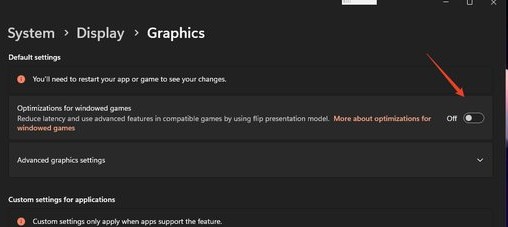
Please do the following first:

If the issue persists, please send us your log files; you may send them to me privately.


The Uninstalling and reinstalling works but now I am unable to login, where I click the login button on the D5 Launcher app, nothing happens.

Hi @sebastien.pierreloui

Are there any error prompts? I just tried it on my end just to see if this issue is experienced by everyone, but I am able to log in normally.

  • If there are any error prompts such as Unknown Error or Bad Request, then that’s a known issue that we’re addressing in the 3.1 hotfix.
1 Like