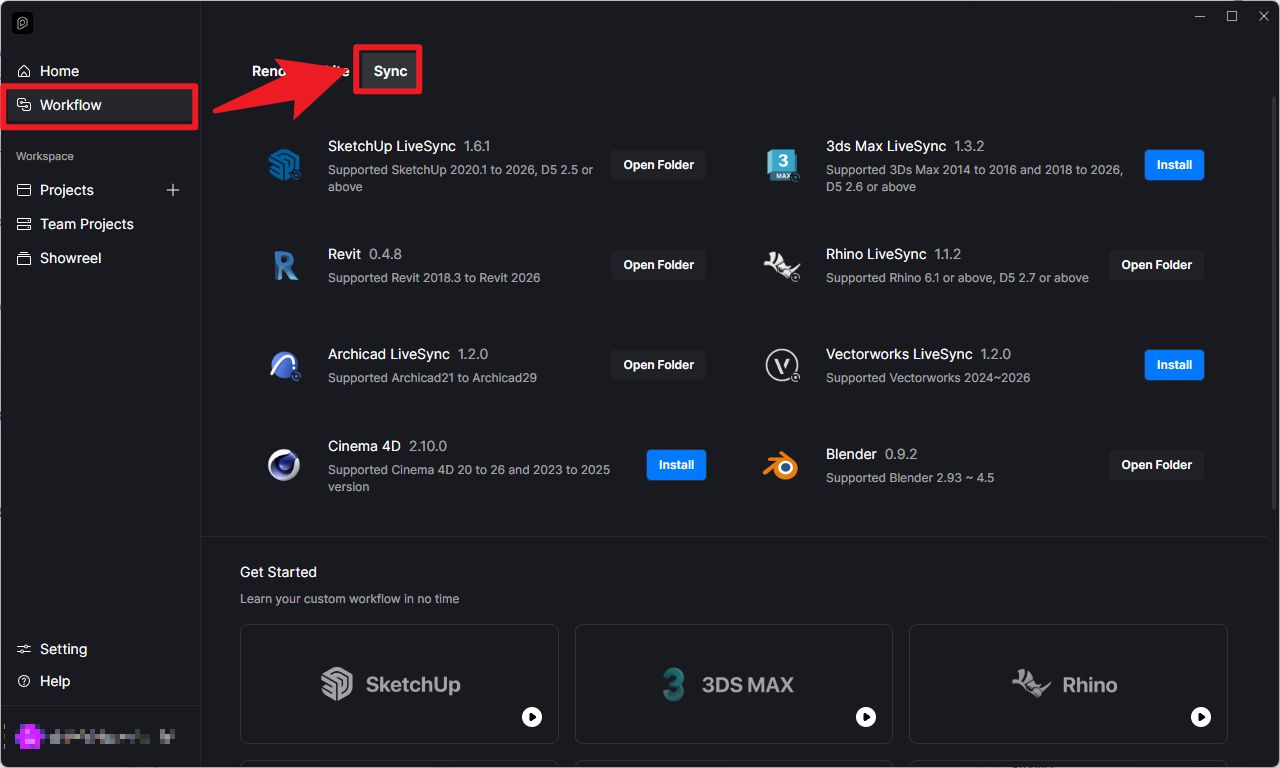
D5 Render Version: 3.0.0.411 Graphics Card: NVIDIA GeForce RTX3060 Driver Version: IDK Issue Description: I can open D5 render program, but I cannot open D5 launcher. When I open this, the process is shown in task manager, but disappears in 5 secs.
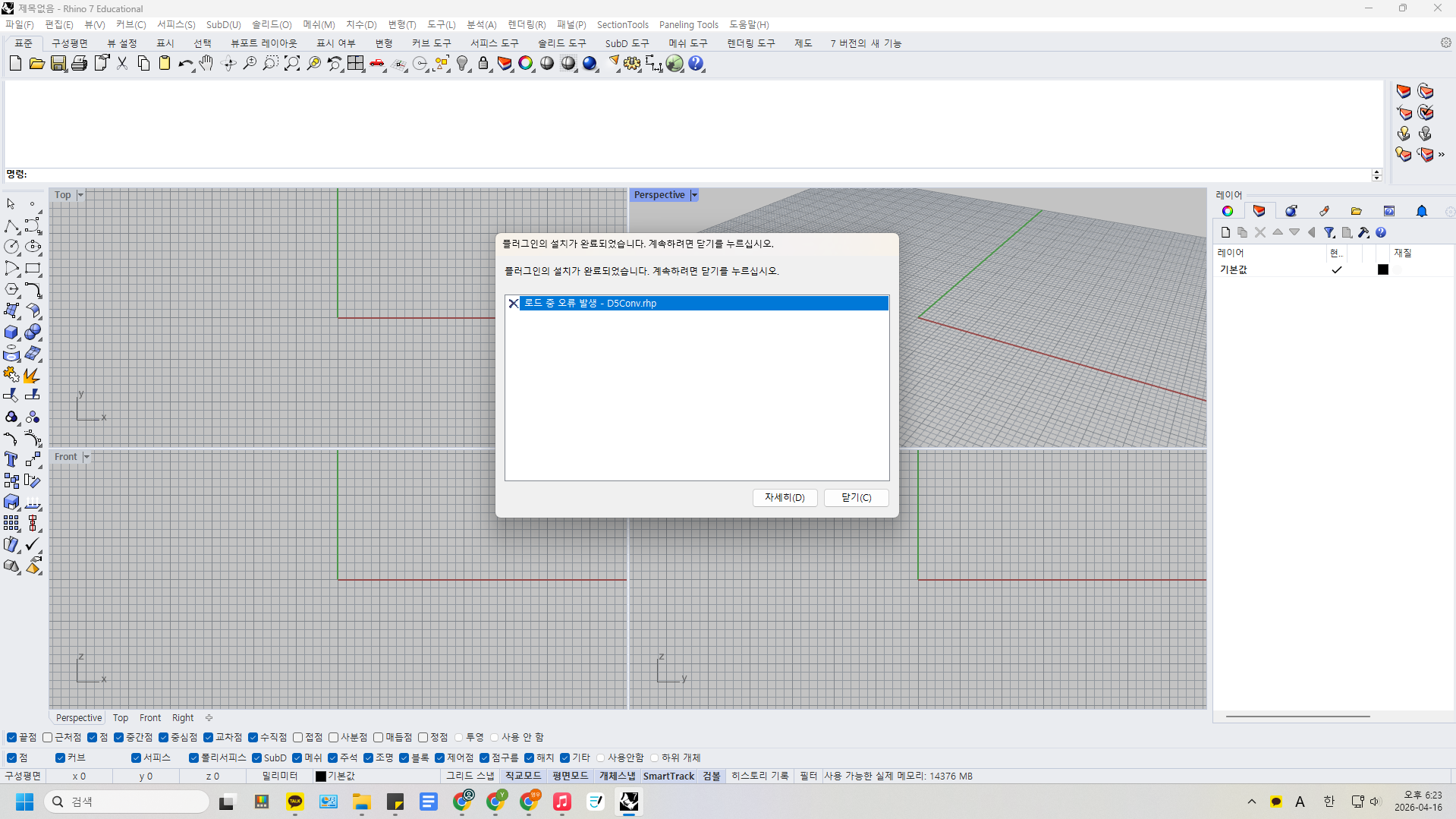
and moreover, I can’t open D5 livesync in Rhino3D 7. When I open Rhino3D, an error message pops up “The translation is ‘the installation of program is finished. click ‘close’ to continue…’ error during loading - d5conv.rhp”
I tried these solutions :
I open d5, rhino 3d by administrator mode
I uninstalled d5, rhino 3d, d5 livesync and re-installed all.
I checked the block from the property pop up of d5con.rhp, but there was no ‘block’ so the problem is not this
I tried to install d5conv.rhp in options>plug-ins>install, but it failed
Were you able to download D5 Render, not just the Launcher? This error prompt usually appears when D5 Render is not fully installed.
Try opening D5 Render with an empty file, then activate the Rhino Plug-in. If only the plugin is installed and the main D5 program is not, this error will appear.
Temporarily disable all antivirus software, then re-download and reinstall D5 Render.
– Complete installation package: Download Package
Some users report path recognition issues when D5 is installed on the C: drive. Try installing it on another drive (e.g., D:)
– Note: Don’t place it in any cloud path or shared network path
I tried all you listed, but it doesn’t work for me…
I have used D5 for 3 years for now, and It just doesn’t work suddenly … can I get further support?
And, I see that there is no longer any folders that were in my C:\Users folder, there were some folders that were written in Chinese, and in there, there were folders named D5 Render. And there are no these folders now. Maybe is it related to…?