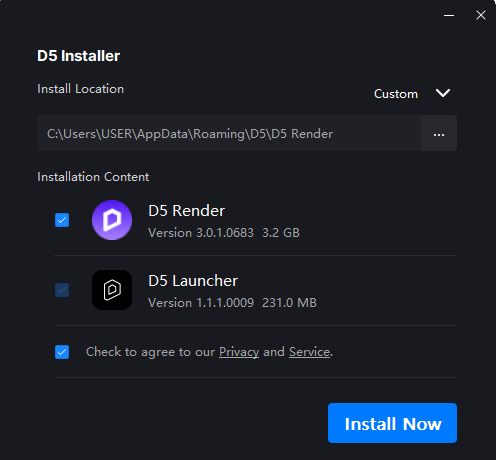
I am trying to open the launcher to install the D5Lite.
The launcher popped up okay for the first time but now it does not run.
I tried these:
Running as administrator
Opening the Launcher from the D5 client
Opening Launcher from start menu (separate from the D5 client)
Restarting and doing all the above again
The Internet is fine
Tried disabling anti-virus/defender, etc.
Latest versions
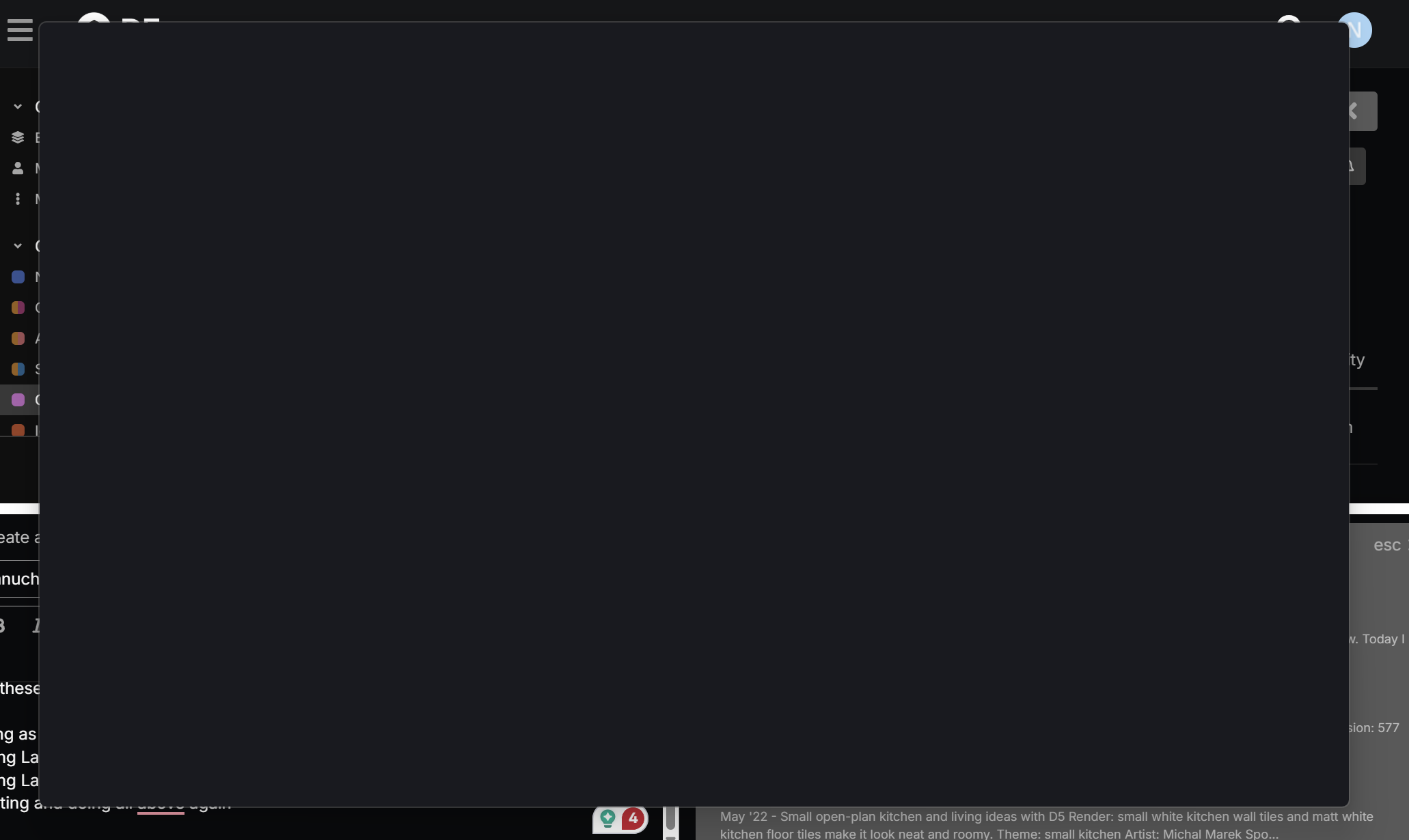
It always shows like this: a black screen that looks like it is not loading
Thank you for your response,
This is not good to uninstall/reinstall for every issue. It seems like every time an issue comes up, we have to reinstall. Now that I am in the middle of a project, I won’t take the risk, actually.
The D5 Launcher experiencing this blank screen only appears when trying to use D5 Lite, correct?
Were you able to use D5 Lite before normally?
Regarding the lack of response, please note that we operate during business days (Monday–Friday; HONGKONG Standard Time). If your post was made over the weekend, there may be a delay before the team can review it. Thank you for your patience
the point is I want to open the lanucher to run the D5 lite!
I have never used lite before so I wanted to try that too. I am not sure how to get that, so I searched and there was a saying that it is running from lanucher(??)
also tried searching the D5 website, download section, tried D5 lite and it leads to D5 normal client
not sure why I cannot have simple access to D5Lite
Could you please provide a bit more context regarding the issue you’re experiencing?
Based on your original post, we understood that you had launched D5 Lite from SketchUp or Revit (Beta), and that the D5 Launcher was displaying a blank interface. However, based on your follow-up reply, it appears there may be a misunderstanding about how D5 Lite is intended to operate.
To clarify, D5 Lite is not a standalone application and cannot be launched directly from the D5 Launcher. It is a plugin that must be activated through one of the supported 3D modeling applications. As a result, attempting to use D5 Lite independently of SketchUp or Revit will not work as expected.
For reference, we’ve published official documentation and guides that explain the intended workflow and setup process:
Let me be clear
I want to use the D5 lite, which I think it is a new feature added to the latest version
First of all, I cannot find a clear instruction to install/run the feature since there isn’t any tutorial.
Second, can you please explain to me step by step how to get this feature available on my side?
first I thought maybe SKP24 is not compatible so I upgraded to 2026
latest D5 version
Latest Launcher version
Latest D5 sync version
All checked right now
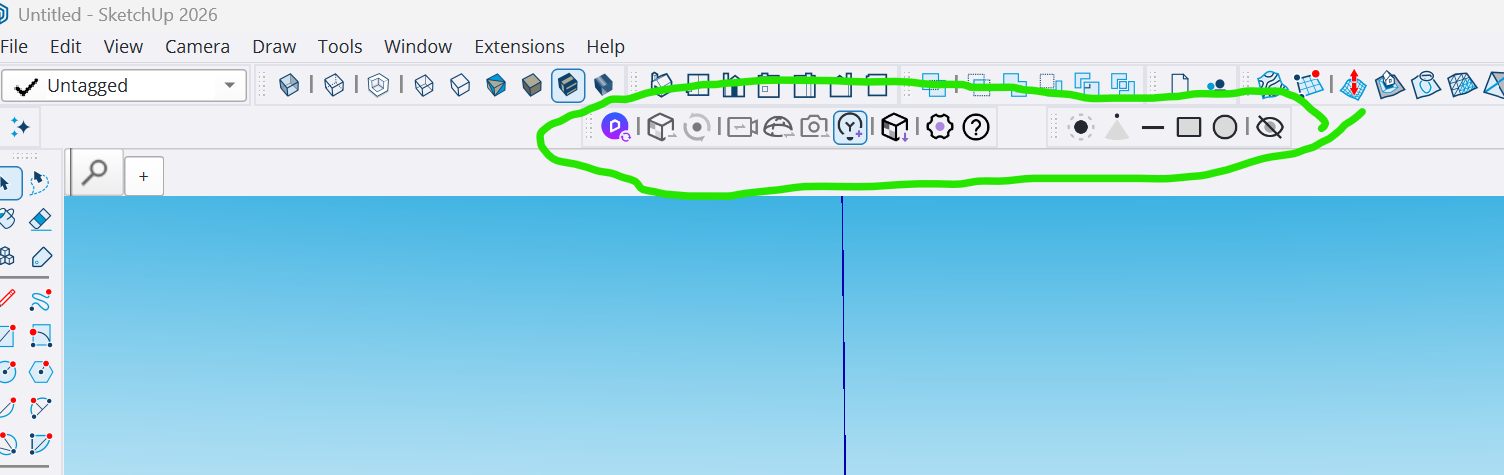
A fresh installation of SketchUp 2026 and all D5 plugins are installed
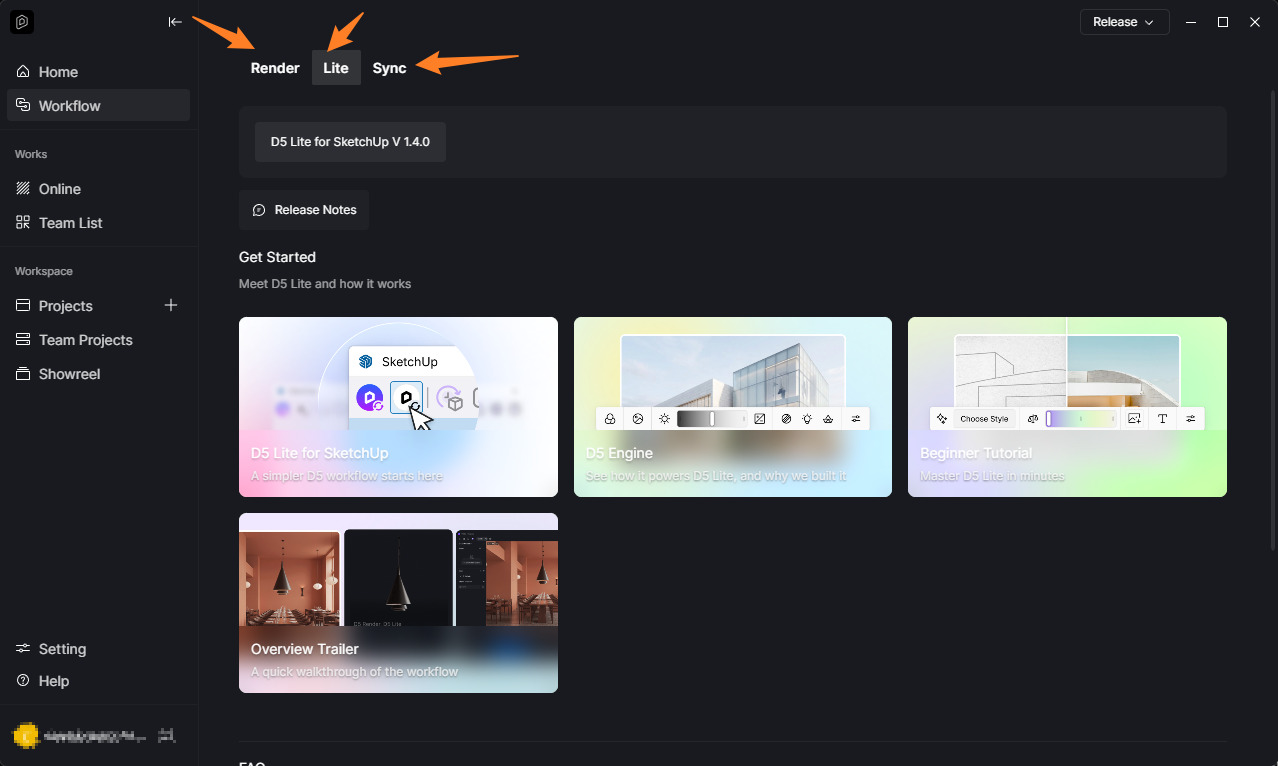
For all users who have experienced such a frustrating issue, this is the way to get D5 Lite running:
Open the launcher, head to the “Workflow” tab, select your 3D application, and click “Install” for D5 Lite
If you follow the path that the D5 website is suggesting, you never get to this; it just redirects to the download page, never saying you have to install it from the launcher/workflow.