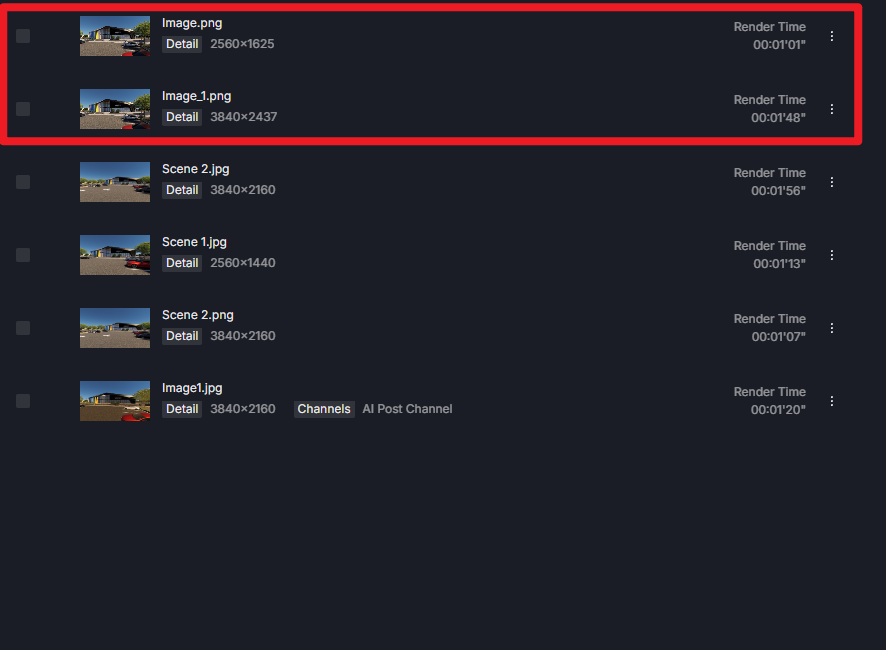
My D5 scene is crashing after i try rendering. Maybe sometimes at 2k it might render properly, but at 4k it just crashes. My scene is not that huge either. I have also attached the log file below. This only started happening from start of this year i think maybe after the updates starting from ver 3. Currently i am not able to work on my laptop for rendering D5 and its really frustrating since at times i need to be mobile and work. Let me know how you can help at the earliest.
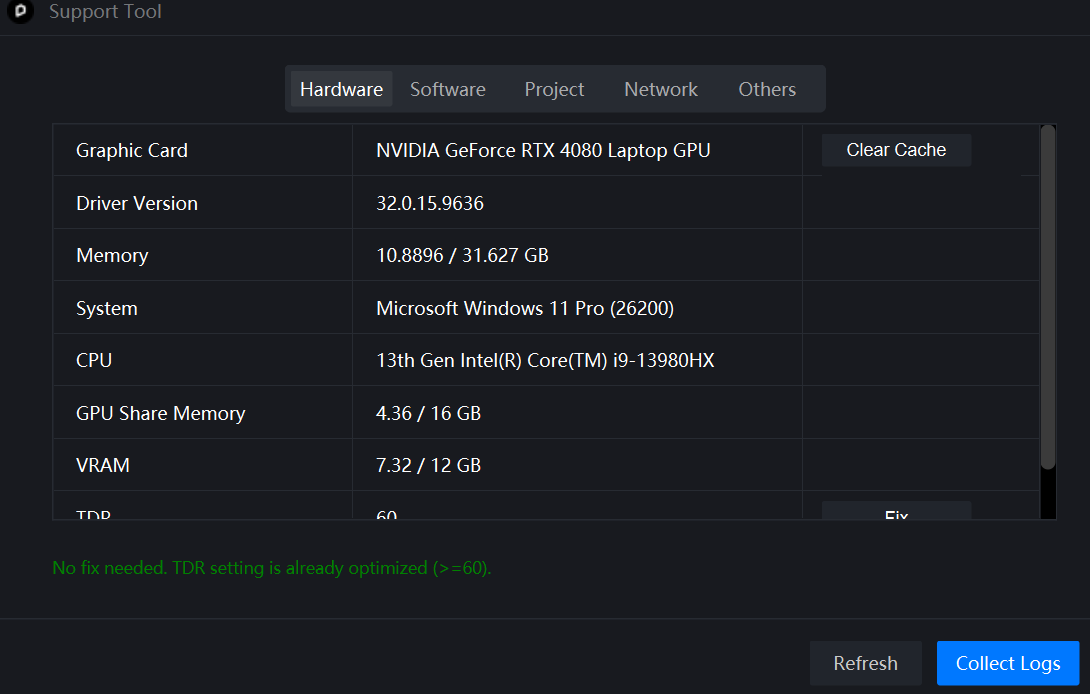
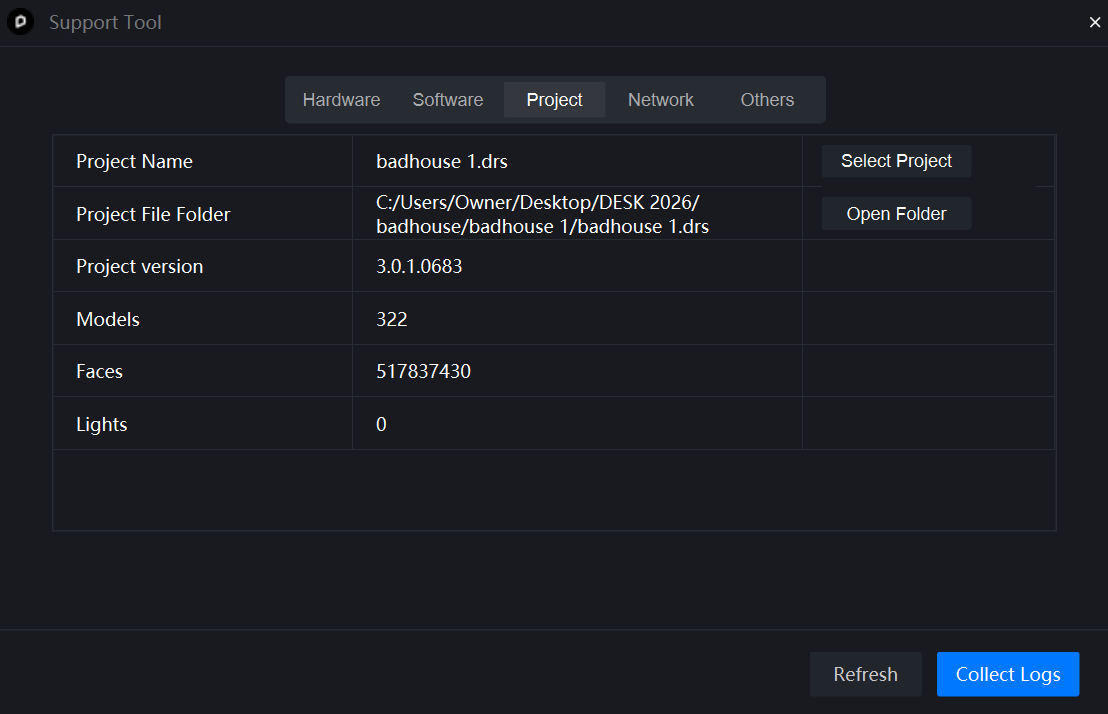
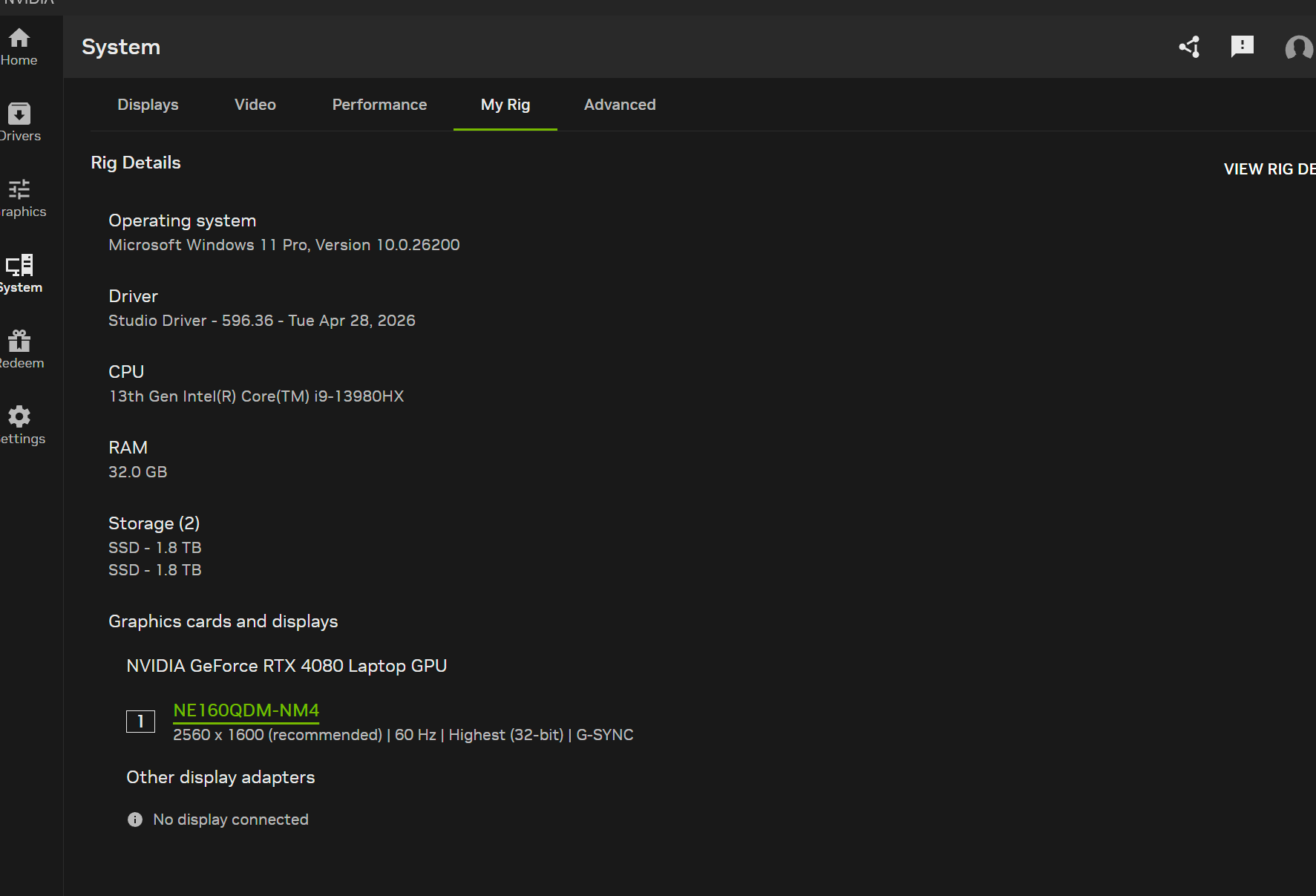
This is most likely a VRAM + thermal limitation of the RTX 4080 Laptop GPU at 4K resolution, compounded by running on a Windows Canary build that may have D3D12 stability issues. The fact that it happens across “other files” too confirms it’s environment-level, not scene-specific.
Your laptop has an RTX 4080 Laptop GPU with 12 GB VRAM , which can handle 2K rendering fine, but 4K rendering puts significantly more pressure on the GPU. This can eventually cause the GPU driver to time out, which makes D5 crash.
Your Windows 11 25H2/Insider build may also be a contributing factor, since pre-release Windows versions can sometimes affect GPU and D3D12 stability.
As a first test, could you try rendering at 4K with these settings?
Set DLSS to Performance (NVIDIA Settings)
Lower Shadow Quality to Medium
Disable Volumetric Fog/Clouds if enabled
If the 4K render works after lowering these settings, it would strongly point to VRAM/GPU load as the cause.
I’d also recommend updating to the latest NVIDIA Studio Driver and checking your GPU temperature during a 4K render, since laptop GPUs can also become unstable under sustained load.
For now, if you need to get work done reliably, 2K rendering + upscaling to 4K would be the safest workaround.