D5 file keeps crashing

**D5 Render Version: ** 3.0.1
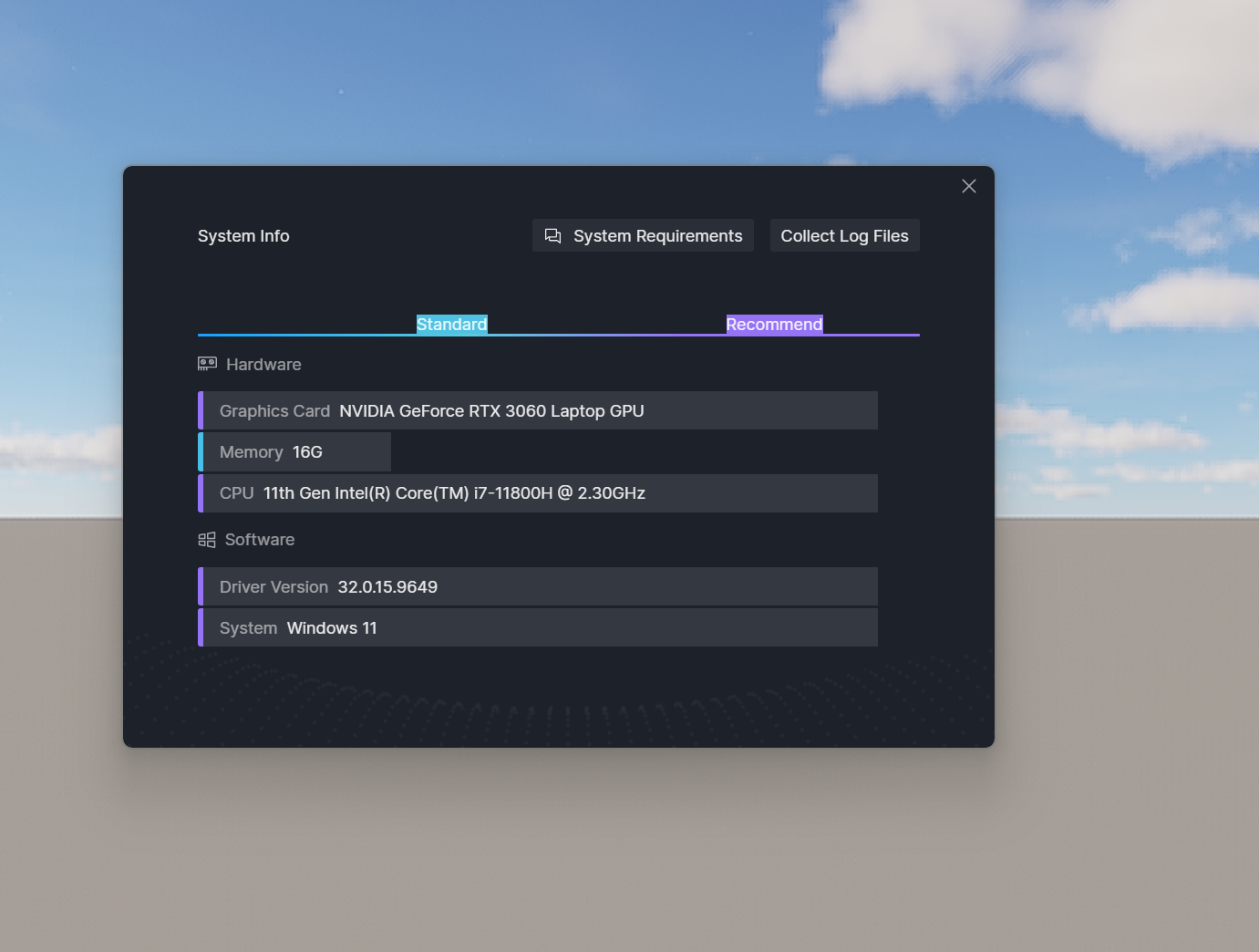
Graphics Card: nvidia rtx 3060
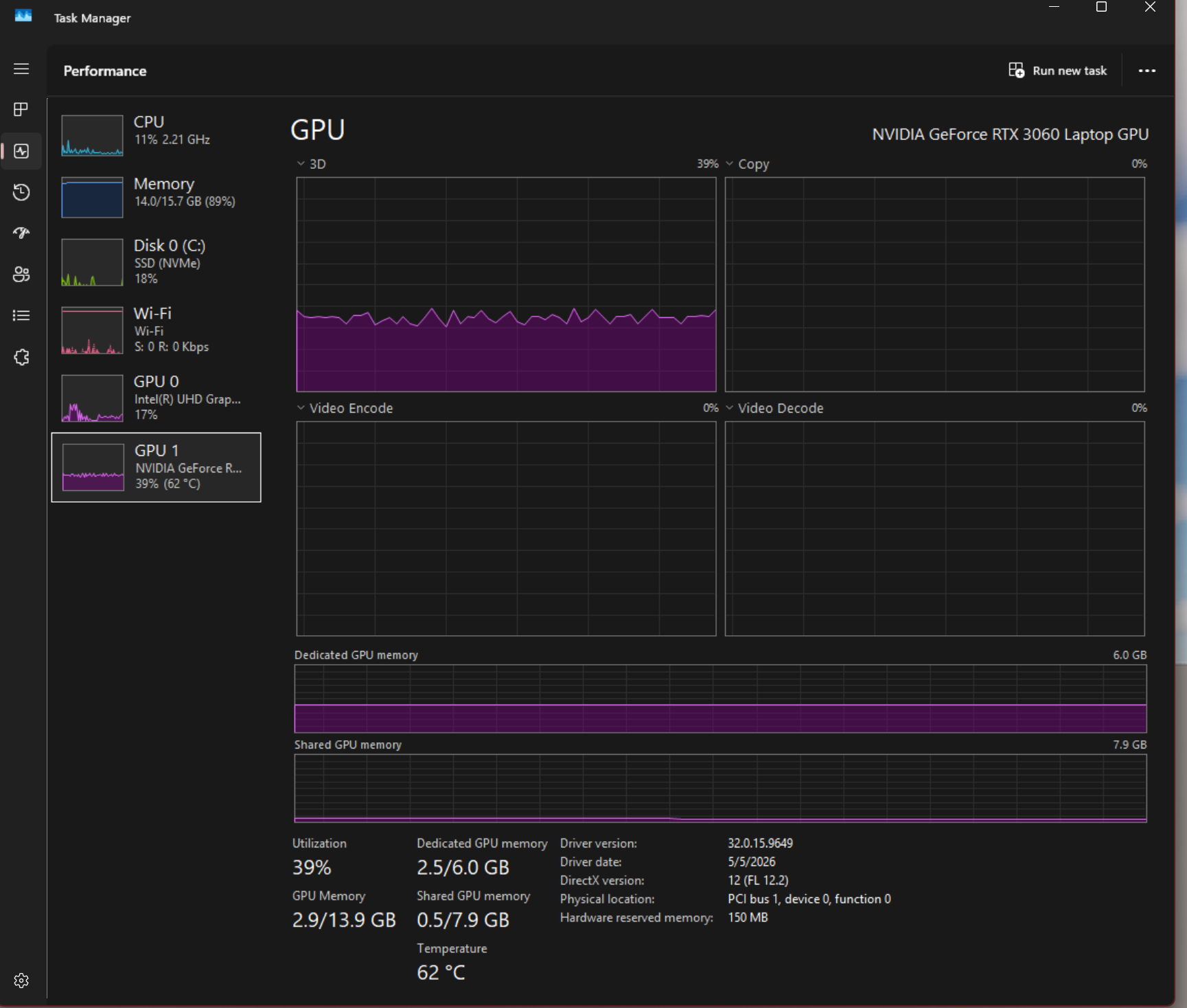
Driver Version: 32.0.15.9649
Issue Description:

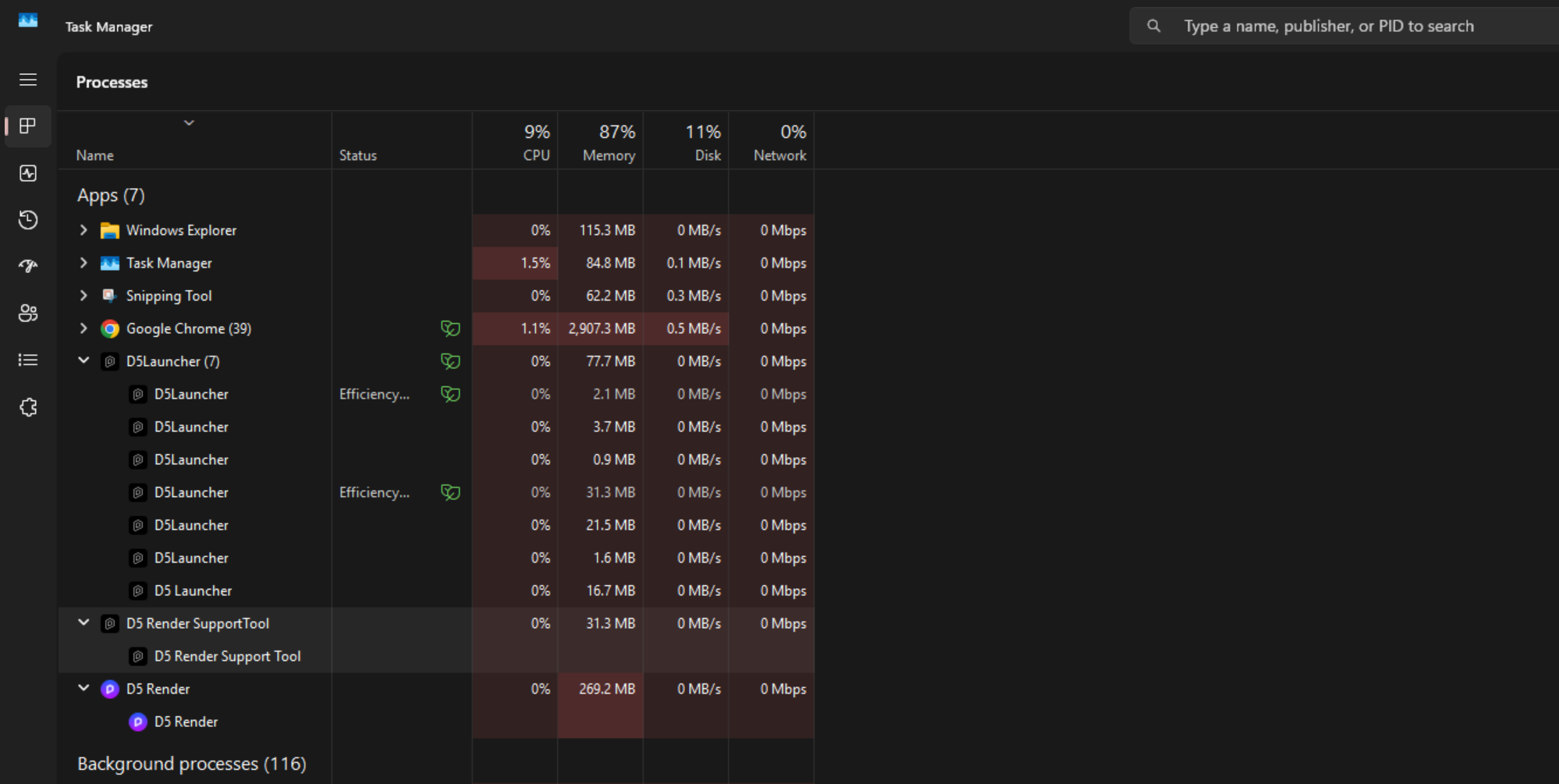
I’m currently working on a render for school but D5 keeps crashing every time i open it for the past 2 hours. I’ve been working on the file for a while and it was working fine until now. I have tried to restart my computer a couple of times and upgraded my driver as well but still no success. What do i need to do to open the file, once it gets to 100% loading, it crashes so i can’t even turn some layers off. My RAM usage is under 90% as well.
HI there,

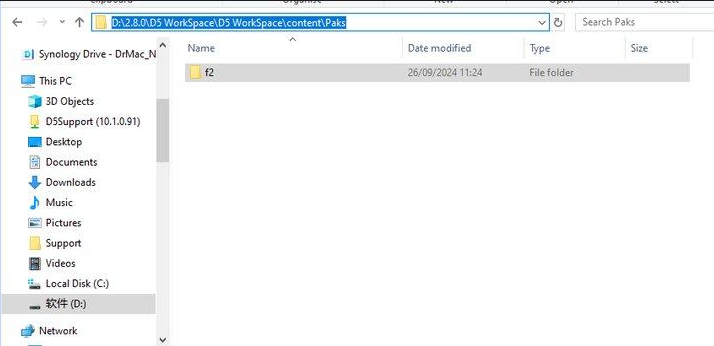
  • If the file fails to open, please delete the ‘f2’ folder under your WorkSpace path and then reopen the archive. Once it’s open, refrain from updating the assets until you have lightened your scene file by deleting some assets, including procedurally generated vines. This will help prevent it from crashing again due to excessive video memory usage.

Please note: Deleting f2 is a temporary workaround and should be used with caution. If you were previously able to save files without issues but are now encountering high memory usage that prevents file opening, please share your D5 save file with us at support@d5techs.com. Kindly include the forum link for reference. We are actively working on resolving this issue.