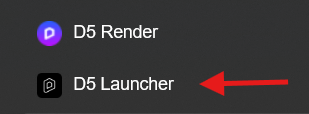
Student verification must be submitted through the D5 Launcher, not within D5 Render.
Please open the D5 Launcher, log in with your account (20233940@aloe.ulima.edu.pe), then go to Account → Get D5 for Education and submit your application there.
Once submitted, the review process will begin. Let me know if you encounter any issues during the application.