Dear Clov,
I went into the “usr.ini” file and the “LastDir” section is NOT there.
Hi @matipenon
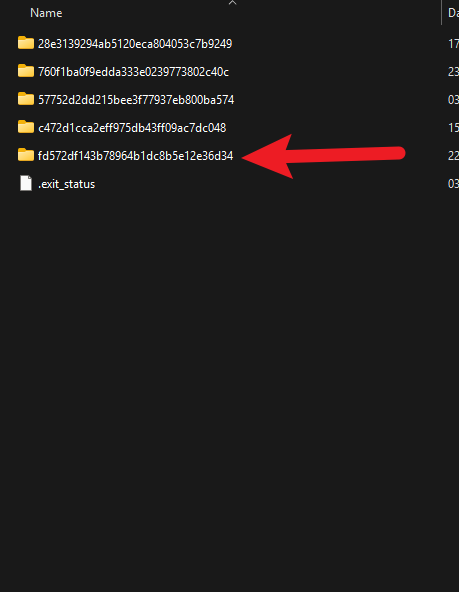
There are several folders with usr.ini files under the usr folder. Please try to check the last one.
- Its contents should be similar to the screenshot i have posted, you can send a screenshot of it privately.
1 Like
Hola @Clov , busque dentro de todas las carpetas archivos “usr.ini”, los abri y ninguno tiene el parrafo que marcas para eliminar (LastDir).
Envie el archivo Zziplog.zip a soporte y aun no me han contestado, sigo sin poder utilizar el Soft.
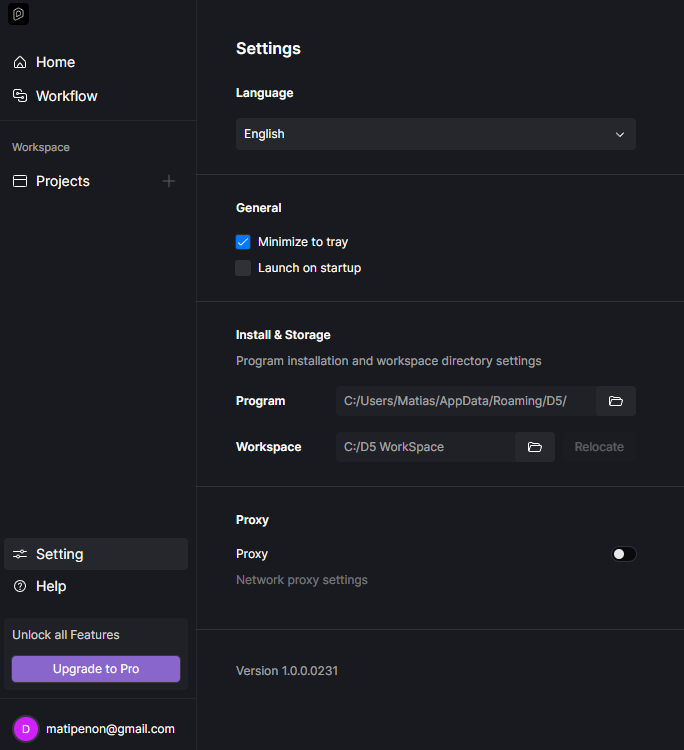
Hi @matipenon @veroalborghetti @ing.alberto.blanco @vizcabruno
We recently replicated the issue that was experienced by several users. Can you confirm the following:
- Which Country/Region are you currently located in? By chance, from South America?
- Are you an active user of Claro Drive? And is the application running while you were using D5 Render?
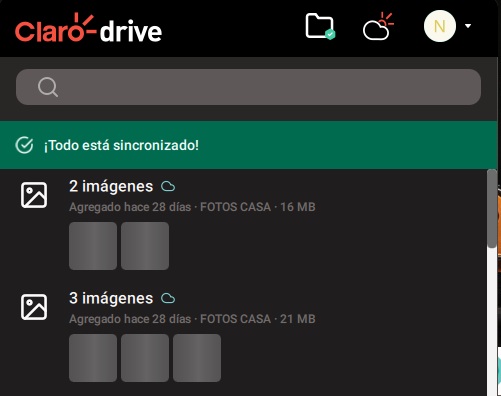
Hola @Clov , es asi, a mi me solucionaron el problema los chicos de soporte de D5 (unos genios!!!), les paso info del programa que tiene conflictos con D5, se llama CLARO DRIVE (es una nube de la empresa telefonica Claro, soy de Argentina asi que puede ser que en Sudamerica pase lo mismo si la usan).
No hace falta desintalarla…con quitarla de la Barra de tareas cuando usamos D5 ya funciona…despues la pueden volver a activar y sigue todo normal.
Quiero agradecerte a ti @Clov y espero sirva de ayuda para otros miembros!!
Saludos
Hi @matipenon
Thanks for your kind words~
We were also able to confirm this to other users, and two things are very similar across all who have reported this issue, such as:
- They are from South America. ( Claro Drive can only be used in this region)
- Claro Drive is activated or used.
Anyway, thanks for your cooperation.
Hi,
I have the same issue with the crash and neither use “claro Drive” nor am i in South America.
I am based in Europe. Any solution?
Regards
I am not from south America, I am from Egypt in Africa and I have the same issue, what can i Do ?
I need a gentleman helps me please, D5 Crashing when i use save and open file or import anything, the file crashes from me suddenly.
Please help me I have a submission
Sorry for the delayed response, and we sincerely apologize for the inconvenience this issue has caused.
May we please confirm if the problem is still occurring on your end? Recently, we have received similar reports from other users experiencing crashes when saving files, even without using the Claro drive. Our team is currently monitoring this issue closely and actively working on a fix.
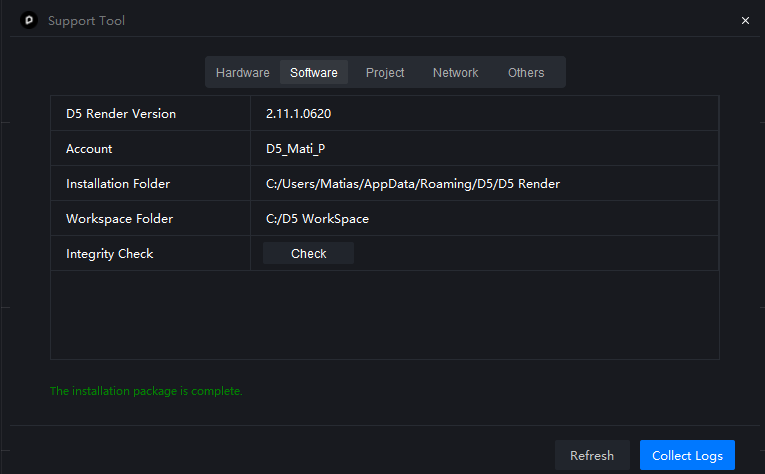
In the meantime, we kindly ask you to collect your D5 log files using the D5 Support Tool and upload them to WeTransfer. Once uploaded, please send the download link to support@d5techs.com so we can further investigate your case.
Thank you very much for your patience and cooperation.
Thanks @ela for your Response, the issue is still occurring, i sent my log file to you the mail, but i didn’t received any response on it, i sent the mail via my second account mahmoudsoliman3040@gmail.com … you can find my account in your mail box, that problem made me mad.
and also Claro drive didn’t work with me because my location not have that company, I am from Egypt in Africa and middle east regions.
i tried to uninstall the d5 software and install it again and the issue is still occurring, i searched on chat gpt for it and also didn’t has any response for that problem.
Thank you @solimanoculus. I have received the files. We will review and use them for further investigation. 
l have the same problem, can you please review my log files too
Hi @cigdemesim
Could you please help us confirm a few details first? This will help us narrow down the cause of the crash:
- What version of D5 are you currently using?
- Does the crash happen when using Save, Save As, or both?
- Does it occur with all projects or only a specific file?
- Have you recently updated D5 Render or your system (Windows, GPU driver, etc.)?
- Did this issue occur in the previous version?
Hi, I have the same problem too.
I’m using the latest 3.0 version, and the crash occurs when I’m trying to save or save as. This does not occur on the previous version
Hi all,
We have identified this issue in this topic.
Please first confirm: you cannot import models, save/save as the current file normally, and D5 will crash.
If so, the problem is caused by the Qt pop-up window conflicting with other DLLs.
You can try:
- Exit Claro drive or other cloud storage
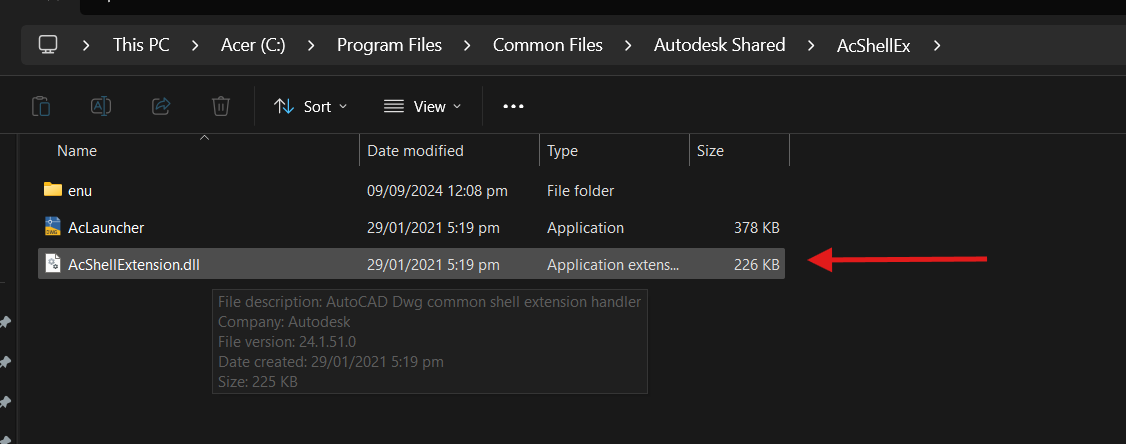
- Locate and Rename the Autodesk DLL/plugin
Could not reach server (timeout). [127.0.0.1:12121], live sync abort - #16 by ela - If your device has none of the software above, please collect a log file and send to us. Thanks.