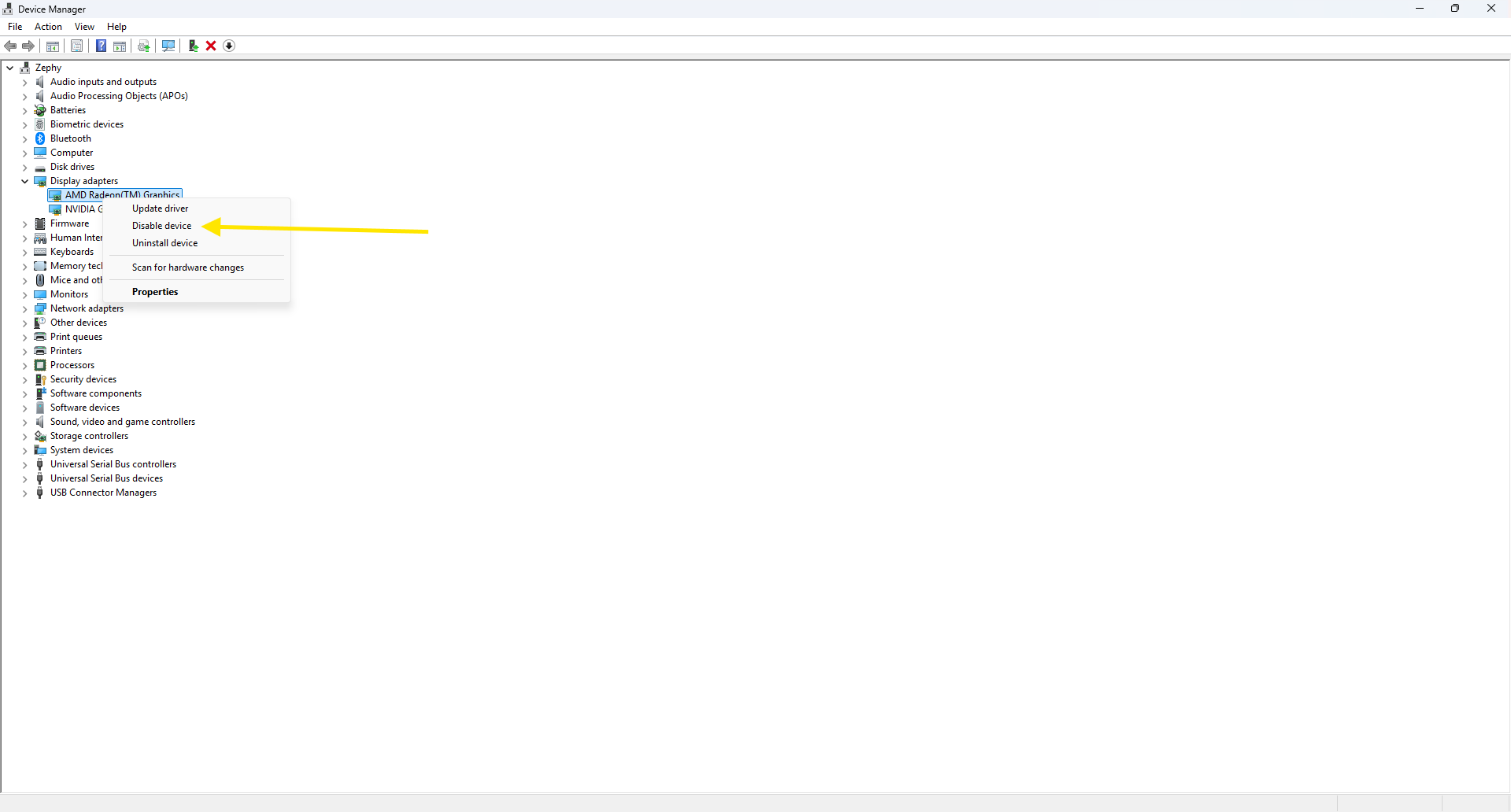
D5 Render Version: 3.1.1
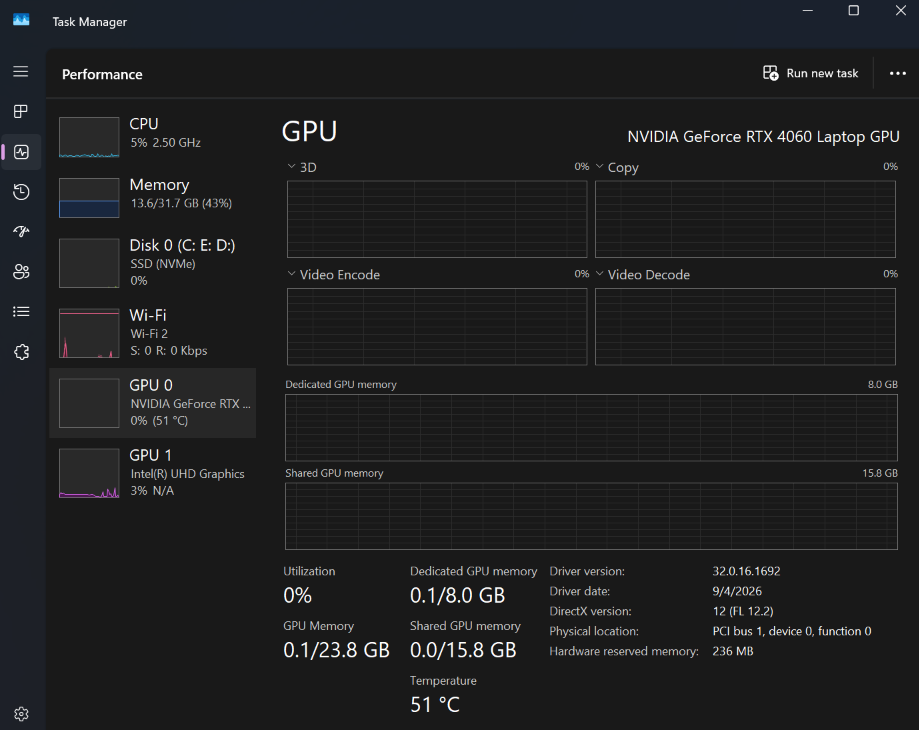
Graphics Card: NVIDIA GeForce RTX 4060 Laptop GPU
Driver Version: NVIDIA Studio Driver, Version: 619.92
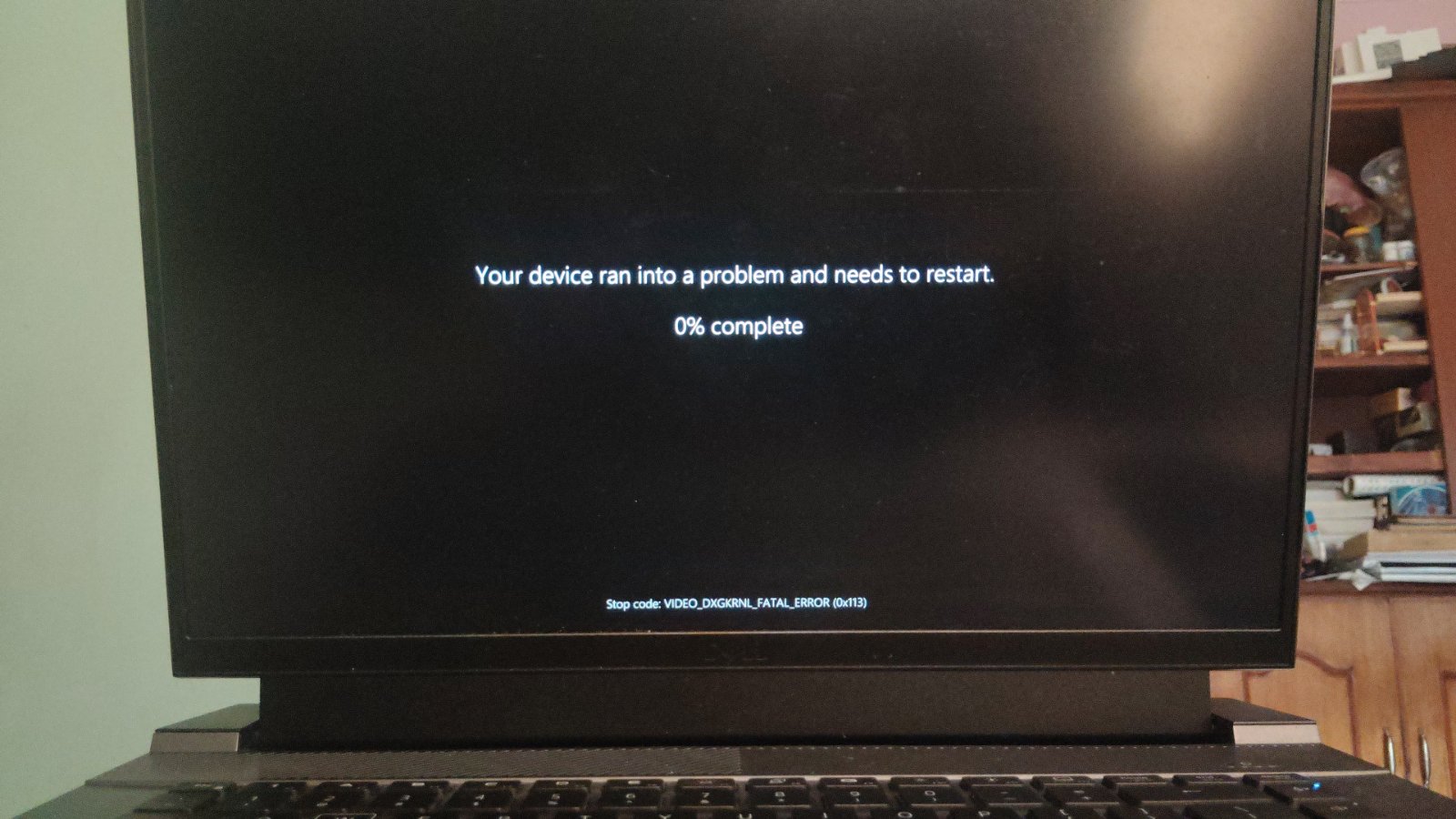
Issue Description: D5 crashes whenever the gpu activity reaches 100%. The screen blacks out, and when the system recovers, D5 can no longer be opened without restarting the system. When restarting, it shows, “Your device ran into a problem and needs to restart. Stop code: VIDEO_DXGRNL_FATAL_ERROR (0x113)”.
Even after restarting the system, D5 crashes as soon as the GPU activity surges. I am not able to render or work. D5 crashes even at basic navigation or scene setup.
I run 13th Gen Intel(R) Core™ i9-13900HX 24 core CPU with 32 GB DDR5 memory.
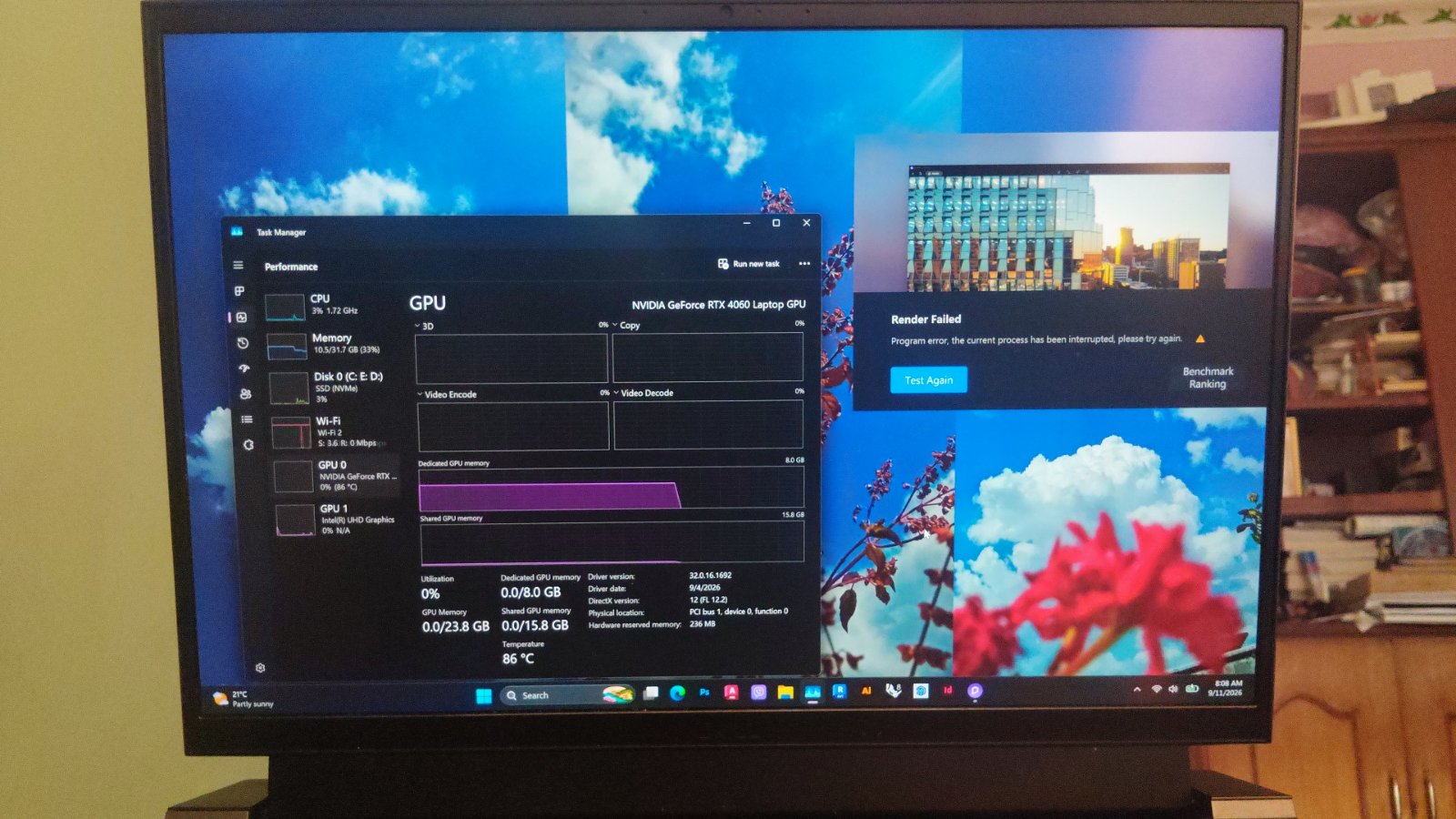
I tried running the benchmark testing with the D5 benchmark tool. But it also got interrupted and eventually failed without giving any result.
BBB
The first image shows my GPU specs.
The second image shows the failure of the benchmark tool.
The third image shows the error code while restarting.