D5 Render Version: 3.0.1
Graphics Card: NVIDIA GeForce RTX 3060
Driver Version: 32.0.15.9186
Issue Description: I have a problem with my D5 files. The program crashes after loading reaches 9%. It happens with every file on the system except totally new empty ones.
This problem appeared a couple of hours ago. Before that, everything worked fine. I tried reinstalling D5, but it didn’t help either. The issue started after I tried to duplicate my file and clicked “Save As…”, but I’m not sure if that’s relevant.
I will appreciate any help.
Hi @masha1234
I apologize for the inconvenience. I would like to know more regarding the situation you’re in.
To clarify, since this issue was evident after you had duplicated your file and proceeded to “Save As.”
- How did you duplicate the file? Did you simply copy the entire D5 File folder and rename it?
- Does the crash happen every time you click “Save As,” or was it just a one-time occurrence after using “Save As,” leading to files that no longer open normally and get stuck at 9%?
It would be best if you could send us a video recording that shows the entire process and the issue. You can generate a link containing the video and share it here.
Please try the following:
-
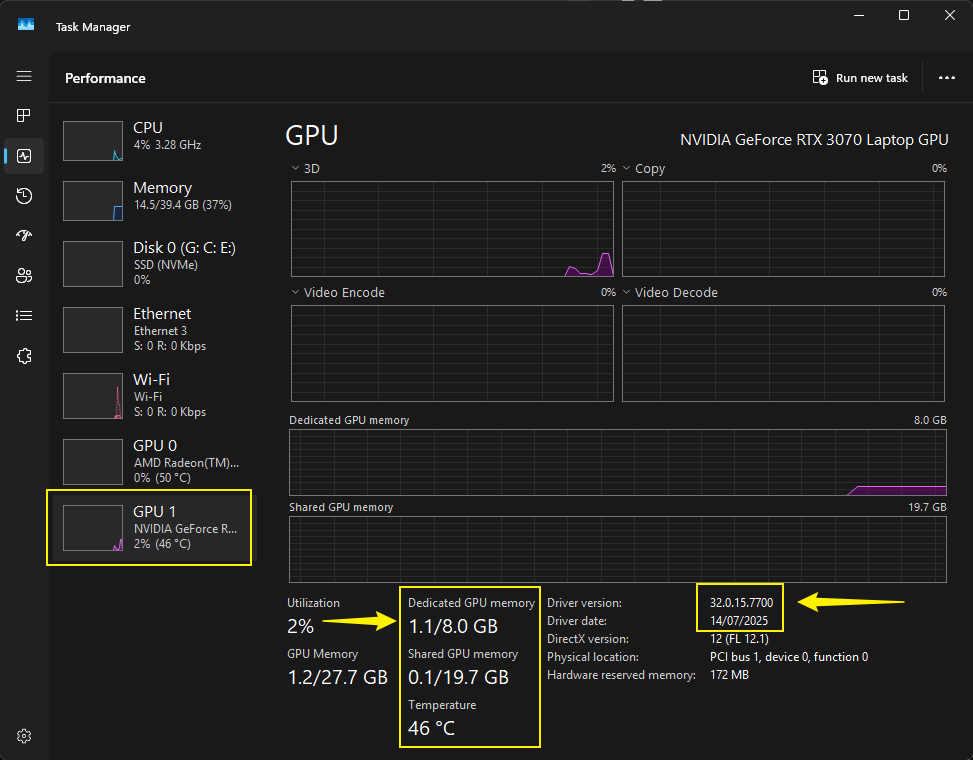
Open one file where the issue is occurring, then open your Task Manager and check the VRAM. Please send us a screenshot of that.
-
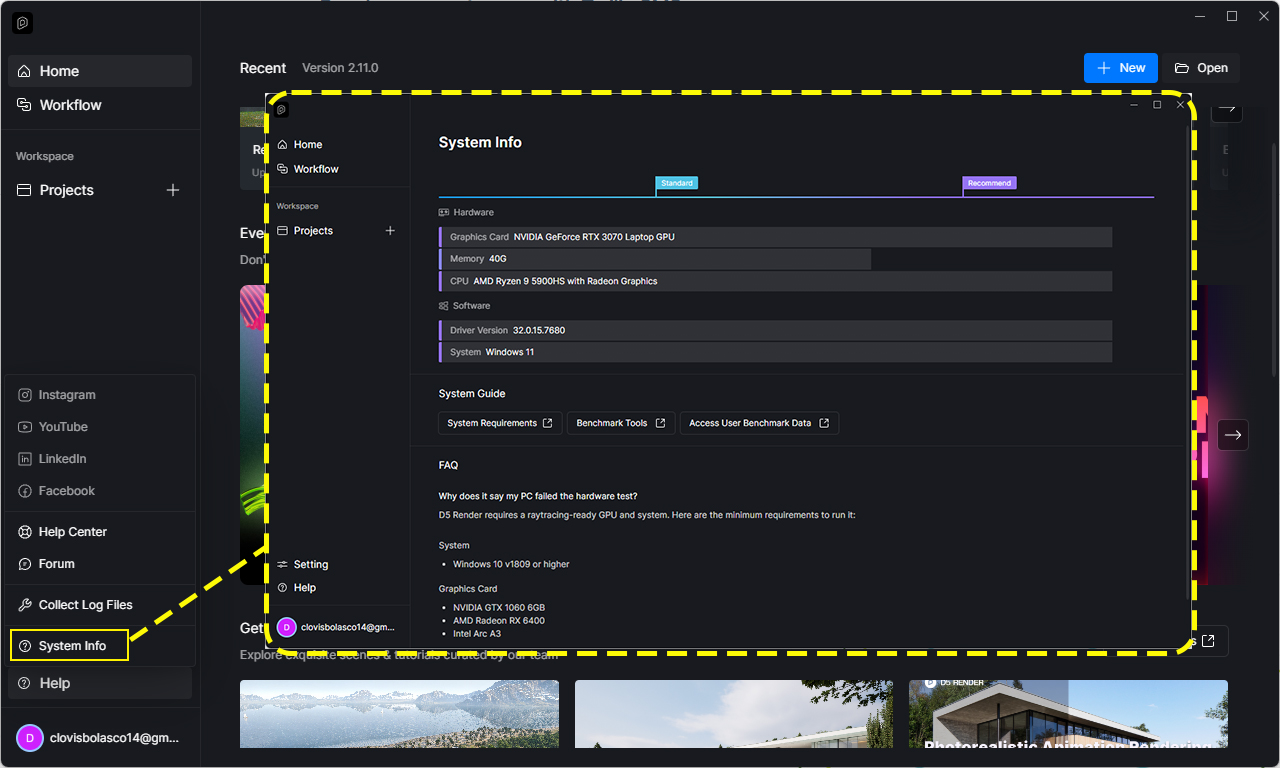
We may also need your system information screenshot
Hi,
- How did you duplicate the file? Did you simply copy the entire D5 file folder and rename it?
Yes. - Does the crash happen every time you click “Save As,” or was it just a one-time occurrence after using “Save As,” after which the files stopped opening normally and got stuck at 9%?
Unfortunately, I don’t know, and I can’t check because most of my files are behaving this way now.
Hi @masha1234
Please change the permission settings of your google drive link. It’s also best to include a video-recording.