Custom Background completely disable Cloud shadows
Hi @Smolak
Could you provide more details about your setup and workflow? Please share a screenshot or a short screen recording of the issue so we can confirm the exact cause. Thank you
Hi @ela, this is simple to recreate just set cloud shadow ON and use Custom Background → cloud shadows removed, disabled
It remove fog effect especially scattering too.
Hi @Smolak
Please check these images to see if they yield the same result.
-
By Cloud Shadows, meaning enabling Cast Shadow under Global Settings, right? Please clarify.
-
Custom Color Background will replace your sky with a solid color. So I’m not entirely sure if you’re talking about this one.
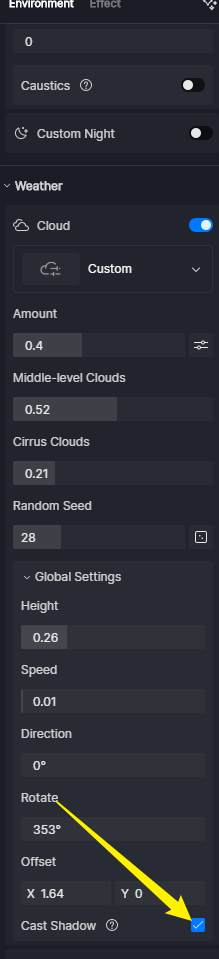
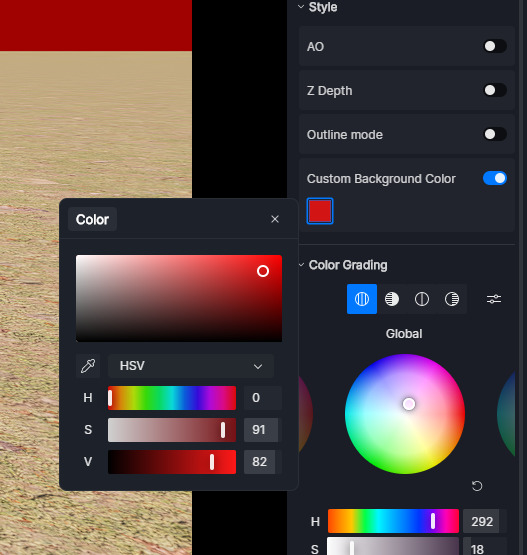
There’s little to no difference, and since the fog filters out the view of the clouds, the Cast Shadow is not entirely visible with Fog and Scattering enabled.
- Custom > Cast Shadow Disabled
- Custom > Cast Shadow Enabled
- Custom > Cast Shadow Enabled > Fog Enabled
- Custom > Cast Shadow Enabled > Fog Enabled > Scattering Enabled
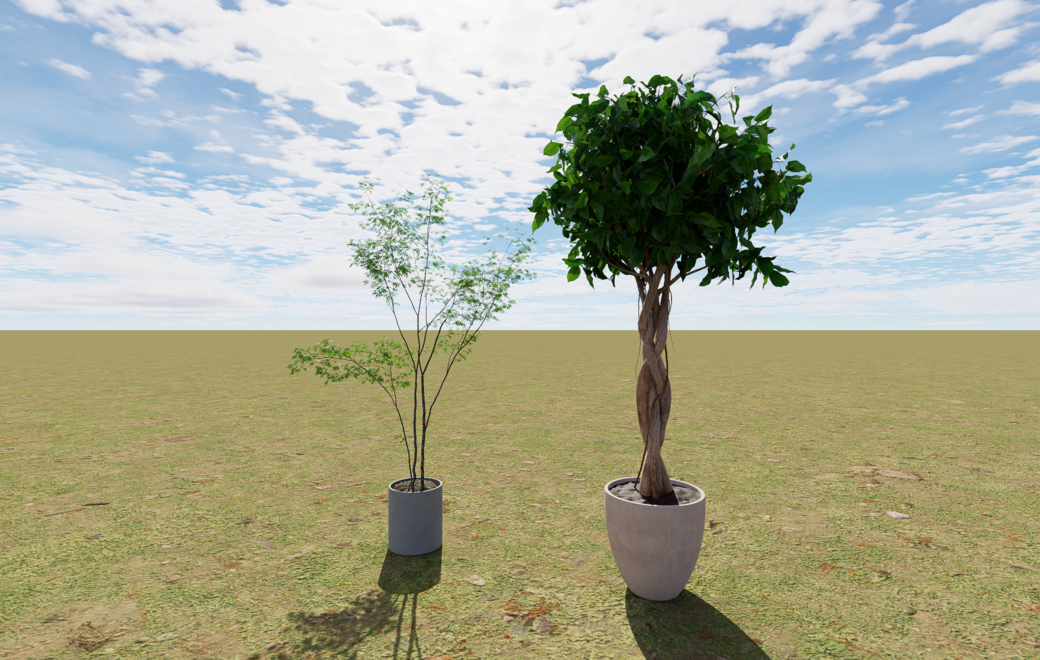


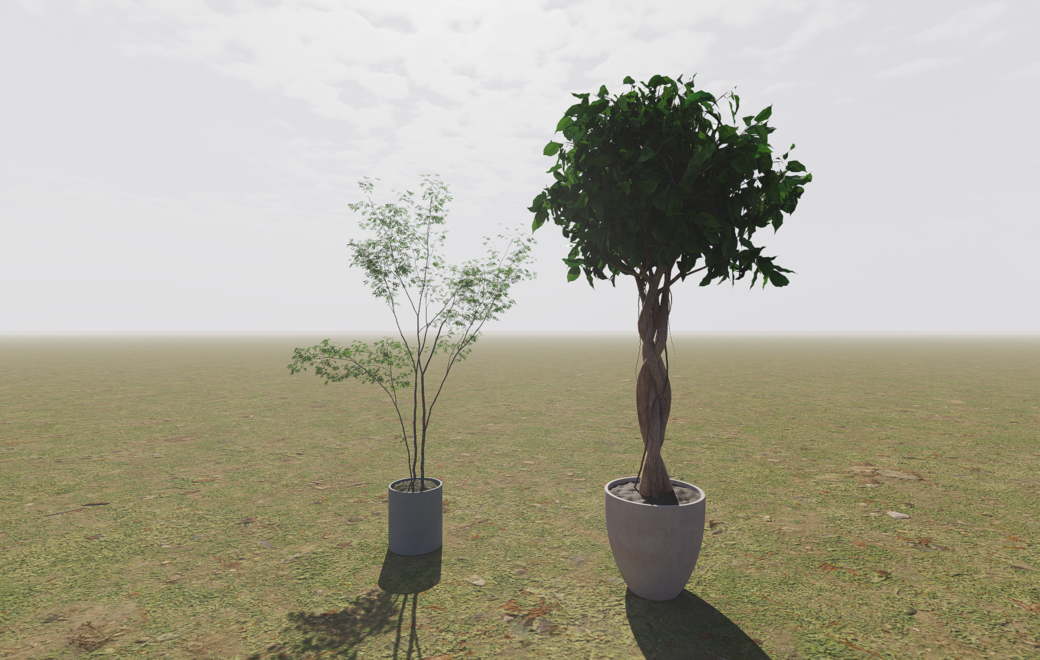
Even if the replication steps are easy, please include screenshots from your end. And if it’s more drastic and is only prominent in a specific file, then file collection is necessary.
I don’t know what to say. You really have problem to recreate this ?
cust_back_shad (2).zip (951.2 KB)
Hi @Smolak
To help us troubleshoot efficiently, please include a clear description of the steps you took, your settings, and what you expected versus what happened. I think you’ve already done this to your previous post and a short screen recording is far more useful than one‑line statements.
To clarify the behavior you’re asking about:
-
Enabling a custom background color in D5 replaces the entire sky environment with a solid color, which inherently disables dynamic elements like clouds, fog, and atmospheric effects. This is expected behavior, as the custom background acts as a static backdrop rather than a full sky system.
-
If your goal is to show clouds over a red sky (e.g., an apocalyptic look), you’ll need to disable Custom Color Background and instead adjust the sky and atmospheric settings to achieve a red tint while keeping Clouds/Fog active.
Hi @Clov, thank you for clarification. I thought that custom background works like … background without replacing whole sky lighting. I understand now.
1 Like