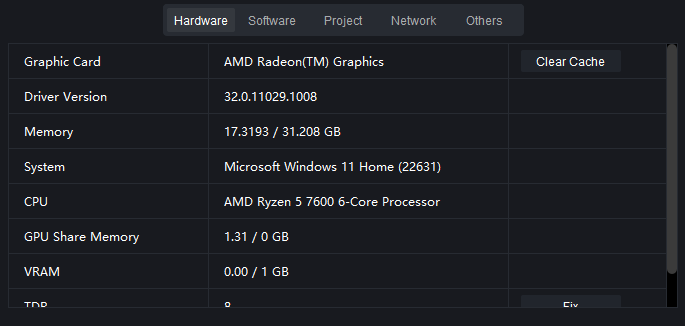
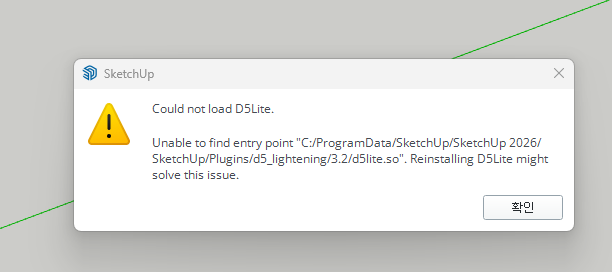
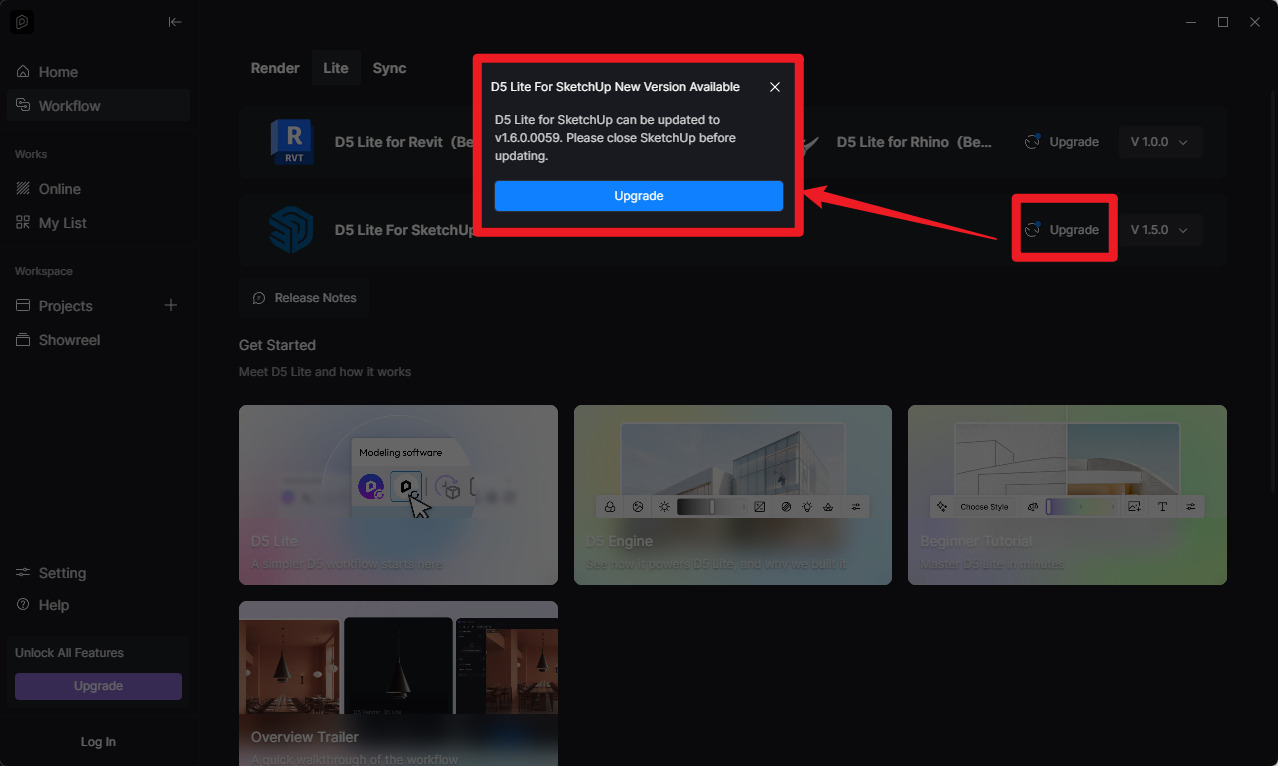
I was prompted to update D5 Lite, so I updated SketchUp and then D5 Lite. When a persistent issue prevented the program from running, I uninstalled D5 Lite, but that didn’t solve the problem. Since then, I’ve tried everything—uninstalling and reinstalling both D5 and SketchUp, updating drivers, and rebooting—but it still won’t work.
but i have a question…
why is the D5 Launcher being downloaded into a folder named after a complete stranger a name I don’t recognize at all?
this is the folder name
C:\Users\炼沥楷\AppData\Roaming\D5 Render
I think it’s an employee’s name…
anyway, what should be done to resolve this?
And the most important thing is that, even though the update is complete and D5 Lite doesn’t show any error messages BUT it is not running.
I’ll try different approach.
That name, 炼沥楷, in the path is the Windows user account name of whoever was logged in when D5 was installed or first launched.
D5 (like most Windows apps) stores user-specific data in %APPDATA%, which always maps to C:\Users<your-windows-username>\AppData\Roaming.
So this isn’t a D5 bug; it’s just using whatever Windows username exists on that machine.
Either someone else (with that username) installed or launched D5 on this computer before you or the Windows account itself was set up with that name; possibly by the previous owner, or IT department.
How are you trying to use D5 Lite?
D5 Lite is a lightweight rendering plugin that integrates directly with 3D modeling software, including Revit, Rhino, and SketchUp. It brings D5’s real-time rendering engine into your modeling workflow without opening D5 Render as a separate application.
To use it:
Open your 3D modeling software (Revit, Rhino, or SketchUp)
Launch the D5 Lite plugin within that program
Click Start D5Lite — the model will sync into D5 Lite’s render view in real time