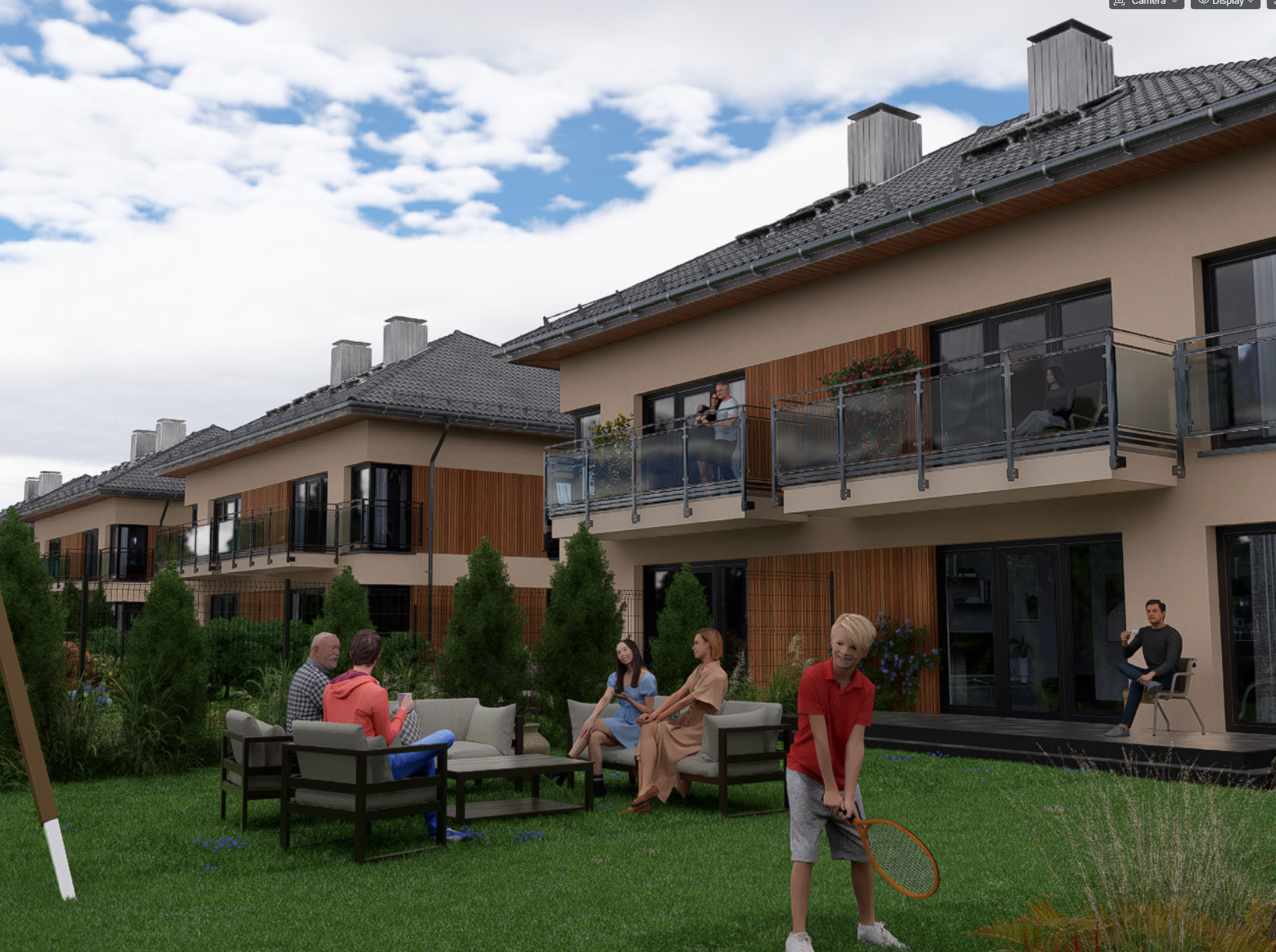
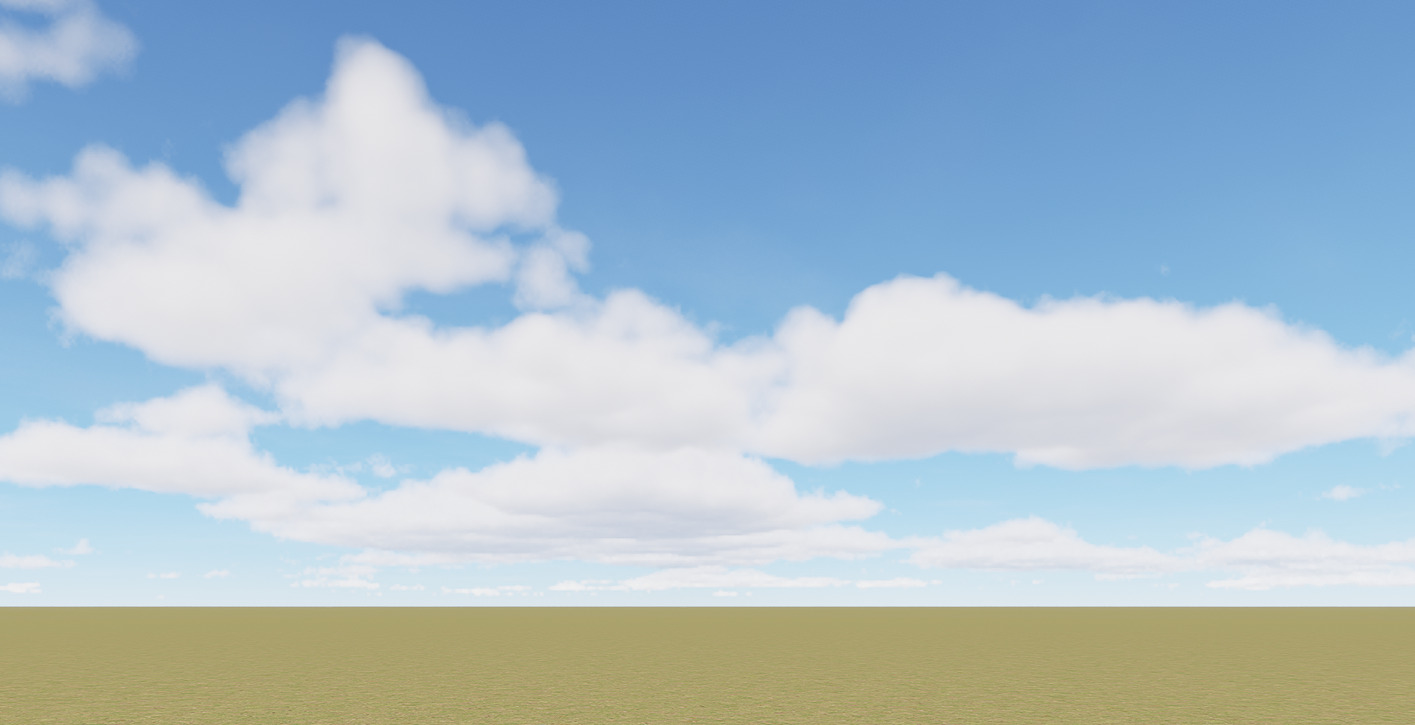
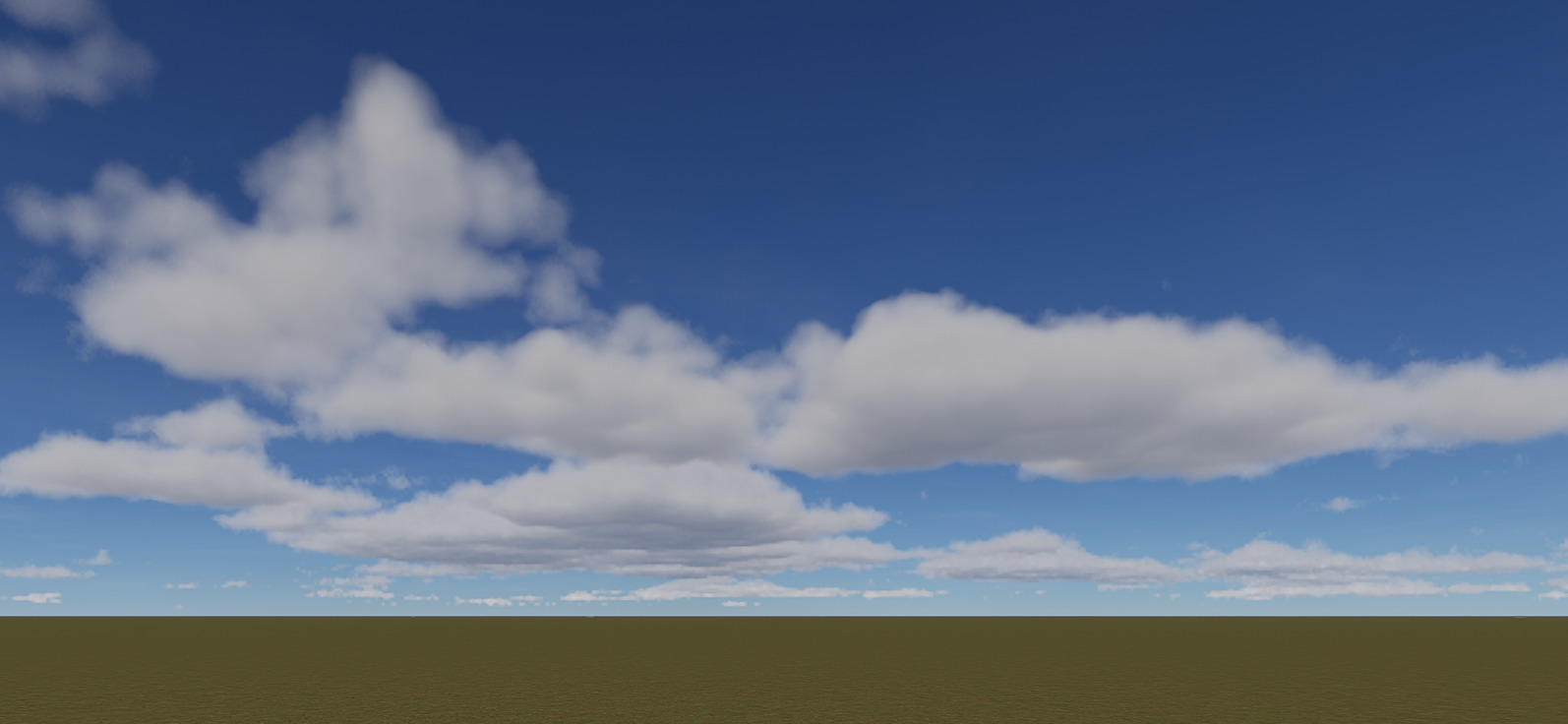
Clouds are too bright in most of the situation. There is no way to decrease their brightness without decreasing Sun power under 5 which needs to be compensated with exposure that make them too bright again. Ambient light compensation can help in this situation ( great feature ! ) but I think that Cumulus clouds should not react to Sun like thin Cirrus clouds. They are very thick clouds and have much darker shadow area.
This is especially visible while using cloud cast shadows with with Sun altitude above 25
Can you let us know the exact values of the Environment and Effect parameters? I would like to try it using Residence Lawn. Or you can send us this file so we will be able to test the same file.
Since this is more of a feature request or improvement. Please include an image showing the results you would like to see when using these features in D5 Render.