Cesium in Video and Pano

Using 3.1, Asus RTX 4090, newest studio driver, Win 11 pro is up to date

Hi,

It’s great that Cesium data now loads correctly for images—thank you for fixing this!

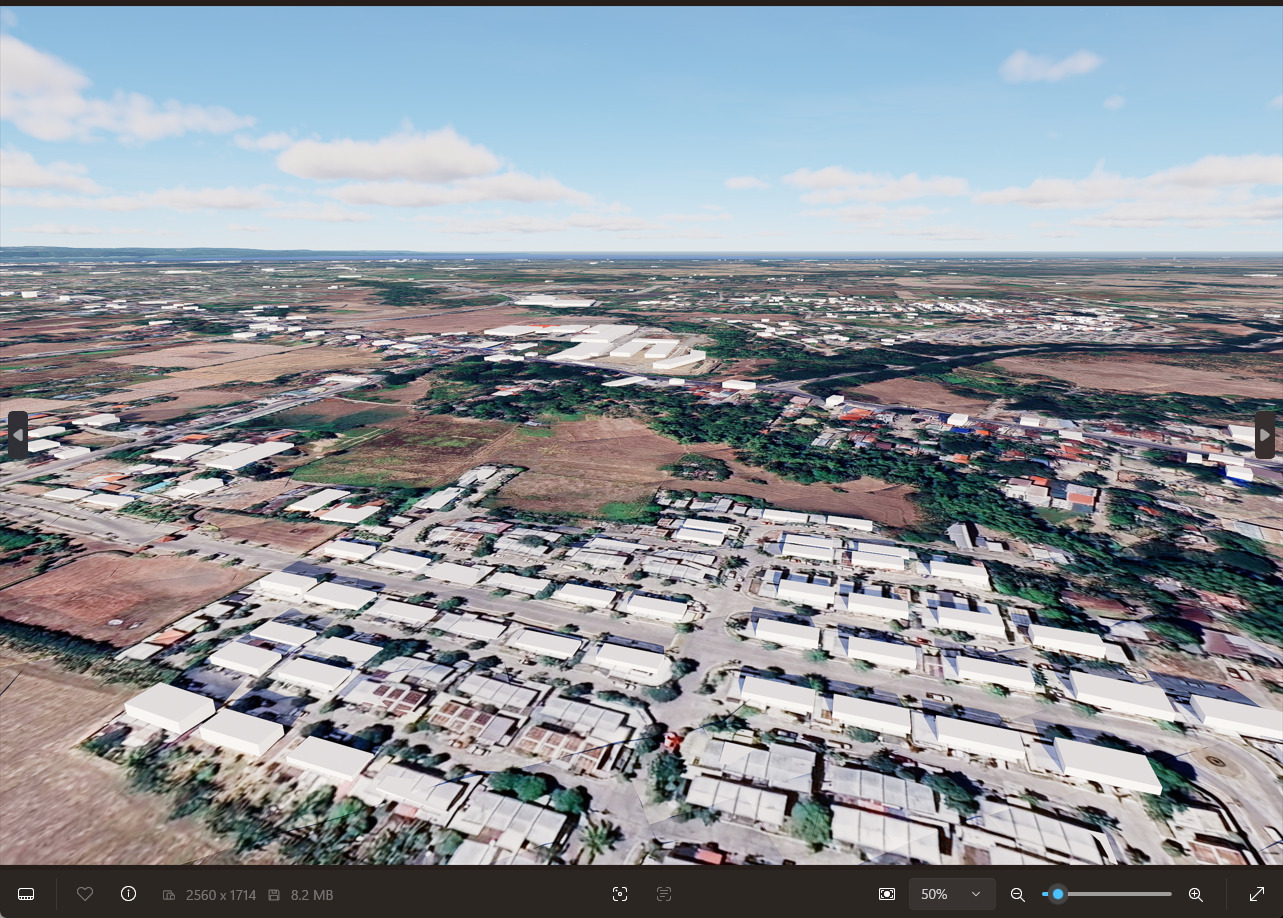
Unfortunately, the issue still persists with videos. Although the network activity indicates that data is being loaded before each frame, errors continue to occur. Please see the attached screenshot for details.

The loading process also doesn’t work for panoramas. In this case, no additional data appears to be loaded at all.

You can view an example here:D5 Showreel

Could you please let me know whether these issues are already being investigated and when a fix might be available?

By the way, I love D5 Render! Thank you also for the little award in the Interior Challenge—I really appreciate it.

Best regards from Vienna,
Tomas

Hi @tomas_wien

Thanks for pointing this out.

  1. Can you please clarify what you meant by “no additional data appears to be loaded at all”? I tried uploading my Panorama image in the showreel, and it appears to be normal on my end.
  1. The same goes for my video-render animation; cesium data appears to be the same as the one in the rendered image.

im still having Cesium problems. sometimes tiles disappears on the viewport, sometimes on the still renders and sometimmes on videos, all random. Latest D5 version

Hi @NOG_the_DOG

Please provide us with:

  • Screenshots
  • Video Recordings
  • D5 File
  • D5 Log File

You may send it to me privately here in forum, thank you.

idont know if i sent correctly to your personal, so im attaching here too

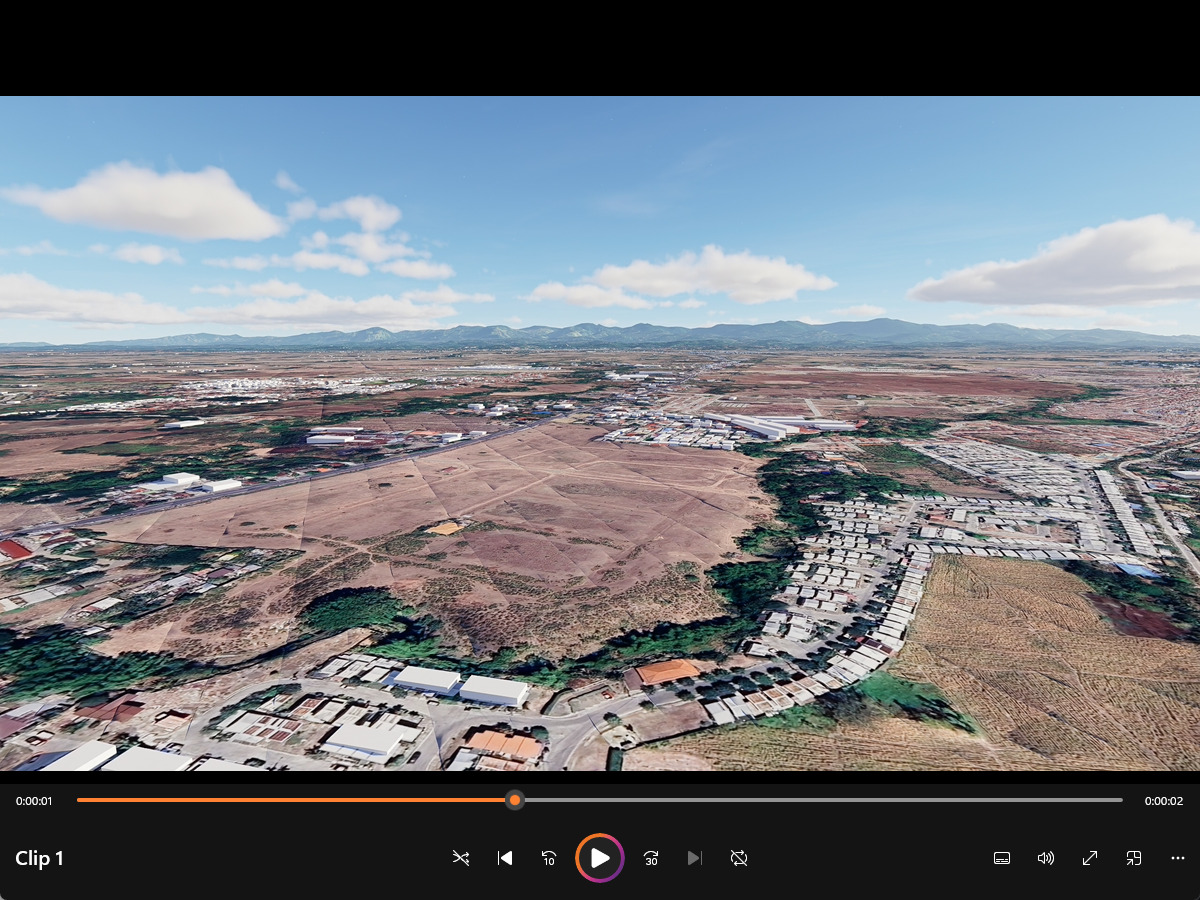
this time the viewport and still render were ok, but the video and parallel view still with problems. sometimes the viewport and still are bad too, but this time they were fine, its all ramdom
Hi @NOG_the_DOG

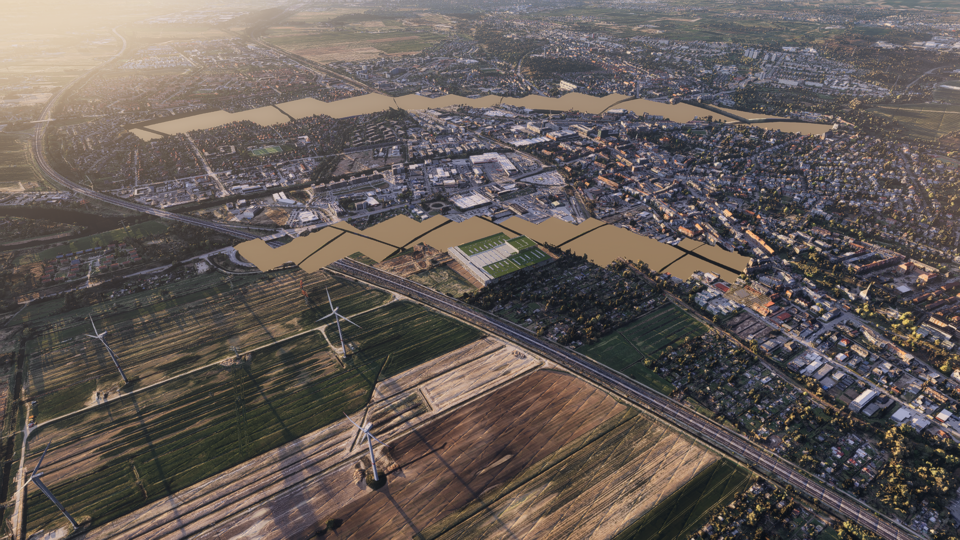
  1. Visible Tiling - expected behavior; optimization planned.
  2. Isometric View with Cesium - this is a known issue and has not been addressed yet
  • The only workaround is to use Perspective mode with a very narrow FOV to approximate an isometric/orthographic look
  1. Preview Screen - if the Cesium data does not load in the preview screen, you may modify the Cesium settings for it to reload