Hi, I have several deadlines that needed to submit, I cannot stay log in for longer than 5 mins. My d5 render keeps logging out, adding assets and rendering the project is very difficult as it shows watermarks if it logs out.
My internet connection is excellent, and I can surf and watch internet seamlessly. Can someone help me?
I had same problem, asked D5 team and never got it work. The topic is archived I guess
At the end I suspect it was a “D5 connection to internet” issue, since when I changed my network it worked fine.
I have to note that nothing was wrong with my internet. I tested everything possible back then.
Hi, I appreciate the reply, it has to be d5 connection to my internet. May I ask which solutions they suggested to do as it might work on my end? Unfortunately changing network isn’t possible at the moment on my end, and I have several deadlines to meet and I have to get this work asap.
For reference here are some things I’ve tried:
deleted cid.dat file and replacing an new one from registry editor
changed my ip address, subnet mask, default gateway, preferred dns and alternate from tcp/ipv4
If d5 team can see this message, also for reference. I’m from Philippines, and my network is converge. Can you send me ip address servers to whitelist? Tried everything, still the same issue.
There’s a similar issue that was posted recently, though I’m not sure if you are in the same region or have the same Internet Service provider. But I’ll be posting my reply here also:
Version 2.10 improves handling of temporary network interruptions, helping prevent unnecessary logouts and watermarking during brief connectivity disruptions.
If you are still experiencing frequent logouts, it may indicate significant network instability. Please try the following troubleshooting steps:
1. Check your network stability
Ensure your internet connection is stable. If possible, switch to a different network and check whether the issue persists.
Try using mobile data as a temporary alternative to see if the problem is related to your current network.
2. Disable any settings that may impact network stability, such as VPN, web proxy, or firewall.
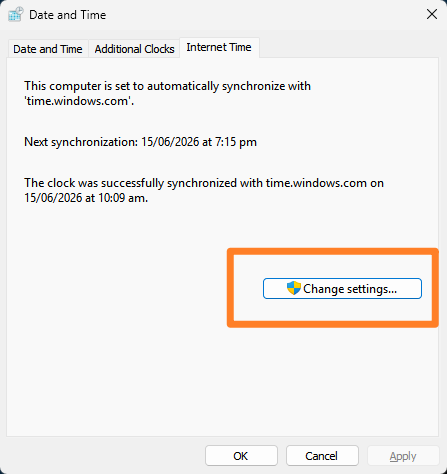
3. Restart your router or try connecting your computer to a different network (e.g., test using Wi-Fi or a mobile hotspot).
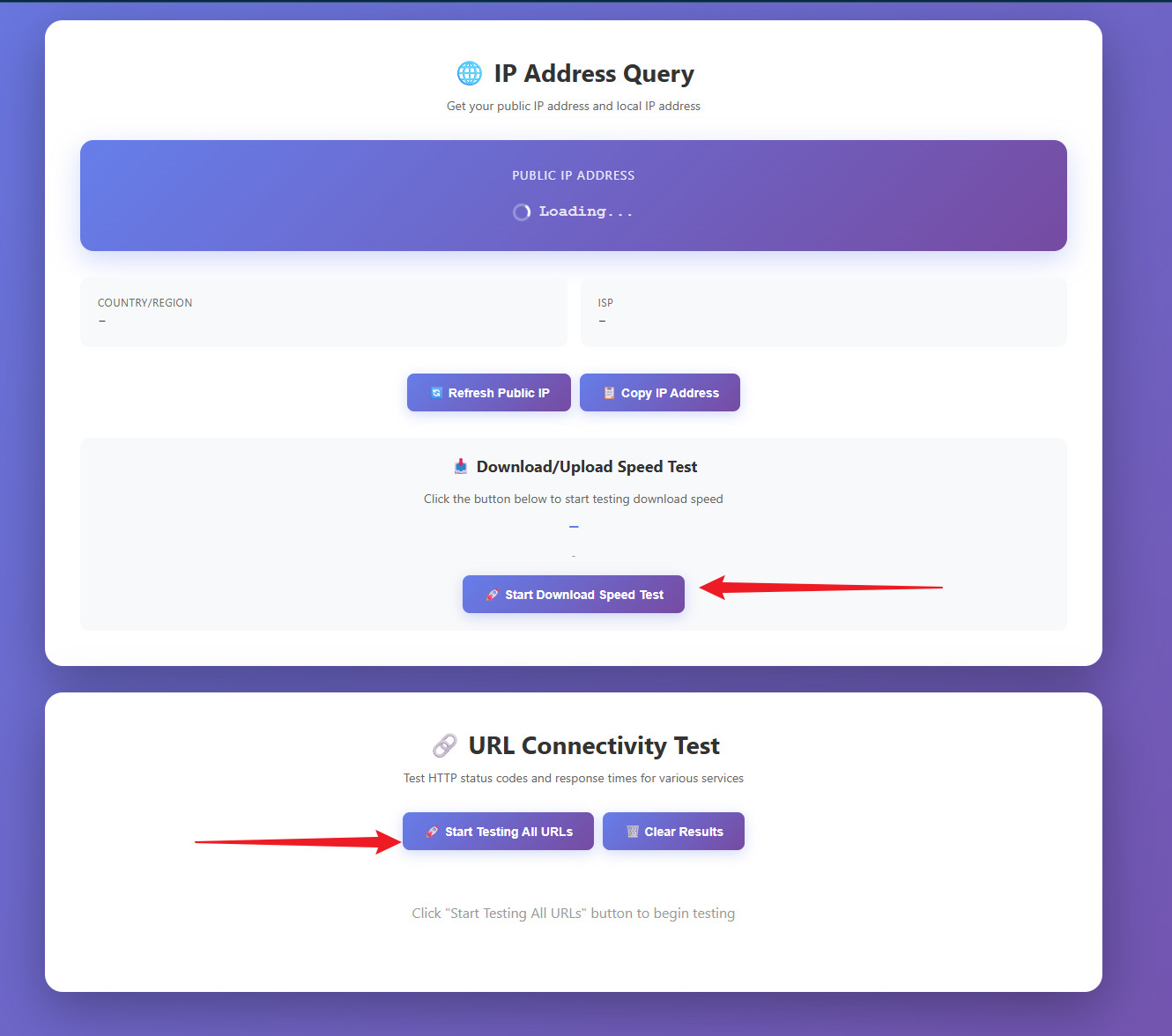
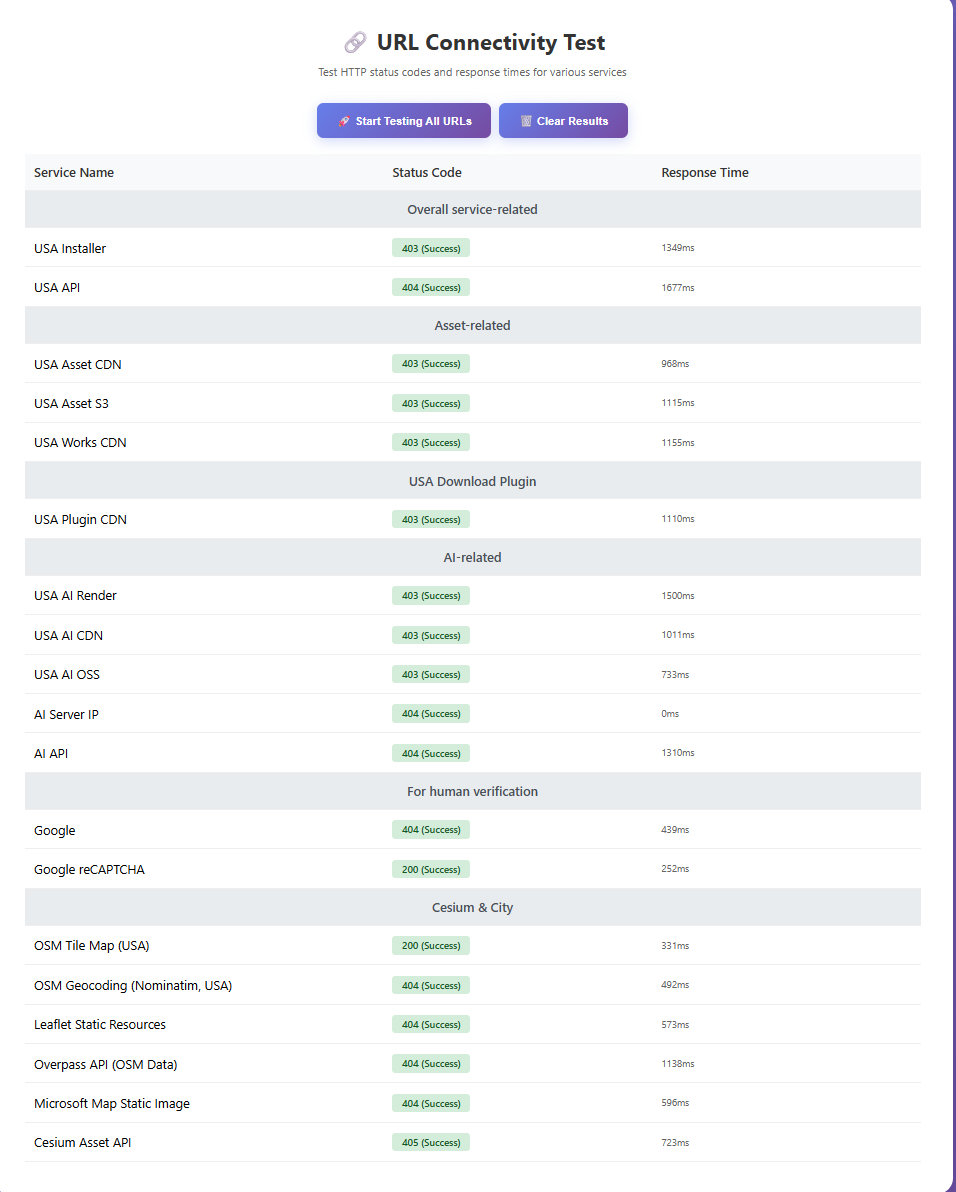
4. Please try accessing this link: IP Address Query and send us the results.
Select Download Speed Test and Start Testing all URLS
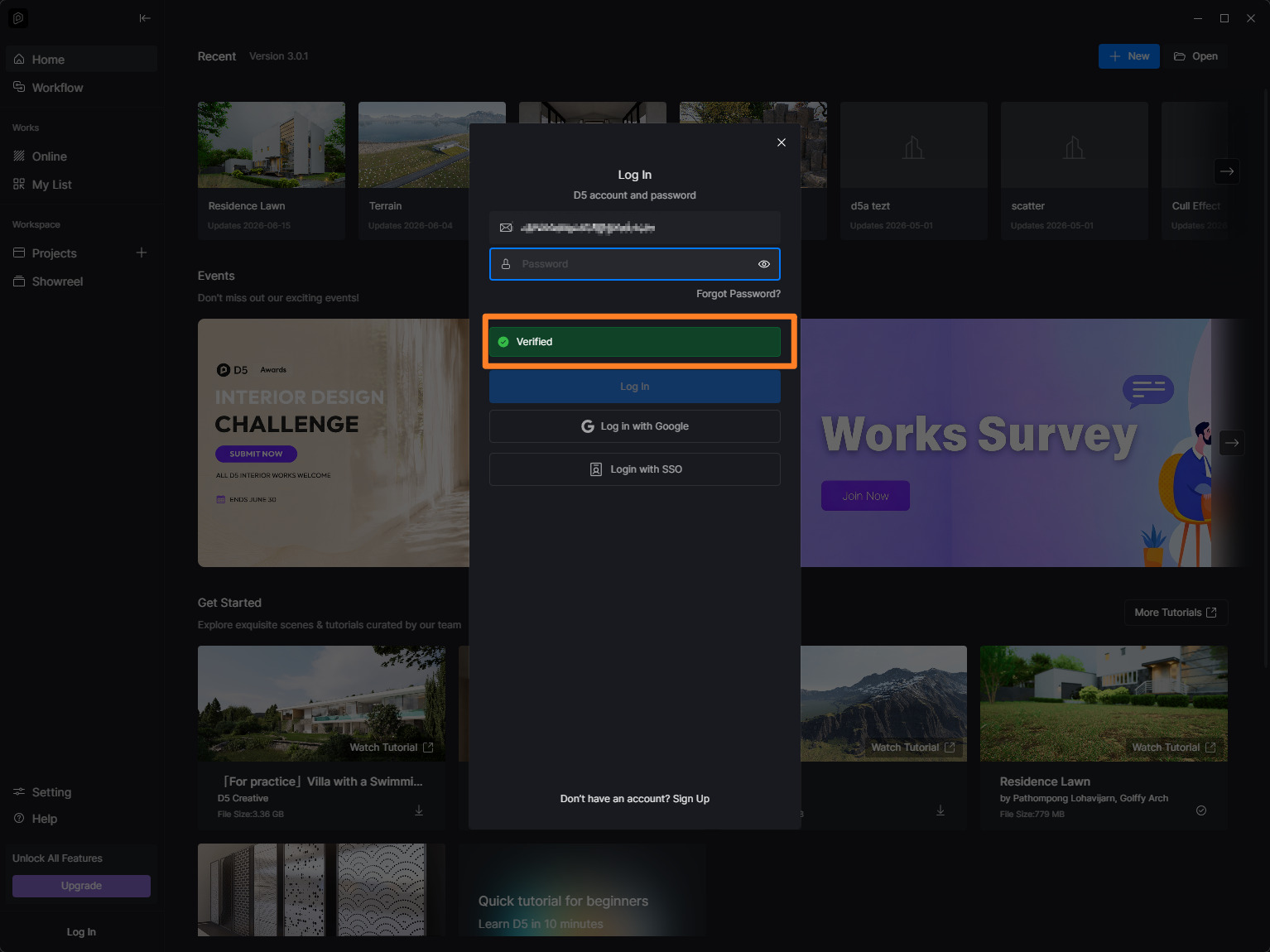
Same frustration since last week. Also takes too long to verify before I could log in. My connection is working just fine. My solution was to keep the d5 launcher logged in and running in the background. Never got logged out since.