D5 Render Version:
**Graphics Card:4080 Driver Version:
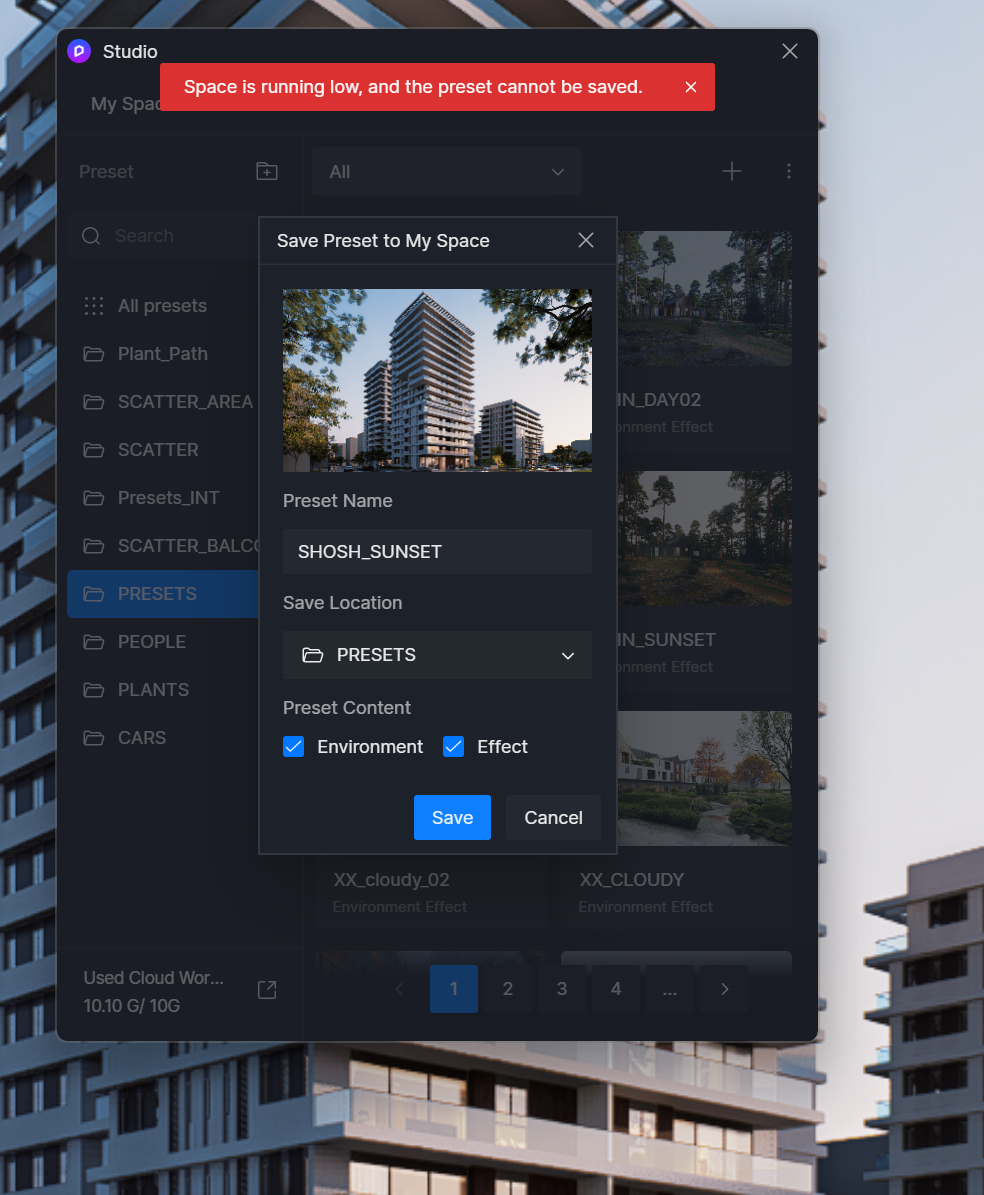
**Issue Description:space is running low and the preset cannot be saved
**Screenshots/Videos Description:yes Steps to Reproduce (optional):
have enought space on my disks.
but getting error when trying to save presets/ or any thing to my studio:
SPace is running low and preset cannot be saved.
have free sapce of 378GB on my main drive and 150GB on my work drive and where D5 backups and local library is saved.
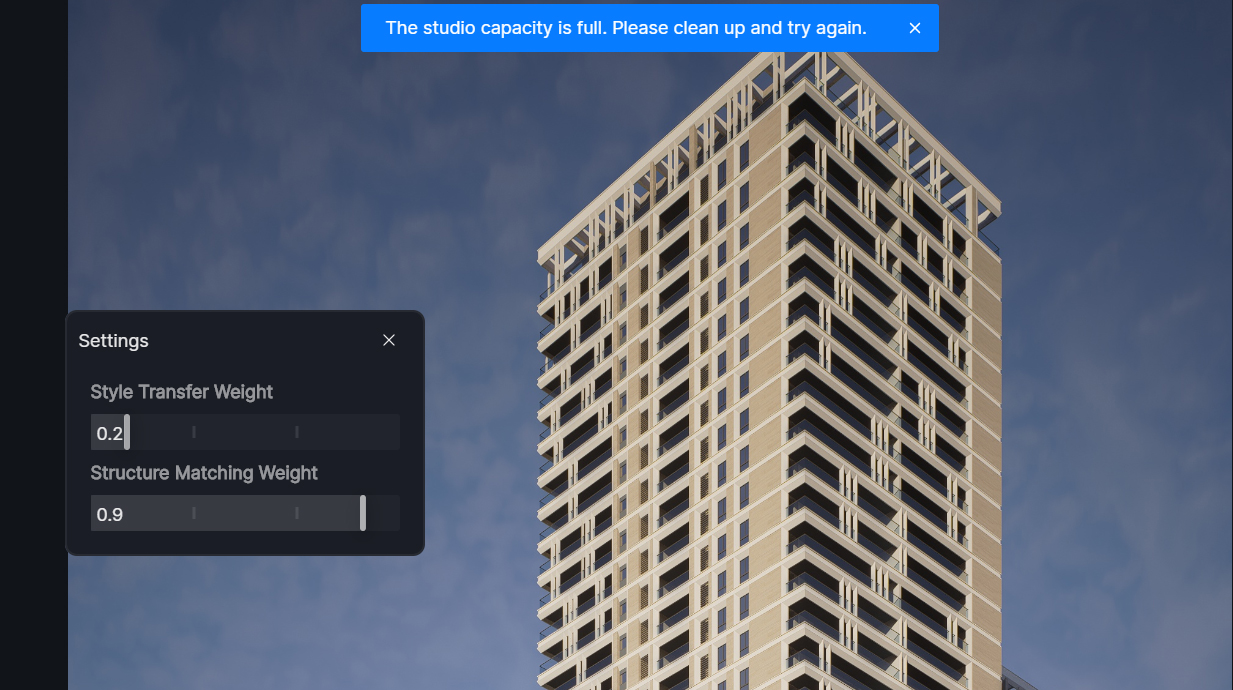
also cant AI Process. say Studio capacity full.
is there a limit of how much can I save to the studio? to my studio? isn’t it saved localy?
Data in Studio is stored in the cloud associated with your D5 account. Even if you change devices or work off-site , you’ll have access to all of your and your team’s Studio resources.
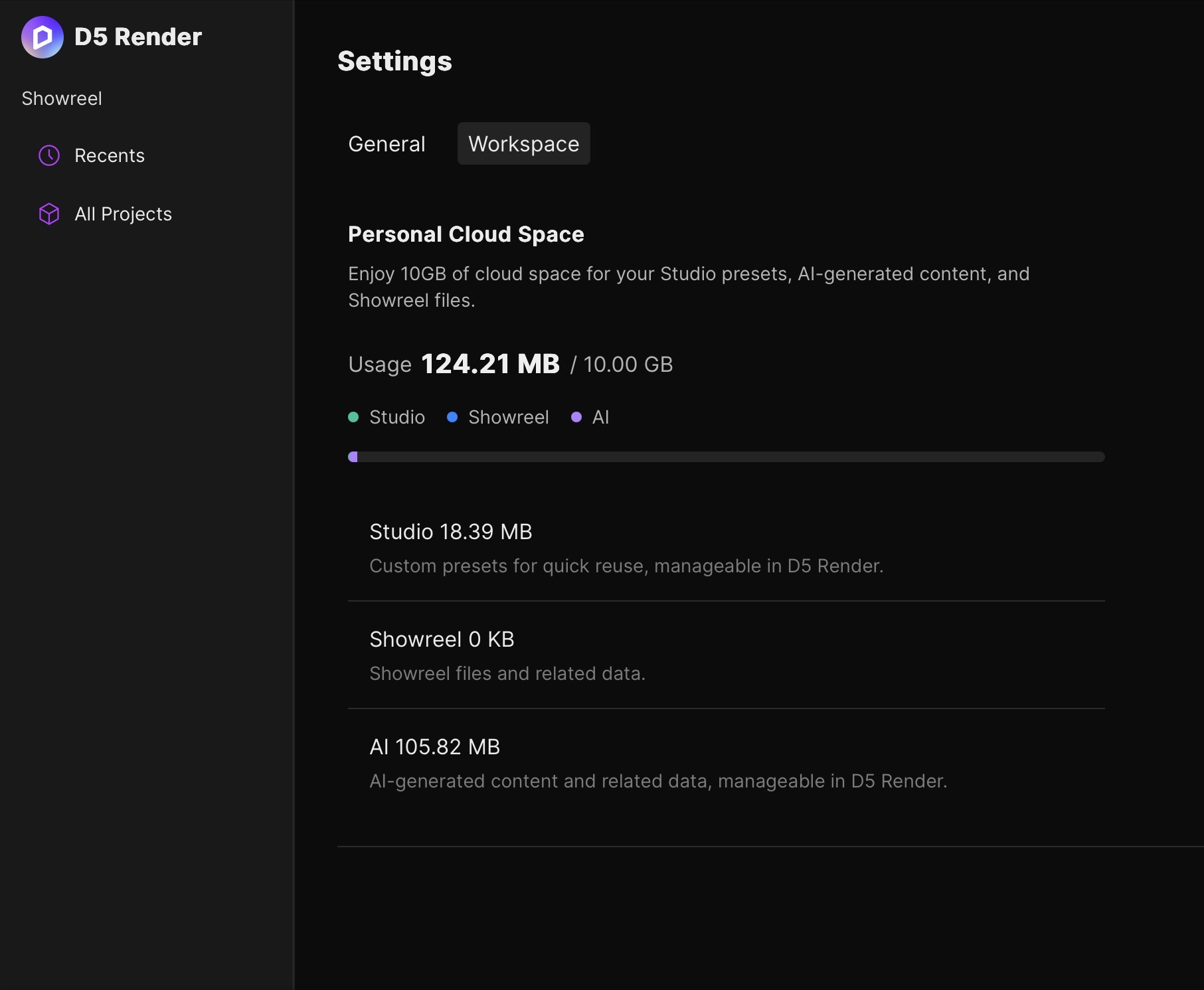
It’s actually not stored in your local storage but rather to d5’s cloud. Generally PRO users are given 10 GB of storage while TEAMS Users has a 100 GB limit (shared among all members)
Please check your myspace page to see if you have exceeded your 10 GB limit (assuming that you’re a PRO User)