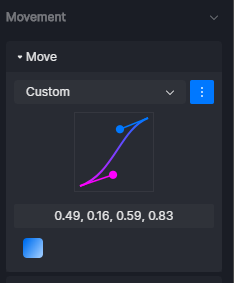
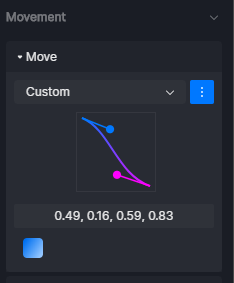
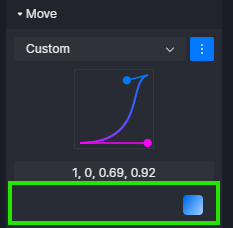
As for point 3 - please test it because you have inverted spline. Blue one is first camera spline tangent, purple is the end. I’m 100% sure.
OK please ignore this. I understand how it works now. It is little misleading, it works different than in other software.
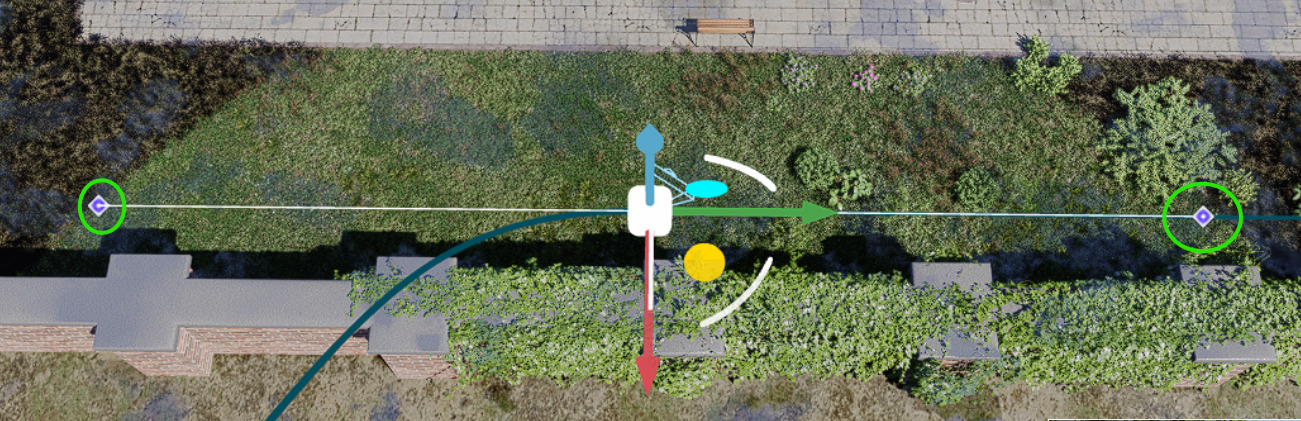
In D5 first spline point affect OUTput of previous video view and last spline point affect INput of current video view. This is why I thought that spline is inverted. Little headache here
But this box animation representation is inverted :
The preview screen for camera path movement is not as smooth as the main preview since it’s just for checking the movement of the camera, but yes, I get your point, hence, I’ve shared it further as an Idea/Request.
Problem is that for accurate camera movement timing current camera FPS preview is too low. I think that camera preview outside of video mode has way better fps.