Hi D5 Render team, Kelvin here, i apologize for the length of this topic in advance,
I am reaching out to you because I am currently facing a critical issue with D5 Render that is preventing me from working on my projects because of an aparent compatibility issue
When I open any project (including empty ones), the viewport remains completely black. However, the interface is fully visible, and the program is clearly functional because I can successfully export images and see the rendered results in the output files.
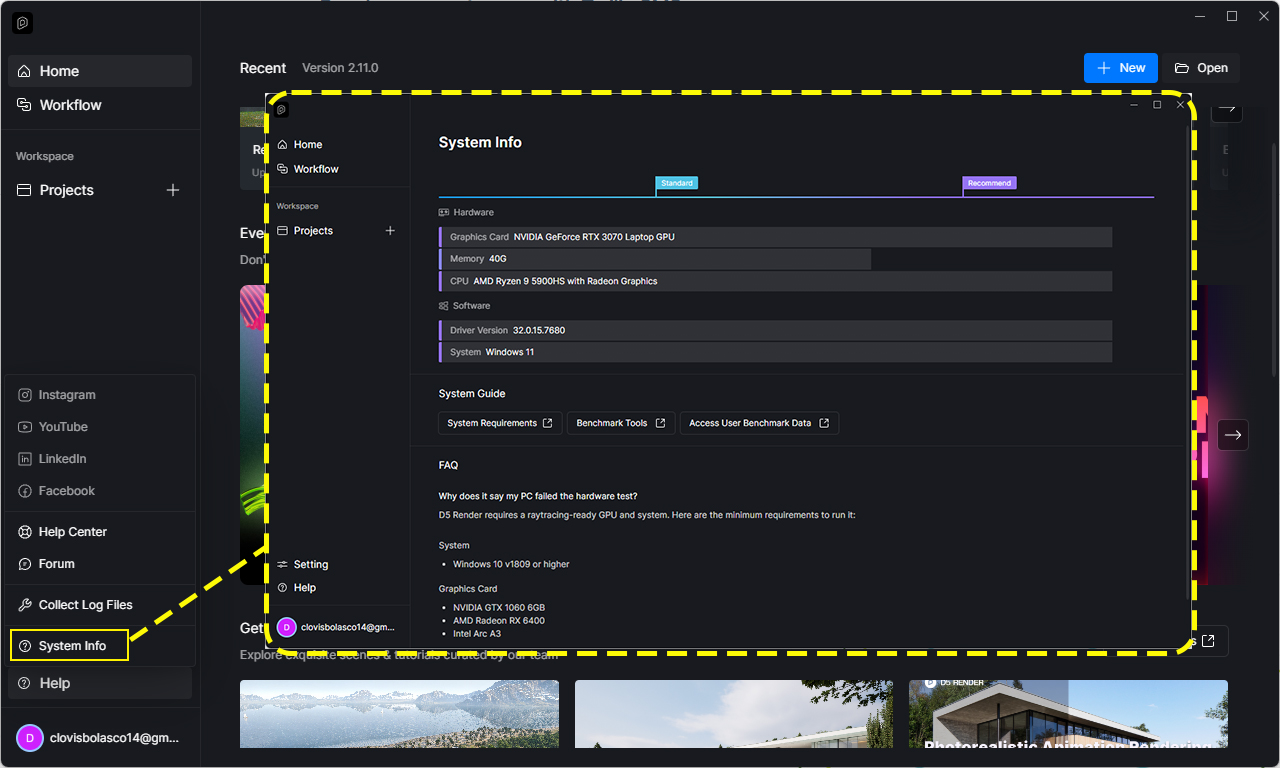
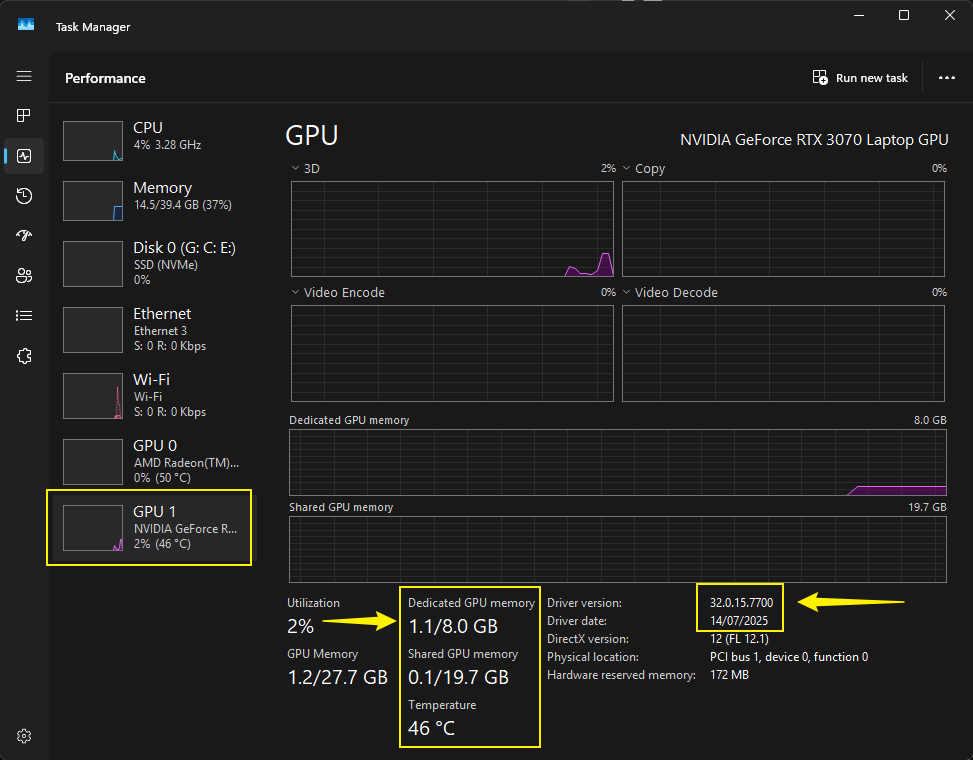
I am using a high-performance laptop with an **NVIDIA GeForce RTX 4050 Laptop GPU, and my operating system is a Windows 11.
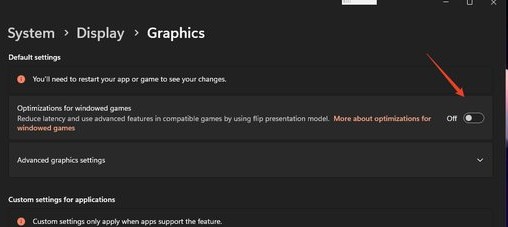
I’ve tried all driver updates and settings fixes without luck, here are some exaples: * Clean installation of the latest NVIDIA drivers.
- Adjusted Windows display scaling (tested both 100% and native).
- Disabled V-Sync and adjusted energy management in the NVIDIA Control Panel for D5 Render.
- Checked for virtual display drivers (Citrix, Duet, etc.) - None found.
- Verified and changed internal D5 Render settings (Adaptive scaling enabled)
And a few more…
Could you please provide a download link for a previous stable version (e.g., 2.7 or earlier) to see if it solves the compatibility issue? If not, can you guide me as to how i can fix this?
Sincerely, Kelvin,
Thank you.