First time opening a project that was made by someone else. All of our projects live on the office G-Drive, which I’m connect to. I’ve already checked my system memory and disk drive.
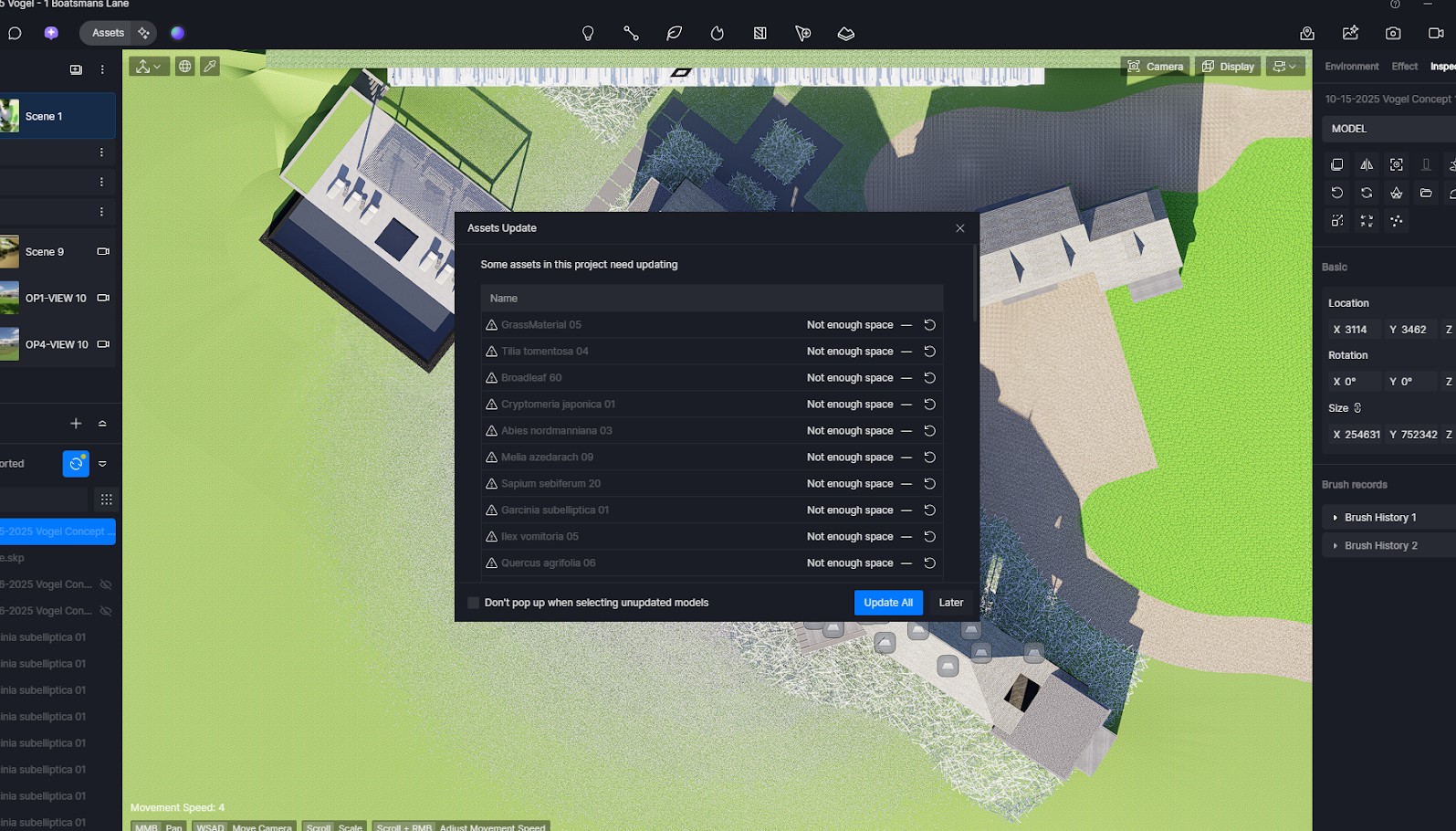
Hi @bryce1
- Where is your workspace folder located? Please send me this screenshot
- You have mentioned that your projects are stored in GDrive, please try transferring it temporarily to Local Path and see if this issue still occurs.
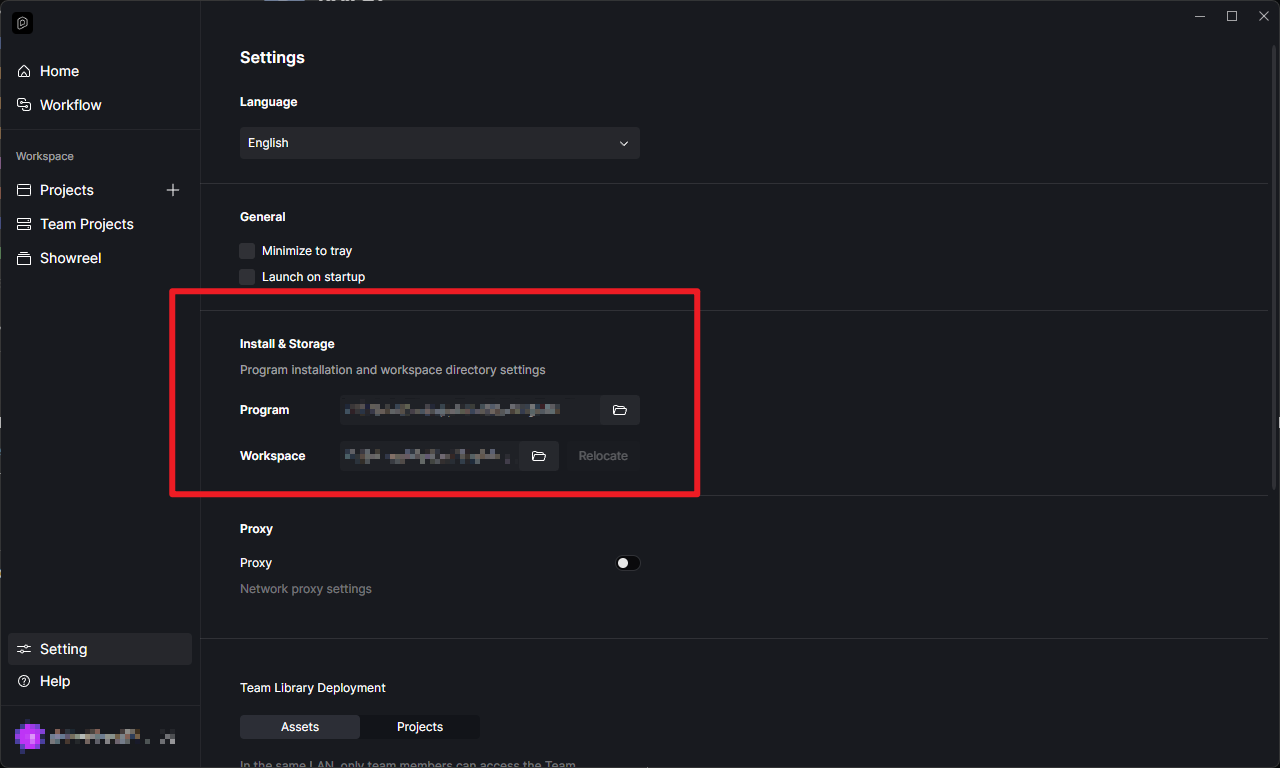
Note: We don’t recommend storing these files in GDrive while being edited as it may cause some issues, it is still best to store them purely in local path.
I am having the same issue with a RTX3080. Been running fine for months with this setup, now it will not update the assets. all my files are on the same computer, but not the same directory.
May I know where these files are stored? We generally recommend storing them purely in the local path just to avoid some issues.
-
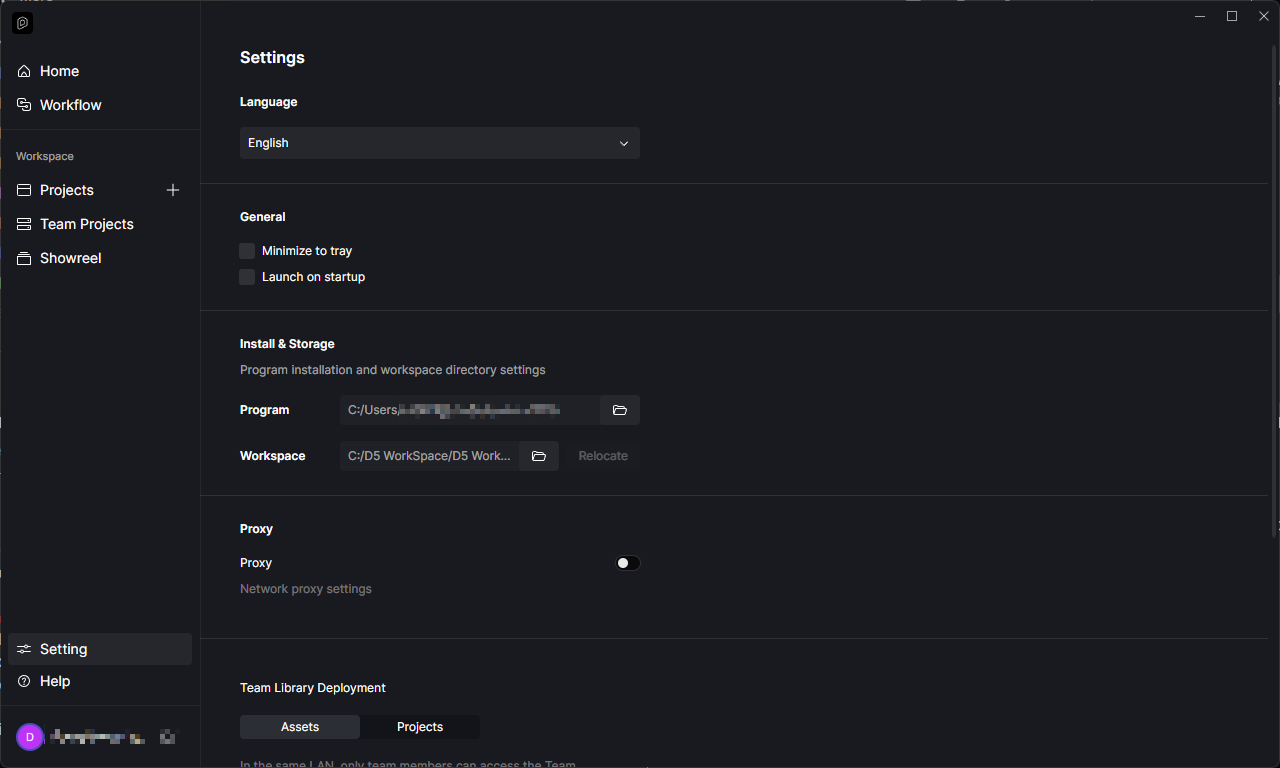
Additionally, where is your Workspace folder located? Can you also send us a screenshot? Then check if it has sufficient space.
-
Is this issue evident on all of your files? Or only to a selected files?
1 Like
I found the error. Somehow the working directory had been changed from “h” to “j”. Really bizarre as I am the only administrator and the drive name was reassigned. (I blame Bill Gates  ). Going into disk management and renaming the drive back to “h” fixed the issue.
Thanks for getting back on us. Let me know if the workspace location still changes abruptly after some time.