First of all, I would like to thank you for the new animation import feature, this is very much appreciated!
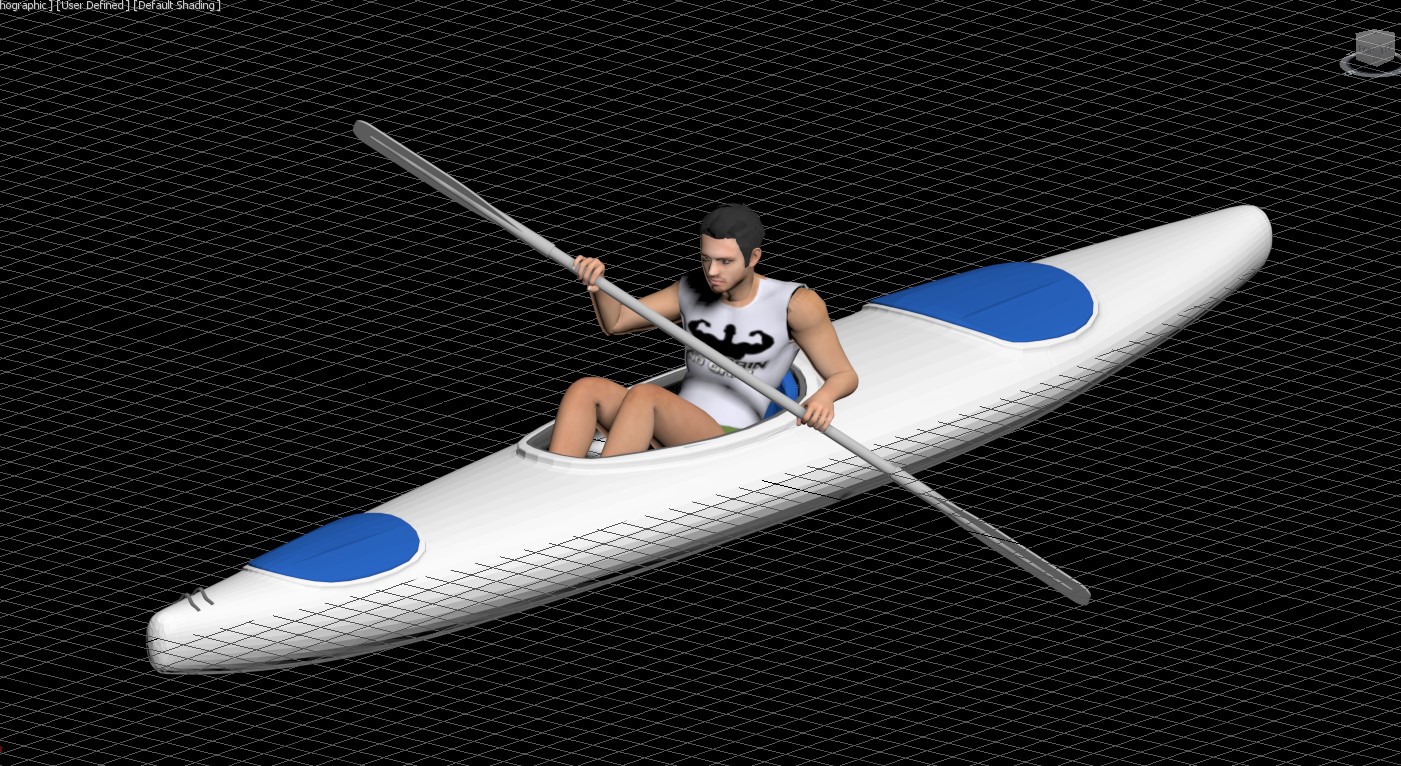
I’m having trouble importing a kayak file with a rower.
In the import test only the moving paddle, without the character, works well.
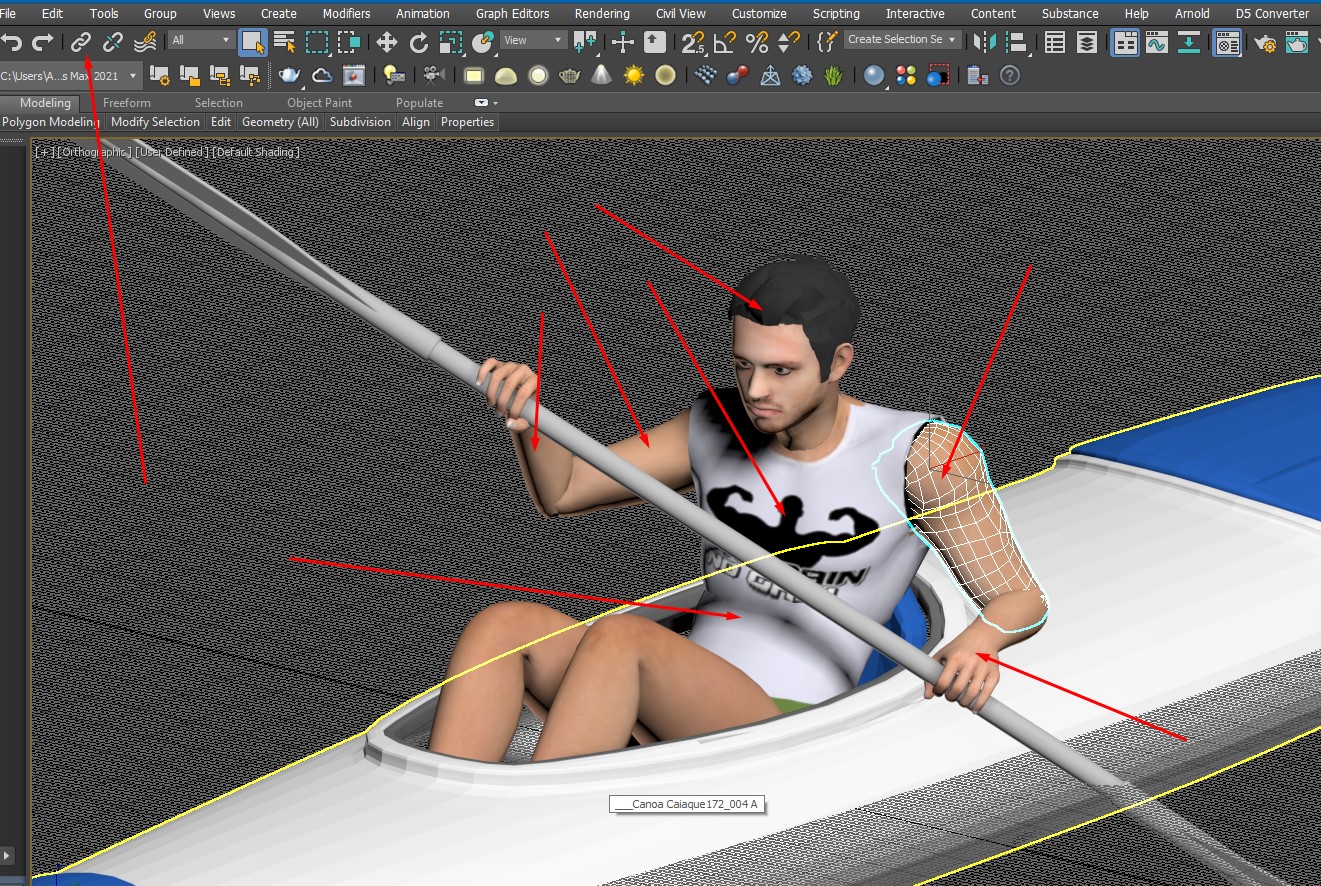
The file was developed in 3dsmax 2021 using only rotation and displacement in linked parts using only 100 frames.
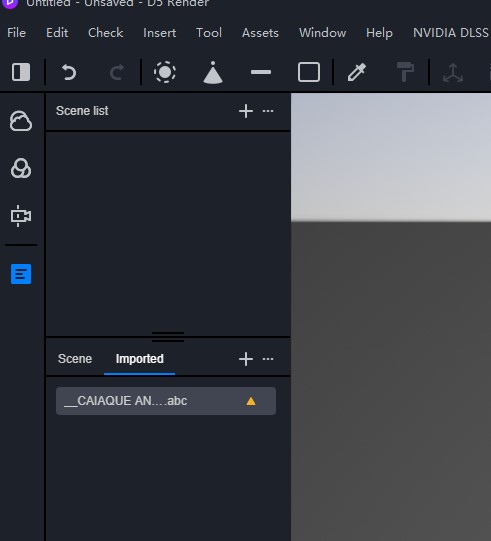
When importing the file into D5Render, the bar shows the yellow triangle.
I wonder what mistake could it be?
Thank you for helping us test the feature.
Could you please send the .abc to me?
My email is hao.wang@d5techs.com
we will figure out what is going wrong Cheers!
It seems that the import of abc files failed. Are you using 3dx Max as well? Are these abc animation created in Max? Try to convert to editable mesh in Max before exporting abc.
If the problem still persists, please let me know.
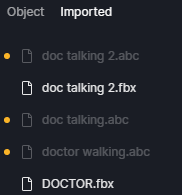
im using mixamo to get an animated from that i open in max to convert to abc format, since from mixamo export only fbx format…but not animated if i import directly from mixamo to d5…
previously i did same way and it work,just this time not working.
I created a 3D animated character using Hyper3D, then animated it in Mixamo. After that, I imported the animation into Autodesk 3ds Max to make sure the animation timing and sequence were working properly for D5 Render. Finally, I imported everything into D5 Render.
The workflow is actually working quite well. I only need to rescale the character and it works correctly inside D5.
However, I keep having problems with the character’s face and hair. The facial details are often unclear or distorted, and the hair quality is inconsistent.
Has anyone found a better workflow or another method to create and animate specific/custom characters with cleaner facial and hair results for D5 Render?
Thank you.
Could you kindly share some screenshots of the results you’ve obtained on your end? This will help us identify areas for improvement in our workflow. If it’s feasible, we’d be happy to collect a single 3D animated character model for testing purposes.
I’d be happy to share screenshots and provide a sample animated character model for testing purposes. Before sending the files, could you please let me know the best way or platform to upload them for your review?
 Cheers!