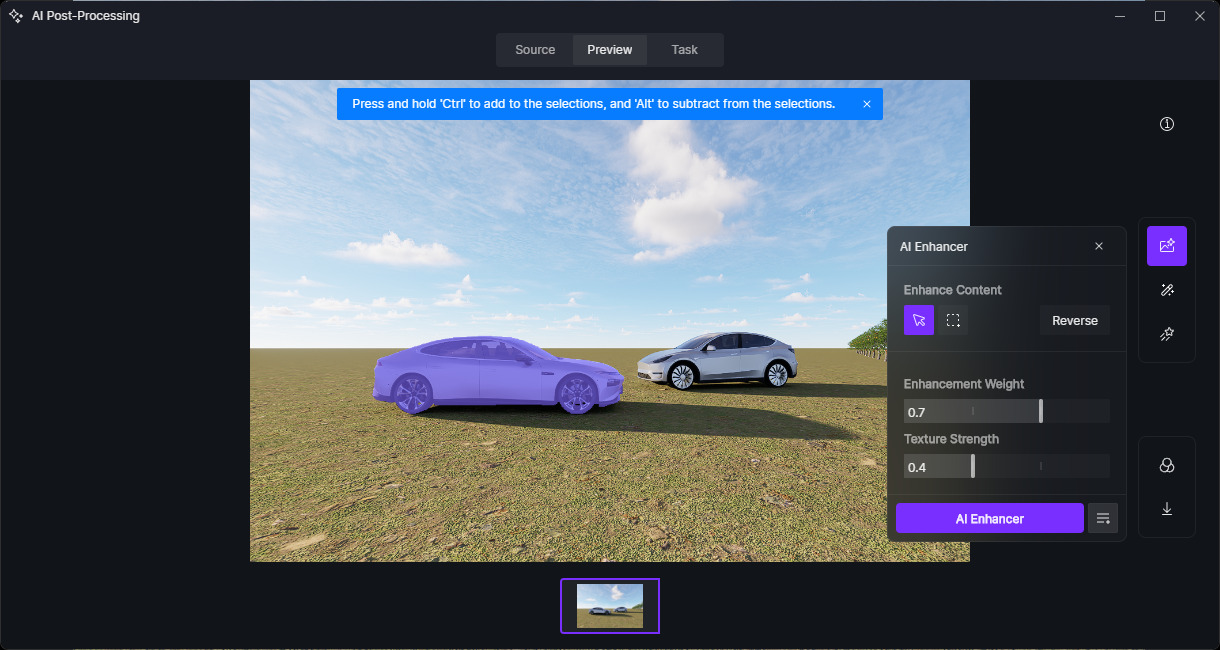
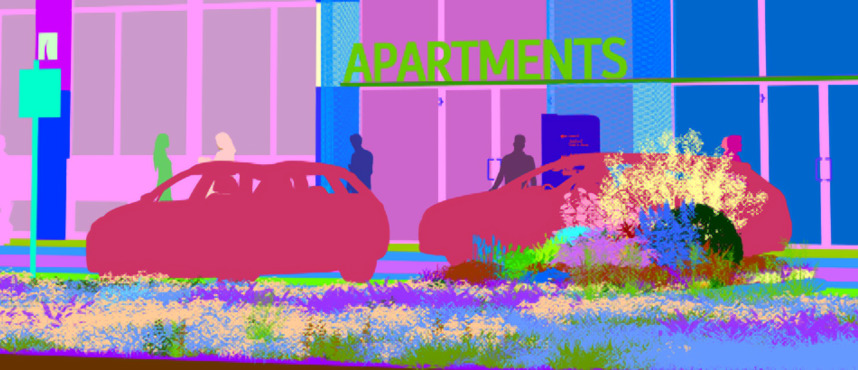
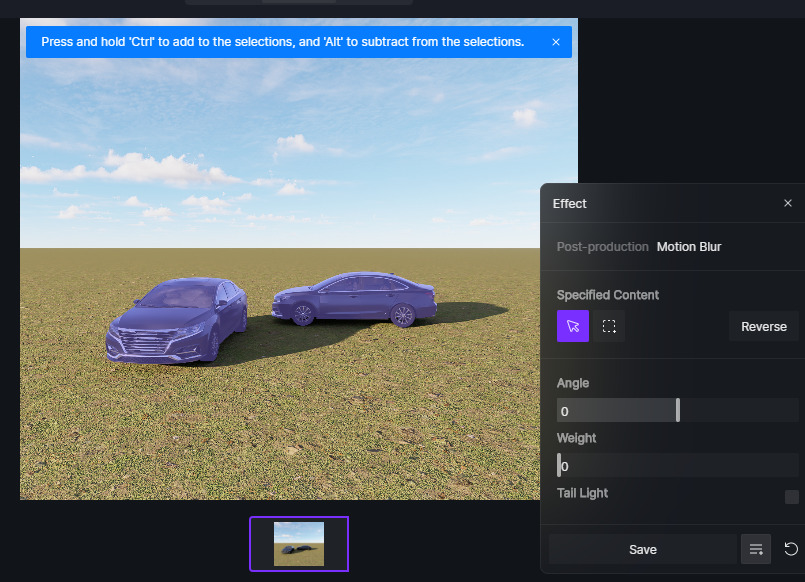
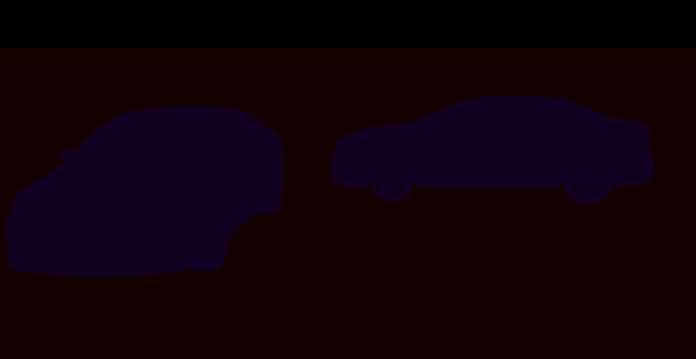
- AI Effects has problem with selection objects like this - there is no way to select only one car :
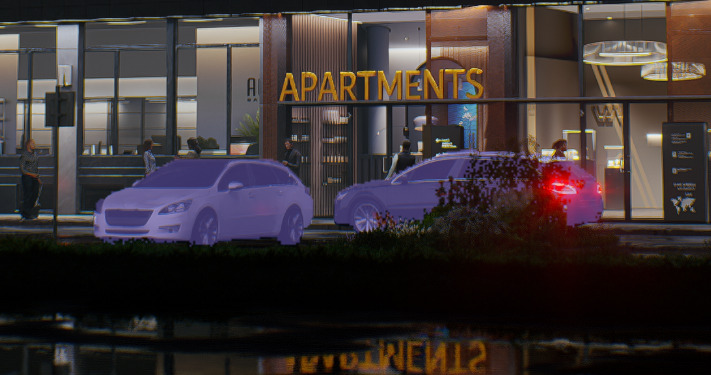
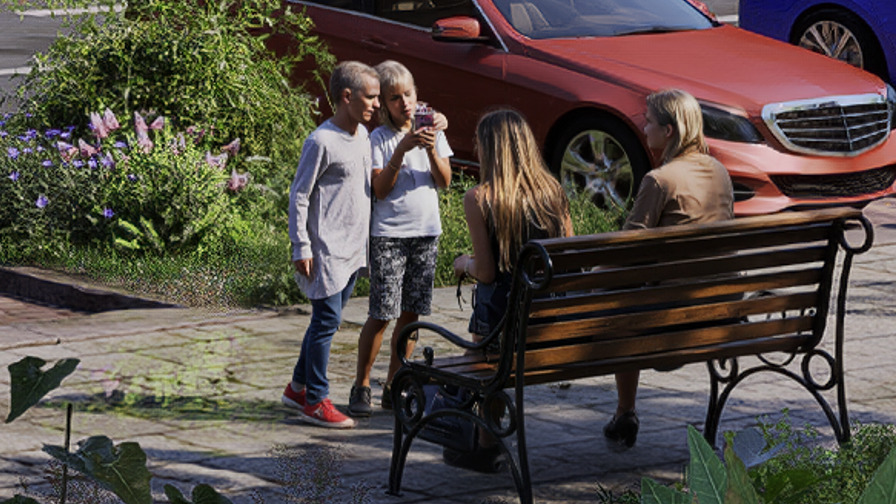
- Most of the children have mature faces after inpainting
One car can be selected as long as you rendered the image with AI Material Map
We will need the original image and the upscaled image to submit a feed regarding AI Inpainting.
Hi @Clov
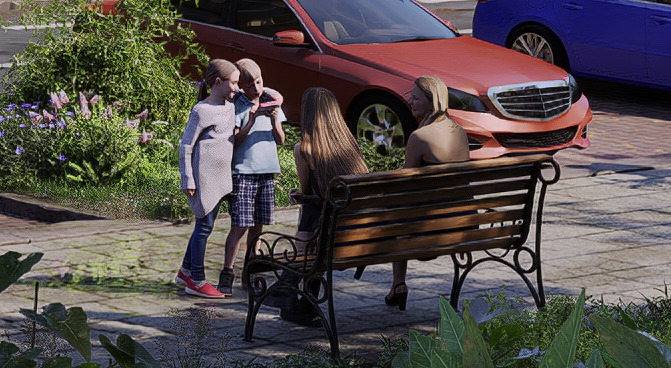
Inpainted :
It looks like AI has problem when child is far away and it is relatively small on image.
As for child there is no way to search them in Asset Browser using “child” keyword.
Hi @Smolak
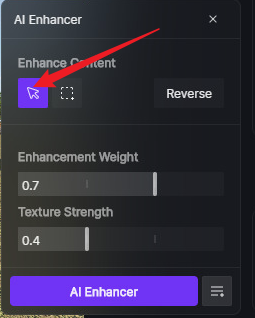
It shouldn’t really matter if they have the same material ID. You should be able to select the cars individually after clicking the cursor icon.
Included scene. AI treat the same car type as one object because they have the same AI material ID
Now way to use motion blur individually
cars.zip (2.0 MB)
Hi @Smolak
Alright, thanks for the screenshot that clears up what you were pointing our. You were talking about “Motion Blur,” not AI Enhancer, since AI enhancer allows individual assets to be selected, unlike motion blur.