**D5 Render Version:2.11.1
**Graphics Card:Nvidia GeForce RTX 4090 24GB
**Driver Version:32.0.12.6094
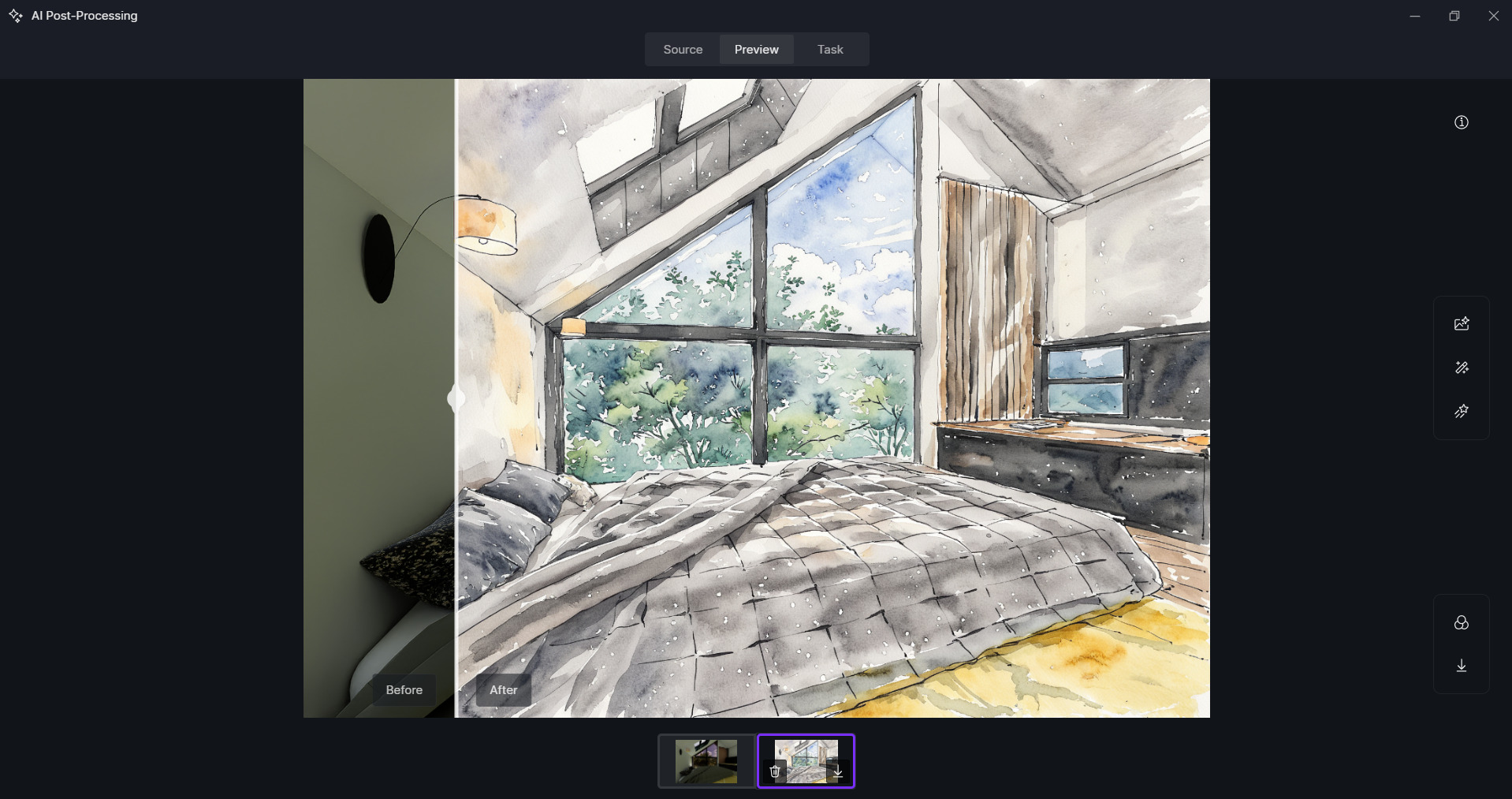
Issue Description: Ai Enhancer File saving issue, Since Task also shows “Download complete” but no file is created
Screenshots/Videos Description: 2 screenshots attached
Steps to Reproduce (optional):


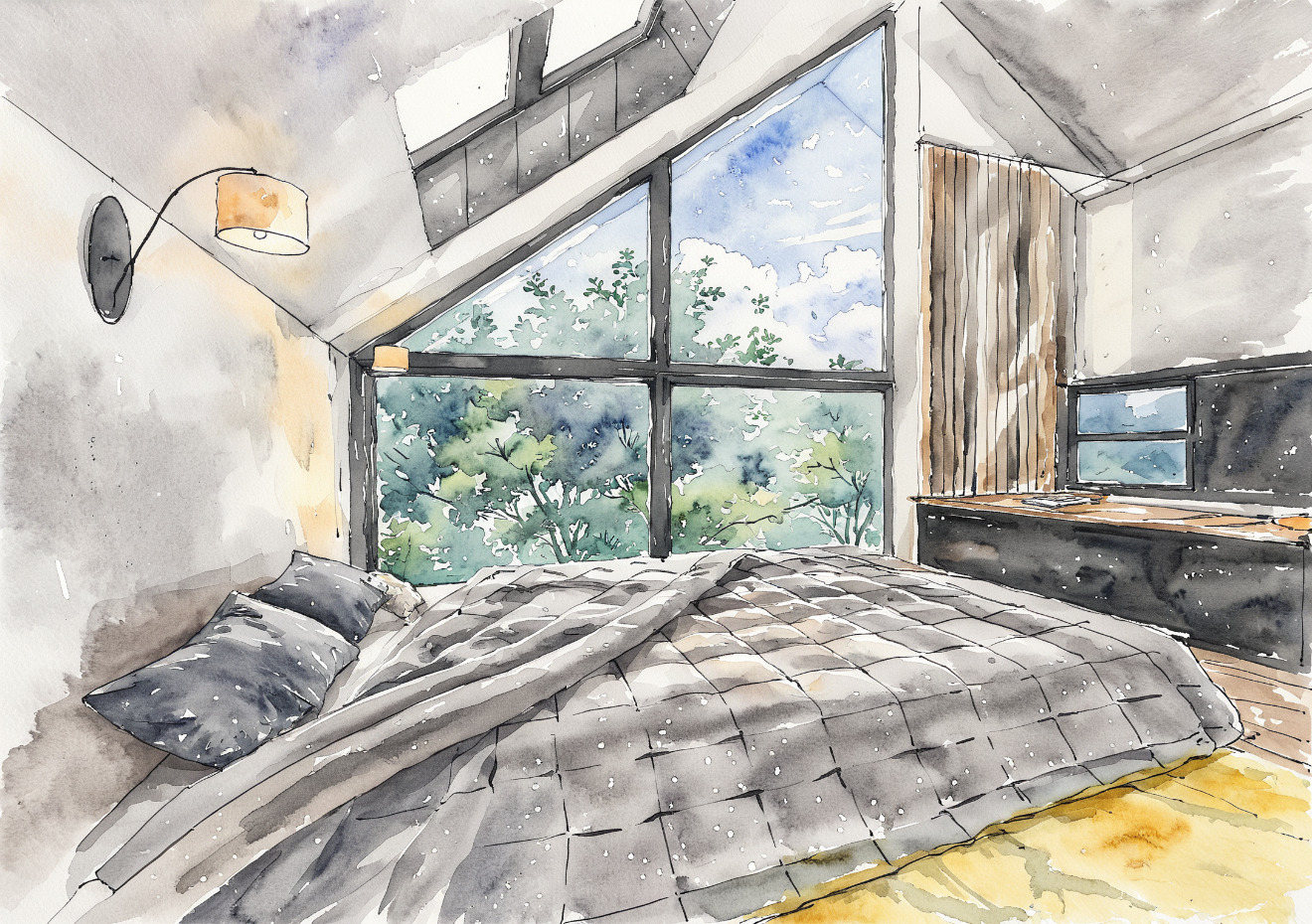
Sorry for the inconvenience. I tried AI Style Transfer on my end and it seems to work fine.
Please try the following troubleshooting steps:
- Try a different network (for example, a home network or mobile hotspot) or temporarily disable any network restrictions/firewalls, as AI features rely on a stable cloud connection.
- Save the output to a different local folder, such as your Desktop, to rule out any permission or path-related issues.
- Test the AI Enhancer in a new or different project file to check whether the issue is file-specific.
Additionally, could you please let us know whether other AI features are affected as well, or if the issue occurs only with AI Style transfer? Thank you
You should also be seeing a download button on your Task panel to save the image.
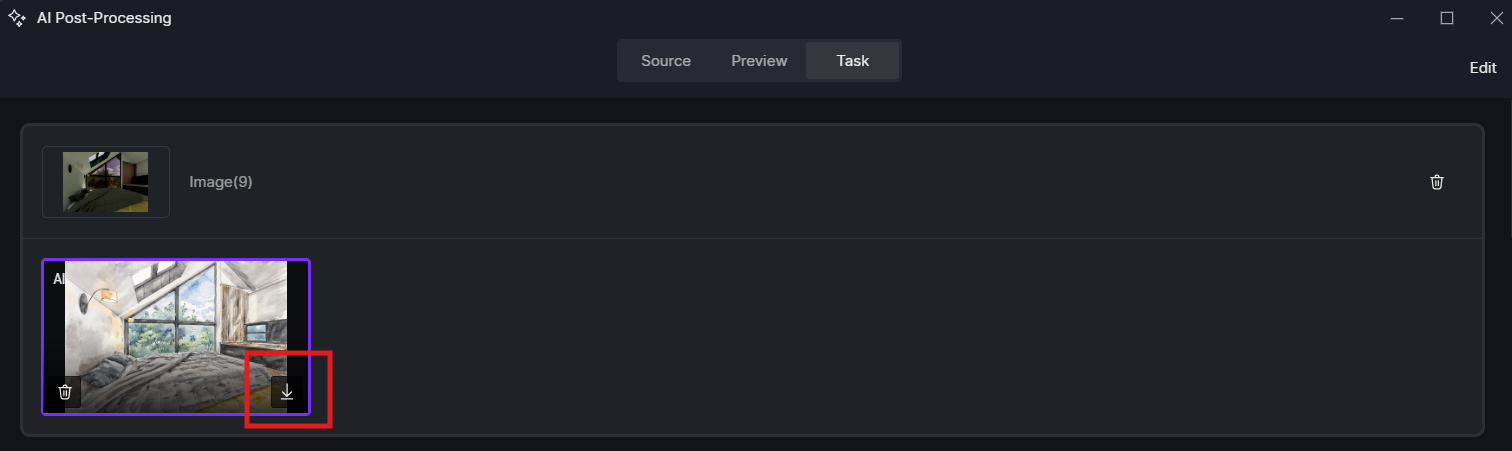
Thankyou for your reply. i tried with the new file as well as a different project file. but all are the same. did with task download button. but not helping downloading on local computer d drive also changed the directory .nothing helping.
Could you please provide a screen recording of your workflow? Specifically, we’d like to see:
- When you click the Download button in the Tasks panel, what happens?
- Where does it redirect you, and what folder is selected for saving?
- Can you try saving the file to your Desktop instead?
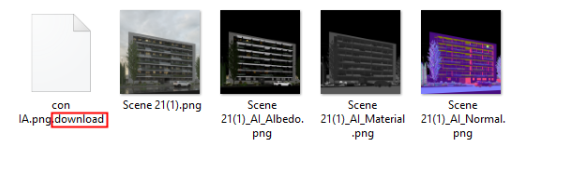
- After attempting the download, does the file have a “.download” extension or any unusual format? Similar to this?
screen recording format is not uploading here what to do now
Sorry about that. Please upload it to WeTransfer and send the download link to me privately. https://wetransfer.com/
Thanks for the video. It does seem abnormal. A few questions to help us troubleshoot:
- Is this the first time this has happened?
- Have you used and saved D5 AI post-processed images successfully before?
- Does the save path have enough storage and proper write permissions?
Please also collect your log files using the D5 Support Tool and upload them via WeTransfer so we can review them. Thank you. How to use Support Tool? | User Manual
yes there is much space for storage and there’s no restriction or permission needed.
my other computer is also with the same network but with a different network port. and there is D5 saving AI post-processed image with my own D5 login (but the D5 Version is 2.11). and then i shifted my computer to that network port where AI post-processed image is saving but in this pc not saving (and this pc have upgraded D5 2.11.1). rest of everything is working fine .
Log file
Thank you for your patience and for providing the log files.
After reviewing your case and conducting internal testing, our team was able to successfully replicate the issue. We identified that the problem is caused by the use of a special character, specifically the “&” symbol, in the folder name or file path where the AI Enhancer output is being saved.
Although the task status shows “Download complete”, the file is not properly created when the save path contains this special character. Based on the video you shared, we can confirm that one of the folders in the target path includes the “&” symbol.
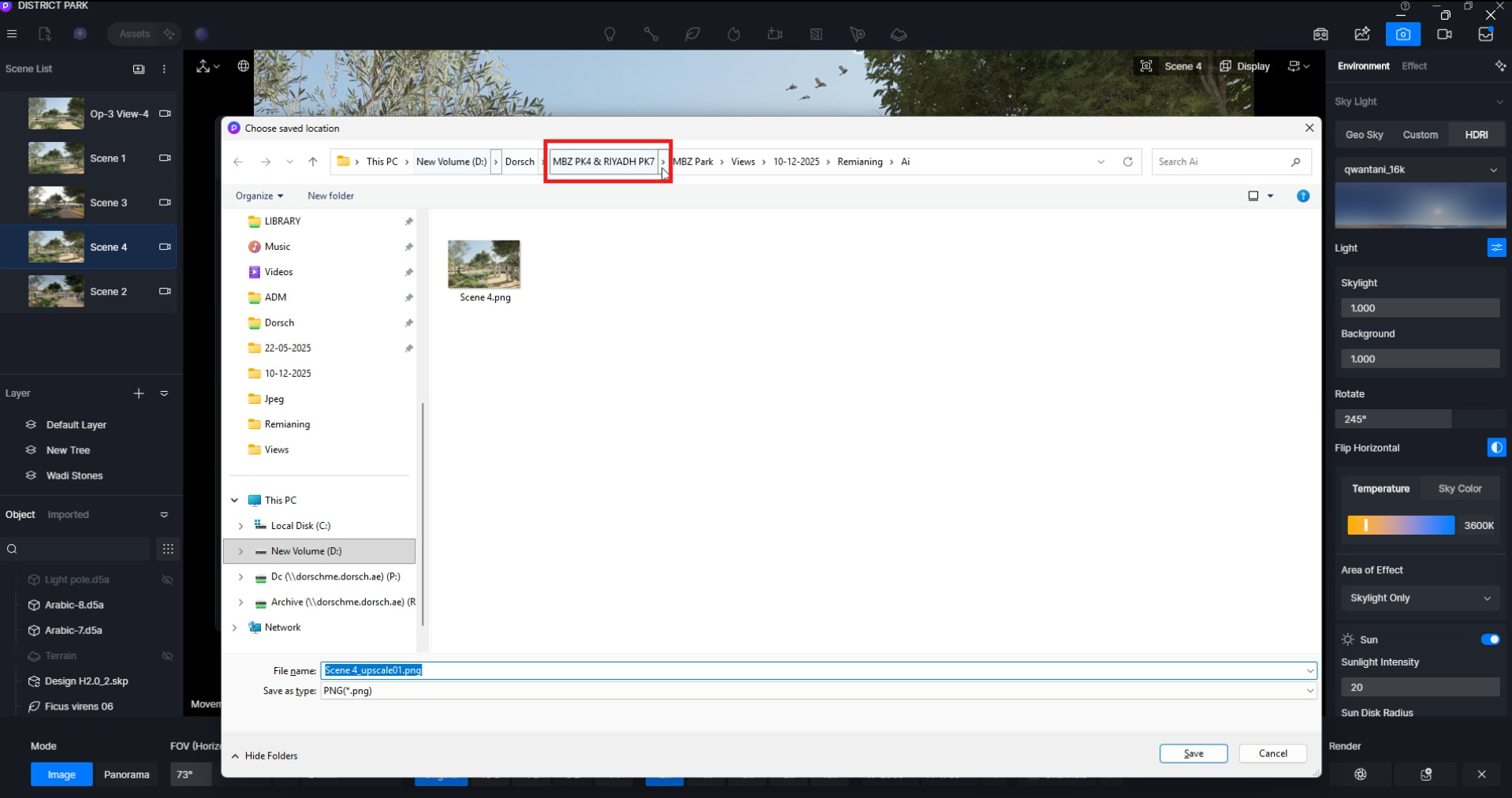
The recommended solution is to rename the target folder to remove the “&” character or change the save path to a directory that does not contain any special characters. Thank you.
you are correct . i just changed this character . now file saved many many thanks to you and your team.
1 Like