Thank you for sharing your experience, and I apologize for the inconvenience caused.
To help us better understand and investigate the AI-related issues you mentioned, could you please provide a bit more detail on the following points:
Which AI feature are you experiencing problems with (e.g., AI Scene Match, AI Enhancement, etc.)?
When you’re unable to download the file, do you receive any error message or prompt?
Could you also confirm whether your download or save file path contains any special characters (such as “&”, “#”, or non-English characters) in the folder or file name?
Does the texture distortion and shadow degradation happen consistently in all interior scenes or only in specific projects?
Aside from the issues mentioned, are there any other problems you’ve encountered when using AI features?
I look forward to your response. Thanks in advance.
AI Enhancement is not working on some files. Also when i have open flie work then stop working . We are paying for that softwer . I have work to do .Even though the files are 2K and 4K in size, when I click on ‘Enhance Image,’ nothing happens. This issue has been occurring since I updated to version 3.0. Do something with that problem. ! ASP.
Sorry for the inconvenience. Could you please try restarting D5 Render and check again?
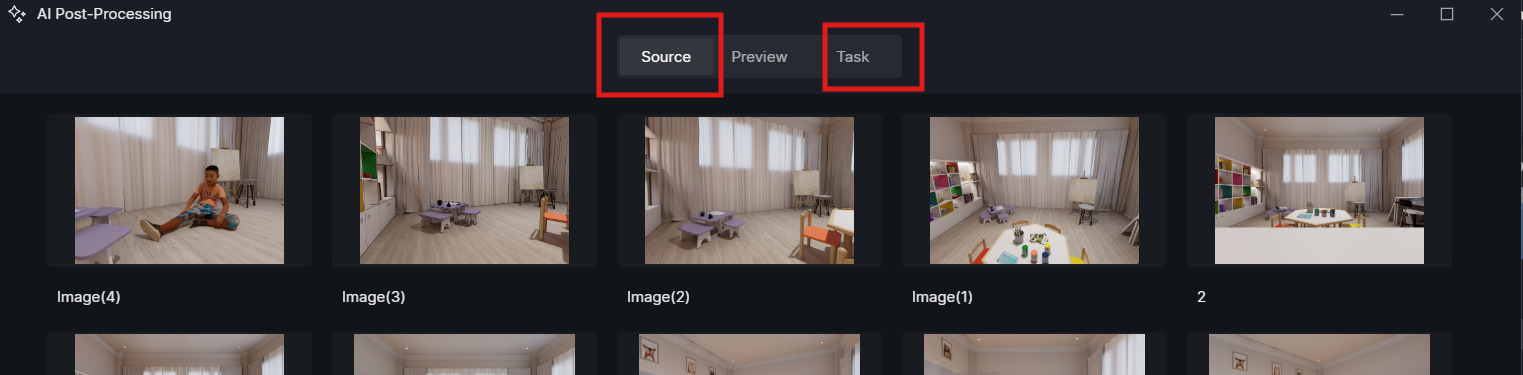
What are other signs of the AI issues you’ve encountered? Is it stuck on “Waiting”? Does it not load at all? Or does it render but fail to download?
Also, is this issue affecting only the AI Enhancer, or are other AI features (Transfer, Inpainting, etc.) affected as well? Thank you for your patience.
as they said , " Still not working properly…Sometimes it works, sometimes it doesn’t, what is the deadline for solving the problem? " for all AI enhancer transfer inpainting,
Do you have trouble with your server ??
too many connection ???
since V 3.0 ?
AI doesn’t work on projects created in D5 2.11 that are then opened with D5 3.0. If I create a project directly from scratch with D5 3.0, AI works. Do you have a solution?
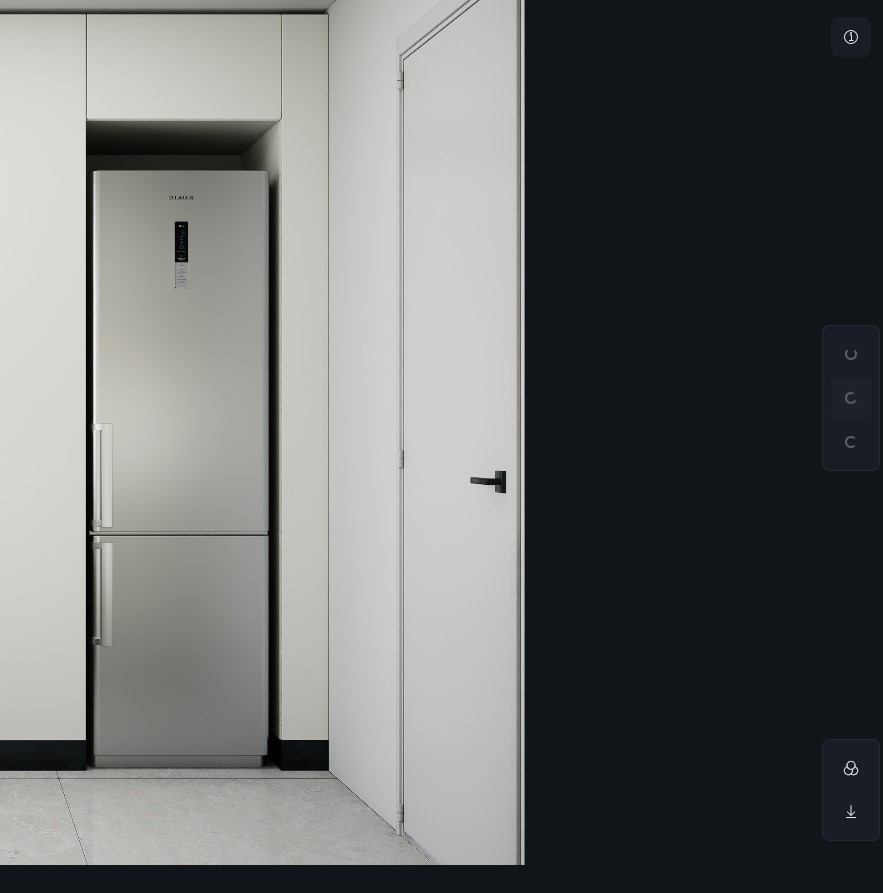
this is the problem, when I want to initiate image enhance only this loading sign appears which disappears in a few seconds without opening my menu, similar to the rest of the commands in the post production menu. Checked now
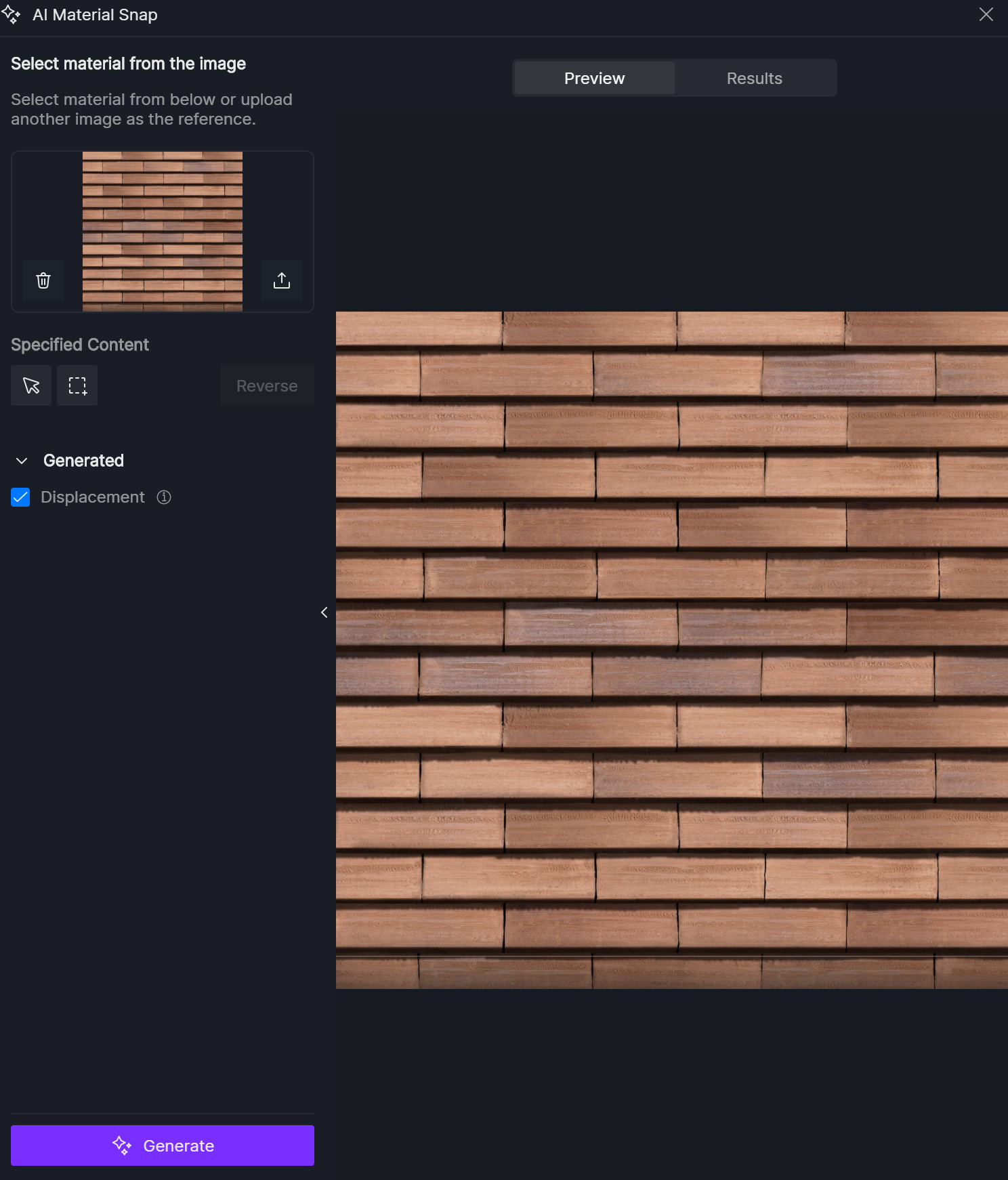
Issue Description: Updated to D5 3.0. Can`t use any AI feature. When using AI Material Snap it starts, then stops generating material. Nothing comes from it. When using other AI features, it is the same.
Are you using any encryption, security, or file-protection software on your system that might restrict access to local files or folders?
Does the current output/save path contain any special characters, non-English characters, or restricted directories (e.g. system folders, synced cloud folders)?
As a test, please try re-rendering the output to a different local directory (for example, a simple folder on your desktop or another drive) and see if the Image Enhance and post-production menus behave normally.
I’ve the same problem when clicking on Ai Enhencer, nothing happens. Only the charging circle and nothing. Yesterday on my Computer at home it worked but today on my labtop in a coworking, it doesn’t work. My file is on a Google Drive folder. No VPN, No firewall rule. RTX4090 on Labtop and RTX3090 SUPRIM on computer.
The same problem here.
AI Snap Material not working (after uploading a reference image, no material can be selected) and also the AI Post Production does not work after the 3.0 update.
Country: Brazil
Right now I cannot use any **D5 AI * at all. Please help me because I have to submit my project tomorrow.
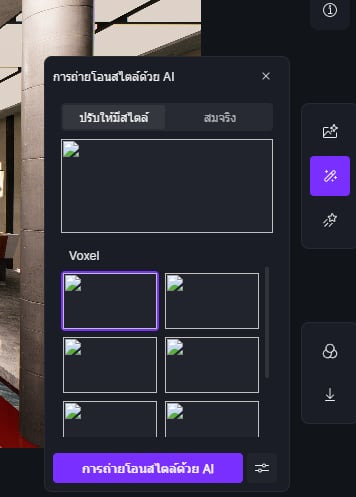
At first, everything was working normally, but now the program keeps showing a message asking me to check my internet connection. However, my internet is working normally and I have already restarted my router, but the problem still persists and I cannot use the AI features.
My location: Thailand
Please help me resolve this issue as soon as possible. Thank you.
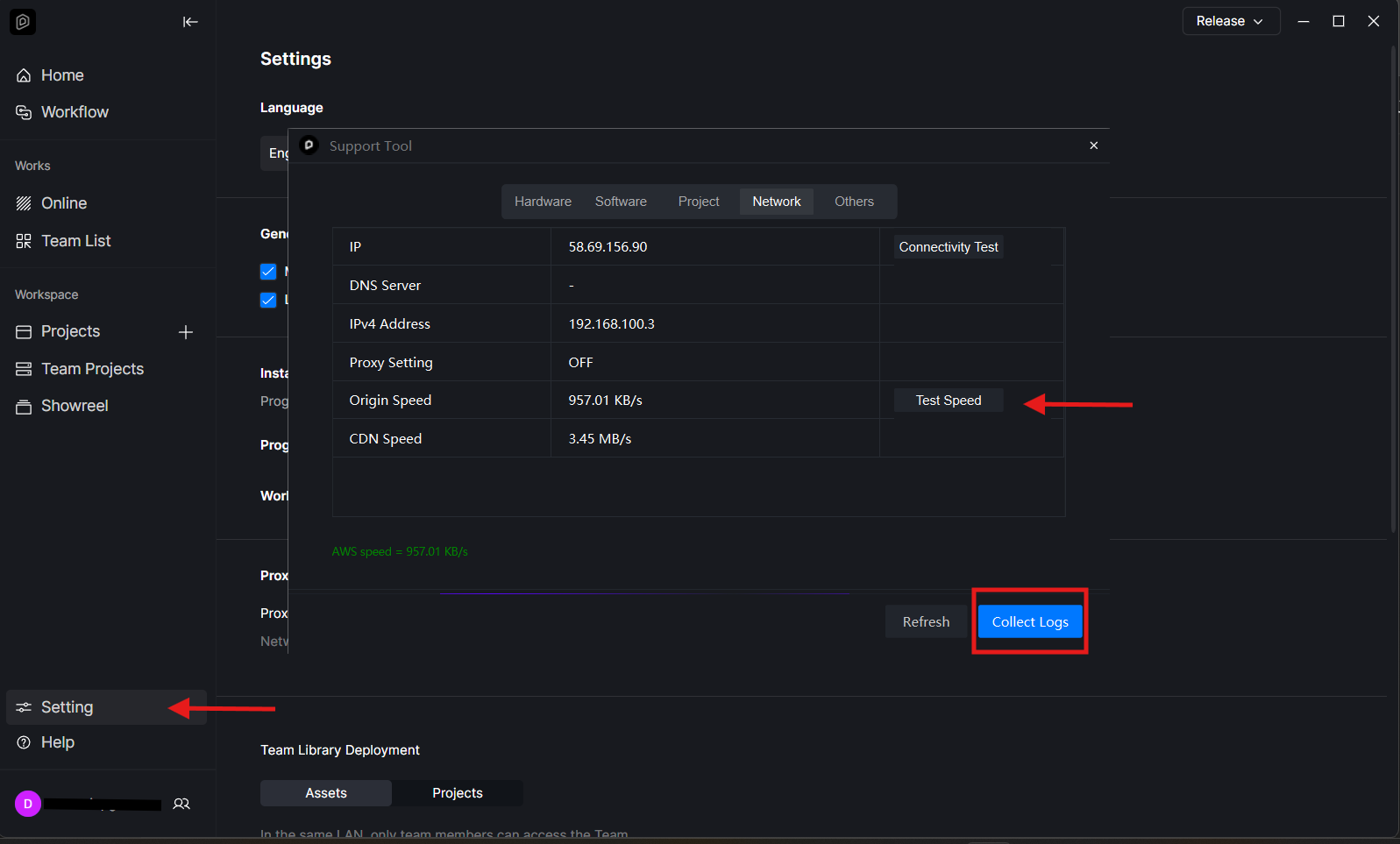
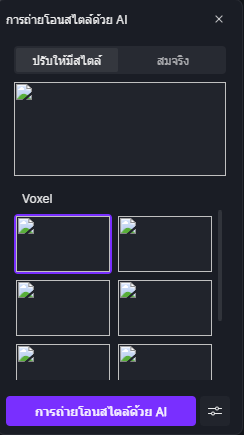
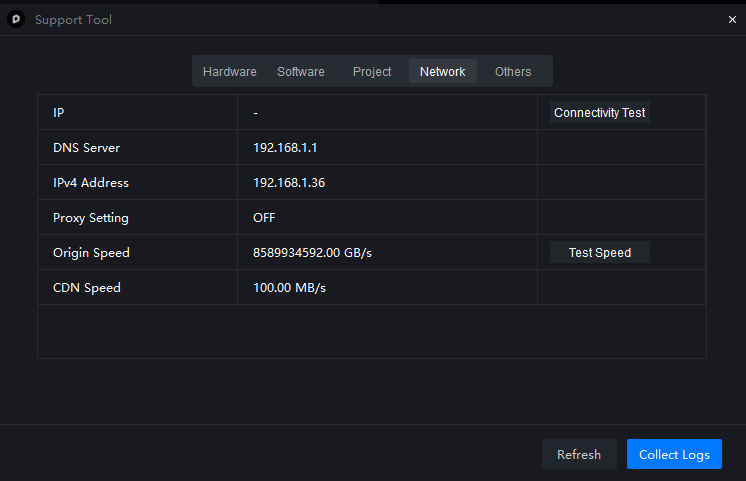
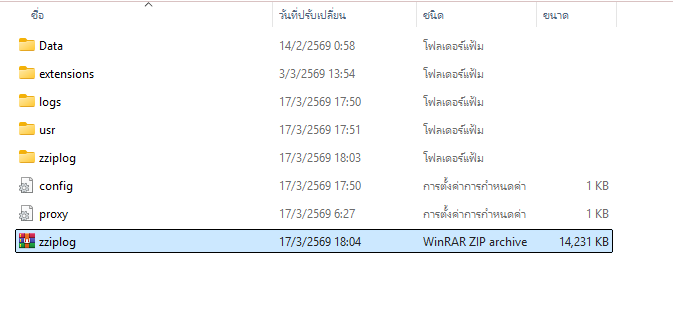
Sorry for the inconvenience caused. It seems that even the thumbnails did not load properly on your end. Could you please check your network speed inside the D5 Launcher and let me know the result?