AI Enhancement is not working on some files. Even though the files are 2K and 4K in size, when I click on ‘Enhance Image,’ nothing happens. This issue has been occurring since I updated to version 3.0.
5 Likes
Hi @felipegoniv
Sorry for the inconvenience. To help us narrow down the cause, could you please confirm the following details:
- Does this happen with all rendered images, or only specific files/projects? Is the file you’re trying to enhance from a new file or an old file?
- When you click Enhance Image, do you see any loading indicator, an error prompt, or does nothing happen at all?
- Are you using a restricted network (office/campus network or firewall)? If possible, have you tried a different network or hotspot?
- Have you tried using other AI Post-Processing tools in D5, and if so, do they work normally?
Thank you for your patience.
I am still having this issue.
Nothing happens when you click Enhance, the purple bar starts spinning but nothing else happens. This is happening on all projects I am working on.
2 Likes
I’m having the same problem. None of the AI panel commands work (Enhancer, Impainting, etc.). A loading wheel appears, but the parameter setting panels don’t appear. I’ve tried on two different PCs and two different projects, and the problem is the same.
2 Likes
Same for me. No more AI Post-Processing functionality, despite the fact that the AI Post Channel layer is checked.
EDIT : According to my tests, on new files created in V3, the ‘AI Post-Processing’ button does not appear when rendering is complete.
It works fine with older files.
same here. no AI panels
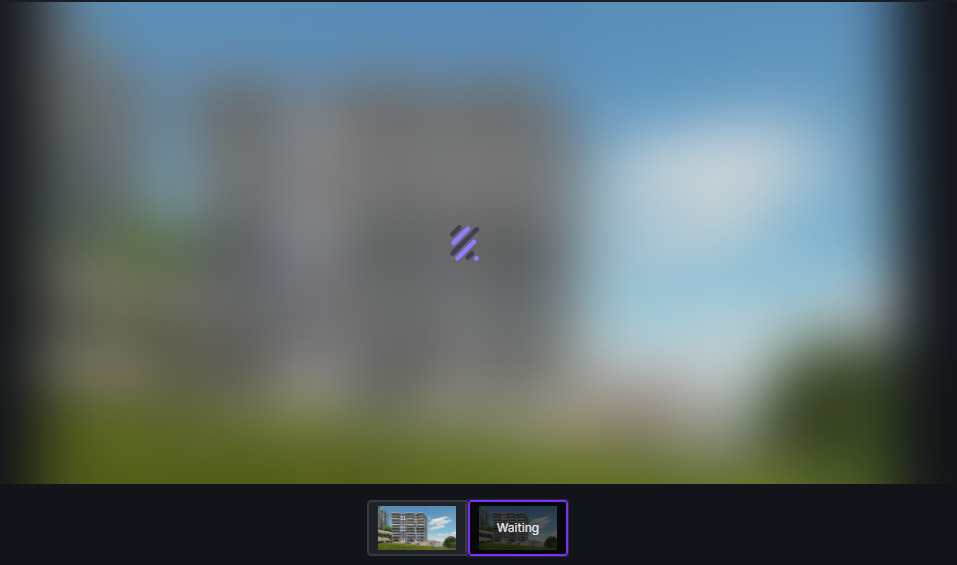
I’m experiencing the same issue since the 3.0 update. In my case, it gets stuck on the loading screen and just says ‘waiting’ indefinitely
Same here , i have fallen for the marketing of Ai , which don’t really work , and if if if it works it soooooo slow.
Was working fine this morning and during the past hour it stalled out and gets stuck in “waiting.” I rebooted my modem just in case. Getting 1GB internet. I’m assuming that this has something to do with D5’s servers.
same for me
I’m also experiencing the same problem, and this issue happened with all the files that I have. If I open the new files, at first try the AI is working fine, but for the second try, it did not even load when I click the Enhance Images or other tools.
Moreover the first image that working fine can’t be downloaded. It always dissapear in the file explorer when the download is finished. Hope the team can solve this issues, thank you.
1 Like
After updating D5 render to version 3.0, none of the AI panel commands work (enhancer, impainting, etc.). A loading wheel appears, but the parameter setting panels don’t appear. I tried on two different PCs and two different projects, with the same problem.
same for me
I am having the same problem of [kullemree]: it gets stuck on the loading screen and just says ‘waiting’ indefinitely. I tried several ways including executing D5 render as administrator, updating Nvidia drivers (I have 4080 super). Please settle this problem.
Me pasa lo mismo desde hace unas cuantas horas
same here guys, It’s either im stuck at waiting or cannot click the ai enhancement at all…
Hi , Having the same issue , it was working fine , and suddenly nothing works Ai enhancement is more a marketing thing than a real functional tool , Ai Enhancement is so slow even with pro version , this is really annoying , to make the work flow normal we had to subscribe to alternative enhancers , that solves the problem of waiting and wasting time , D5 Needs a lot of work.
Hello,
I’m experiencing the same issue unfortunately. It suddenly stopped working. Been working great up until now for me.
I tried restarting the computer and syncing the system time as suggested above. I also created a new empty project and attempted to render at the lowest resolution, but all AI tools still get stuck on “Waiting.” After about 20 minutes, the AI image being generated disappears.
1 Like
I have a PRO account And the AI enhancer was working fine till yesterday , I upgraded the D5 to new update , And all of the AI features stopped working , It is stuck on " waiting "
Let me know if your issue has been resolved .
I’m unable to download the AI-enhanced images. The files briefly appear in the Downloads folder and then disappear.
3 Likes