Same here. Didn’t happen until i updated to 3.0. Hopefully it will be fixed.
same, it stays on waiting for a long time, then disappears.
Same here, at first try the images is downloaded but then it dissapear in the folder file, as long as I tried it happens the same.
même problème également en France, en espérant que ce soit réglé rapidement
Ai enhancer stops working , did everything that you suggested to fix , but nothing is working , when this feature will do what it really claims to do
Hi I have the same problem. The postproduction stays in waiting, with all the tools.
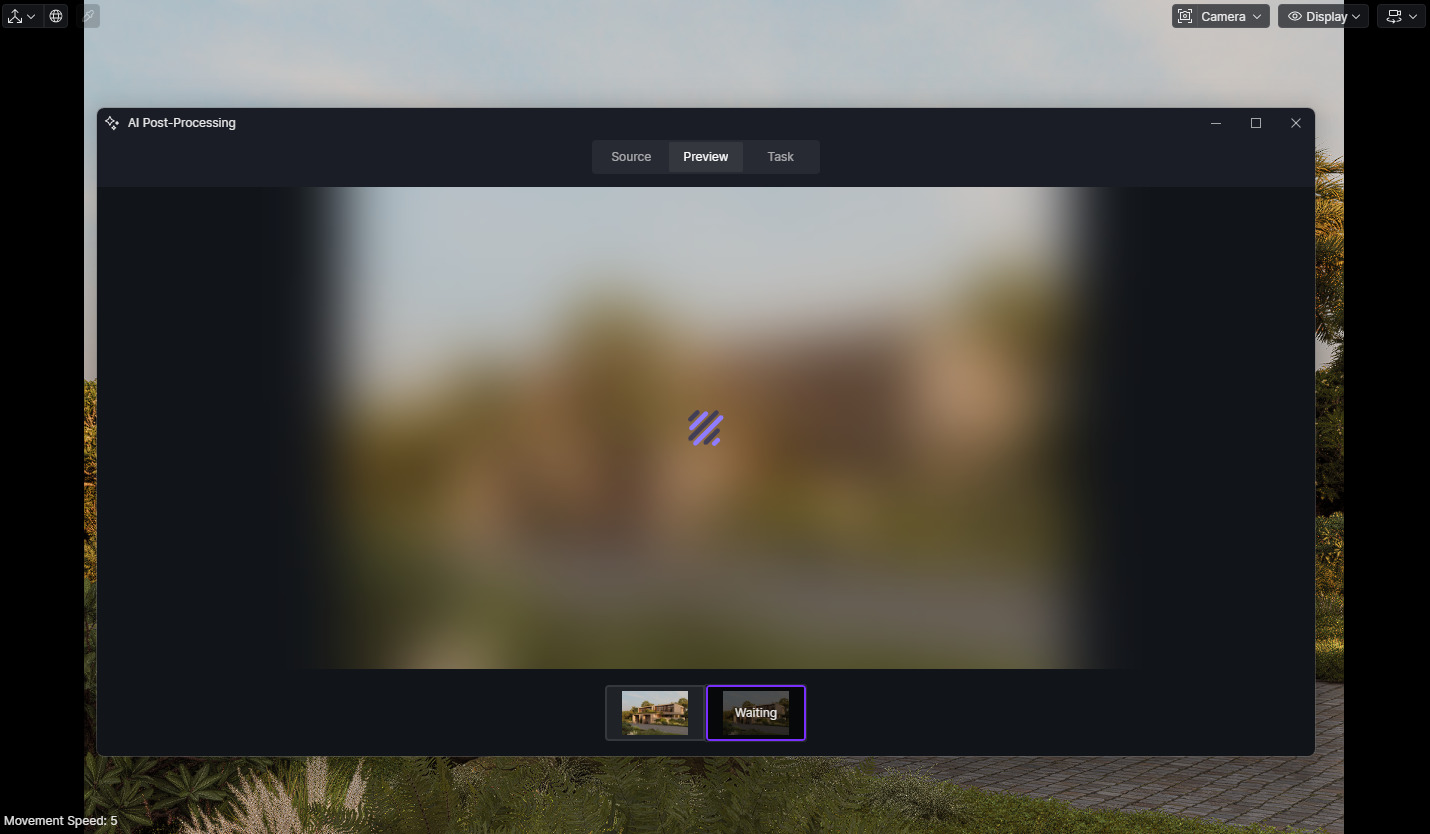
i just recently updated my d5 i have some issue my post ai production can only now process 3 ai scene and it wont function. ?
lo pudiste solucionar? tengo el mismo problema
I’m trying to load images into the “AI Material Snap” area, but it’s not working! When I load the image and click the option to select it using the arrow, it loads for a long time before stopping and doing nothing… I can click the function again with the same result. With the default image, I can even select the image material I want to generate, but when I click to generate it, it just keeps loading indefinitely. I’ve already disabled the antivirus and adjusted the “date and time” settings in Windows (as suggested in other problem reports), and my internet connection is working perfectly. I’ve also noticed that other AIs are having similar problems, just loading indefinitely…
**D5 Render Version:Last version (3.0)
**Graphics Card: AMD Radeon RX 7800 XT xfx
**Driver Version:Last version (25.8.1)
Issue Description:
**Screenshots/Videos Description:
Uploading: image.png…
**Steps to Reproduce (optional):
Uploading: image.png(1)…
Uploading: image.png(2)…
Uploading: Screenshot 2026-01-14 194440.png…
Uploading: Screenshot 2026-01-14 200106.png…
I’ve introduced a new project fresh in D5 3.0. I was trying the AI Screen Match feature and the function isn’t working. It will bring up the prompt and then say generating image but after a long time it simply times out. No image created. It asks about trying again and still won’t produce anything. Has anyone else gotten AI Scene Match to work yet?
Hi everyone,
We sincerely apologize for the inconvenience caused. Our team has been actively troubleshooting this matter. We identified an issue last night, and it should now be resolved.
Please kindly confirm whether the problem persists on your end. If you are still encountering any issues, please let us know which region or country you are located in so we can escalate to the team for further investigation.
Thank you for your patience and understanding. 
1 Like
and it should now be resolved
after starting computer and D5 today, it worked for 1 (one) image. after that same as yesterday. clicking on AI enhancer or inpainting does nothing
1 Like
yeah me too
i cant use D5 AI and i cant download it
please fix this
Got it @ek1 @solidplus.bali. Apologies for this. May I know which country or region you are located in?
im from indonesia
my problem now i cant use d5 ai and my previous work with d5 ai it can be downloaded
thank you
Thank you for letting us know, and for confirming your location. Have you tried restarting your device and then launching D5 again?
Also, could you please clarify whether this issue affects a specific D5 AI tool (e.g., AI Agent, AI Post-Processing, Model Generator), or if all AI tools are not working on your end? Additionally, when you mention that your previous AI work cannot be downloaded, does the download fail completely, or does it start and then stop and get stuck?
Thank you for your cooperation.
I am from Austria
TEMPORARY FIX:
A silly workaround if the files disappear after you’ve downloaded them: copy the file before its gone. The copied version wont go anywhere.
1 Like
Still having the same issue. D5 after opening the the file the Ai enhancer works. can download the images also. But after 10 minute it stops working and the downloaded images were vanished from the drive folder.
I am from Bangladesh. Please fix this issue.