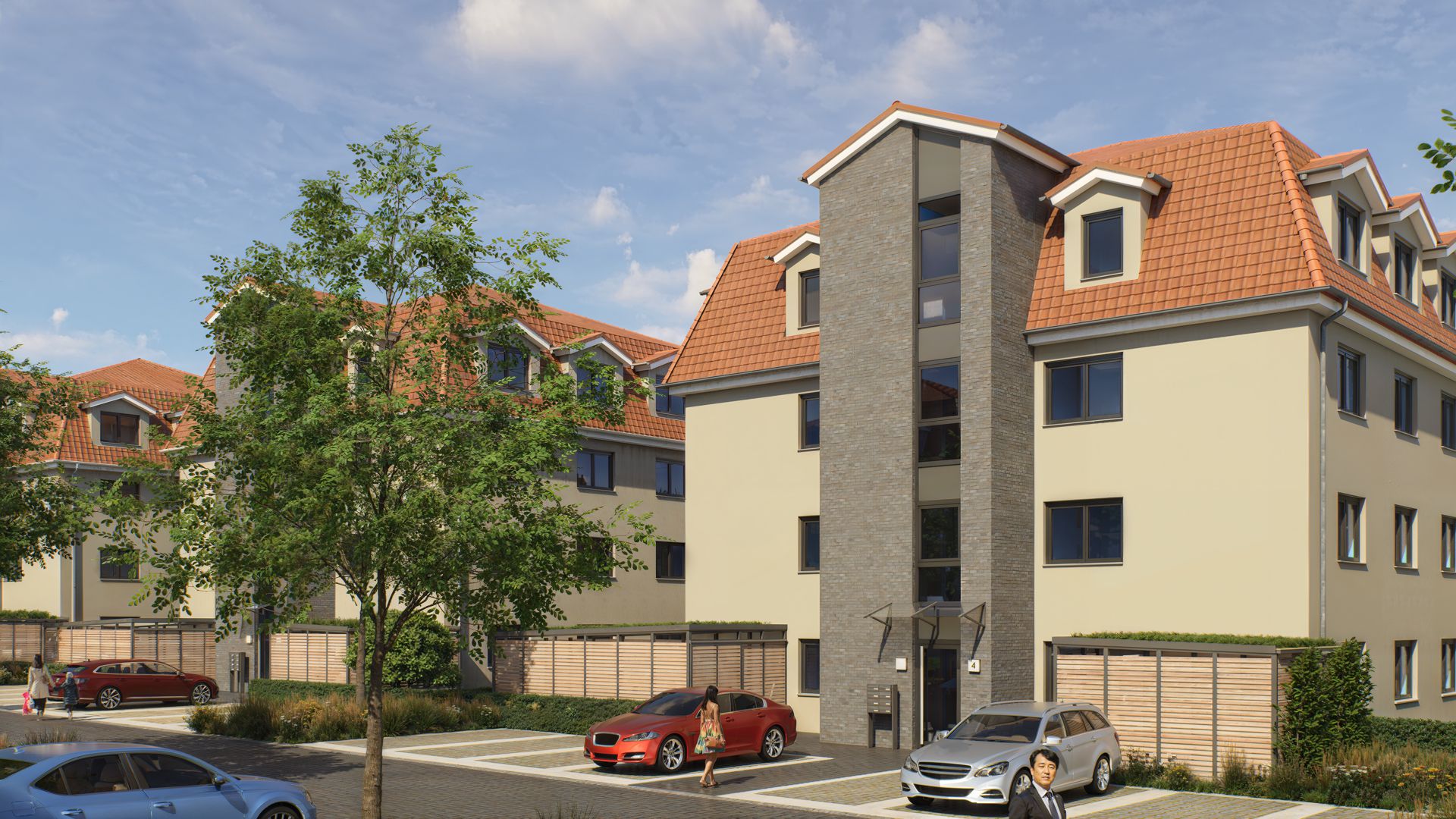
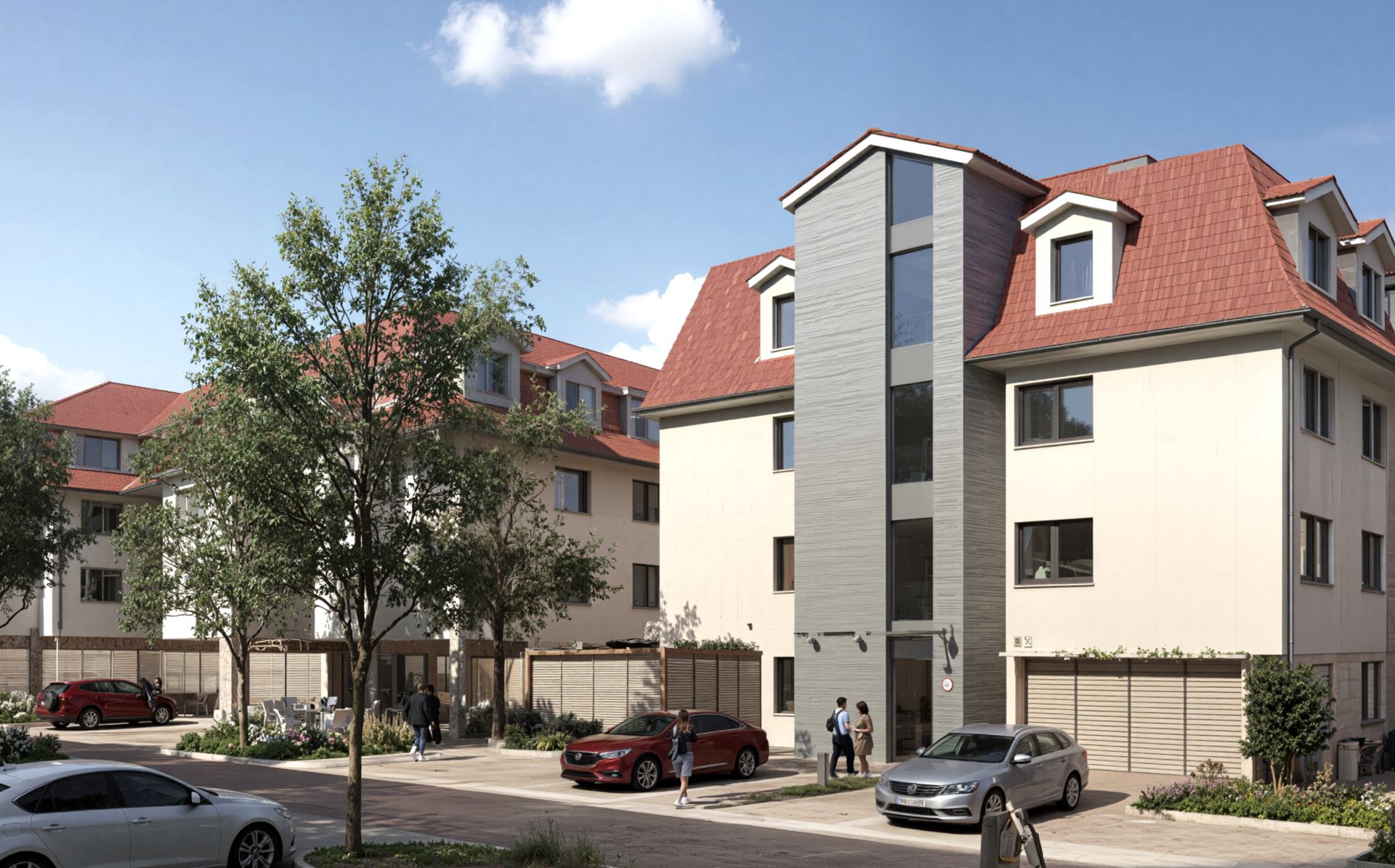
I feel the same way. I would like them to refrain from changing the texture of the important exterior walls. I would also like them to refrain from changing the shape of the windows of the buildings.
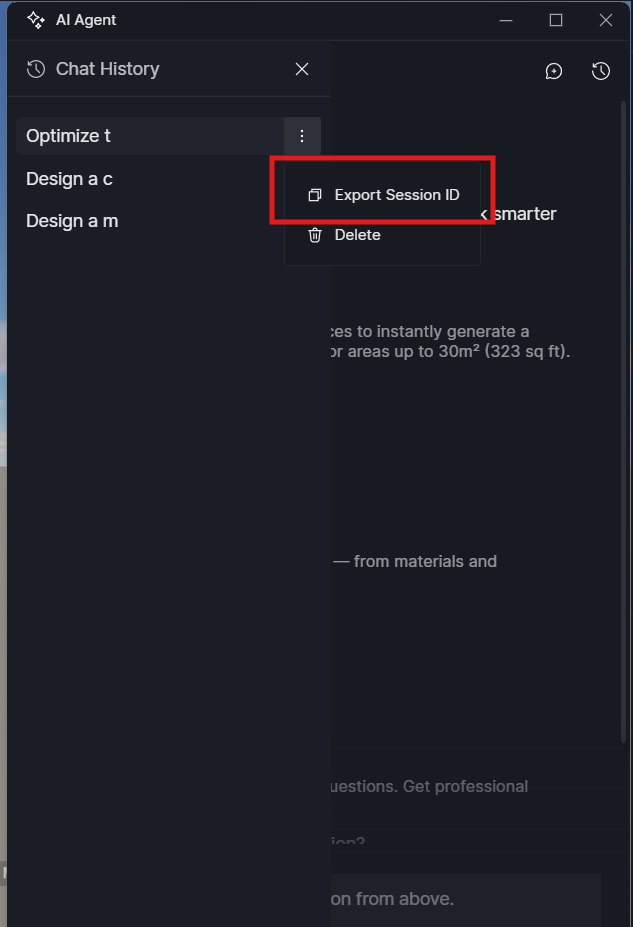
Thank you for sharing your experience, and we’re sorry for the inconvenience caused. Our AI agent is still being actively improved, and feedback like yours is essential to refining its behavior.
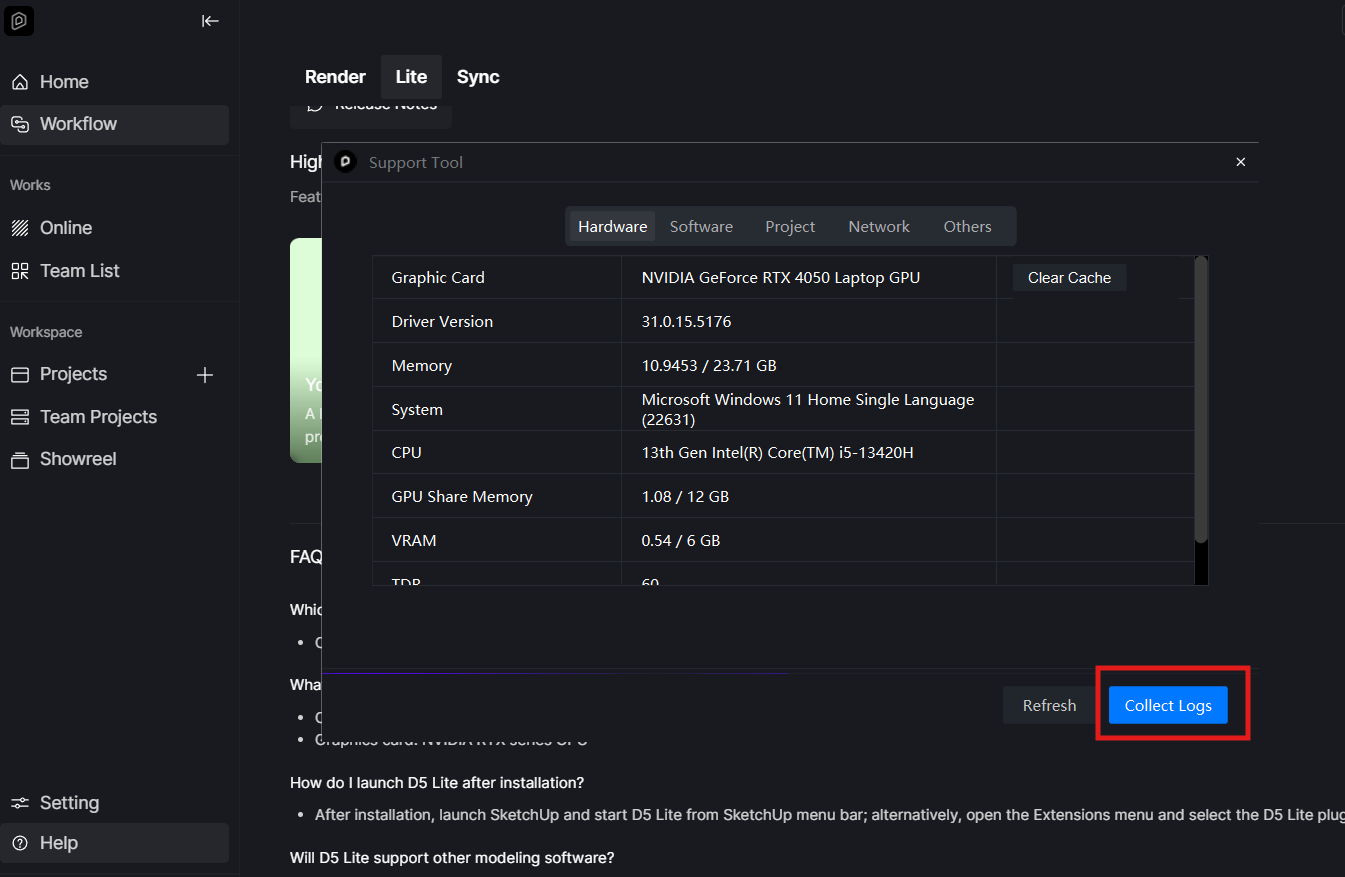
To further investigate this issue on our end, could you please collect your D5 log files and share them with us? If possible, including the project file where this occurred would also be very helpful. Kindly email the files to support@d5techs.com, tag me in the email, and include the link to this forum thread.
Thank you very much for your patience and cooperation.
I’ve received the email; however, I’m unable to retrieve or download the files as they appear to be in an unsupported. Could you please regenerate the files and send them again.
Unfortunately, both the log files and the project files are affected, and I’m unable to download either of them from the previous email.
For convenience, could you please upload the zipped log files and the project file to WeTransfer and email me the download link instead? This will help ensure the files come through correctly. Thank you
I think that it is very hard for AI to keep original buildings structure - not only in D5. The best method is to mix original image with AI enhanced in Photoshop using mask.
Also you should try to use more detailed prompt like what should be changed and what parts stay the same.
With advances in AI technology, results are continually improving through updates and optimizations. I’m unable to provide an exact timeline at the moment. But the team is aware of the concerns regarding this feature and is working to make it more reliable and useful in upcoming updates.