Frequently license crashing. Around from every 10-30 min logged out from my account
Hi @sean.pantin
- Were you able to use D5 before?
-
Does this problem occur in other files? Or is it file-specific?
(If empty, demo, or very light scenes also a similar issue it may be a bug that needs to be reported as soon as possible) -
Can you normally create new scene files or run D5 demo files?
If the problem only occurs with the current project or some of the scene files, it is likely that the file is too large and is consuming too much video memory, exceeding the load of your current device, and you need to lighten and optimize your file.
Please send us the ff:
- Video Recording showing the issue.
- System Info
- VRAM
- Memory Speed

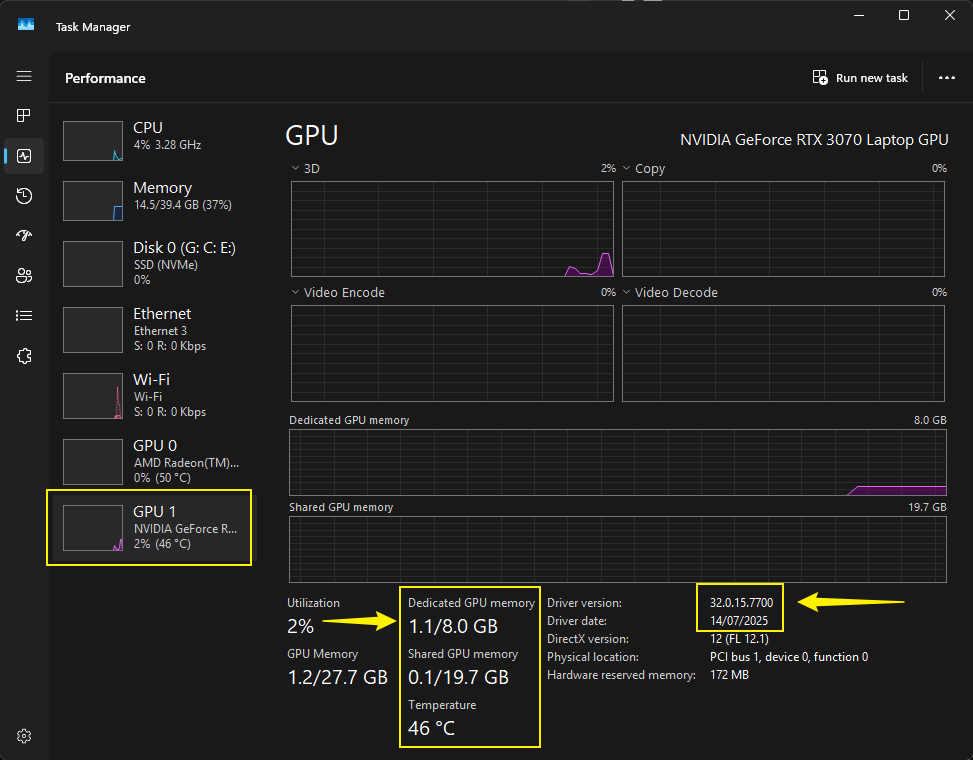
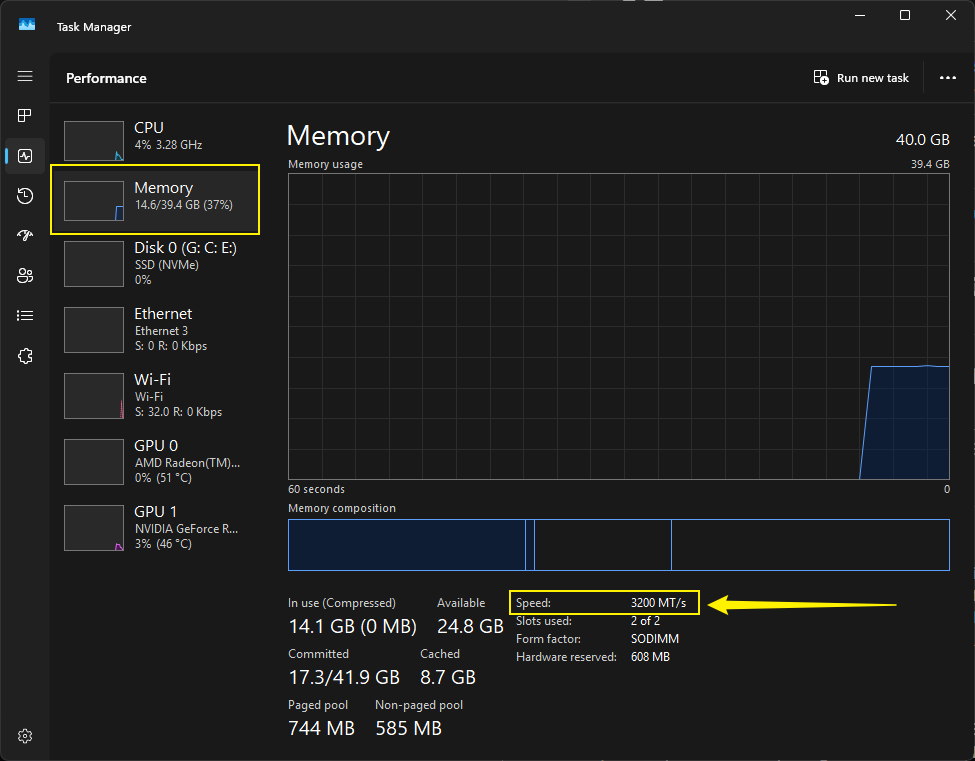
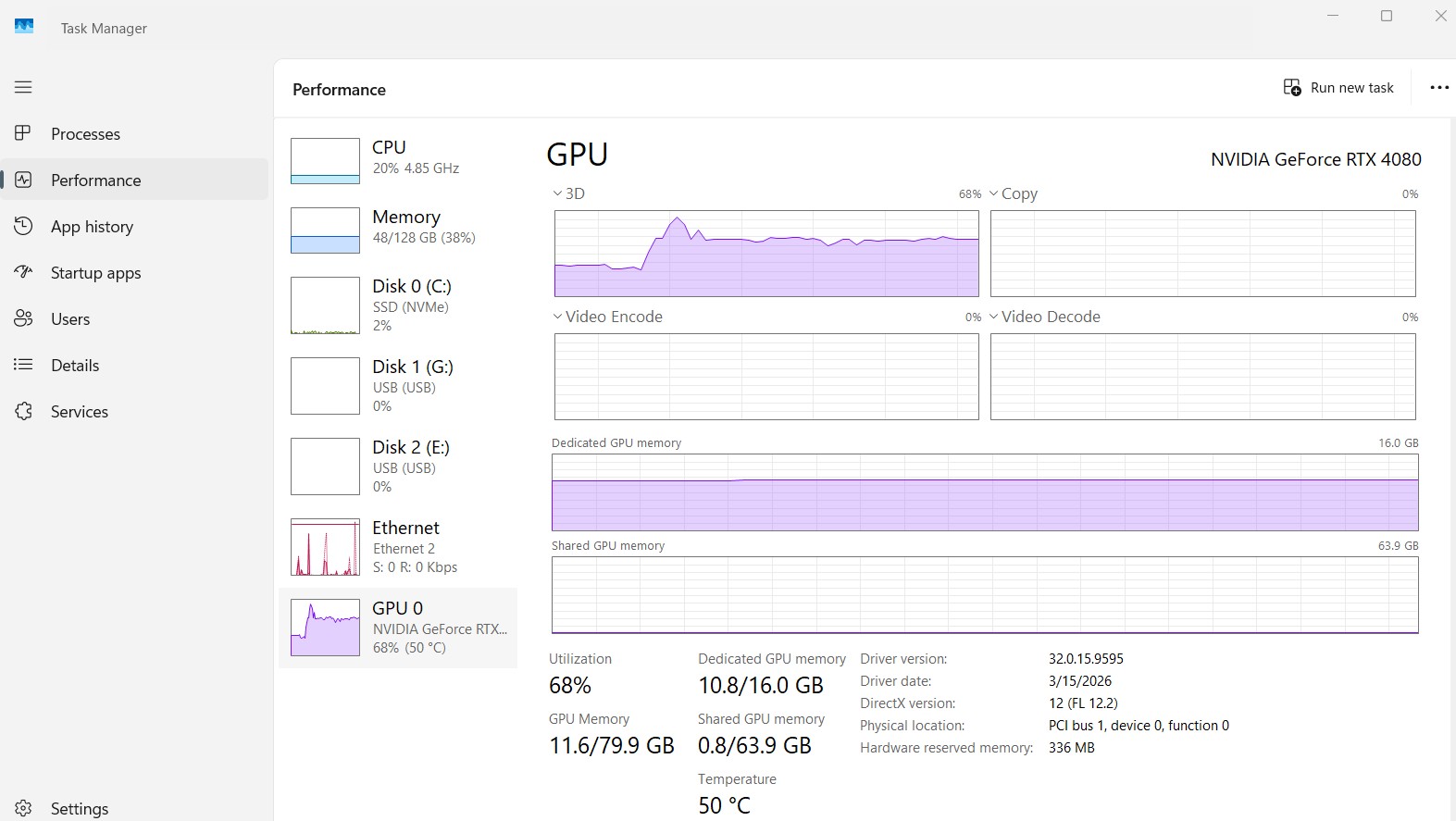
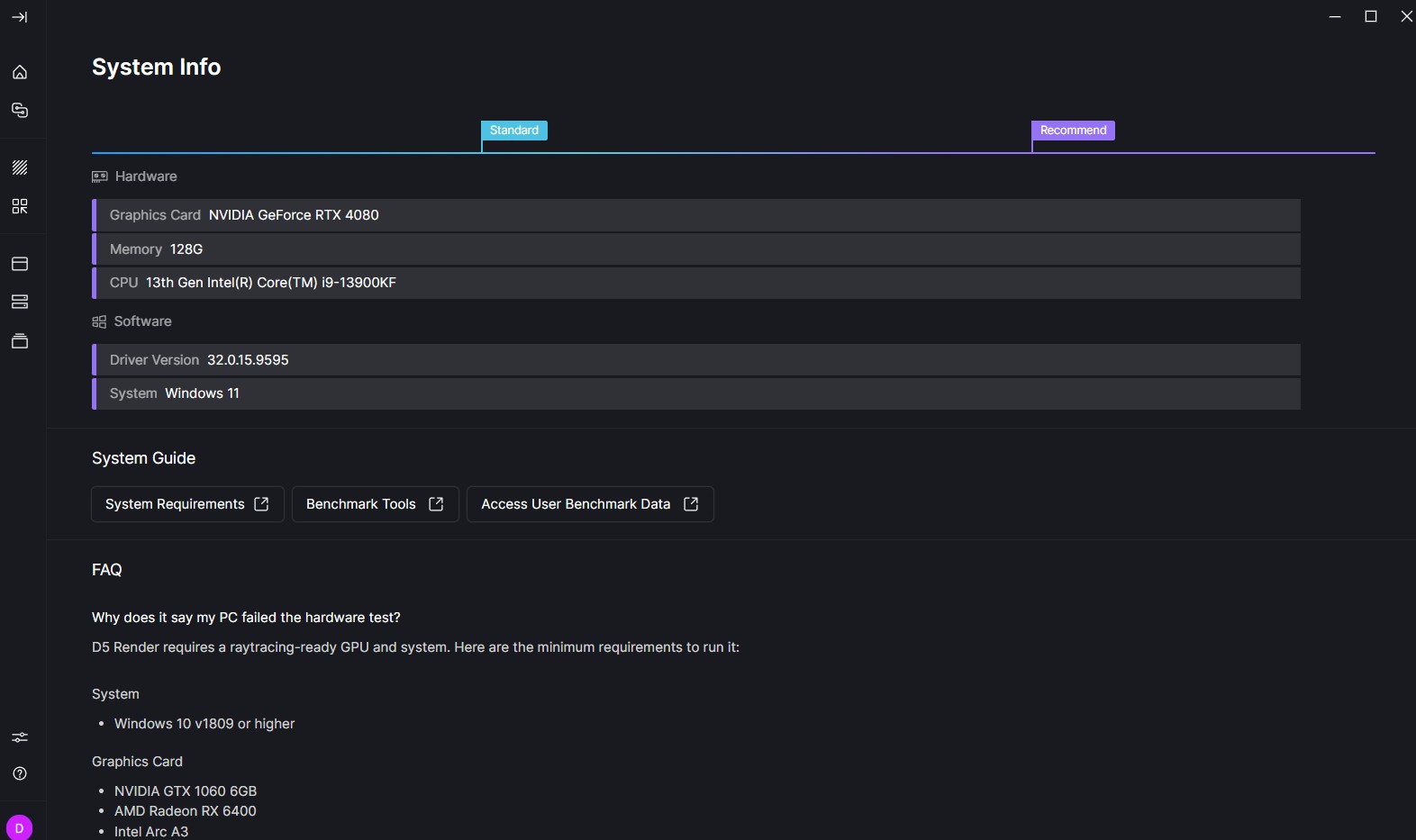
I am using D5 for about 2.5 years. This problem comes in about last 2 or 3 months even with the small files
Hi @sean.pantin
Can you send us a video recording?
- Please show in the video how you open a new empty project file and an existing d5 file.
Please check if you have any of the following enabled:
- CPU Overclocking
- GPU Overclocking
- or any setting that might have triggered overclocking.
There were several reports in which updating to the latest version, 3.0.1.0683, caused users to experience frequent crashes, but upon investigation, we pinpointed the cause as overclocking settings.
- Some users opted to use Throttle Stop to control it, if you’re well versed with it then that might be the better option. Link: ThrottleStop 9.7.3 Download | TechPowerUp
Devices with Intel Core i9-13900K/KF/KS and i9-14900K/KF/KS processors running D5 and other DX12 software may experience flashbacks, crashes, 99% loading freeze, and pop-up messages indicating “Some DLL files in the system are missing” or “Program startup failed”.
- Please update your BIOS. Users can go to the motherboard’s official website to update the BIOS version
- Link: Does the CPU have a big impact on D5? | User Manual
CPU/GPU Overclocking haven’t used. Bios up to date. D5 up to date. No matter how i open the file it still logged out in some point
Hi @sean.pantin
Just to clarify, I initially understood that D5 Render was crashing and that you were also being logged out of your account. When you mentioned the “license crashing,” do you mean that your D5 account is being logged out repeatedly?
If that’s the case, then my previous suggestions would not apply, as this is a different issue.
Frequent D5 account logouts are typically due to network connectivity issues. Please try the following:
- Connect to a different network (for example, a mobile hotspot) and check whether the issue still occurs.
- Check whether your firewall or security software is blocking D5’s connection.
- If the logout happens consistently whenever you open a specific file, please provide a screen recording so we can investigate further.
- Are you connected to your company’s network? Office network restrictions or ISP-related issues (such as dynamic IP addresses or strict firewall policies) can cause repeated logouts. If so, we can provide our required domains and IP addresses for your IT team to whitelist.
If the issue still persists, please send us the following:
- D5 Account Email Addresss
- Region/Country
- Log Files

Yes!
Frequent D5 account logouts
Please let me know if you have tried the suggestions that I have made.