I’m experiencing an issue with syncing between 3ds Max 2022 and D5 Render.
I’ve been working on a project where everything was functioning correctly — the model synced properly and all materials were displayed as expected in D5. However, after one of the syncs, all materials in D5 suddenly got reset.
I didn’t change the file name, file location, or any texture paths, so I’m not sure what caused this issue.
Has anyone experienced something similar or knows what might be causing this? Any help would be appreciated.
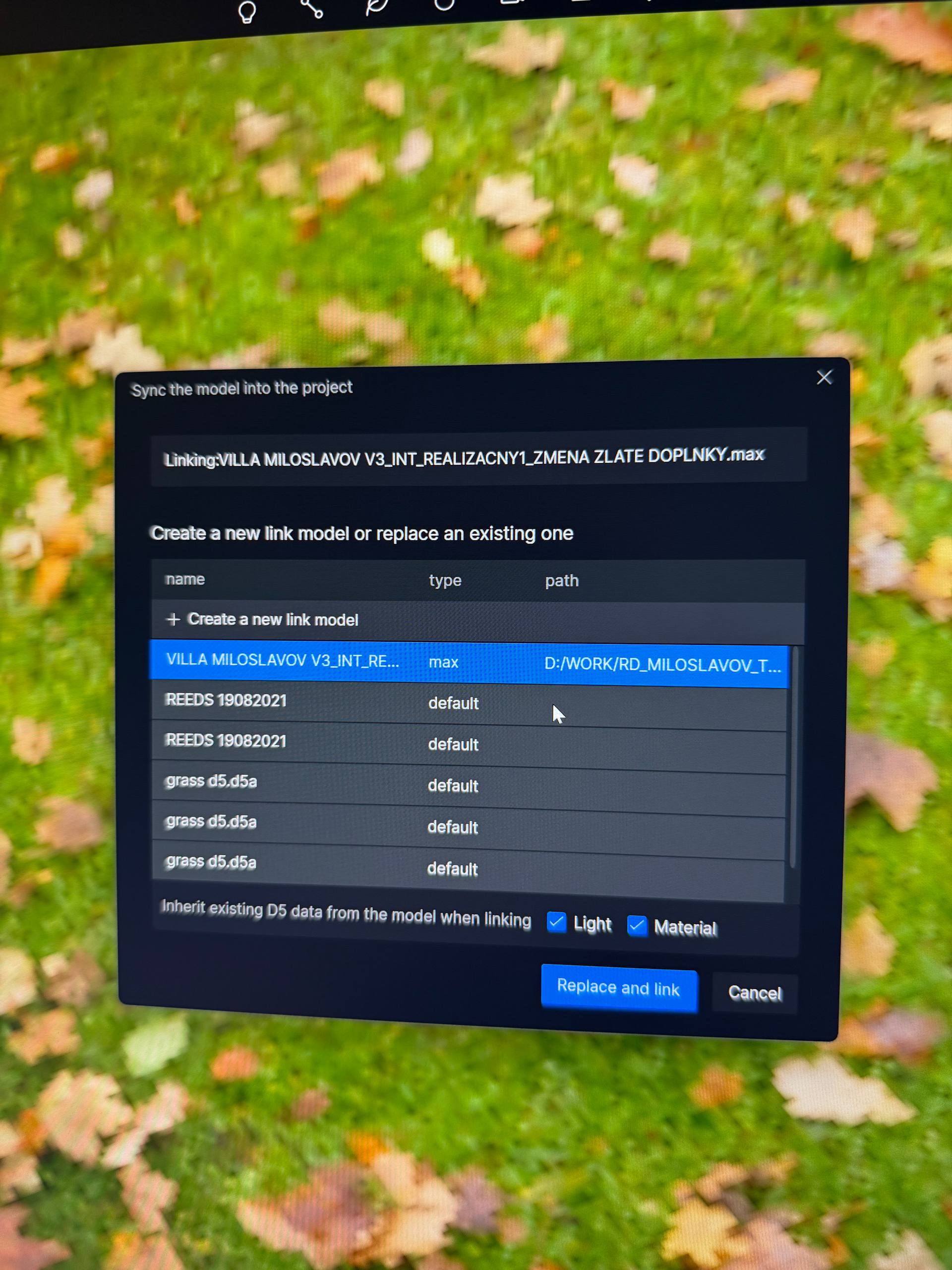
its on a local drive , everything was working fine but after 2 two days only working in 3ds max got back to D5 render and synced the model it pop the window to sync the project , like it thinks its a new project (see screenshot), but i didnt rename the file or anything
what do you mean materials sharing same name i think not , it is a problem if materials has the same name?
Thanks for the clarification. Just to confirm something from your screenshot — did you click Replace and Link or Cancel when the sync window appeared?
If you clicked Replace and Link, D5 will treat it as a new link. When that happens, the previous link between your 3ds Max file and the D5 scene is replaced, so the changes you made earlier inside D5 (such as the materials you assigned) may reset.
Also, regarding your question about materials sharing the same name, this can sometimes cause confusion during syncing, especially when D5 tries to match materials from the source file. It’s not always a problem, but in some cases it can lead to incorrect material mapping.
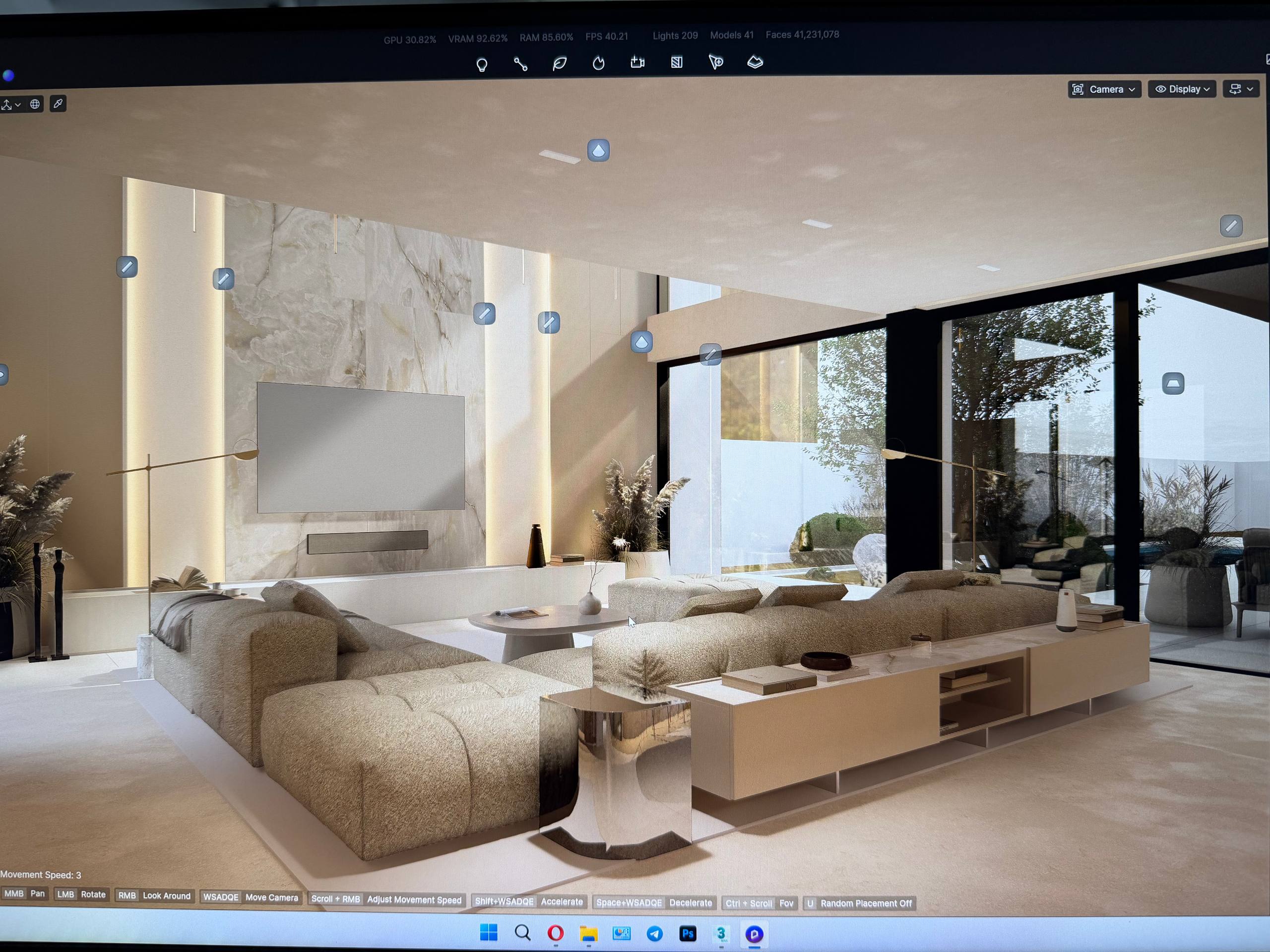
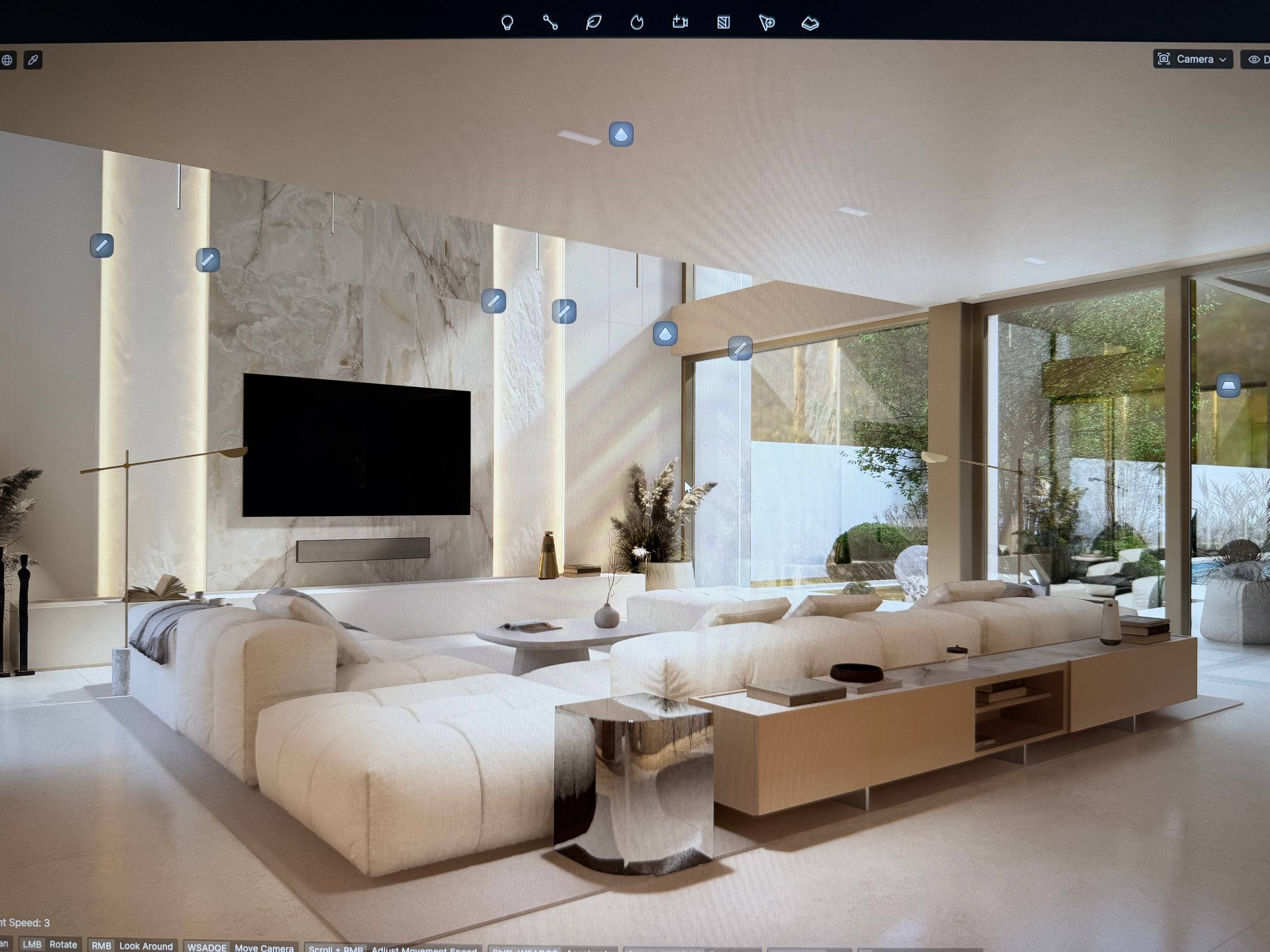
 i think not , it is a problem if materials has the same name?