After updating to 3.1, my account signs out as soon as I open a model. The launcher shows me as logged in, but the moment the render engine loads the project, the account is dropped. From inside D5 I cannot log back in at all:
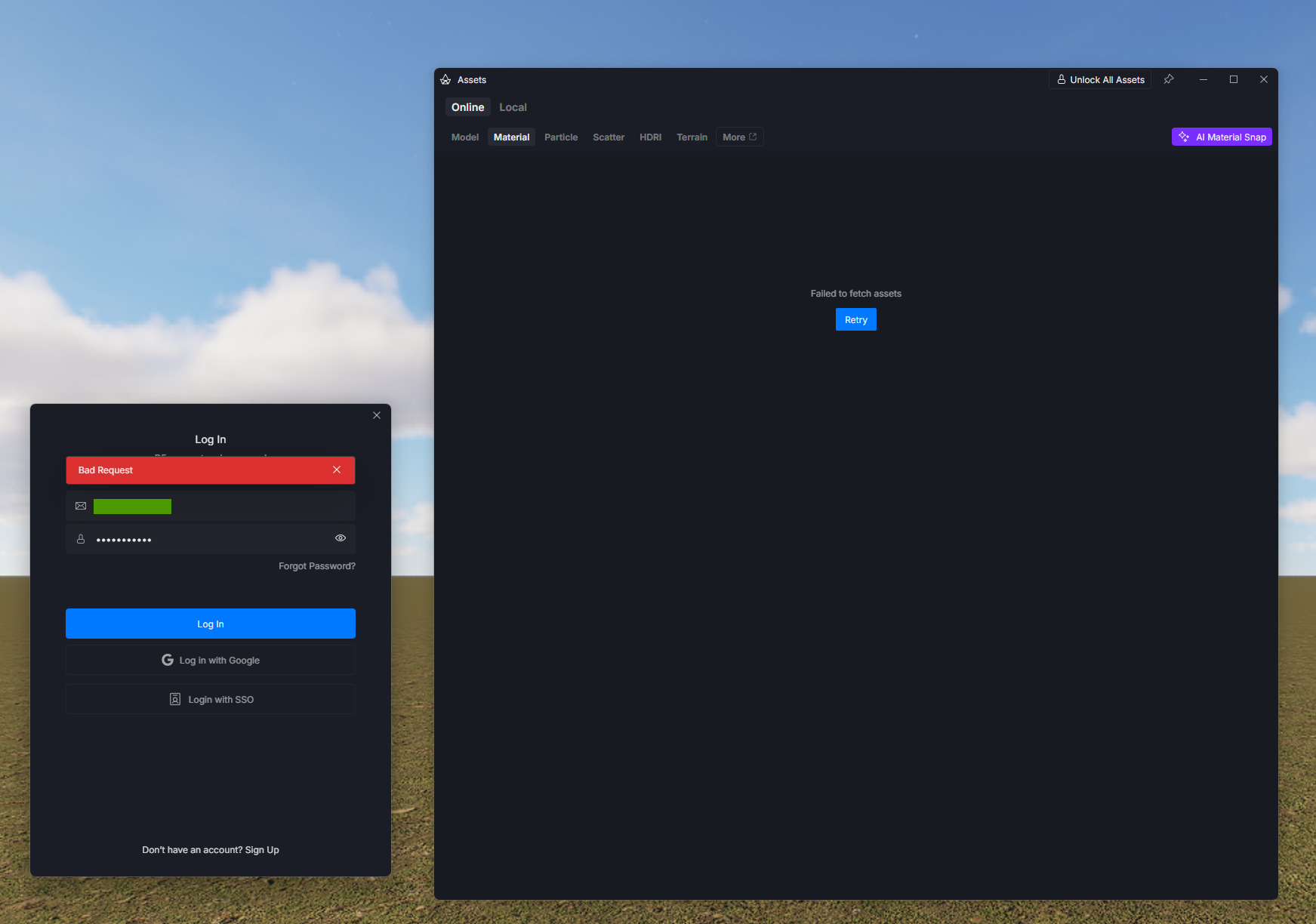
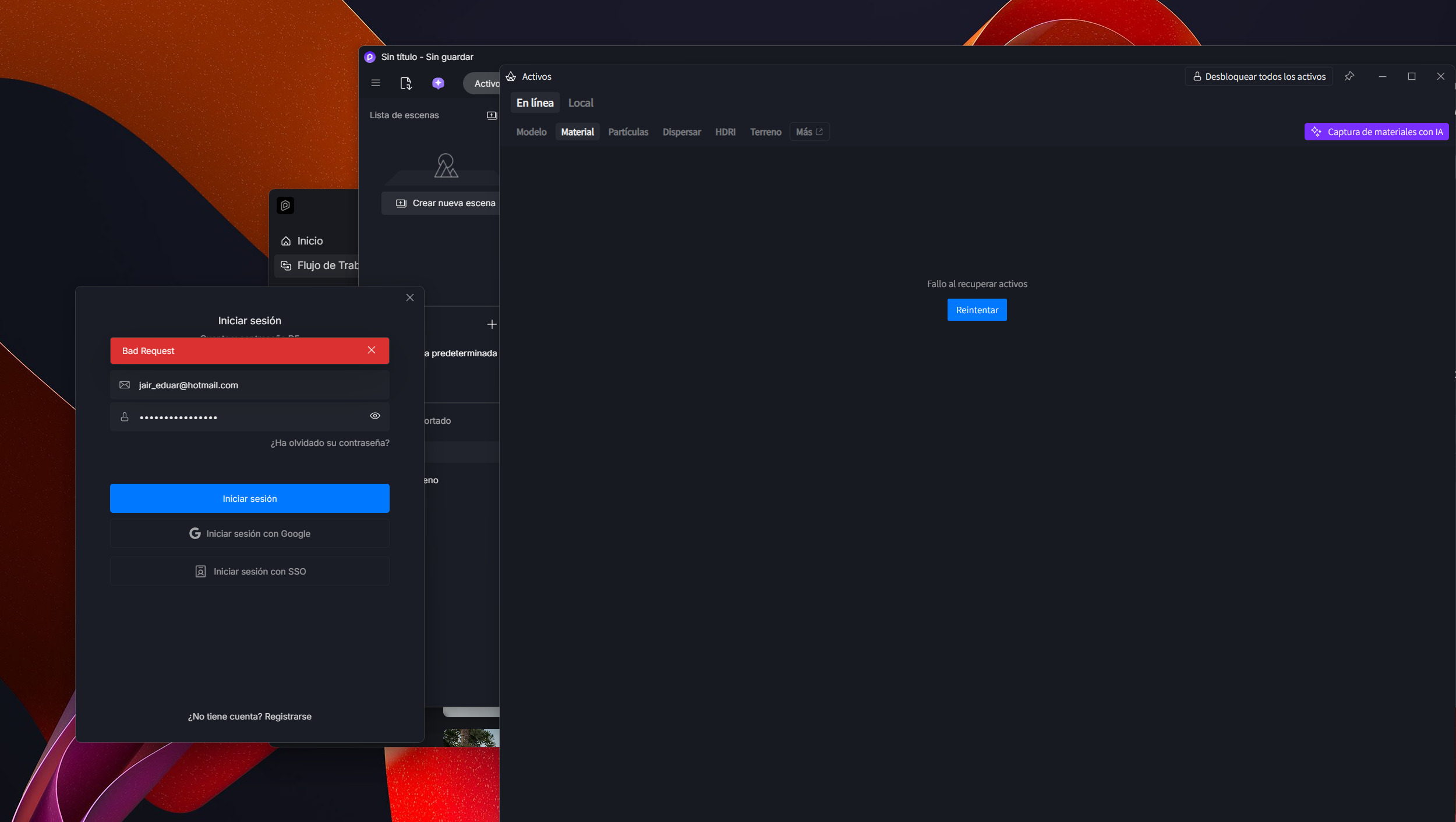
•	Email + password → red banner: “Bad Request”

•	Log in with Google → red banner: “Unknown error”
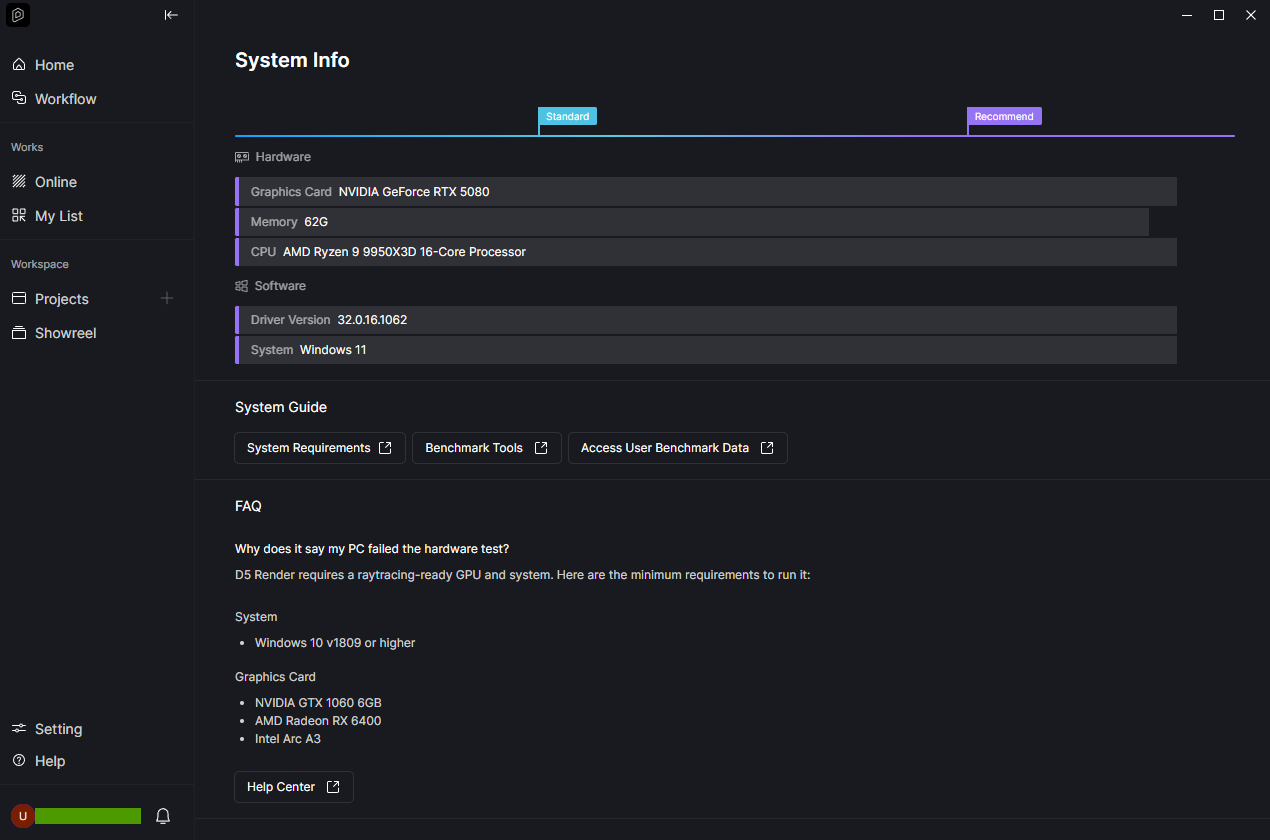
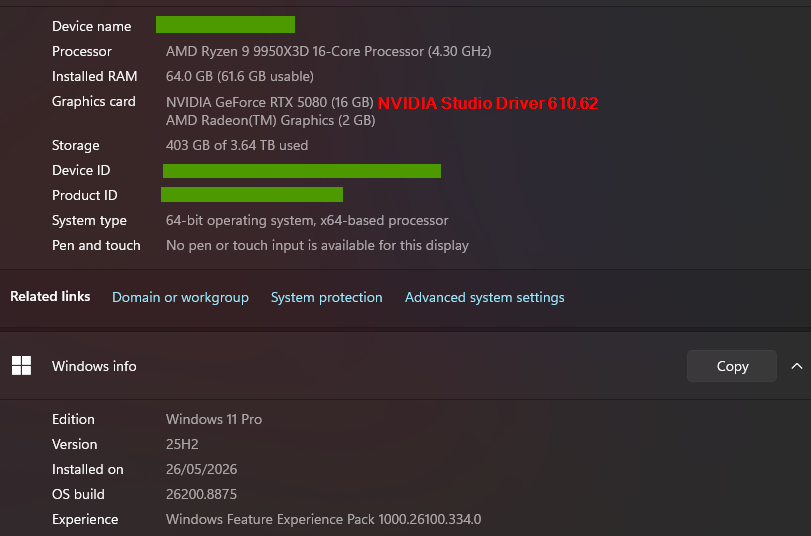
Both methods fail every time. Screenshots attached.
Already tried (no change):
• Full uninstall + manually deleted %APPDATA%\D5Render, %LOCALAPPDATA%\D5Render and temp folders, then clean reinstall
• Running D5 as administrator (and also without admin)
• Opening the project from inside D5 instead of double-clicking the file
This looks like the same problem reported here: Cant log in with 3.1 — where you mentioned you had received similar reports and started investigating.
Log file attached (generated with Collect Logs).
Request: Could you please send me the download link for 3.0.1? I have active client projects and need to keep working while this is investigated. I’ll install it in a separate path.
I hope you’re doing well. I’m writing to report a serious issue I’ve been experiencing with D5 Render over the past two days (yesterday and today).
My login keeps dropping repeatedly and without warning, forcing me to log in again multiple times throughout the day — including during renders, which causes the watermark to appear on the rendered image. This is very frustrating. This has significantly disrupted my workflow and is putting my project deadlines at risk, as I rely on the software daily for my work.
I would like to ask that this issue be resolved with urgency, as it is directly affecting my productivity and my ability to deliver projects on time.
I would also like to add that, as a user from Brazil, I pay for my subscription in US dollars, which makes the cost considerably high given the local economic reality. Considering this investment, I believe it’s fair to expect a stable and reliable service.
Please let me know what steps can be taken to fix this problem as soon as possible. I’m available to provide any additional information or logs that may help you diagnose the issue.
Thank you for your attention, and I look forward to your prompt response.
Just an update, I was able to log in on Sunday 19th for approx. 12 hours, then locked out again. Back on Yesterday for a few hours, then locked out again today. Have you guys managed to isolate what’s causing this behaviour yet?! I appreciate that you provided the download link for the previous version but the fact that 3.1 works now and then gives me hope that you will get this sorted soon…
Thanks for the update. I’ve actually sent the link to everyone who was experiencing the issue, so it might be best to have the installer private for now since we will be releasing it as soon as possible (once we confirm that everyone experiencing the issue has already resolved it via the new version).