Hello team, I don’t understand why my Interactive editor is displaying such a low quality model. Pls help me fix this.
I’m currently using an RTX 4060 8GB Laptop
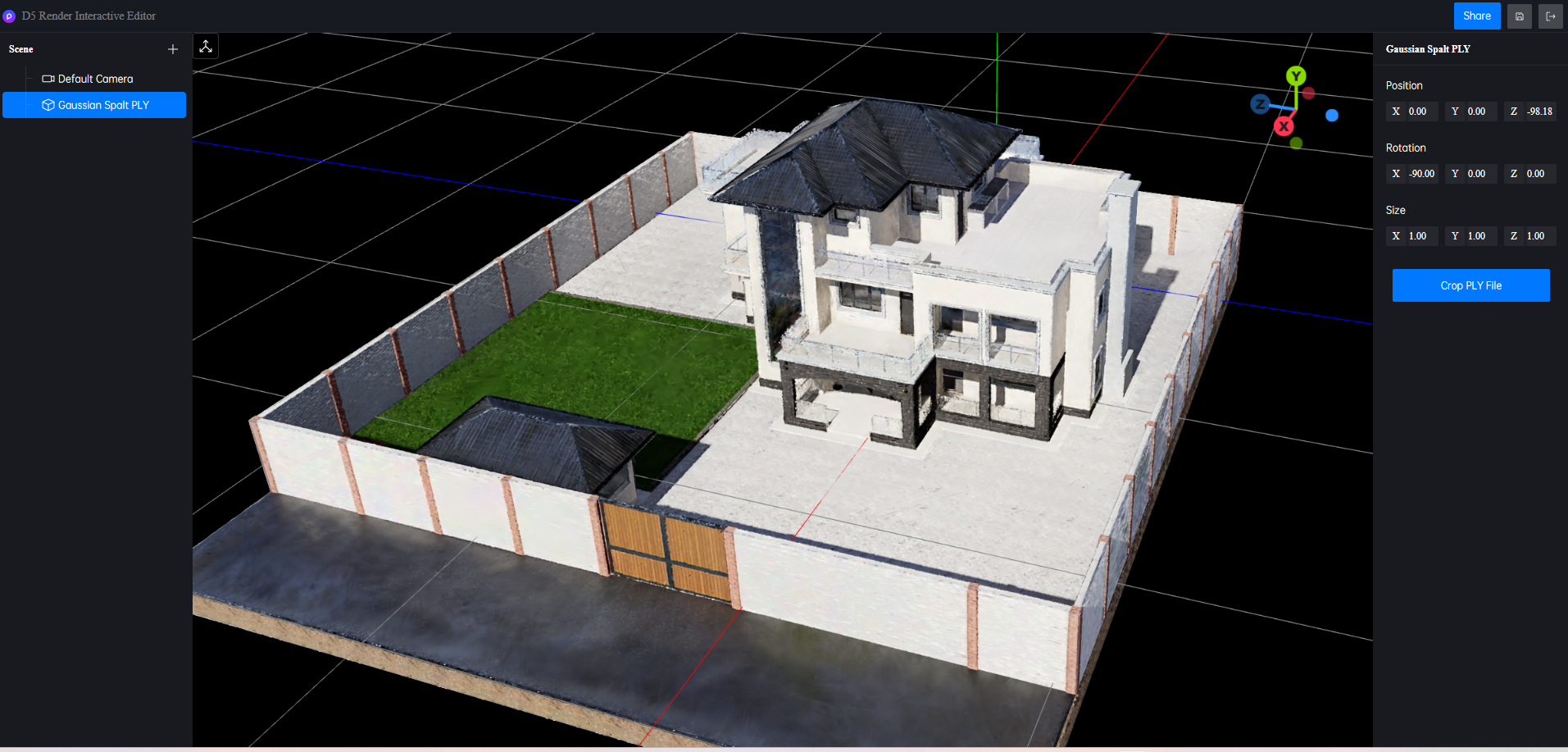
Hi @lakka.dnt
Thanks for reaching out. The Interactive Editor in D5 is optimized for real-time performance, so it can appear lower quality than the final render.
Could you please confirm whether the low quality is only in the interactive viewport, while final renders look fine?
The renders are perfect but the XR Tour sharable link looks this feathery. Could the problem be the publishing or what?
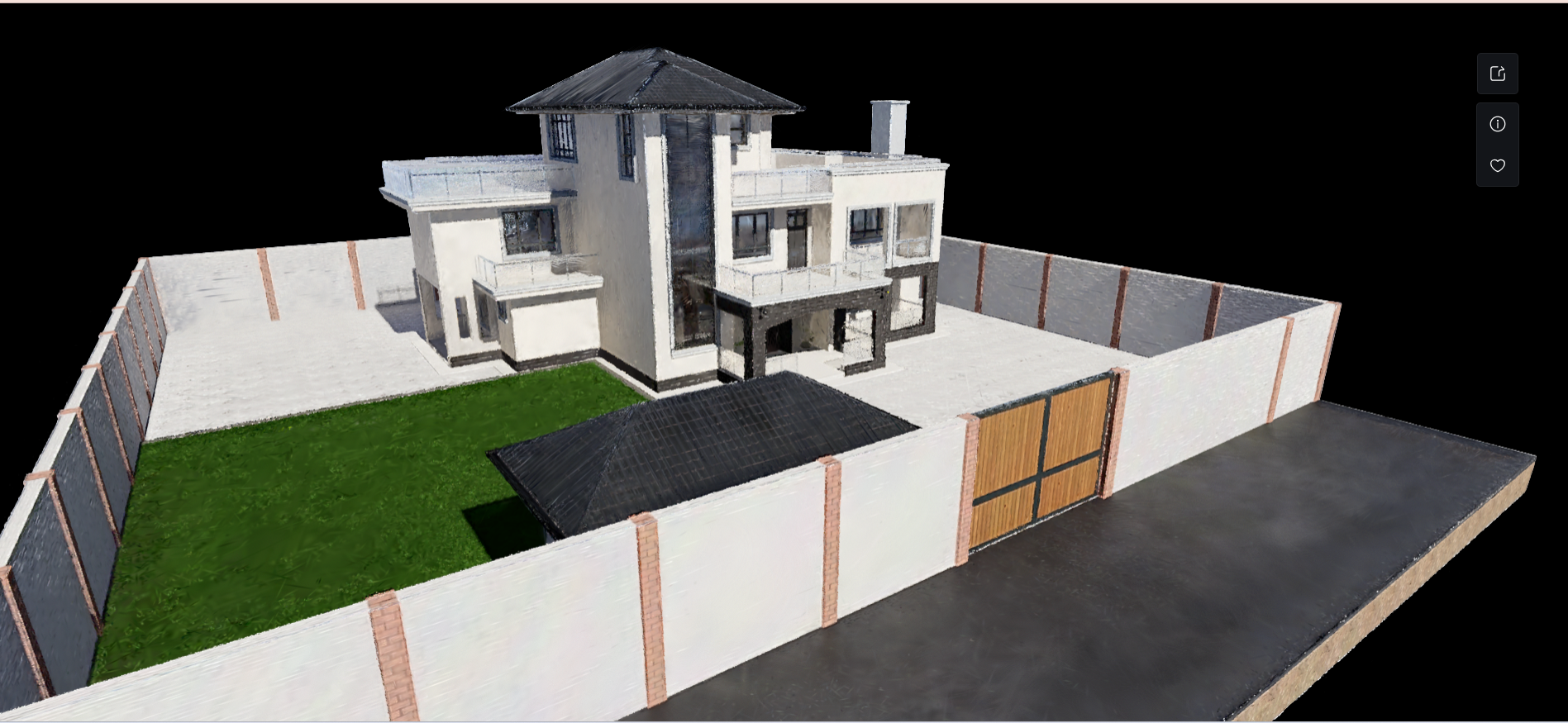
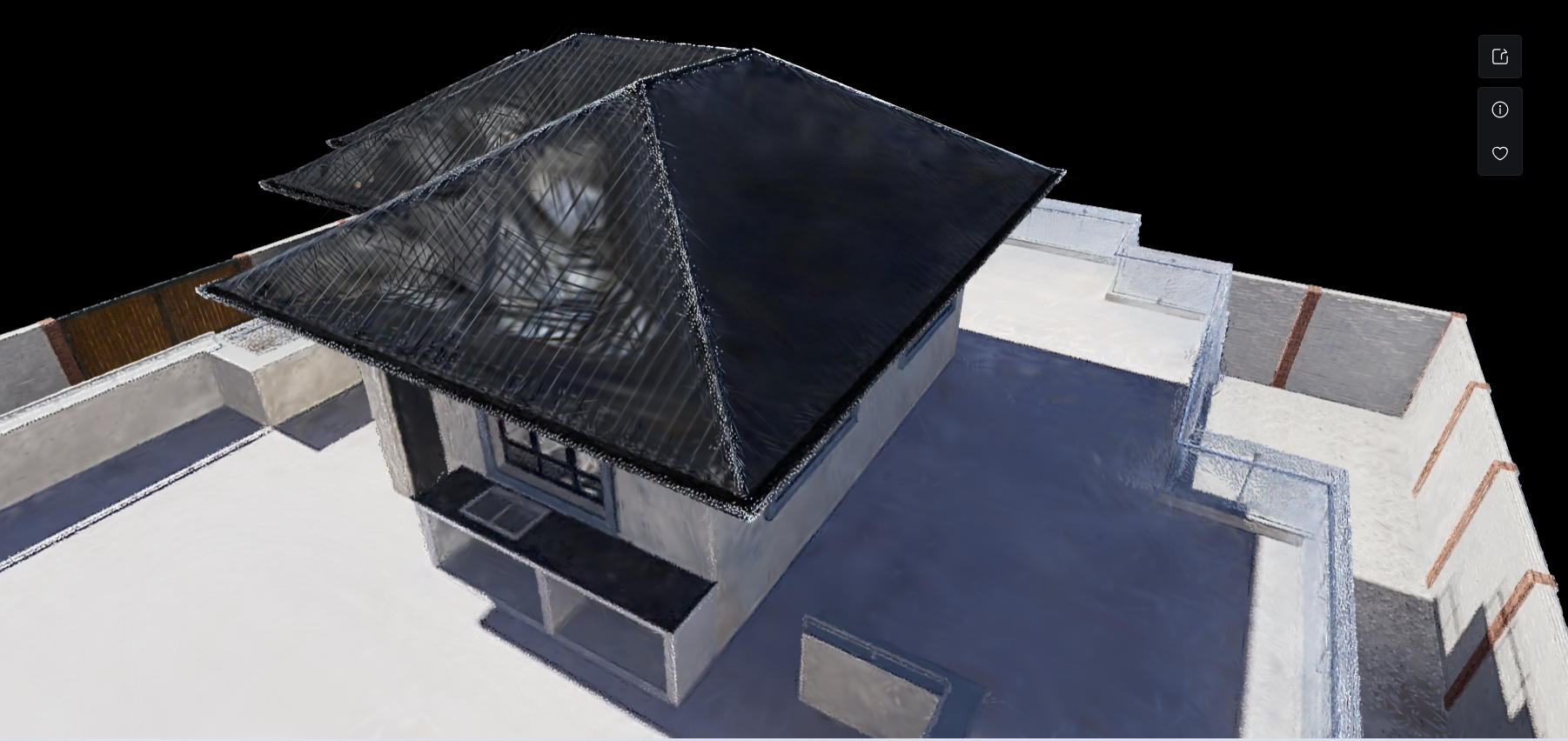
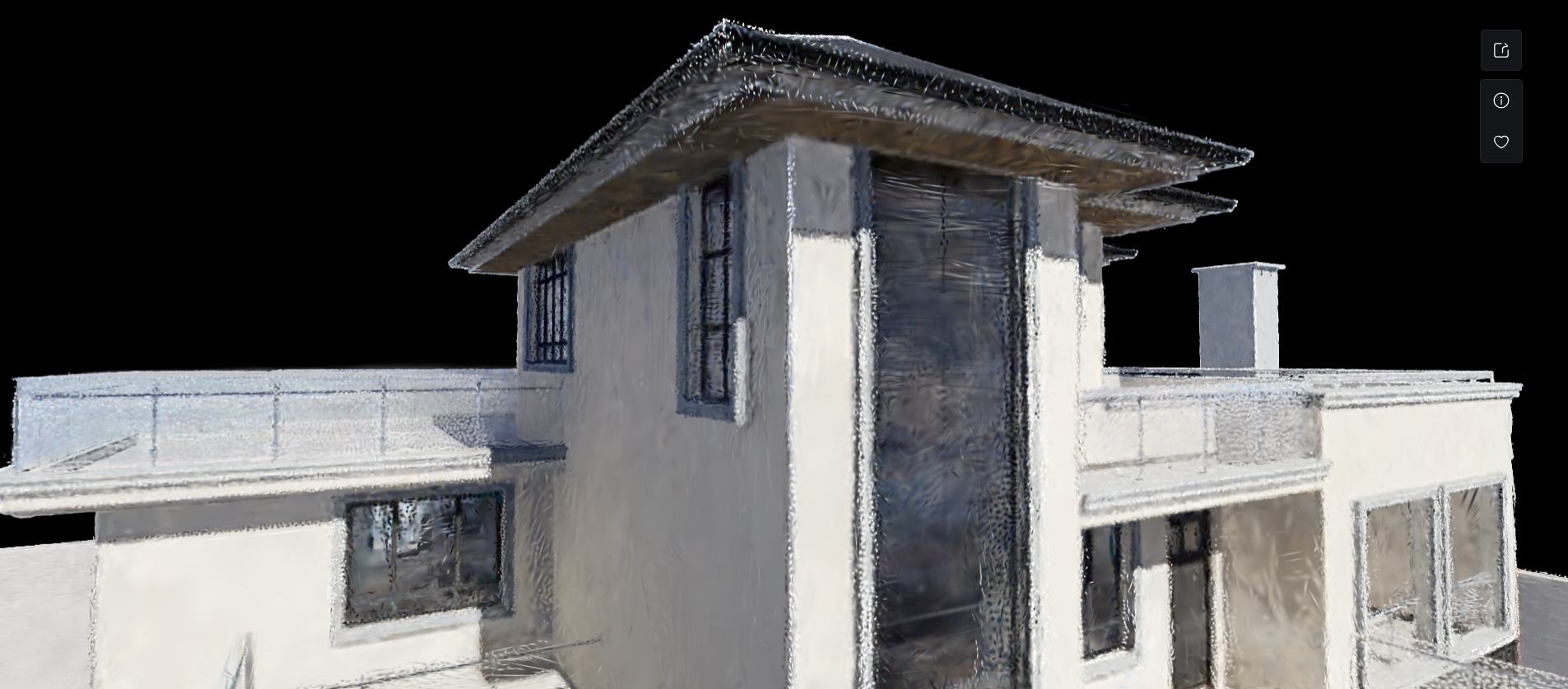
This is what i mean by “Feathery”. The edges look white-ish and textures deformed and kind of transparent idk. I had a presentation with my client and i’m really disappointed with the output. Kindly help me solve this.
Hi @lakka.dnt
Currently, the XR tool is primarily designed for site massing, not for detailed model reconstruction. This is a known limitation of the tool at the moment. We appreciate your feedback and will take it into account for future improvements.
I also need to confirm the current settings in your D5 menu bar, specifically:
- High-face performance optimization (Frame Generation) – ON or OFF
- Real-time high frame rate (FPS Booster for Complex Geometry) – ON or OFF
- Any other performance-related options you may have enabled
Hi, I think the issue might be that you’re currently using a template-based capture rather than a full high-quality scan workflow.
You may want to refer to the D5 Render XR Best Practices here:
Specifically, I recommend using a “sandwich capture” approach — combining multiple capture passes and ensuring you have a sufficiently large dataset (ideally 600+ images). This method significantly improves reconstruction quality.
With this workflow, you should be able to achieve results very close to the official demo quality:
https://d5-xr-demo-page-qxdajnoj4-liuyulightings-projects.vercel.app/
1 Like