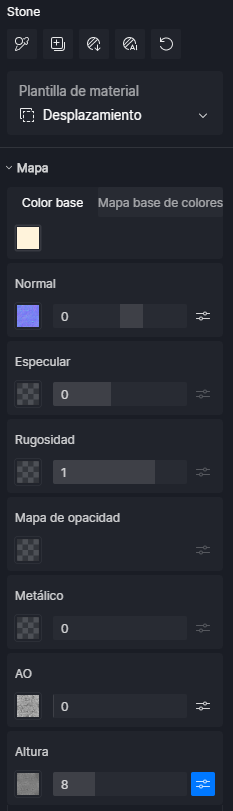
The numbers shown in the menu on the right appear either as whole integers or as extreme values of 0 or 1, even though that’s not actually the case. If you click inside the slider, you can see the exact decimal value. This has been happening in all my projects since updating to version 3.0, and interestingly, it didn’t happen during the beta testing phase.
1 Like
Same problem.
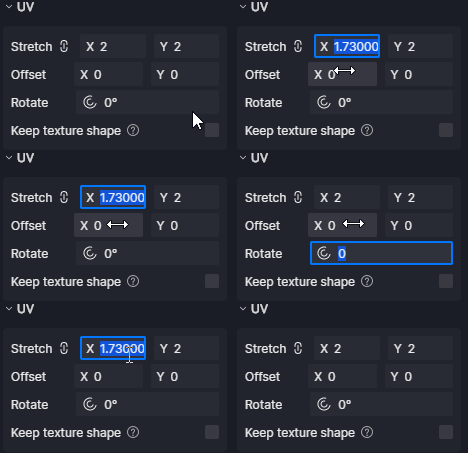
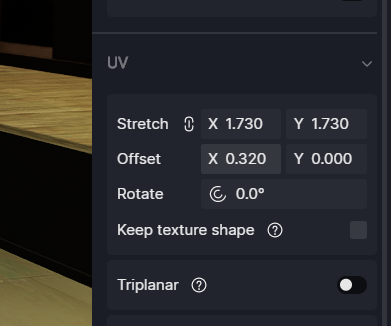
There is also a problem with the UV values. They are truncated without decimals and not displayed correctly.
1 Like
Yes! That happens to me too!
Thank you for reporting this and for the attachments — that’s very helpful.
I’ve tested this behavior on my end, but unfortunately, I wasn’t able to reproduce the issue so far.
To help us investigate further, could you please share the following information:
-
The scene file where this issue occurs
-
Your D5 Render version number (e.g., 2.11.1.x)
-
The update method you used (in-app update or fresh reinstall)
-
Your D5 log files

- You can collect these using the D5 Support Tool and compress them into a ZIP file, upload them via WeTransfer, and send the download link to support@d5techs.com
Once we have these details, we can escalate this to our technical team for a deeper analysis. Thank you in advance for your cooperation, and we appreciate you bringing this to our attention.
No specific scene. It’s a permanent thing.
D5 Render PRO V3.0.0.0671
In-app udate method
I’ll send you the log
Edit : log sent by email
Files and info sent!
1 Like
I confirm the problem.
1 Like
same problem here!
1 Like
Hi ela,
20 minutes ago I updated and I’m having the same problems, it doesn’t happen with the environment and effects, the settings are stable.
It only happens on the material settings
All in all I can work
I am patiently awaiting an update to repair this small, if somewhat annoying, inconvenience 
Sorry for the English
1 Like
Hi @riccardofortelli @ek1 @spotlight-studio
Please also collect and send the files requested in the message above. We will need these to further investigate the cause of the issue. Thank you very much for your cooperation. 
Hi, could you send me privately the email address you used to contact us with? Thank you
files sent!
Thank you everyone for sending over your files — we really appreciate your cooperation and patience.
This issue has been identified and should be properly fixed in the next version.
Please update to the latest version once it’s available and re-check the behavior. If the issue still persists after updating, feel free to let us know and we’ll be happy to look into it further. 
Hi ela, the problem doesn’t go beyond the scene, but it’s the program that has a “glitch”, perhaps it depends on a computer string of the program that has a command or it could be a comma, a period etc… that doesn’t fit in its place. However, for my part, these are not the files that I load into the program, because they work perfectly, I am inserting some images of a project finished 3-4 days ago.
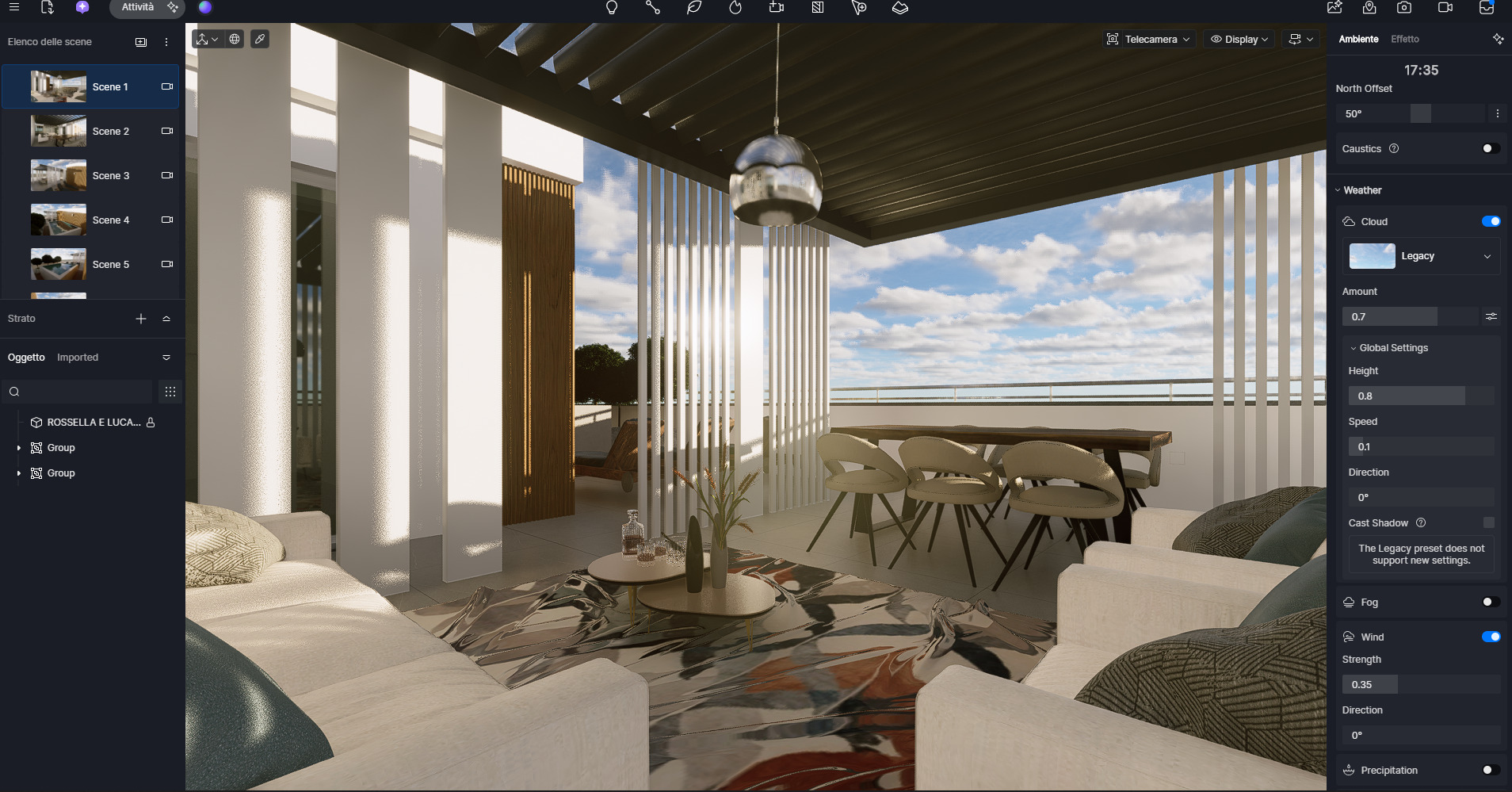
Checking the environment in the appropriate drop-down menu on the right there is no anomaly.
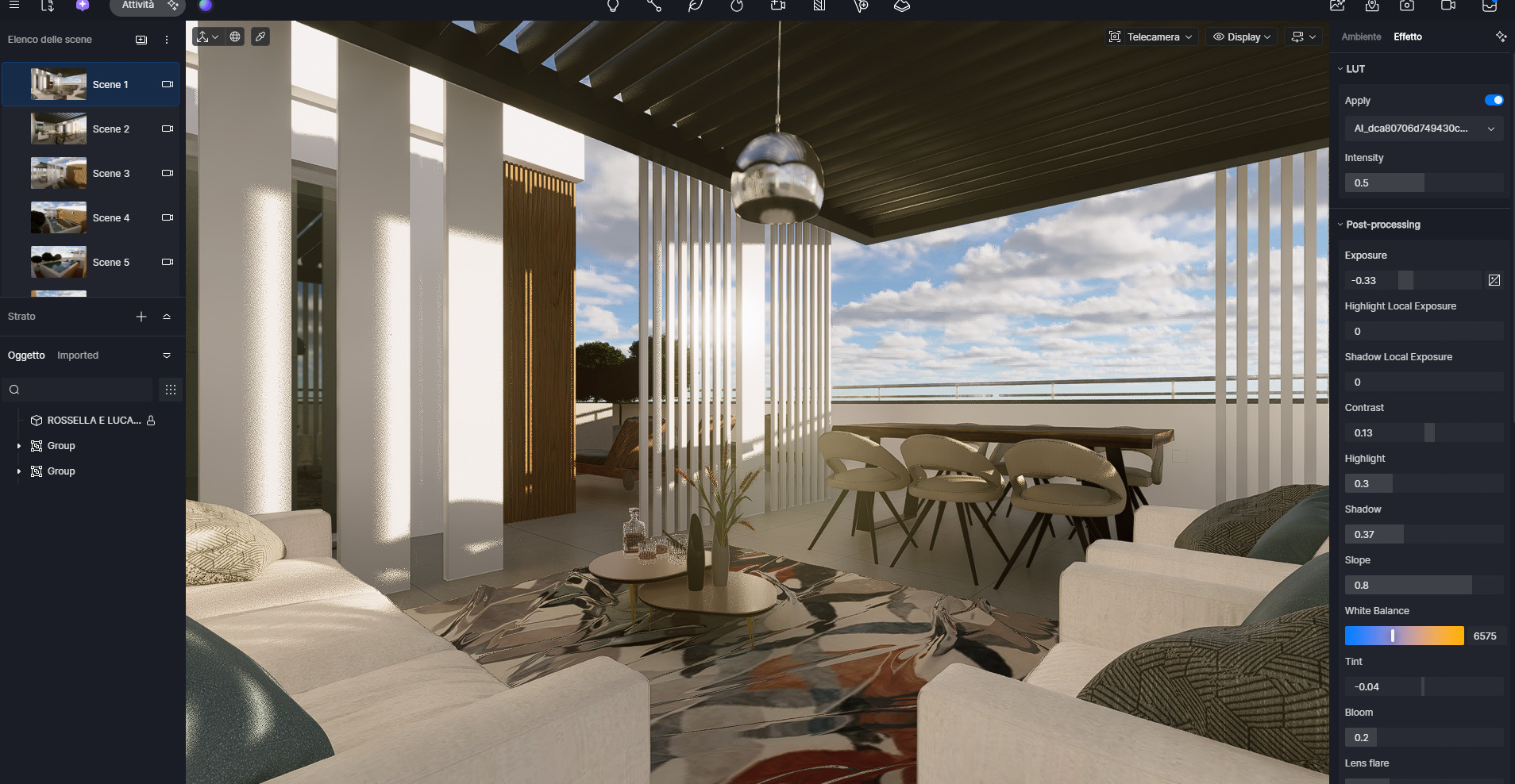
As a matter of fact, I also checked the window and it doesn’t give me any problems
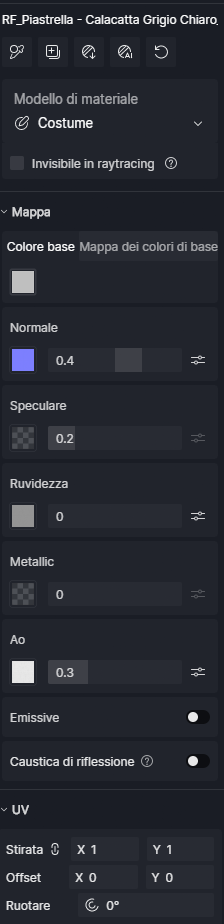
When I go to the floor material, now that I opened the file this morning, it no longer gives that error on the material dropdown.
Perhaps, when I opened the laptop this morning and launched the program to check yesterday’s error, I realized that it took a couple of minutes longer, and as if the program needed the PC to restart, because yesterday when I told you about the problem I hadn’t done so.
So, for now I have no problems with D5. Thanks Ela for the immediate intervention
Sorry for the English
Updated to V3.0.0.0675 and no problem anymore.
Thank’s D5 Render Team
Yes! Solved on my side too! Thanks!
+1 here thanks