Some characters don’t follow the correct animation loop and jump when the animation starts again.
The result occurs mainly when the video is rendered
Hi @viseni
We would greatly appreciate it if you could share the character assets you have. Additionally, if possible, including a screen recording would be incredibly helpful for us to compare our results with yours. Thank you
Found it!
OK!
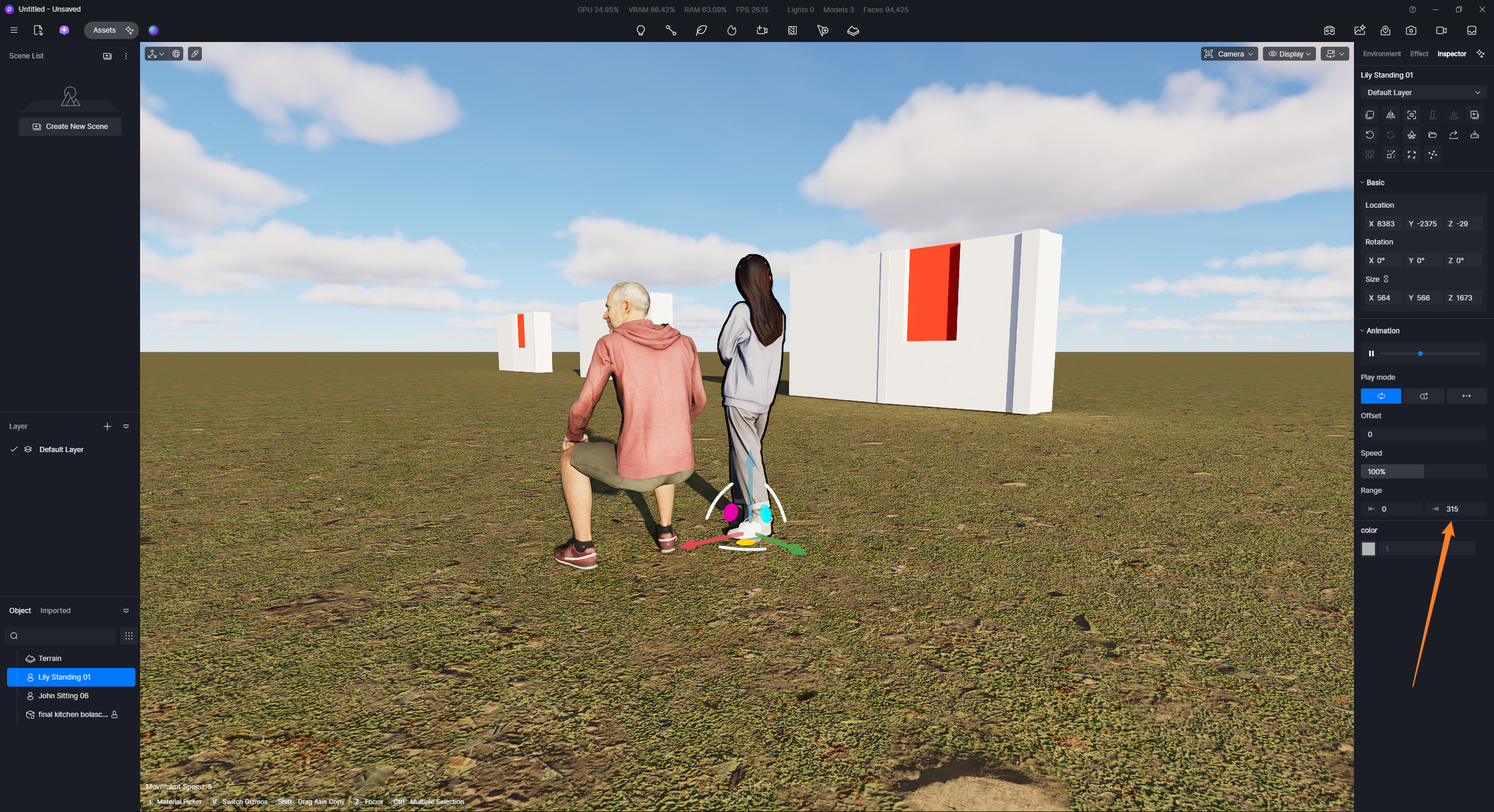
Problem identified. It’s in an old project, about 6 months old. I reopened it and updated the models as requested. But I just checked and the animation range for the dynamic models hasn’t been updated. I’m seeing that I have to manually adjust the Range (out) value for all the characters.
OLD Value (not updated)
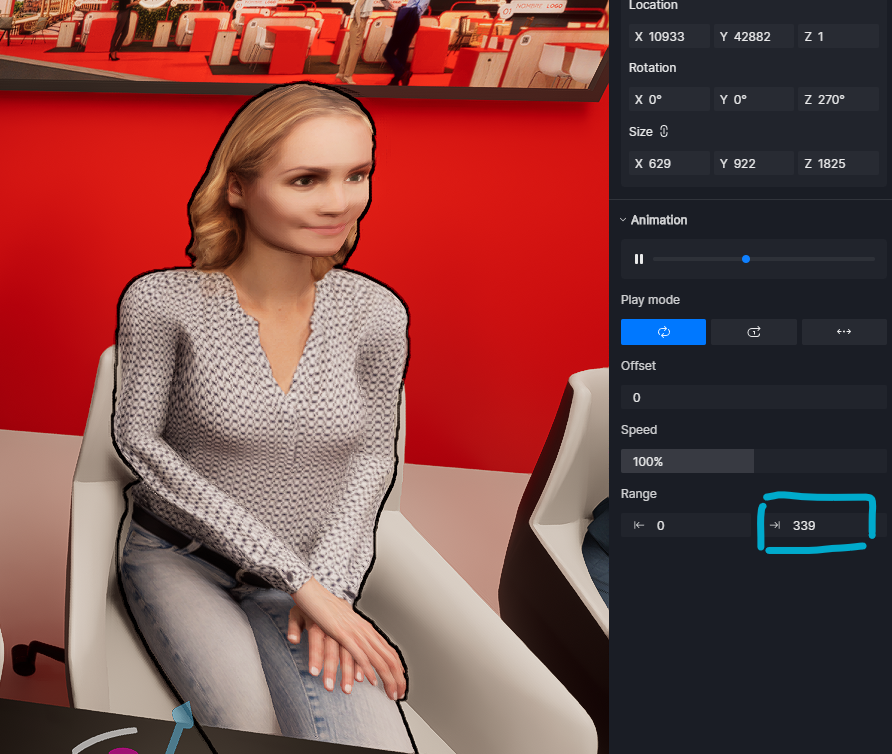
NEW Value (after manually set it)

Hi Clov!!
Thanks for your response
For example in this clip second 9
This happens with several characters; I’d have to check which ones are causing the problem.
The animation speed is 100%.
It also happens in the viewport. I’m checking; it doesn’t happen in an empty project. It’s happening in a project with a synchronized SketchUp scene; I don’t know if that’s related.
Hi @viseni
Can you let me know the exact names of these assets so I can test them on my end as well?
I have tested 2 models, just to see if the issue persists on my end. For reference, I’m using D5 Render 3.0.1.0682
-
No Linkage with any SKP file; the animation range value is set to maximum.
-
After establishing a link between an old SKP file and the new D5 file with models; No changes in animation range value.
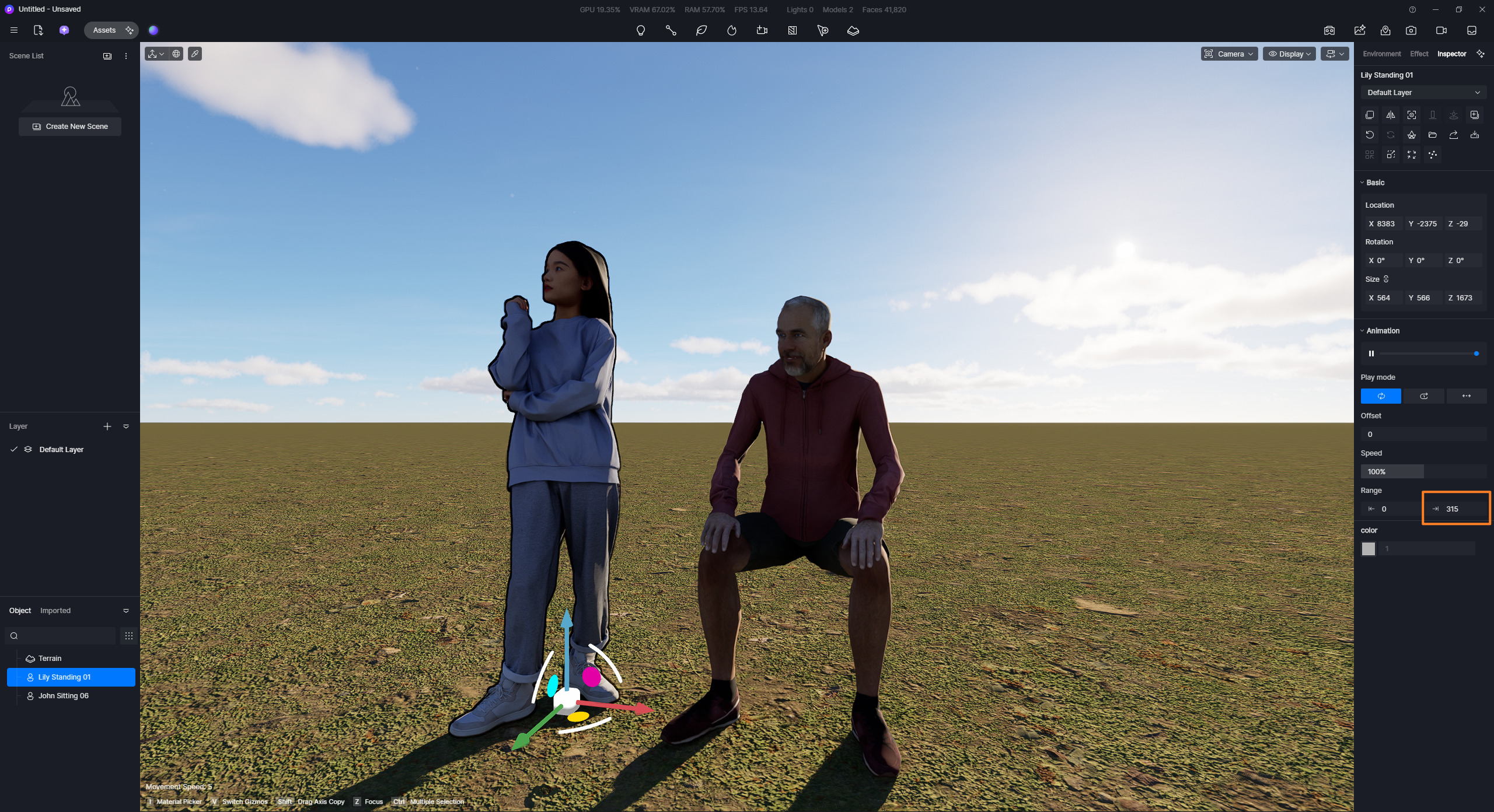
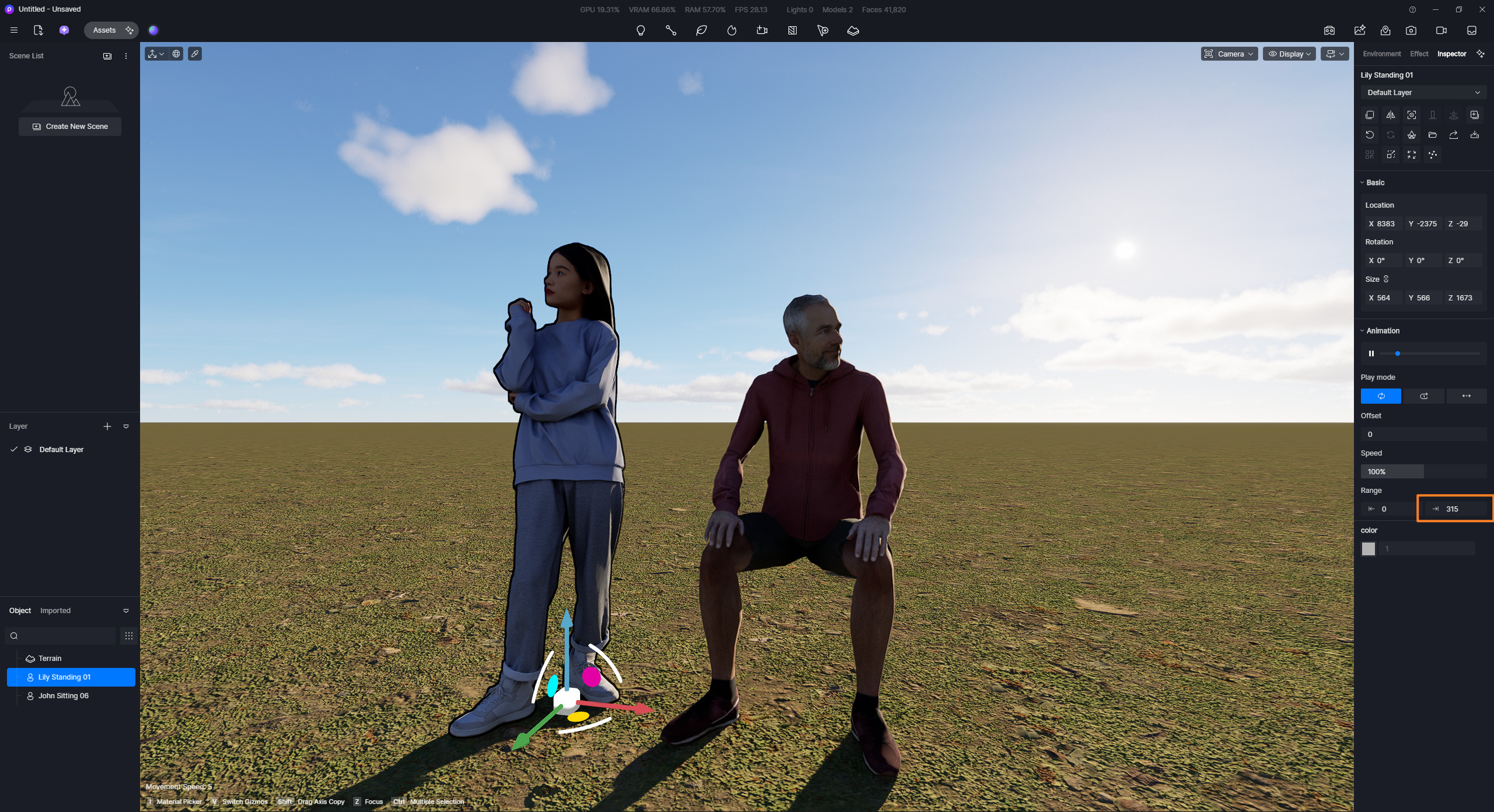
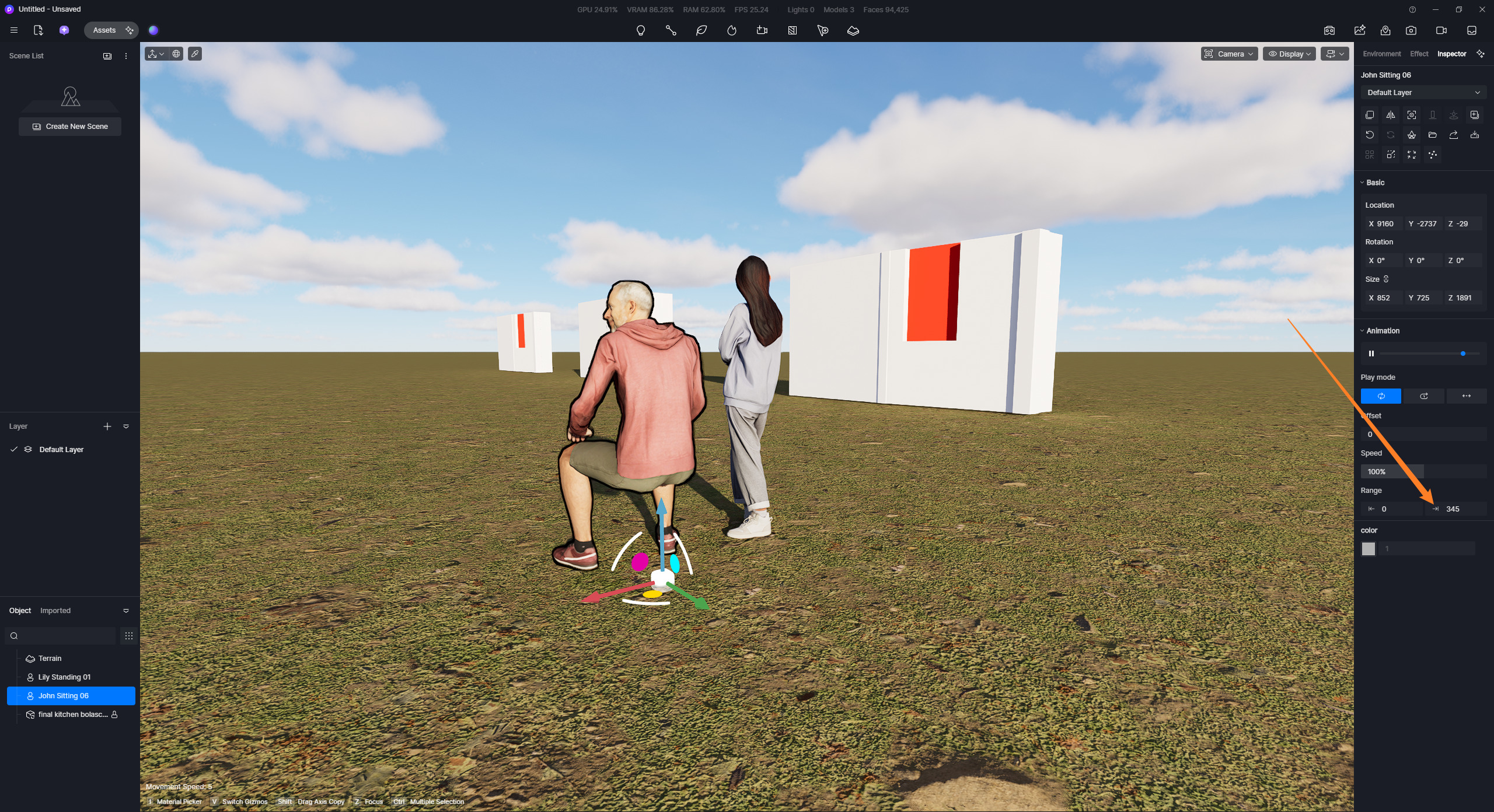
If this only occurs to D5 files which were created before, please confirm/specify the ff:
- Which version were they made in?
- Is this the case for all of your files that were created in the same version and then opened with the latest one?
- If this occurs only with a specific file, it would be best to also share the D5 File and SKP model. Let me know.
If there are any misunderstandings about how I understood this issue, please point them out.