Hi everyone,
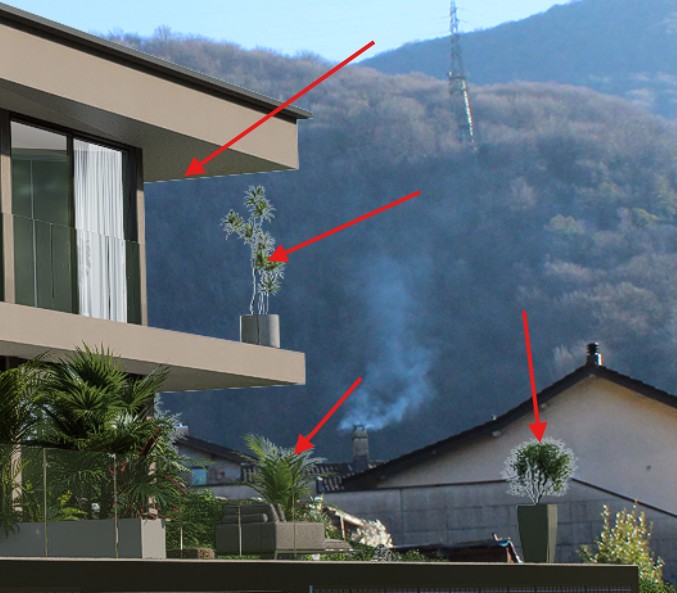
When I render with the Sky Mask channel enabled in order to add a background later in Photoshop, I notice white halos along the edges of the project elements where they meet the background image.
The issue is especially visible on plant leaves and other thin edges, as shown in the attached screenshot.
Does anyone know how to fix this issue?
Thank you in advance.
Hi @h.kristi
Apologies for the inconvenience. This is a known behavior. Some users mitigate this in Photoshop by expanding the mask selection by 1 pixel and clearing fringe pixels, and using Defringe/edge-cleanup tools
To help pinpoint a more precise solution, could you confirm:
- Which format are you exporting the Sky Mask in (EXR or PNG)?
- Whether you’re using an HDRI or a Geometric Sky?
- Your D5 Render version?
Thanks in advance. Looking forward to your response.
I eagerly await the solution to this problem in D5 Render PRO.
But in the meantime, I suggest that the D5 Render team do as Chaos Vantage does, i.e. allow users to choose the background without affecting the lighting.
It’s simply amazing!
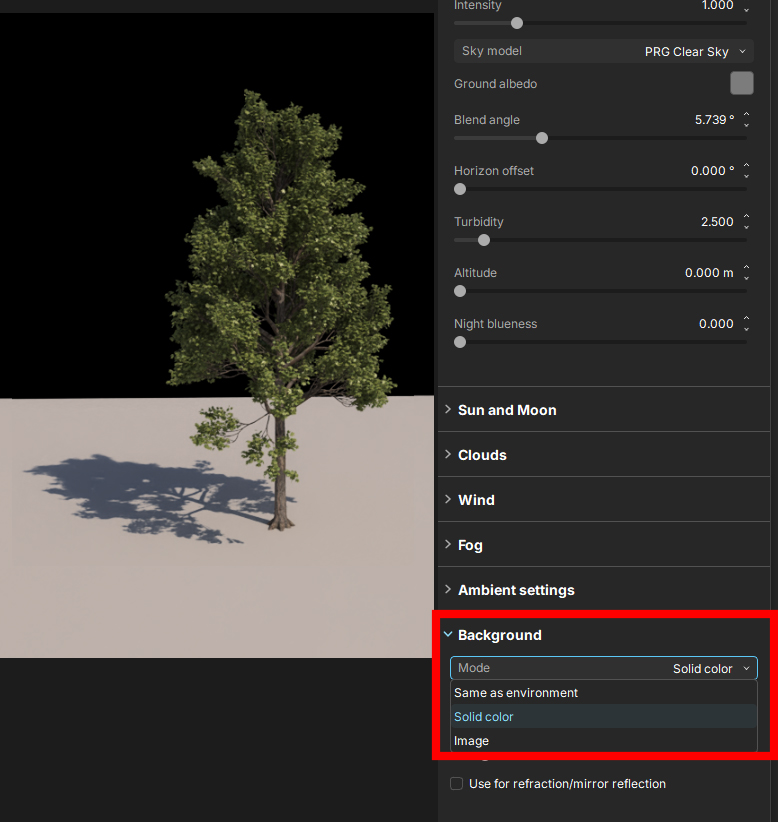
In Photoshop
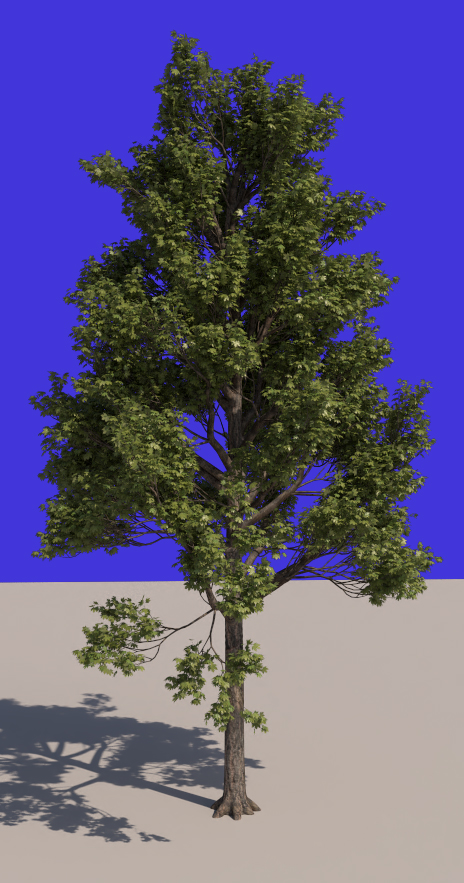
Edit : i found the Custom Background Color in V3 ! Perfect.
Hi Ela,
thank you very much for your reply. I followed your advice by using the Defringe / Edge Cleanup tools, and the image does indeed improve.
In any case, here are the answers to your questions:
1 – I export from D5 in TIFF format
2 – For lighting, I use HDRI
3 – Program version: 3.0.0