Hi there. Since recently I have an issue with the AI Enhancer. When I select a part to enhance (in my case a plant), it not just takes this selection, but also part of the background. When I look at the AI PP files all looks good and there is a clear distintion between the various objects like plant, background etc, but in the selection no. Any idea?
Hi @abenmark72
I apologize for the incovenience. Were you able to enable the AI Channel Map while you were rendering the final image?
- If you’re able to provide us with screenshots, that would greatly help us.
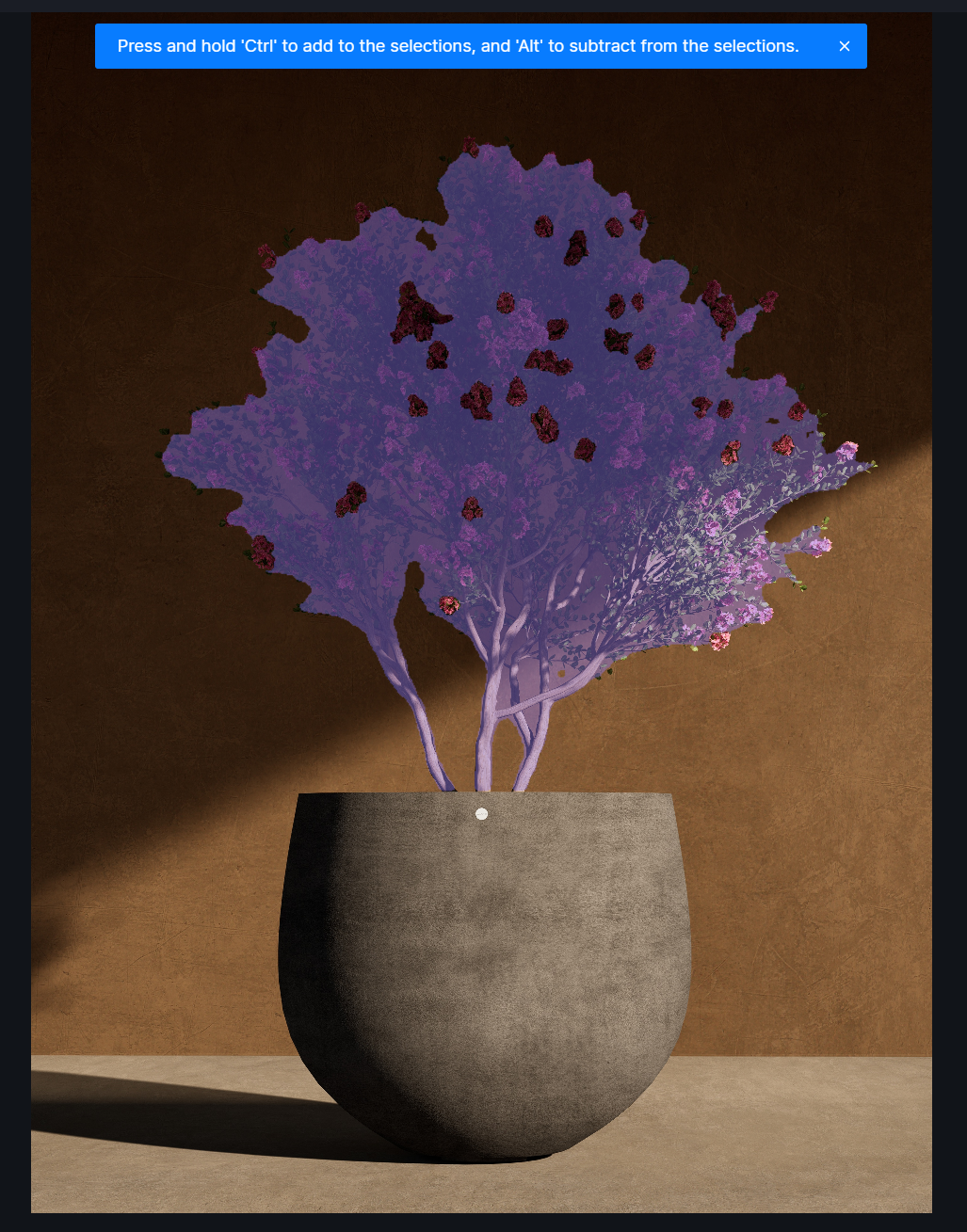
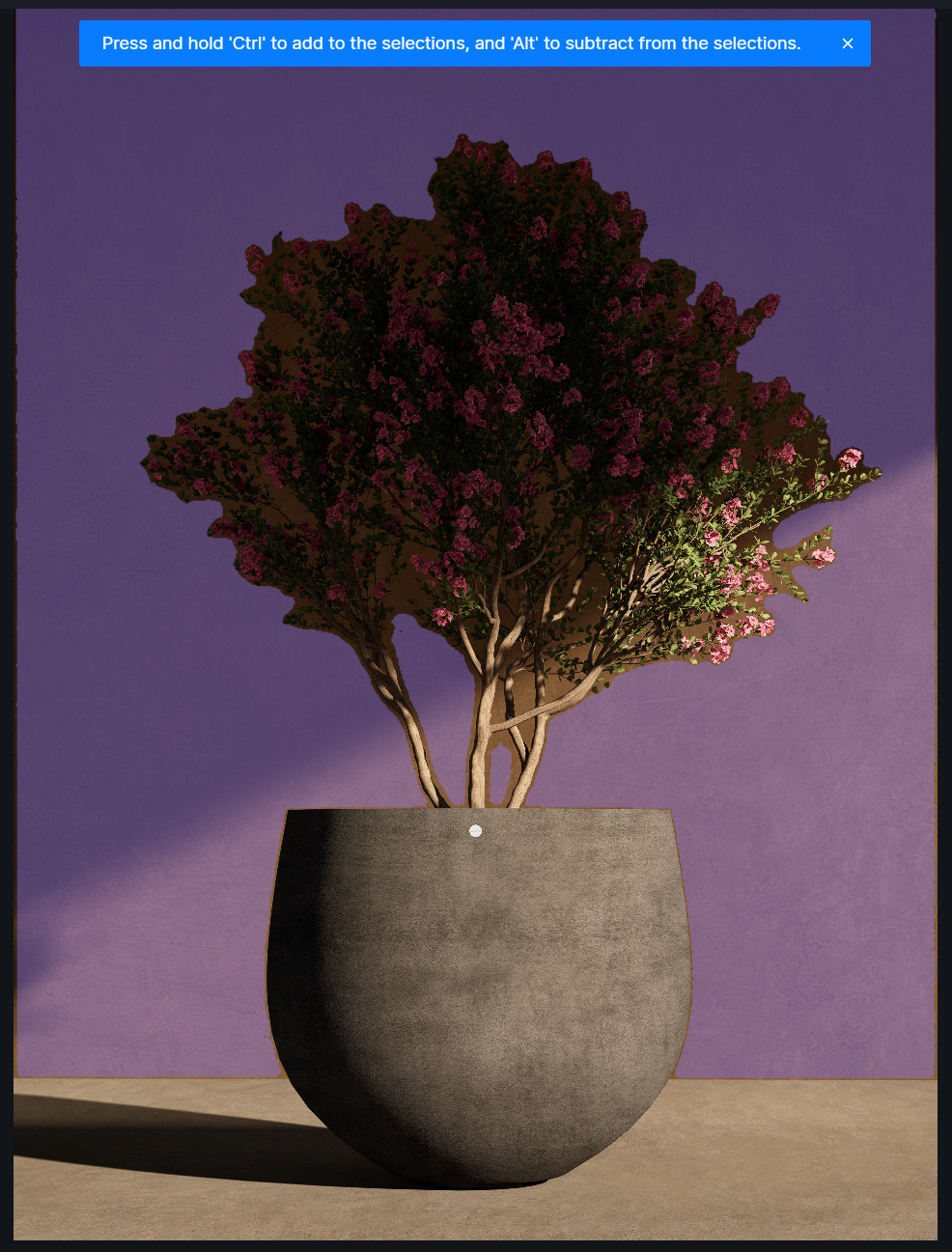
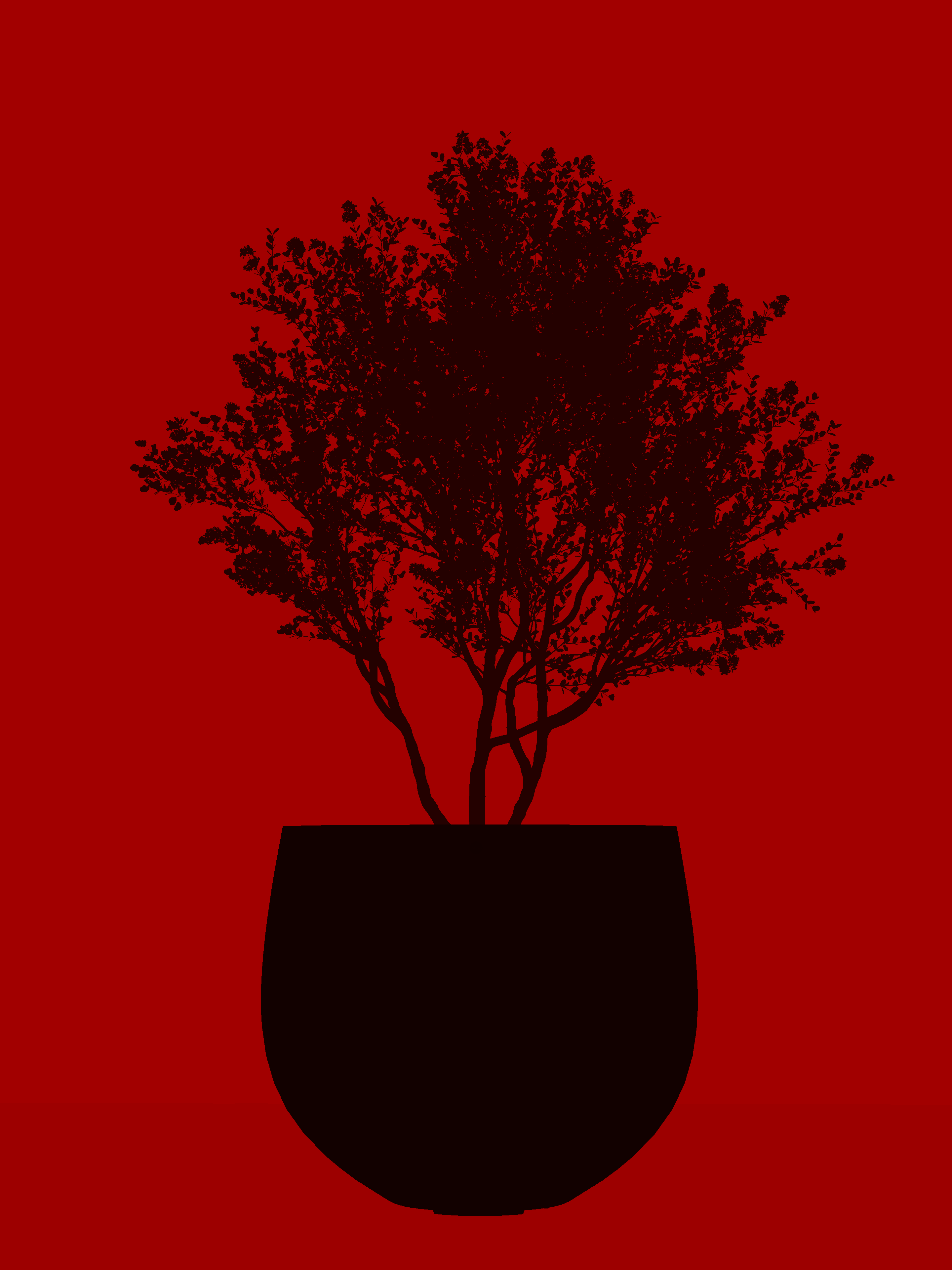
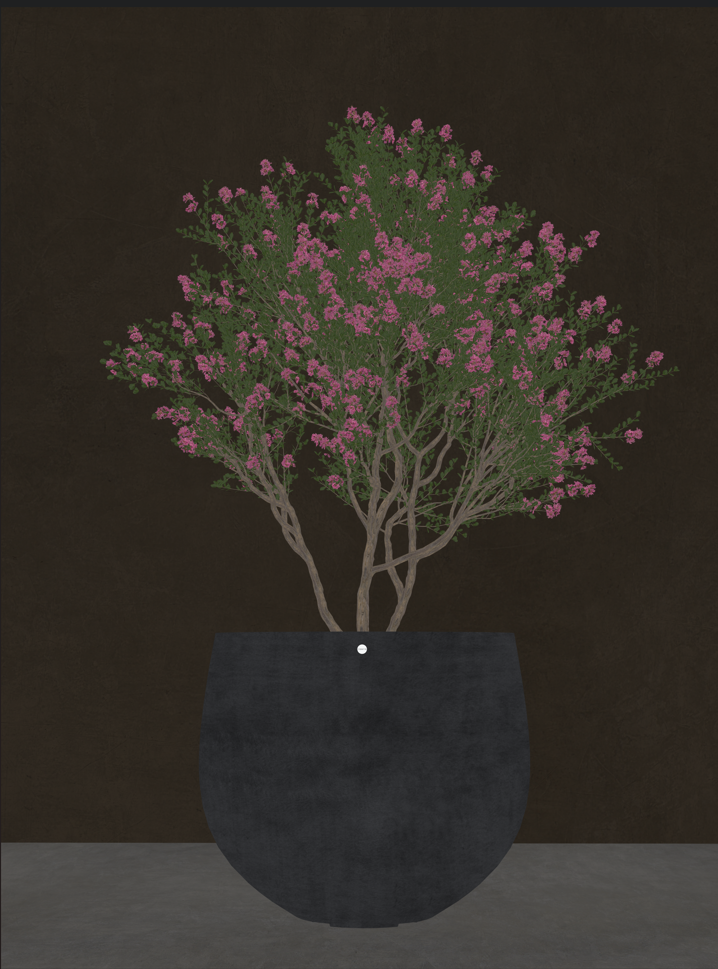
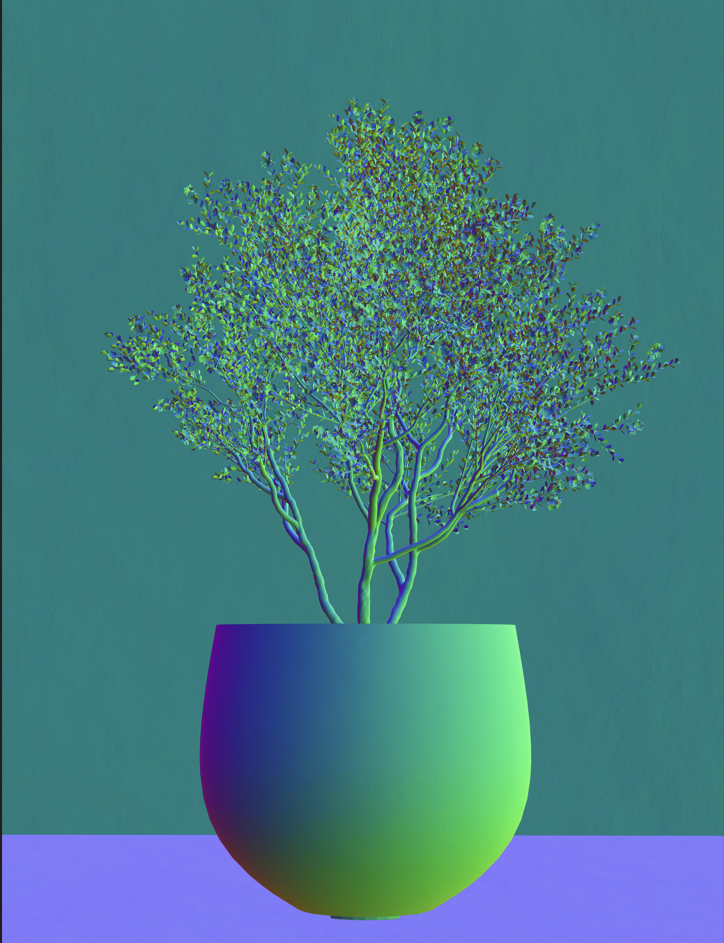
The first two are screenshots when I do the selection and you can see that doesn´t go well. Two more screenshots of the missing AJ channelmaps:
Hi @abenmark72
I just want to clarify if you have enabled the AI Channel Map before starting the rendering process?
- You’ve mentioned that there is a missing AI Channel Map, so I’m not sure if you have enabled this portion.
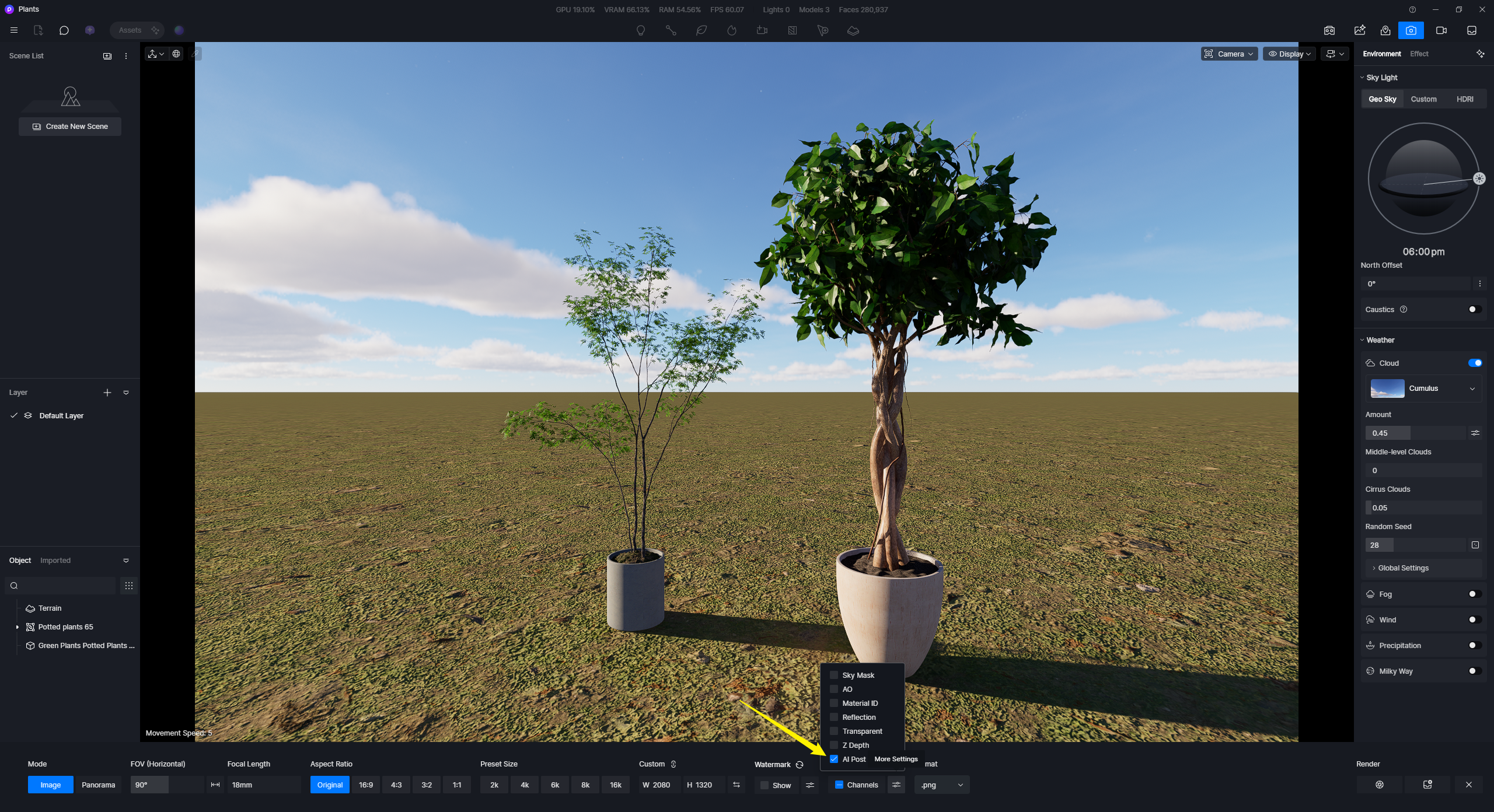
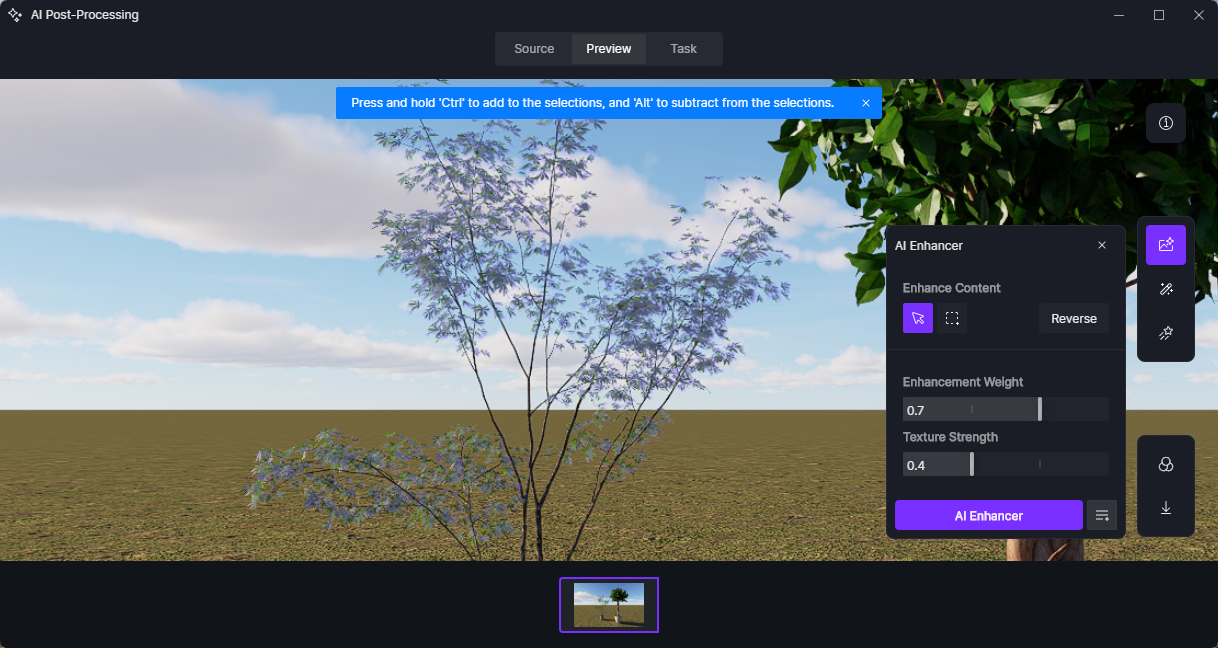
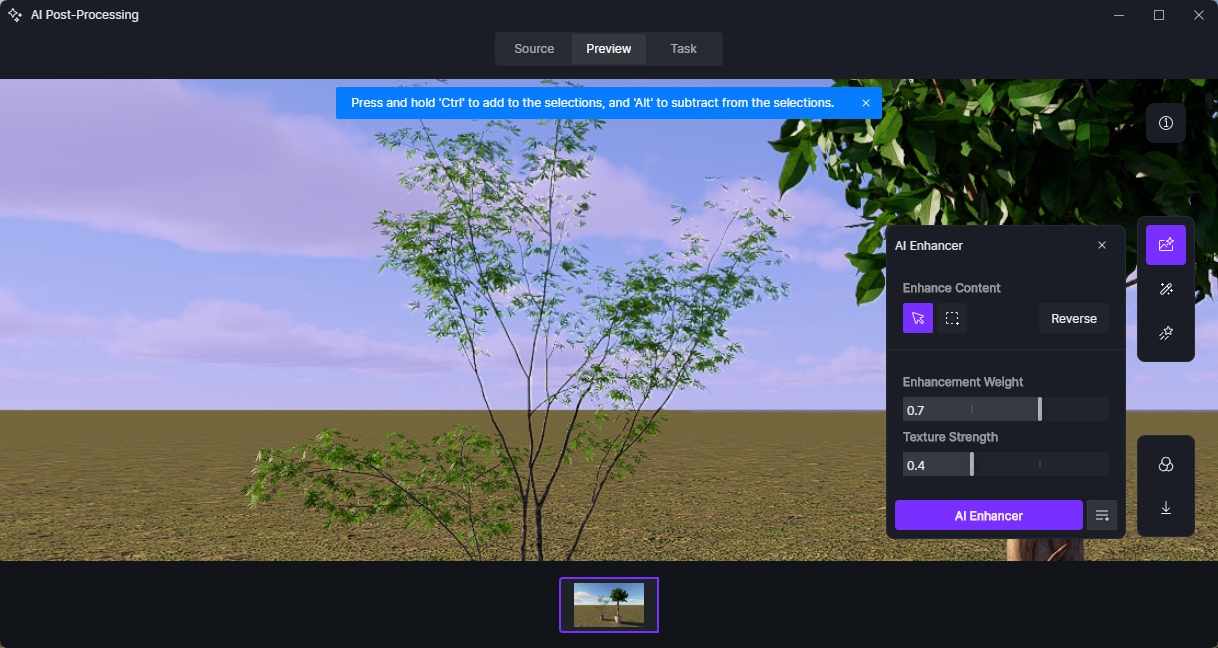
These are the results on my end with the AI Channel Map rendered; it provides better selection and distinction between the background and the subject’s foliage.
- Foliage selection
- Background
Can you also confirm the following:
- Is this the only file that’s experiencing such an issue?
- How about the asset that was used? Is it from our online library or an imported one? If it’s an imported model can you share it to us for testing?
Yes, I did select the AI channels before rendering and the assets (plant, wall and floor) are D5. Previously I never had this problem, so that´s why I didn´t understand.
The missing AI channelmap I was refering to referred to the files I uploaded, all fine there.
I will check if it also happens in other settings.
Hi @abenmark72
How about the location of these Image Channels? Are they located in your Local C or D drive? Were there any modifications on their location after you have rendered?
- If possible, can you please send us a screen recording of the whole process?
- If this issue only occurs to a specific file, then sending the file will also beneficial, you may create a link containing it.
