Hello,
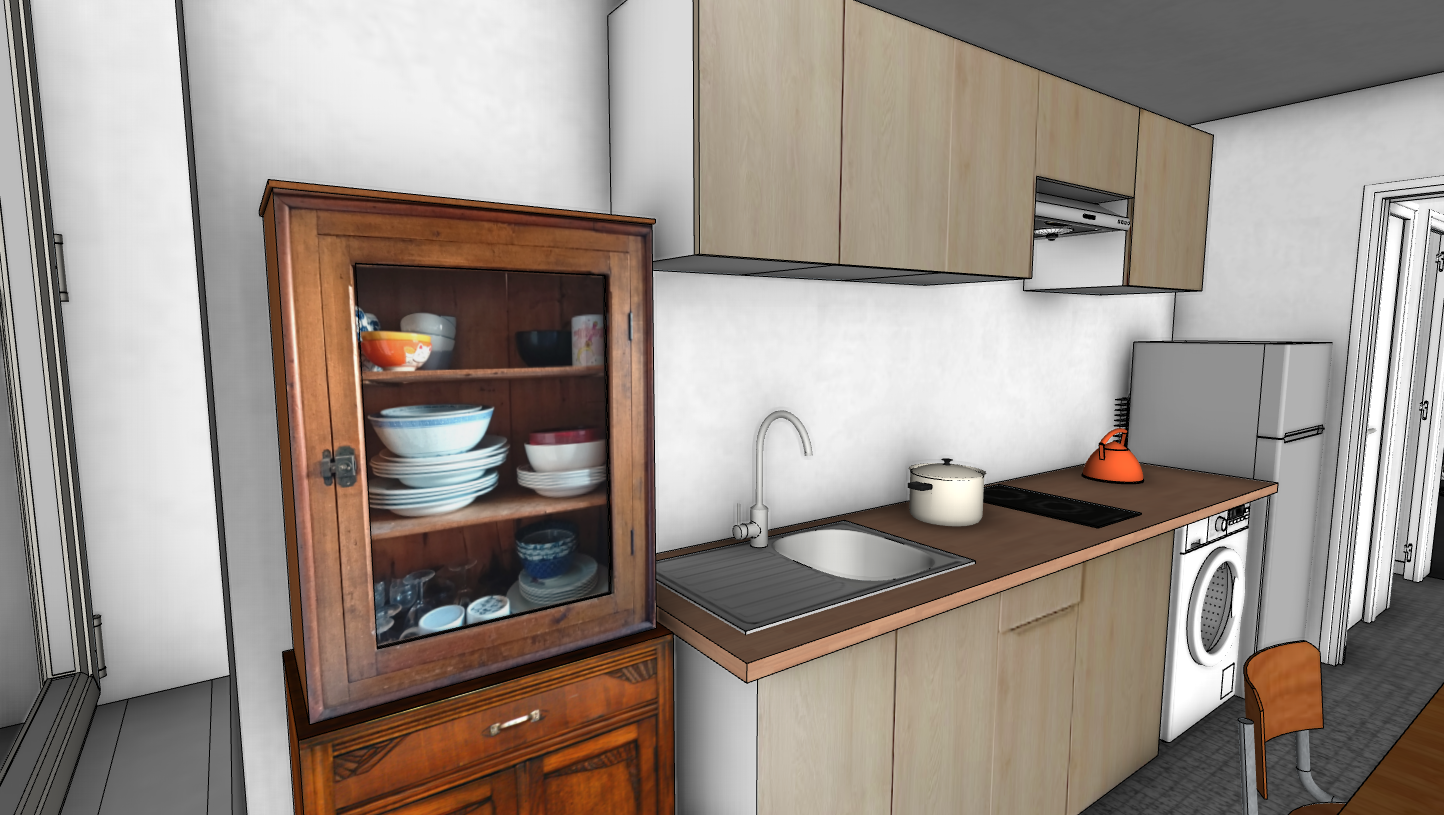
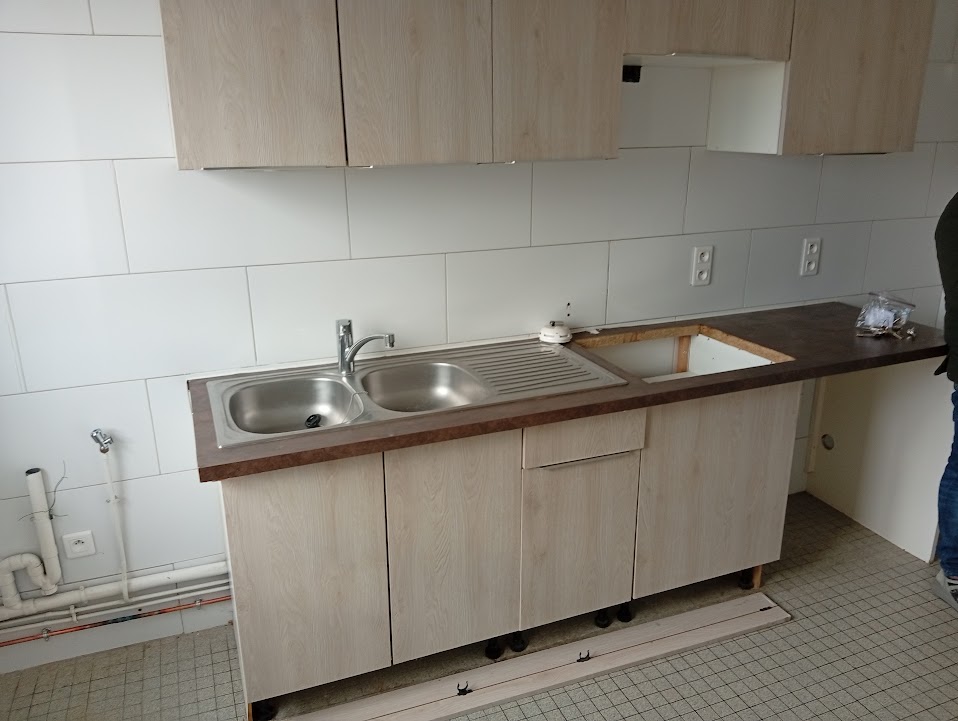
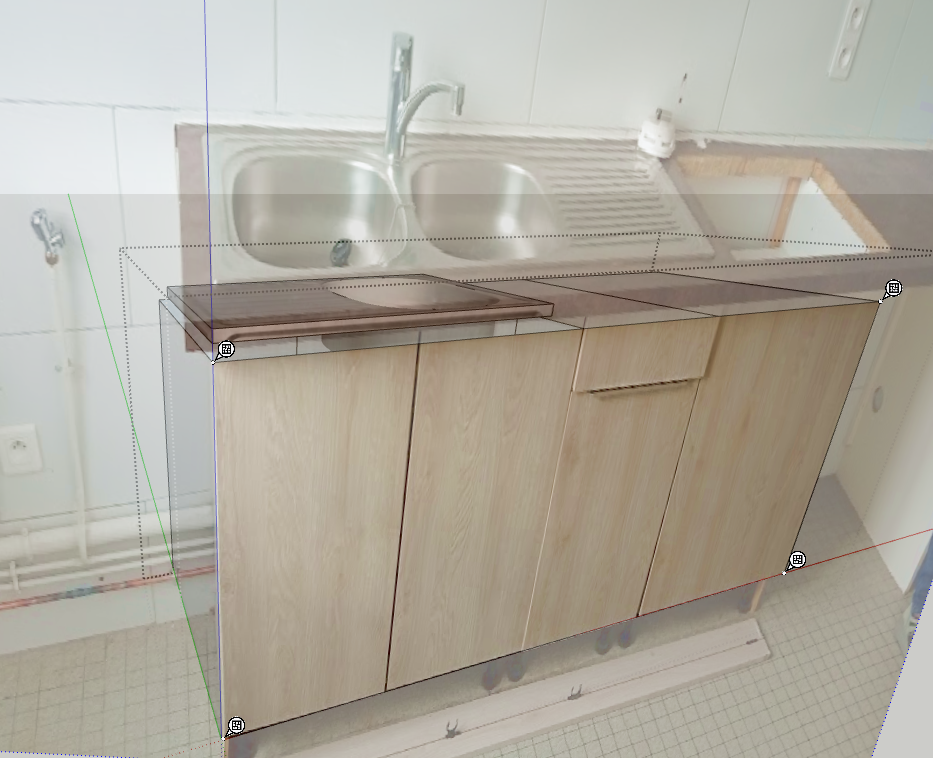
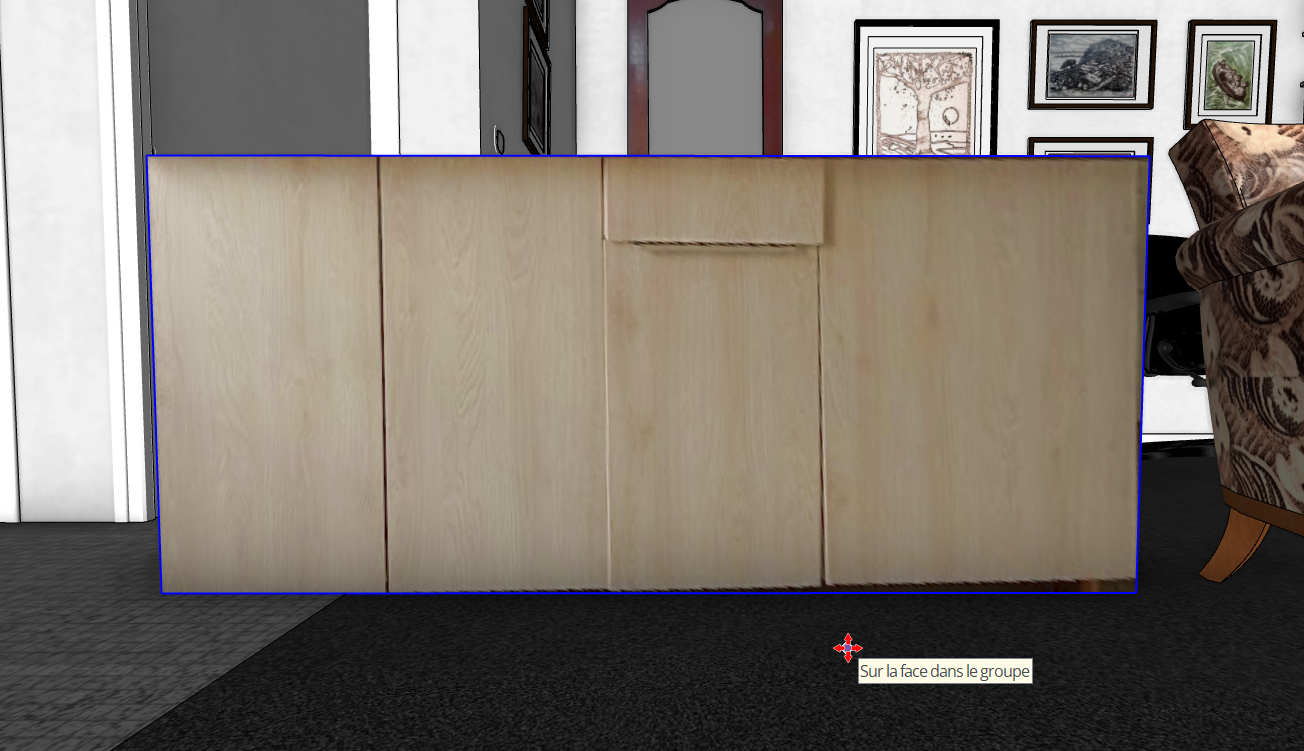
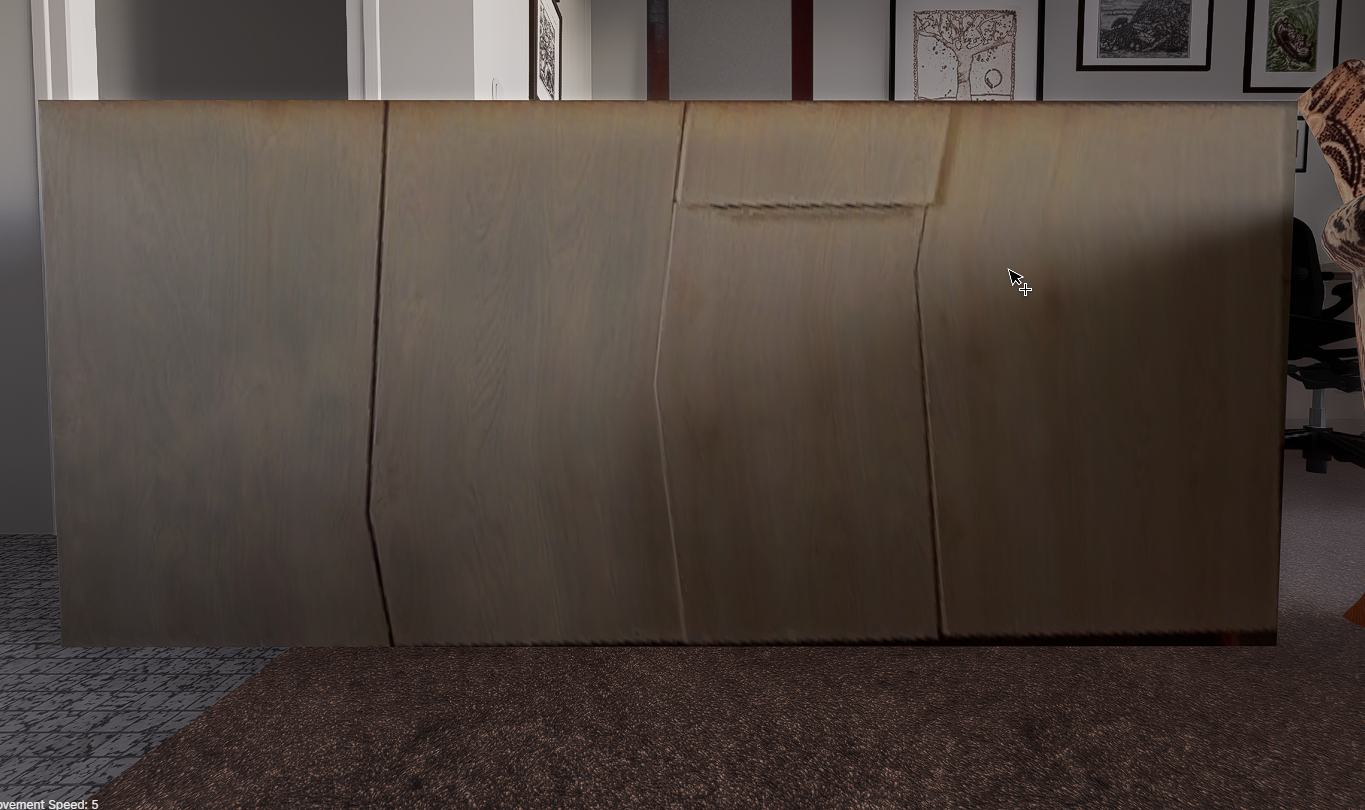
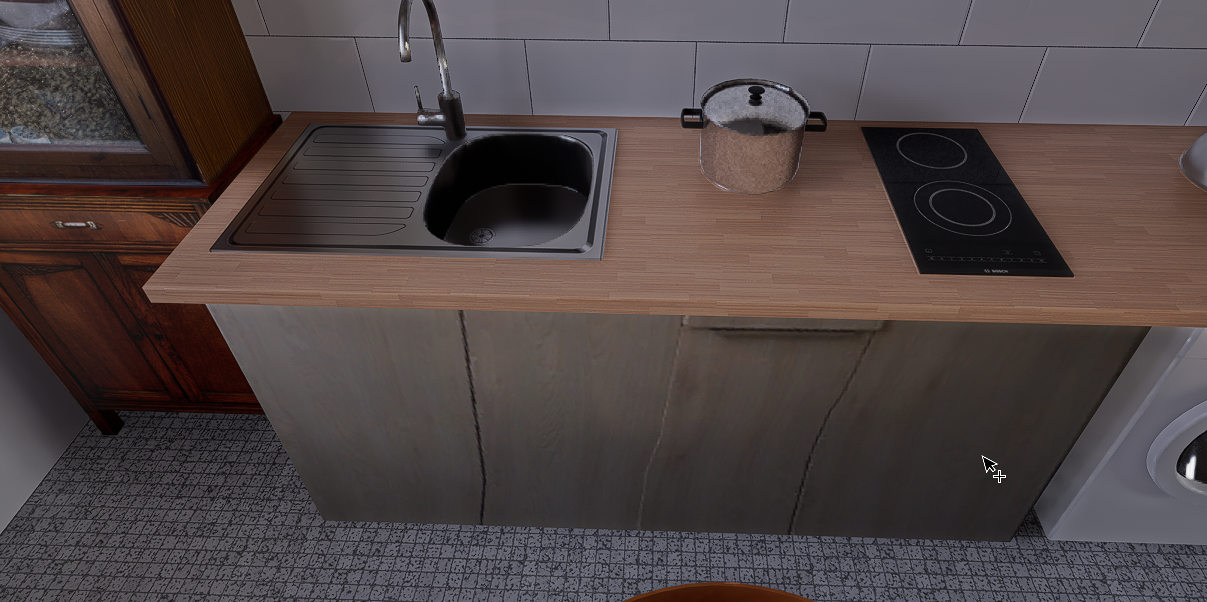
here’s my problem: the photo texture on the kitchen cabinets was applied using SketchUp’s texture editing tool, but Digital 5 is distorting it. I’ve never seen this before.
Thank you for your help.
Hello,
here’s my problem: the photo texture on the kitchen cabinets was applied using SketchUp’s texture editing tool, but Digital 5 is distorting it. I’ve never seen this before.
Thank you for your help.
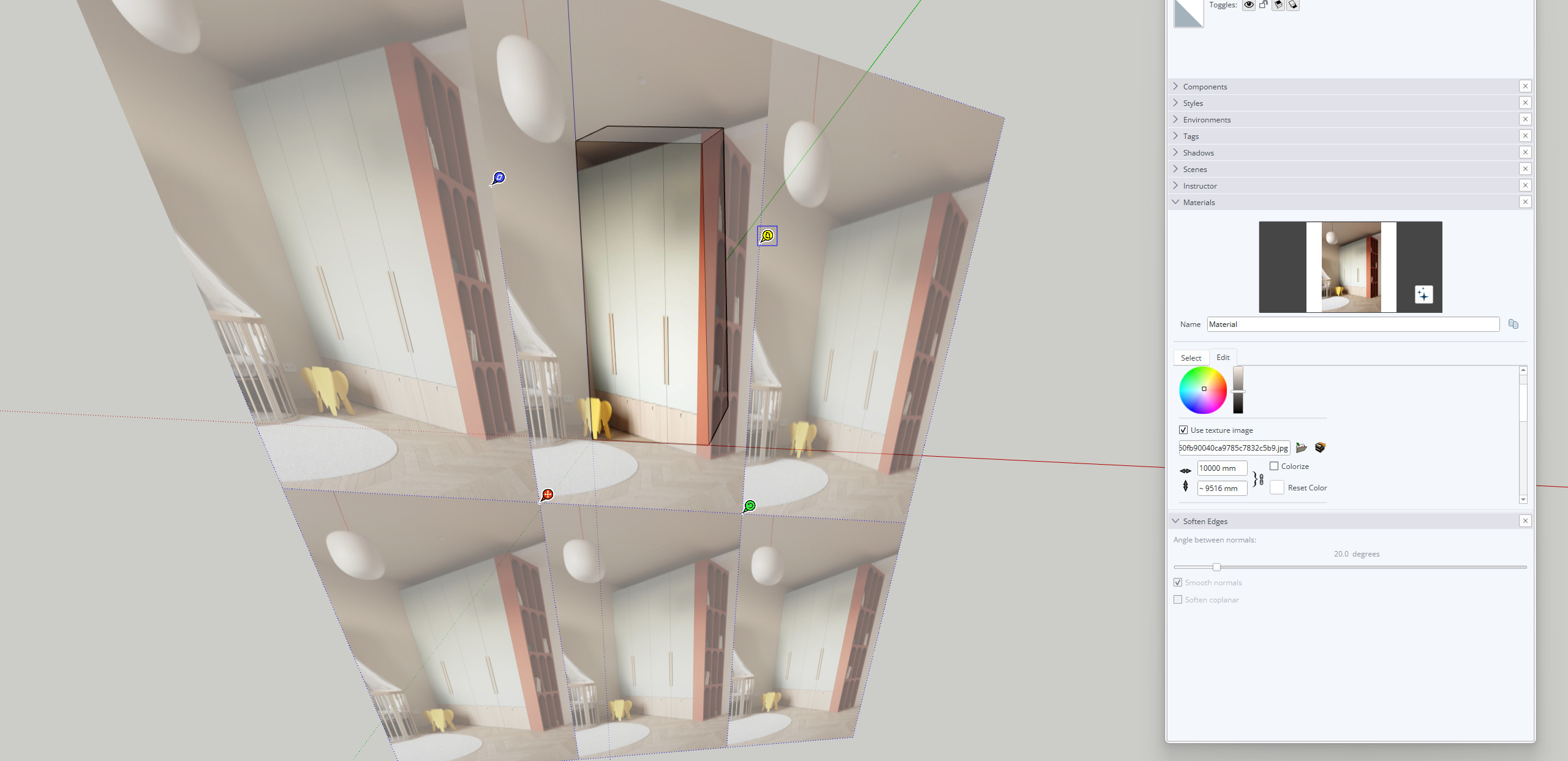
How does the original image look? Was it edited using SKP’s Texture > Position?
Note: The D in D5 stands for dimension 

I see this all the time and it used to happen in other rendering software too, the easy fix for me is to “Make texture unique” in sketchup.
Thanks, but I already tried that, and on my system it distorts the texture and I have to reposition it with the pins… And it didn’t work. There must have been a problem with SketchUp as well. Anyway, that’s not really how you map textures in 3D. But it was useful to me here.
We have received similar feedback in the past; the same exact process was used in SKP