D5 Replace Asset Problem
Hi,
I have a problem with Replace Asset in the new D5 version.
My workflow is:
Rhino → Export to D5 → Import → Sync Coordinates → Replace with D5 Asset
This worked perfectly in the old D5 version. When I replaced a Rhino trees with a D5 trees, it stayed in exactly the same position.
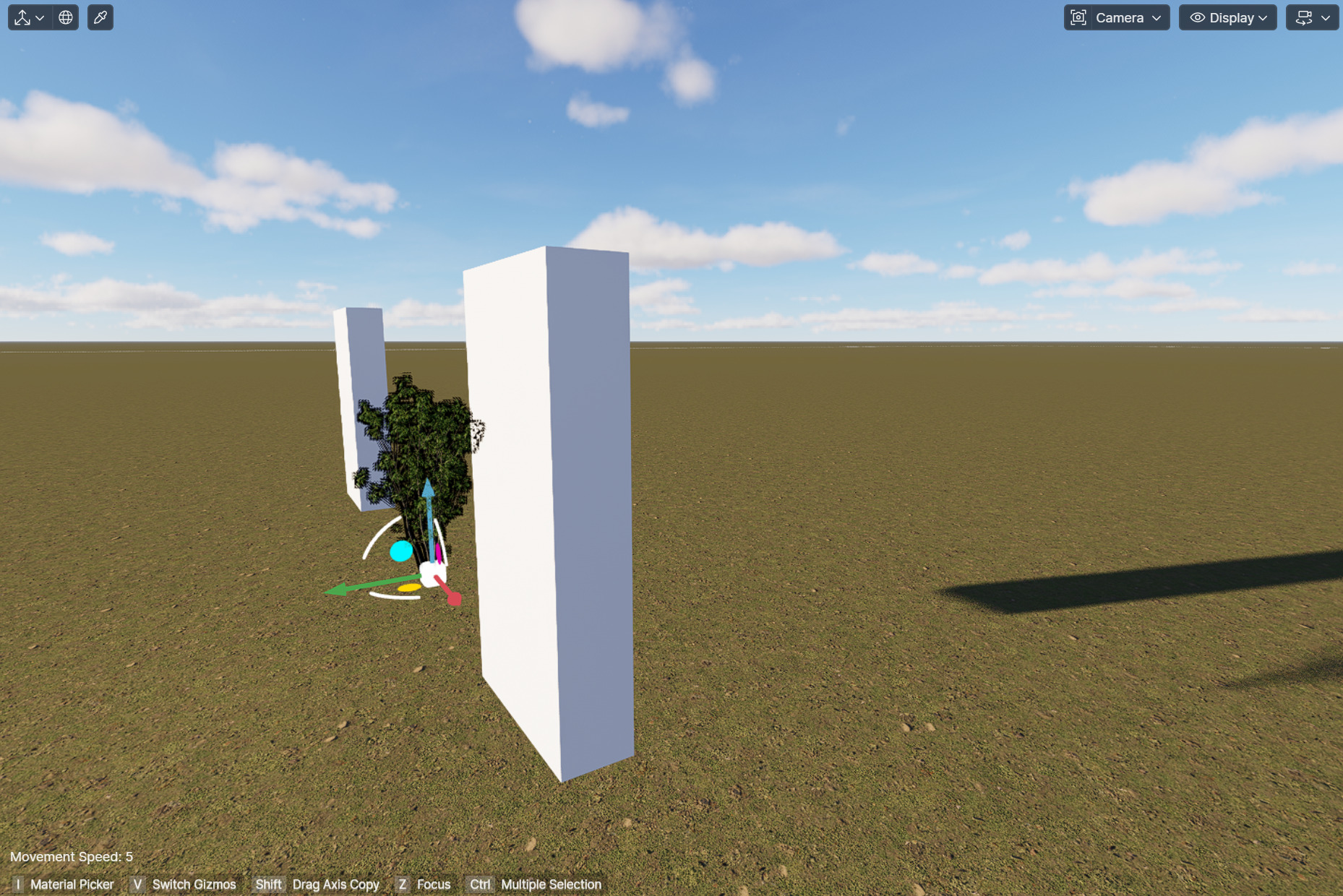
Now, in the new D5 version, when I replace the trees, they move to another location and all the trees get overlap in the same place .
I also tested with simple rectangles in Rhino, and they move after replacing them with a D5 asset too.
I even opened an old D5 project where everything worked correctly before, but the replacement now has the same problem.
Is this a bug in the new D5 version, or is there a new setting I need to change?
Thanks!