After I paint the vegetation, everything looks correct and stays on the model’s surface. However, whenever I save the project, close it, and reopen it, all the vegetation painted with the brush is moved to a lower level, underneath the model, instead of remaining on the surface.
I’ve also tried repainting the vegetation, but the brush no longer places it correctly on the model—it keeps appearing below it.
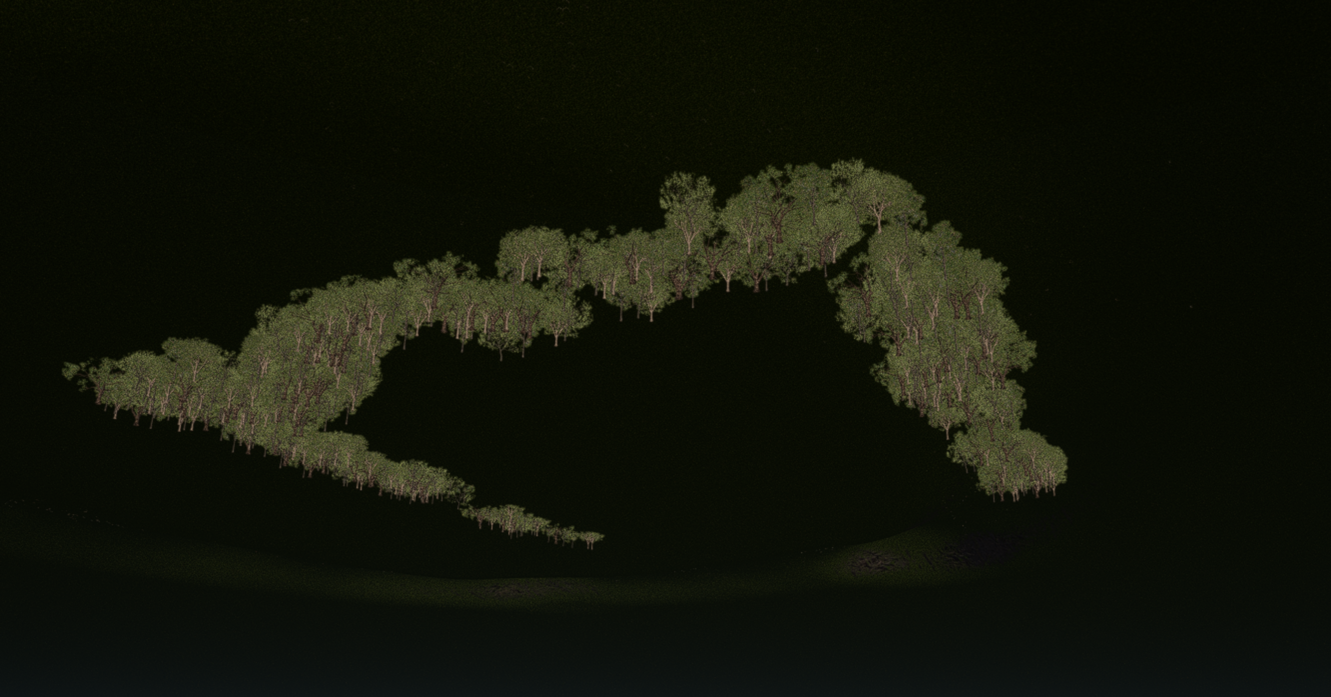
I need to confirm the following:
- Was this specific brush preset created using version 3.0.1? Additionally, was it opened in version 3.1.0.0746?
There have been several issues reported with the brush tool in version 3.1. However, these issues have already been resolved in an unreleased build, which will be included in the upcoming hotfix version. For now, it might be a good idea to check the installer I sent you privately to see if the issue persists even with the newer build.
hi sir i have same problem, when the hotfix gonna realese? or i go back to 3.0?
The hotfix is currently in a grayscale release. Please try logging out of your account and then logging back in to check if you receive an update prompt.