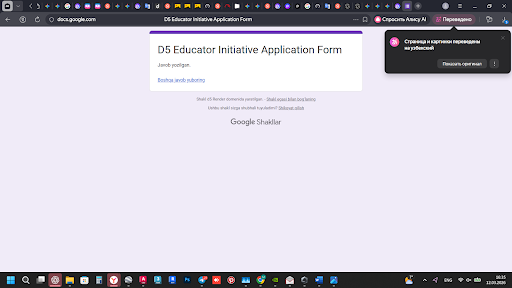
“Hello, my account (usmonkhulovabdusalom@gmail.com) is on the EDU Whitelist, but the license is still not active. I have already submitted the application form (screenshot attached). It’s been several days and I really need to use the Pro features for my university project. Could you please manually activate it as soon as possible? Thank you.”
Being on the whitelist doesn’t automatically grant you the EDU license. It only allows you to apply via Launcher using your personal email address. Since your email is now whitelisted, you may formally apply for the EDU License through the D5 Launcher. Please make sure to attach your valid supporting documents. Once submitted, our team will review your application accordingly.
Thank you for your patience and understanding.
Thank you for the reply. The problem is that I CANNOT apply through the Launcher. When I click the ‘Apply’ button in the D5 Launcher, it opens my browser and automatically redirects me to the ‘Download’ page (d5render.com/download) instead of showing the application form. I have tried multiple browsers and cleared my cache, but the form never appears.
Could you please provide a direct link to the EDU application form that won’t redirect me, or fix this issue for my account? I have my documents ready to upload