Hello,
when I try to log in to D5 after a fresh installation, the window freezes… and I can’t finish the installation; I can’t use it.
Thank you for your help.
Thank you for letting us know about the issue. To help us identify the cause, could you please provide the following details:
- Does the login window freeze immediately, or after entering your email and password? Does any error message appear before it freezes?
- Are you using a VPN, proxy, or restricted network (such as a school or company network)? Please also confirm whether any antivirus or firewall software is running on your system
- Did you install D5 using the official installer from our website?
Once we have this information, we’ll be able to investigate further and provide a more accurate solution.
Thanks,
When this login window appears, I click on “Sign in with Google,” it opens the Google login window, but nothing happens; it remains stuck.
I don’t use a VPN, but I do use Cloudflare DNS.
I installed the D5 launcher from the official website.
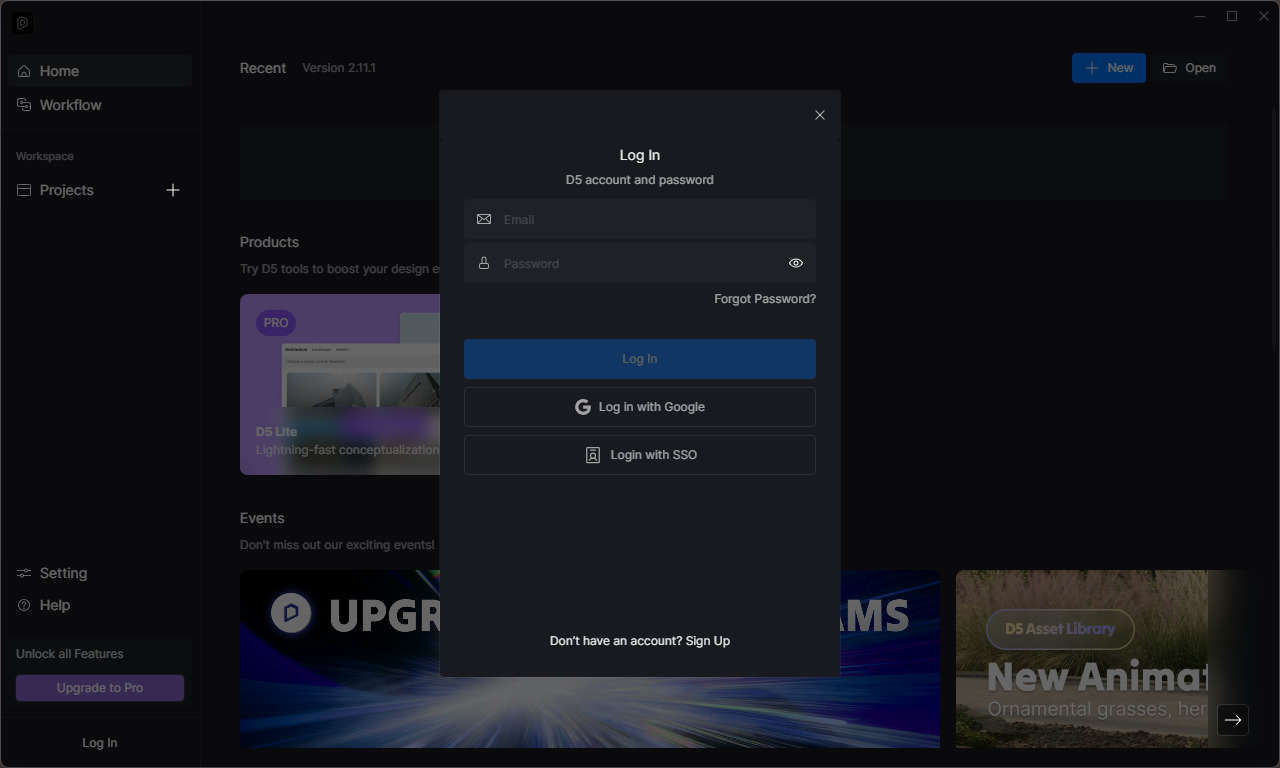
Can you please try if you can log in to your Myspace account? You can access it here: MySpace-D5 Render
Also does the issue persist when you try to login from the D5 Render app? Which country/region are you from?
I have this file that appears on the desktop after installing D5

yes I can login to myspace withemail and password. Then I tryied to login to D5 launcher with password and got this anwer
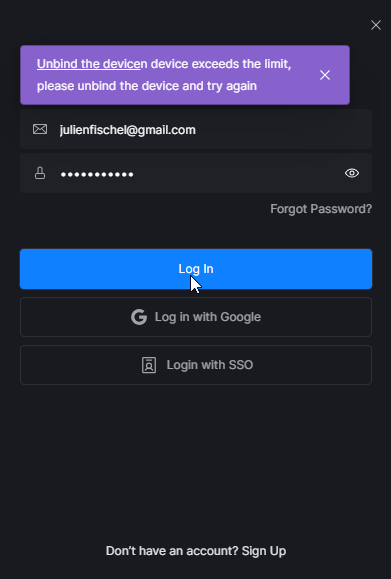
Okay, it’s been working since I removed one of the computers…
Thank you for your availability and help.
Thanks for the update. One important note: a D5 account can only be logged in on up to 3 devices at the same time. If you exceed this limit, you will see this login error.
If this was the cause, you can try logging out from unused devices or removing old device authorizations in your D5 account before reinstalling.