When I try to load D5 render, the UI is not showing. Only a gray window appears. I updated the graphic card drivers, reinstalled the program, but it didn’t help. How can I fix this?

Hi there @obid
I apologize for the inconvenience this issue has caused.
-
Did this issue happen after updating to the new 2.10 Version? Any detailed action that you have done before encountering this issue will greatly help us.
-
Have you tried connecting to another network?
Please generate a log file, and then you may send it to either here in the forum or in support@d5techs.com and have it titled “Clov- Forum UI Not Showing”
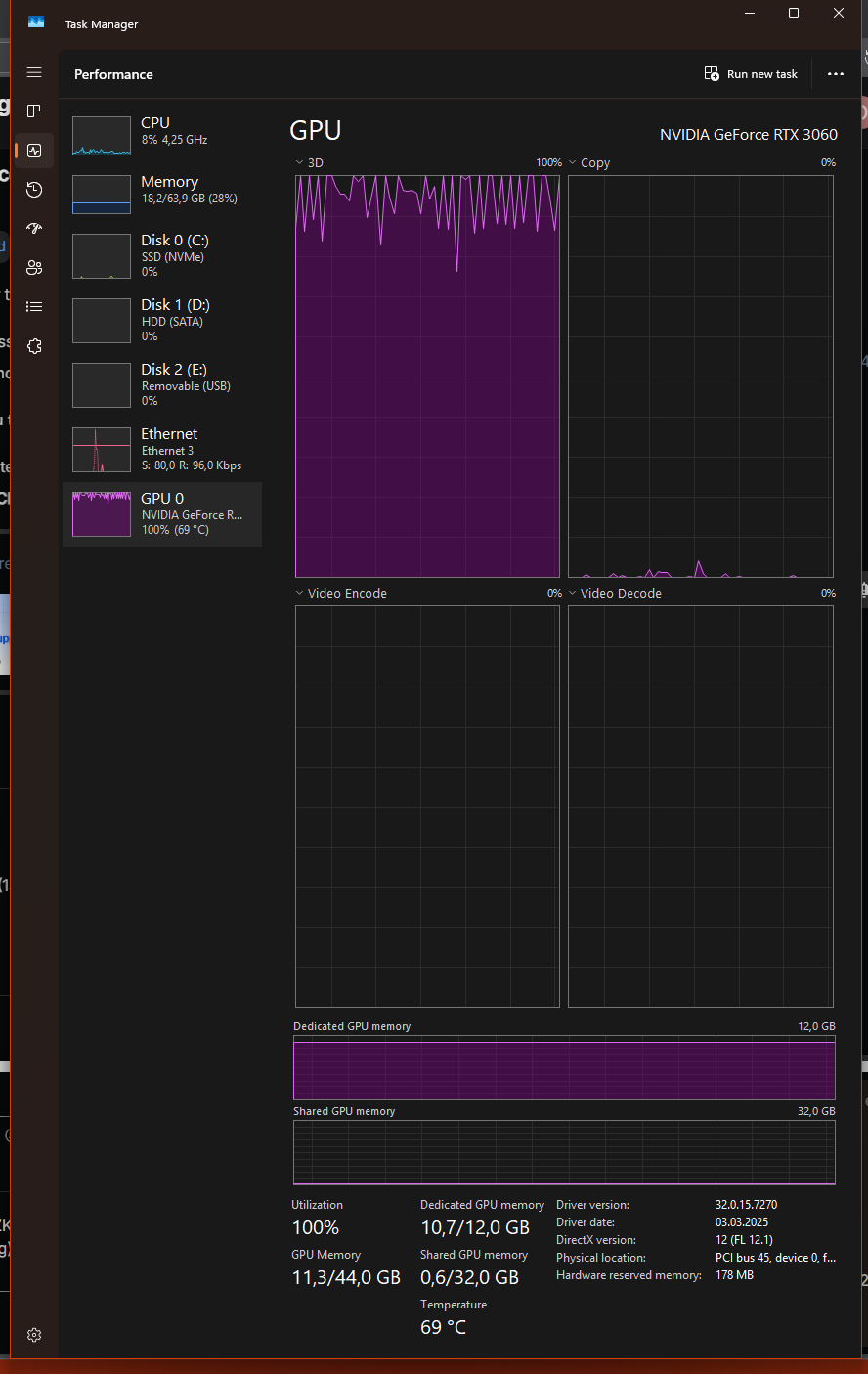
Hi @obid
Thank you so much for sending your log files. We will begin testing it and will update you as soon as possible.
Hi! I have the same problem. Exactly the same one. Is there a fix for this?
Hi @a01027532
I apologize for the inconvenience. Did you perhaps launch D5 via D5 Plug-in? If so, you can try to launch the D5 client to the welcome page, and then click the [Connect to D5 Render] button from the D5 converter in the modelling software.
Hi,
I saw your post and I think I’m having almost the exact same issue.
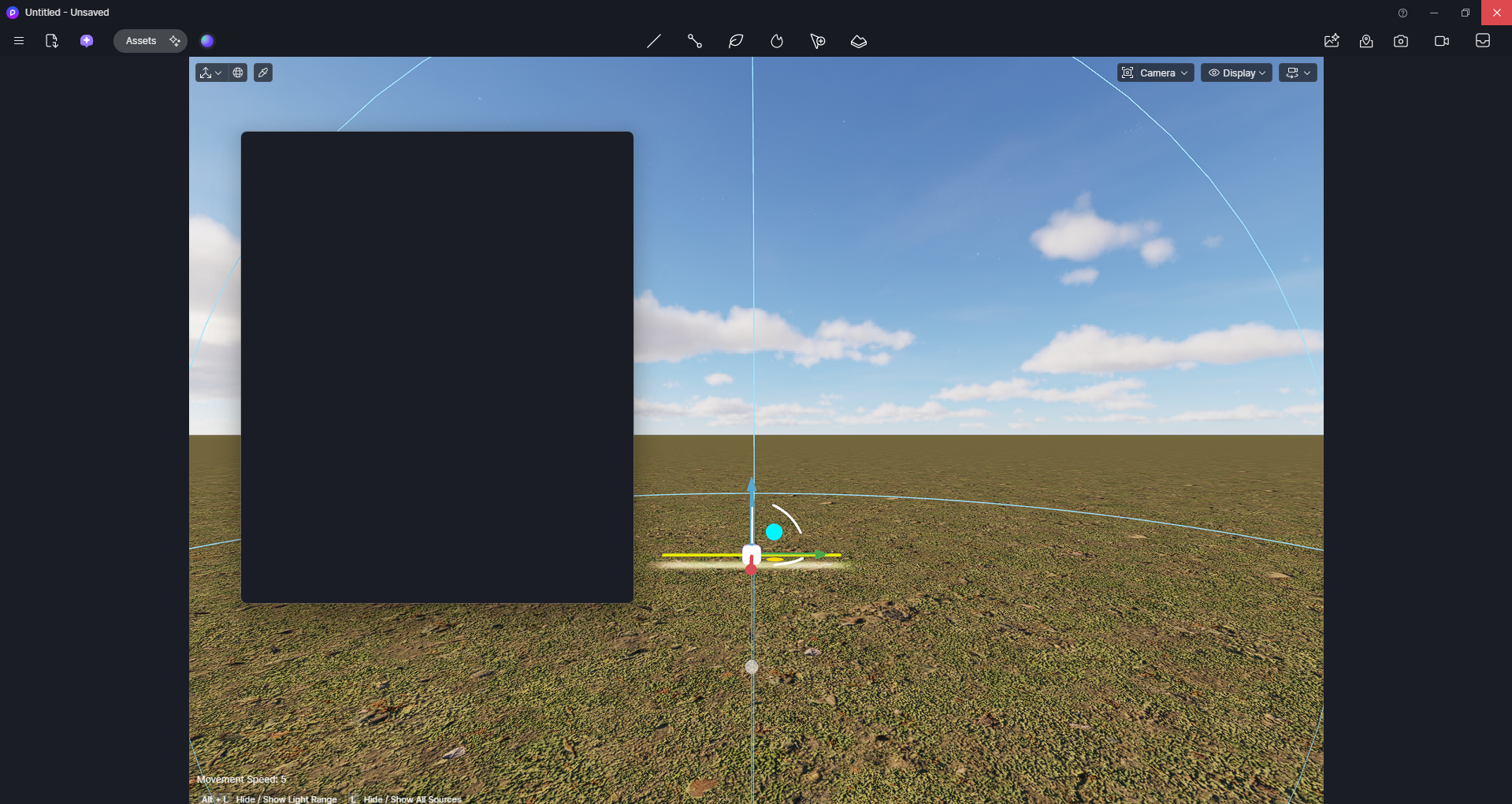
D5 Render opens normally and the scene loads, but none of the UI panels appear at all (Materials, Assets, Settings, etc.). The interface is completely missing, so the software is unusable.
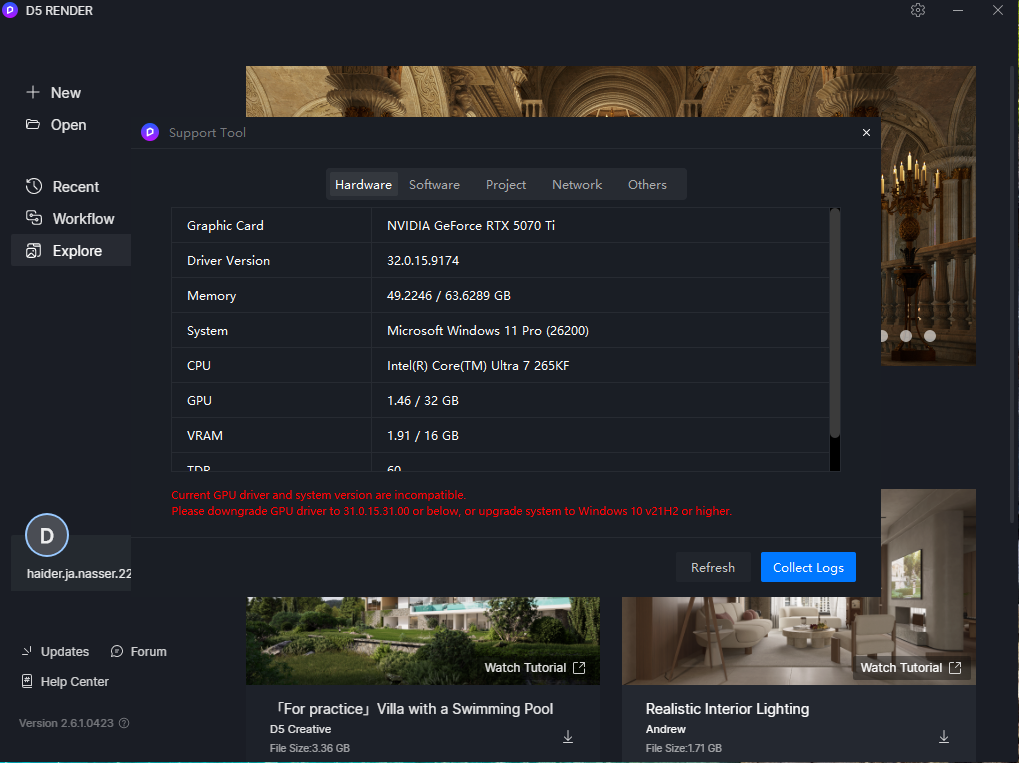
I’m running Windows 11 (Insider build) with an NVIDIA GPU, and the D5 Support Tool reports a driver / system compatibility issue. I suspect it’s related to the NVIDIA driver or Windows build, not the project itself.
Did you manage to fix it?
If yes, I’d really appreciate knowing what worked for you.
Thanks in advance.
Thanks for reaching out, and sorry for the inconvenience caused. To help us better understand the issue, could you clarify a few things:
- Which exact version of the D5 Render client are you using?
- Do you have a stable internet connection while running D5 Render?
- Have you tried restarting the software or your system?
- Did this issue happen suddenly, or has it been persistent since installation?
- Could you also attach a screenshot of the exact error message reported by the D5 Support Tool?
Once we have this information, we can guide you toward the most effective solution. Thanks in advance.
1 Like
Thanks for your reply.
I’ve tested other versions of D5 Render as well, but they show the same issue.
Version 2.6 is the only one that launches on my system, however the UI does not appear (no Materials, Assets, or Settings panels).
My internet connection is stable.
I have restarted both the software and the system multiple times.
The issue appeared suddenly and has been persistent.
I’ve attached a screenshot from the D5 Support Tool showing the driver/system compatibility warning.
Please let me know if you need any additional information.
Thank you.
Thank you for clarifying. To help us further investigate the issue, could you please confirm the following:
- Are your graphics drivers currently up to date?
- Is this the first time you’ve encountered this issue?
- Is this a freshly installed version of D5 Render, or were you able to use D5 normally before?