I would like to report an issue that has been occurring repeatedly in my projects.
After placing trees in a scene and saving the project, some of the trees disappear when I close the project and open it again.
The issue does not seem to happen immediately while working. The trees appear normally before saving, but after reopening the saved project, some of the previously placed trees are missing.
This has happened multiple times and is causing difficulties when working on landscape projects with a large number of vegetation assets.
Could you please investigate this issue and provide a fix in a future update?
It would also be helpful to know if there is currently any workaround to prevent placed trees from disappearing after reopening a project.
If you’re using D5 PRO/Community Version and your project is saved on OneDrive, Google Drive, a NAS, or any cloud-synced folder, the sync process can interfere with the save operation and result in missing asset files.
Please do the following:
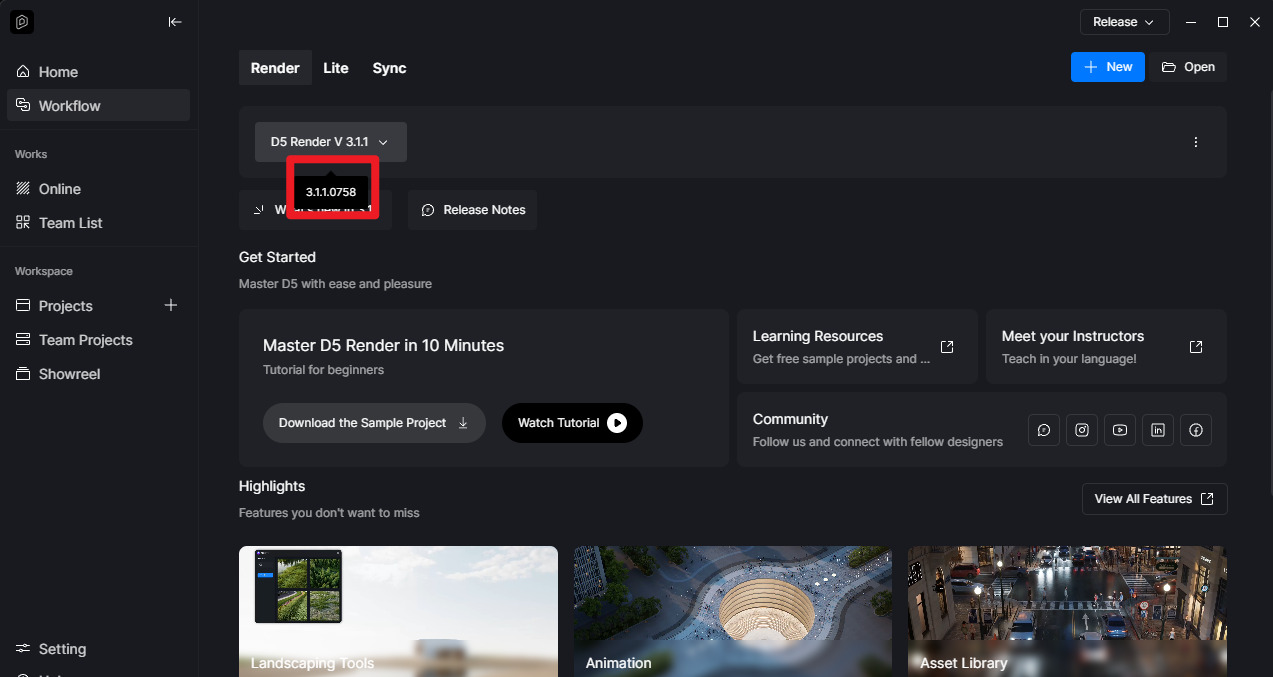
Update D5 to the latest version (3.1.1.0758)
Check if plants are still listed in the Scene Resources panel (existing but hidden vs. truly missing)
Verify the project is saved locally, not on a cloud/network drive (save it in your local C or D drive)
Try restoring a previous version from D5 Launcher
If none of these resolve it, please share your D5 version number and whether the trees are completely gone from the resource list or just not visible in the viewport.
Additionally, please show us some screenshots or perhaps a video-recording showing the whole process.
This happens with ‘scatters’ all the time for me and has done since I started with D5, but they’re all still there somewhere, just type “scatter” in the search box and re-apply them.
We haven’t been able to replicate this issue before, and we’ve implemented some fixes since then. If you can reproduce the problem consistently, please send us a video recording and your log files, as that would be helpful.
Scatters should be visible every time you open the file. When you click on these surfaces, you should see a prompt to either “Regenerate” or “Cancel,” but the scatters should remain visible.
The only exception would be if there have been changes made to the model and the surfaces were either hidden or deleted.
I am currently using the latest version of D5 Render, version 3.1.1.0758.
My project files are currently saved on a NAS system. However, I have been using the same NAS workflow for quite some time, and previously I did not experience this issue with missing trees or vegetation assets after reopening the project.
The problem seems to have started occurring more recently.
Could you please clarify whether saving D5 projects directly on a NAS is currently known to cause asset loss or save-related issues?
Also, is this something that can be fixed or improved in a future update, or does D5 currently require projects to be saved only on a local C or D drive to avoid this issue?
Since our workflow relies heavily on NAS storage for project collaboration and file management, it would be difficult to move all project files to local storage permanently.
We generally don’t recommend that Community or PRO users place their 3d model files and D5 files in a shared network path, since materials, models, and other settings may disappear. This can happen inconsistently, so to be safe, store them on your Local C or D drive.
Although you can use NAS/Cloud storage for project archiving (ensure it is zipped), don’t open the D5 file while it is in these folders.
Yes that’s it. It doesn’t happen as often for me now, but it still does occur from time to time. It only bothers me when I’ve manually removed some vegetation items that clash with structures, then when I re-open the file and have to apply the scatter again and I also have to remove the same assets.